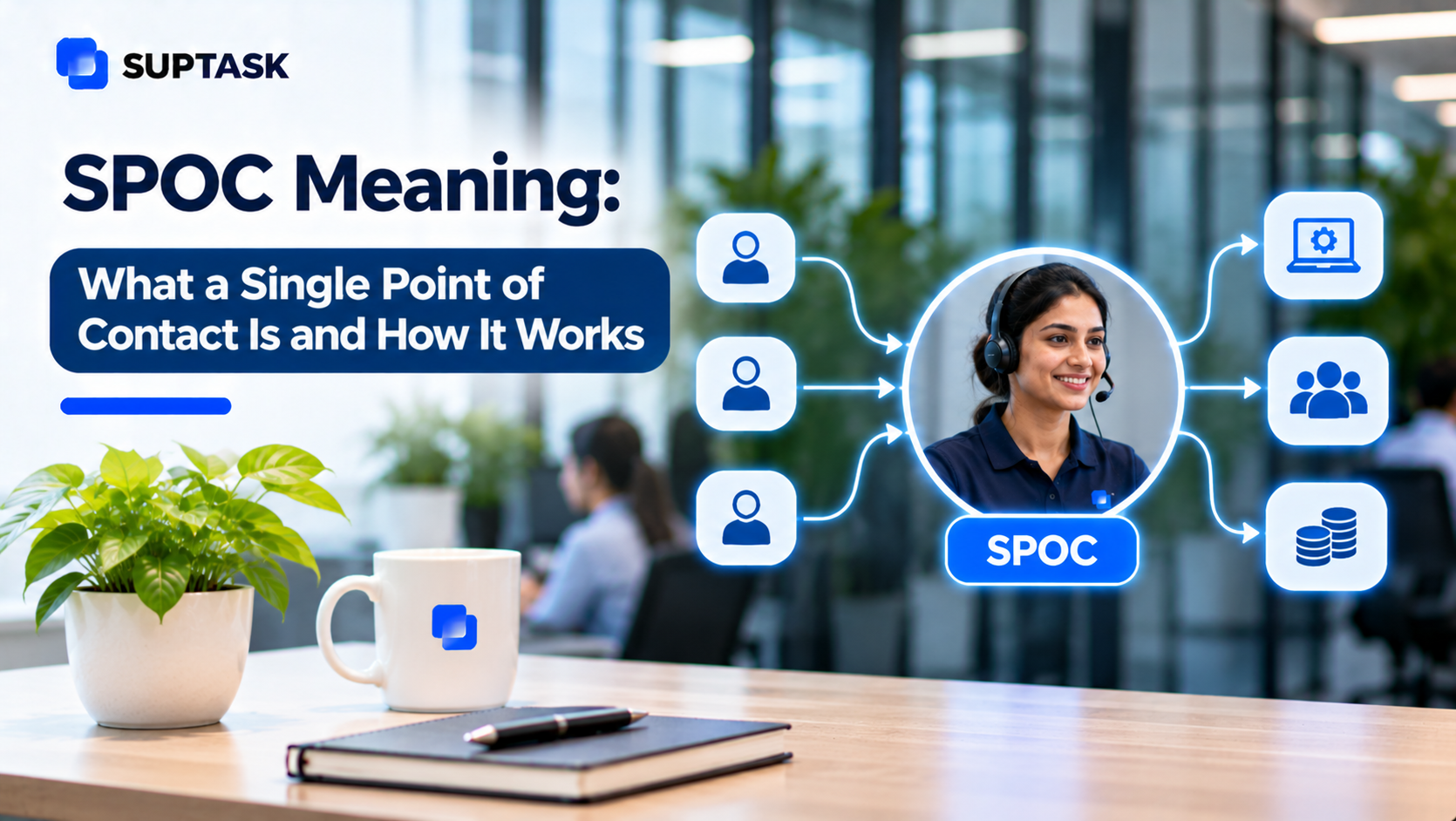
SPOC stands for single point of contact. The idea is one person or one team that handles all the requests about a topic, so you are never guessing who to send a question to.
IT has been using the oldest version of SPOC. The service desk is treated as the single point of contact between the IT provider and the users it supports. The business version is smaller, one named person for a client or a vendor.
Here in this guide, you will find a complete understanding of SPOC, the person vs. team difference, what it is good for, failure risk that comes with it, plus the steps to set one up.
Key Takeaways
- SPOC stands for a single point of contact, one person or one team that receives the requests and owns them.
- ITIL treats the service desk as the single point of contact between IT and its users.
- In business, the SPOC is one named person. A vendor contact, or the client contact on an account.
- A SPOC owns the request without having to fix everything. The job is to route it and follow up.
- A SPOC turns into a single point of failure when everything depends on one inbox. Backups, a shared queue, and written handoffs are the fix.
What Is SPOC?
SPOC (Single Point of Contact) means having one place where the requests are received. One contact is given to the people who need help, they send their request to their contact only, and a record is kept for every request with a name on it.
The SPOC is responsible for receiving the request and for owning it till the closure. Solving the request is a separate job that belongs to the expert. You should think of it more as routing work with follow-up also, because a question comes in, it gets logged, and then it is sent to the person who can answer. The contact keeps track of it until the answer is given back to the requester.
A SPOC does not have to be a single person, it could also be a team, and the IT service desk is an example of that.
The same abbreviation is used for some other things, like a few medical practices and some brand names. The business meaning and the IT meaning are the two that this guide covers.
The Service Desk as a Single Point of Contact
In ITIL, the service desk is the single point of contact between the IT provider and the users it supports. The SPOC in IT is the service desk, and every incident or request is received there before anybody starts work on it.
The service desk does three things as the single point of contact. People get one place to ask, so nobody has to learn which team owns which system. Also, the logging happens once, and the full history of a request stays in that one record. Ownership is the third part, because each request is given an owner who is answerable for the status till the closure.
A help desk also takes user issues, but the work there is limited to fixing what is broken at that moment. The scope is the main difference between the service desk vs help desk, because the service desk also handles service requests along with reporting on them.
The service desk is one of the practices inside IT service management, and it is the practice that users deal with directly. Companies that run their work in Slack keep the same model, with an IT service desk that receives the requests in a channel instead of a portal.
SPOC Person vs SPOC Team
A SPOC can be one person or one team, and both are used. The SPOC meaning in business is a named person, like a client or a vendor contact. In IT, the role is given to a team because the hours and the systems are too many for one person to cover.
A SPOC in business carries the relationship along with the requests, so the name is part of the service. In IT, the name changes with the shift, and the record is what carries the context from one agent to the next.
SPOC Role and Responsibilities
The SPOC responsibilities stay the same whether the role is held by a person or by a team.
- Requests are received first, through whichever channel the company has published for it.
- Every request gets logged with a date and the requester's name on the record.
- Routing is the next part, the request goes to the person or team who can answer it.
- The SPOC follows up while the request is open, so it does not stay idle without any reason.
- Status updates are given to the requester, also when the answer is taking longer than expected.
- Closing the request is the last duty, and the SPOC confirms with the requester before the ticket is closed.
Benefits of a Single Point of Contact
You get a few benefits from running one contact point, such as:
- People should know where to go with a question, and a new employee who has not learned the team structure yet can simply use the same contact that everyone else is using.
- Requests will not get lost, a direct message has no record behind it, but the SPOC logs every request with a number.
- One owner is visible on every request, so the requester can ask that person about the status, and a manager who needs an update should also go to the same person.
- Answers will stay consistent. Two people asking for the same access should get the same process, and the same information will be asked of both of them.
- The counts by category can help you to see which questions keep repeating, and those repeating ones you should document or automate later.
SPOC vs Single Point of Failure
A SPOC turns into a single point of failure when everything depends on one person or on one inbox. The person takes leave, and the requests are just waiting, nobody else has access to see them. This can be fixed easily by following the below-mentioned best practices:
- A team queue should be used in place of one person's inbox. This will make the requests visible to more than one agent.
- Backups have to be named for each owner, with the coverage hours also written against the names.
- Handoff notes in writing, so the next person is not starting from zero when a request is moving from one owner to another.
- The knowledge should be kept in a common place where other people can also use it. Answers that stay in one person's head are the ones getting lost.
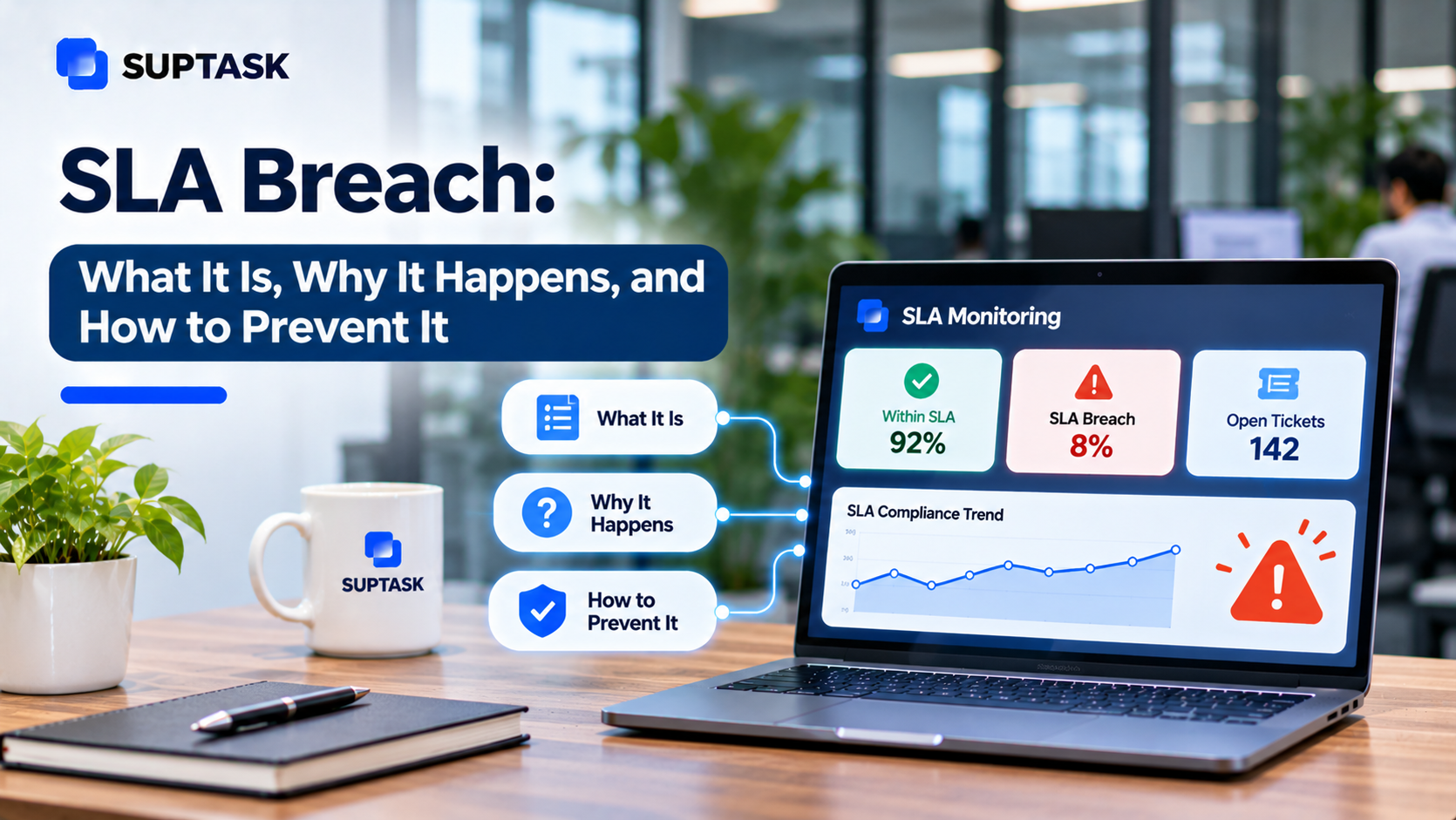
- Alerts for the waiting time, because a request waiting too long without any reply is how an SLA breach happens.
One front door instead of one person. In Suptask, employees ask in one Slack channel. Requests go to the right team's Inbox, so no single person has to catch everything.
One Front Door for Several Departments
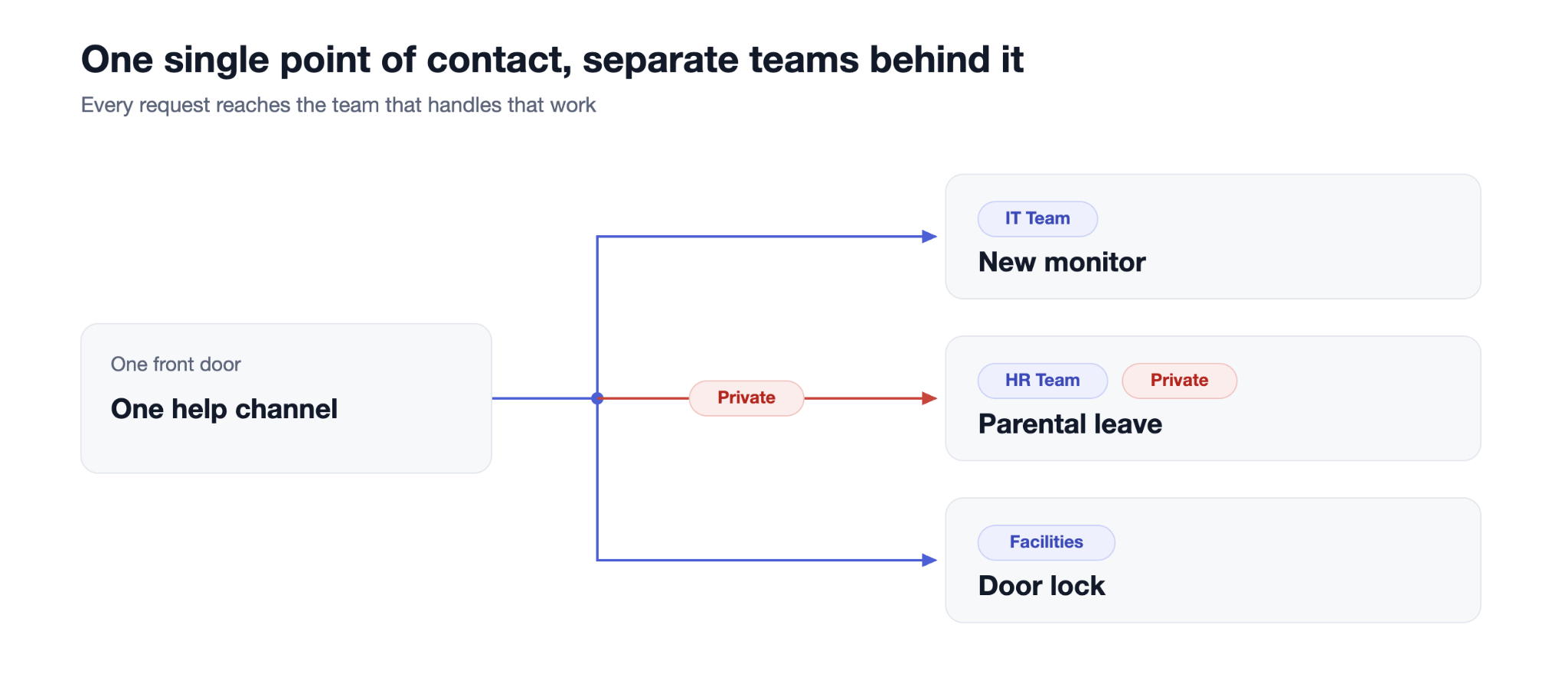
Many companies are using one contact point for IT, HR, facilities, and finance, with the separate teams kept behind it. The employee asks in one place only, and the request reaches the team that handles that work.
Routing ensures the ticket is sent to the right team. Every request gets a category when it arrives, either the requester is picking it from a form or the system is reading the request and assigning it. The category decides which team queue it should go to. For example, a password issue is going to IT, a question on leave policy is going to HR, and a broken door lock is going to facilities. The teams are separate, their queues are separate also, only the front door is common.
Separate addresses for each team are another way of doing it, and it puts the work on the employee. The person has to know which address belongs to which team, and those who do not know are sending it to the wrong place or to a colleague. Requests that land at the wrong team have to be forwarded, and the time spent on that forwarding is not counted anywhere.
One front door for all the internal teams is what enterprise service management is about, where the same service desk practices are used by the teams outside IT also. The questions that keep repeating should be answered at the front door itself, and that part is handled by AI employee self-service.
How to Set Up a Single Point of Contact
- The first step is to choose the front door that can be a channel, email address, or both of them together. Whatever gets chosen, it should be the one place everybody is using.
- Defining what the front door covers comes next: IT requests only, or HR and facilities also.
- Routing rules are set by request type. Every category is mapped to a team queue, and anything which is not matching a category should go to a default queue where somebody is checking it.
- Every queue needs one owner, with a backup name written against it. The hours each of them is covering should be visible to the people raising the requests.
- Response targets come after that. A target on the first response tells the requester when to expect something back, and the team also gets a number to work against.
- The last step is telling everyone where to go, and the requests that are still arriving at other places should be redirected to the front door with a short reply.
A Single Point of Contact in Slack
In companies that work in Slack, one help channel or the app itself can be the single point of contact. People are asking in the place they are already working, no portal and no new login is needed for it.
The message becomes a ticket from the channel itself. This ticket is routed to the team that handles that type of request, and an owner is put on it so the status stays visible in the thread.
In Suptask, one Slack channel or the app is the front door. The requests are routed to separate Inboxes for IT, HR, and facilities. Each Inbox has its own agents, and every request that comes in gets an owner. Running it as an internal help desk in Slack means employees are not leaving Slack to raise a request, and agents also work from the same place. A Slack help desk works on the channels and threads people are already using for their normal conversation.
The B2B Customer SPOC
Many B2B customers are expecting one named contact on the account. The person is known to them, so they can write to that person directly, and the escalations are also going through the same name.
The relationship should not depend on that one inbox alone. The named contact can be paired with a support queue, so requests stay visible to the team when that person is on leave.
Practical points:
- A named account manager on the account, with a support queue behind that name.
- One shared channel for each customer, in place of the email threads.
- The account manager is following the open tickets without owning each one.
B2B customer service is where this setup matters, because the contract is with one company and the requests are coming from many people inside it.
In Suptask, one Slack Connect channel is kept for each customer, and the tickets from all customer channels land in one queue. The account manager can follow a ticket without being the owner of it. B2B customer support software that works inside Slack keeps the named contact and the queue in the same place.
Example: One Front Door at a 150-Person Company
A company of 150 people is running one help channel for internal requests, with IT, HR, and facilities behind it.
- Monday 09:00: Lena is asking in #help about a new monitor. The request goes to IT, and an owner is assigned to it.
- 09:20: Ben asks about parental leave. HR picks it up privately, the thread is not visible to the channel.
- 10:00: Carly Larson reports a broken door lock, and facilities get the ticket in their own Inbox.
- 14:00: Victor from IT is out sick. His open tickets are moved to Greg, who is the named backup for him.
- Friday: The weekly review is showing that most of the requests came in the one channel, with a few emails that were redirected to it.
How to Measure a Single Point of Contact
- Share of requests that are arriving through the SPOC. The number tells how many people are using the front door, and the rest are still going somewhere else.
- First response time, counted from the moment a request is logged till somebody replies to it.
- First contact resolution, the percent of requests that got closed without passing to another team.
- Unowned requests, meaning the ones waiting in a queue with no name against them. A queue filling up with these is the first sign the SPOC is overloaded.
- Redirects from the other channels. The count should be going down after the front door is announced to everybody.
All five are part of the wider ITSM KPIs that a service desk is reporting every month.
Pick One Front Door and Name a Backup
A SPOC can be put in place with three actions.
- Choose the one place where people should be asking, a channel or an address, and announce it to everybody.
- Write the routing rules for each request type, so the requests are not waiting for somebody to decide where they belong.
- Name a backup against every owner, with the hours each one is covering.
Frequently Asked Questions
What does SPOC stand for in HR?
SPOC stands for Single Point of Contact. It can be an employee or a team who can be reached for specific requests. In HR it means HR is the single point of contact. In a small business, it can be one team, and in big companies, the HR help desk is where the whole team answers.
What does SPOC stand for in healthcare?
SPOC in healthcare refers to the coordination of a patient's care or handling requests from a partner organization. One person remains the contact who follows up until the matter is resolved. The requester can be the patient, a family member, or another provider involved in the treatment.
What is a SPOC in project management?
In project management, a SPOC handles communication with the client or with another team. Requests and decisions stay in one place. On a bigger project, the project manager holds this role, in small teams, anyone can be named for it.
Does a SPOC have to solve every issue?
No. The SPOC owns the request and makes sure it gets resolved, but fixing it goes to an expert in most cases. Log it, route it, follow up, keep the requester informed till closure, that is the job. A SPOC who solves everything personally becomes a bottleneck for the team.