


Internal Operations Built Into Slack
Make every team run more efficiently, with one system for requests across the business.


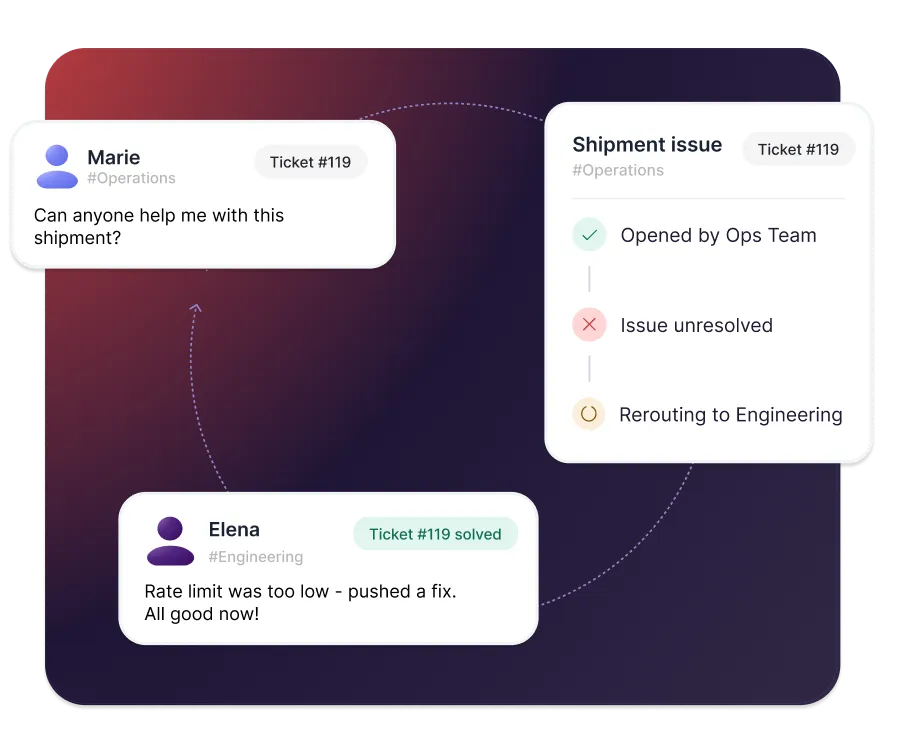











Structured internal operations, built directly into Slack

One way to ask
Employees send every request in Slack, whatever team it's for - no portal, no guessing where to go.

One system for every team
Sales, Engineering and Ops each get their own inbox, running on the same platform.

Visibility across the business
See volumes, ownership, and response times across every team from one place.
One way to take in requests, for every team
- Capture requests from any Slack message or DM
- Establish intake of requests in dedicated Slack channels
- Route each request to the right team automatically


Hand off work across teams without losing it
- Give each team its own inbox on one platform
- Escalate and hand off requests between teams in Slack
- Keep full context on the ticket through every handoff
Automate the work that repeats
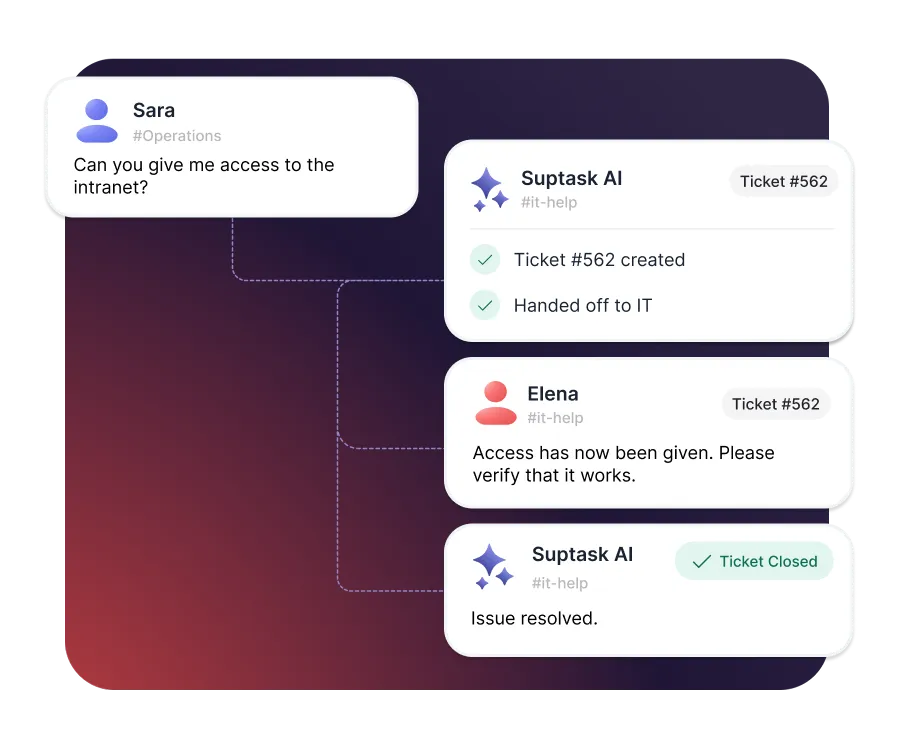
- Answer recurring questions automatically with AI
- Run repeating processes like onboarding and access requests
- Automate approvals across teams and budget owners

Reporting and SLA visibility
- Utilize SLAs so requests never stall between teams
- Compare volumes, workload, and response times by team
- Spot recurring requests worth automating


Built for different teams
For IT teams


For Finance teams

Turn Slack into a help desk your team will actually use
Frequently asked Questions
What is business operations?
Business operations covers the day-to-day work that keeps a company running. It spans the processes, people, and systems behind finance, HR, IT, and facilities. Most operations teams own the workflows that cross departments rather than a single function.
Compare the output you get against the time and cost you put in. For internal work, cycle time and rework rate are the two most useful measures. Tracking requests through an internal ticketing system gives you both without manual timekeeping.
A standard operating procedure is a documented, repeatable way of completing a task. Good ones name the owner, the trigger, and the steps in order. An SOP only holds if the work follows it, which is easier when each run creates a ticket.
Anything that arrives as a request and needs an owner. Common ones are equipment and tool access, vendor onboarding, contract review, office moves, and policy exceptions. Each gets its own form and routing rules, so the intake matches the process.
AI removes the triage work that does not need a person. Suptask can categorize each request and send it to the right team automatically. It can also draft responses to repetitive questions, with your team keeping final say.
Start by finding where work waits rather than where people are busy. Most delay sits in handoffs between teams, not inside any single task. Giving every request one route in and a named owner removes most of that waiting. An internal help desk is the usual way to do it.



