


Facility Requests Built Into Slack
Let anyone report an issue the moment they spot it, and never lose track of a request again.


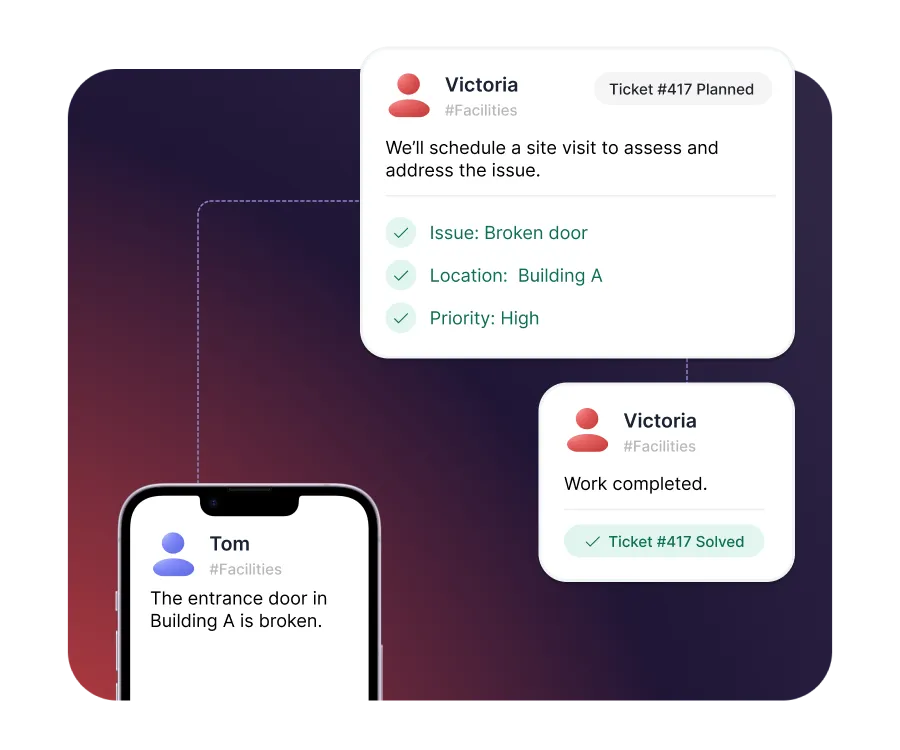











Structured facility management, built directly into Slack

Report it on the spot
Employees report issues from their phone in Slack, the moment they see them - no portal, no app to download.

Control for facilities teams
Every issue arrives structured, prioritized, and assigned, so your team knows what to fix first.

Nothing falls through
Requests are tracked from reported to resolved, so no issue is forgotten in a busy channel.
Report issues on the spot, from anywhere
- Report any issue from Slack on desktop or mobile
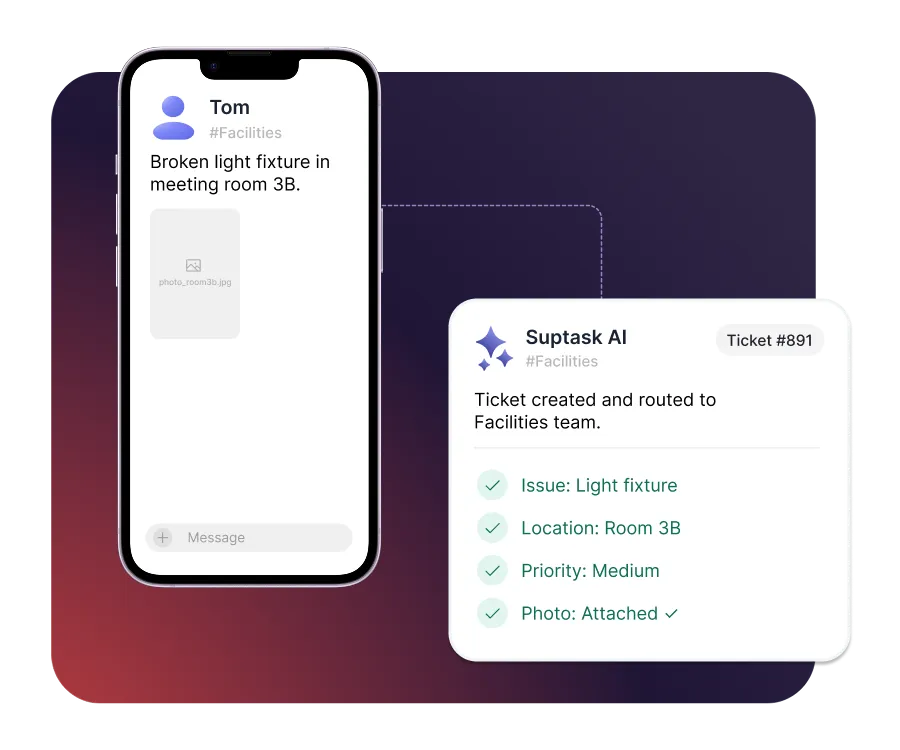
- Turn a message and a photo into a tracked request
- Capture the right details upfront with guided forms
Assign and prioritize every request
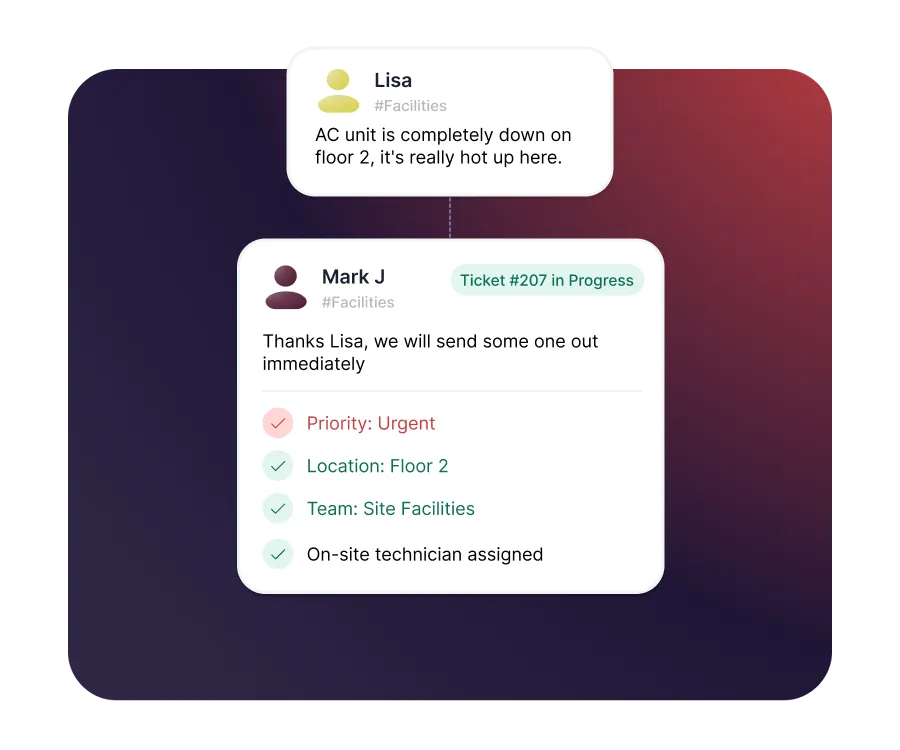
- Route requests by site, building, or request type
- Prioritize urgent issues so critical work goes first
- Assign work to on-site staff, right on their phone
Automate the work that repeats
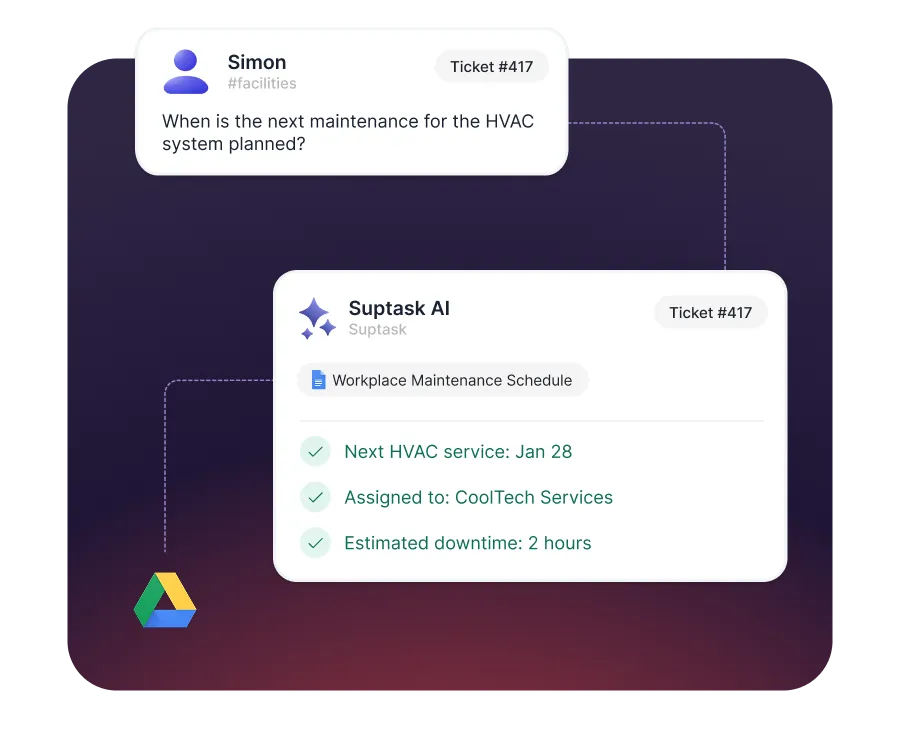
- Answer common questions automatically with AI
- Run recurring workflows like desk setups and access requests
- Automate approvals for purchases and repairs
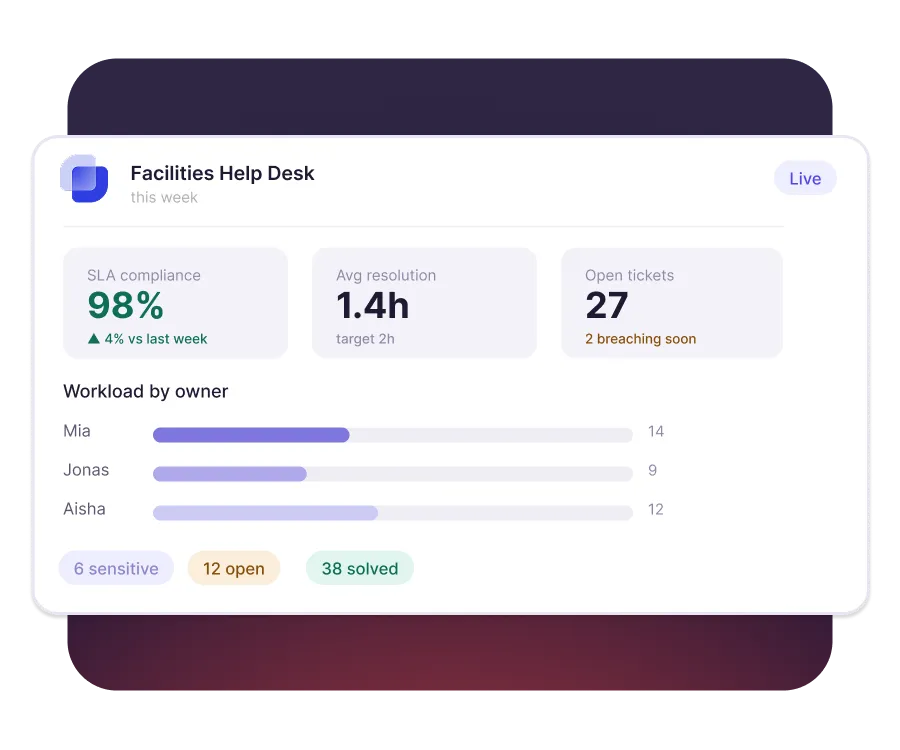
Reporting and SLA visibility
- Set SLAs so urgent issues are never left waiting
- See open work, ownership, and status at a glance
- Spot the issues that keep coming back


Built for different teams
For IT teams


For Finance teams

Turn Slack into a help desk your team will actually use
Frequently asked Questions
What is facility management software?
Facility management software helps teams take in, assign, and track requests about a physical space. Typical requests cover repairs, cleaning, access, equipment, and safety issues. The goal is one record per issue, with an owner and a resolution date.
A maintenance ticketing system turns reported faults into tracked jobs with an owner and a priority. Someone reports a broken air conditioner, and that request becomes a schedulable ticket. Nothing depends on a verbal handover or a passing message in a corridor.
A CMMS is built around assets, with an equipment register and preventive maintenance schedules. Request-based facility software is built around the issues and the people reporting them. Suptask handles the request and job side. It is not an asset register, so teams needing preventive scheduling should pair it with a CMMS.
Work order management software records a job to be done, assigns it, and tracks completion. A work order is simply a request that has been accepted and scheduled. In Suptask each Slack request becomes that record once someone takes ownership.
Cut the reporting step first, because most delay happens before anyone opens a ticket. Let people report from wherever they are, then set priorities so urgent faults surface. Time-based automations chase anything still open after a set period.
Yes. External contractors and vendors can join through Slack Connect and work in the same thread. They work only in the channels they are invited to. Updates they post stay on the ticket, so the history remains in one place.



