


ITSM Ticketing System Built Into the Workspace IT Runs
Suptask is an ITSM ticketing system for Slack. A message in a channel or DM becomes a ticket with an owner, priority, and status. IT works the queue from the same workspace, and the reply reaches the employee in the original thread.

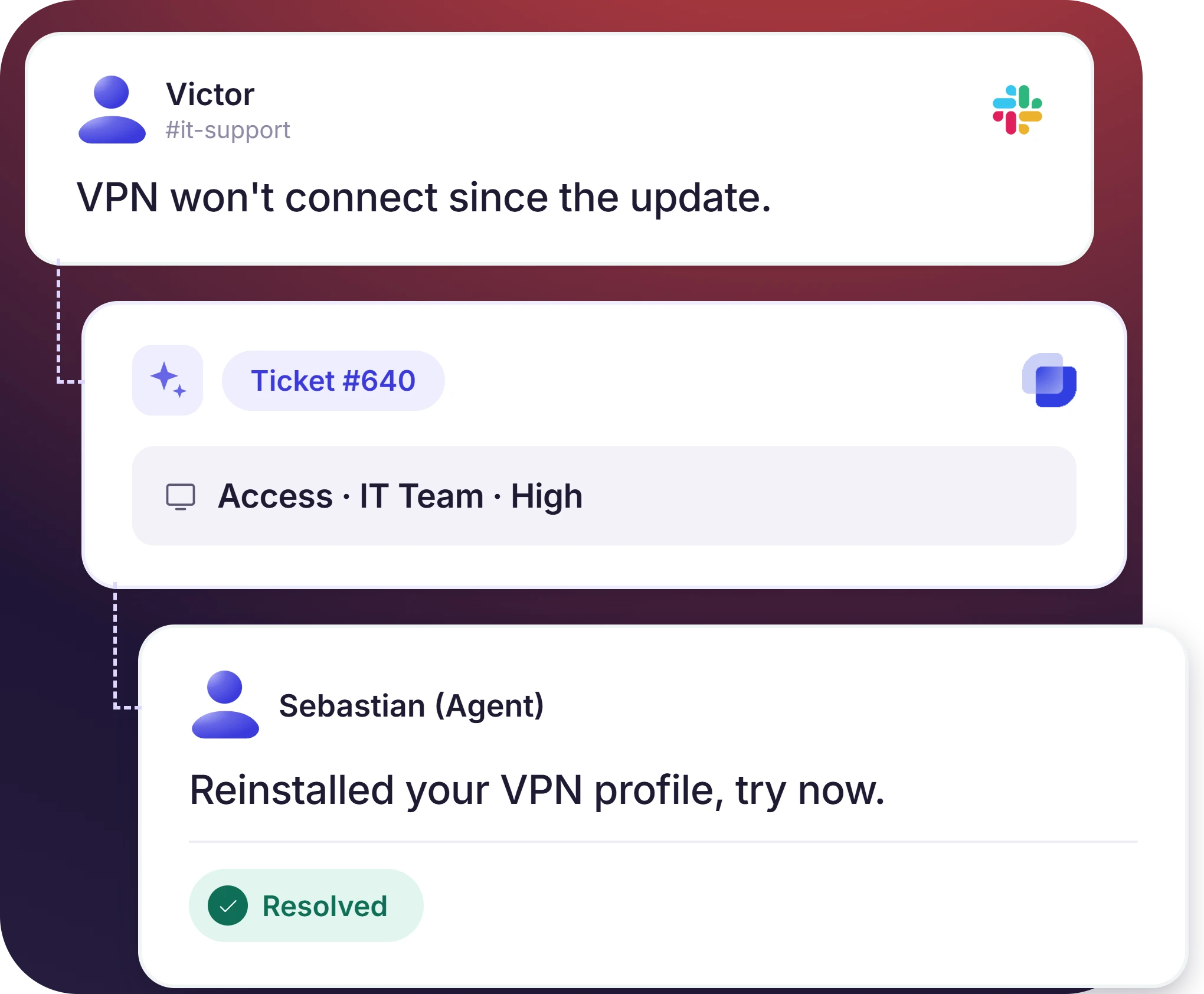











ITSM Ticketing for Lean, Tiered, and Multi-Workspace IT Teams

Lean IT teams
Suptask records each direct message to IT as a ticket with an owner and a status. One admin works the whole queue in Slack.

Tiered IT service desks
L1 triages in #it-support, and L2 or Security take escalations in their own queues. The employee reads the reply in the thread they started.

IT across several workspaces
Suptask connects several Slack workspaces to one service desk, including acquisitions, regional offices, and Enterprise Grid. Access and security requests stay private.
Turn Any Slack Message Into an IT Ticket
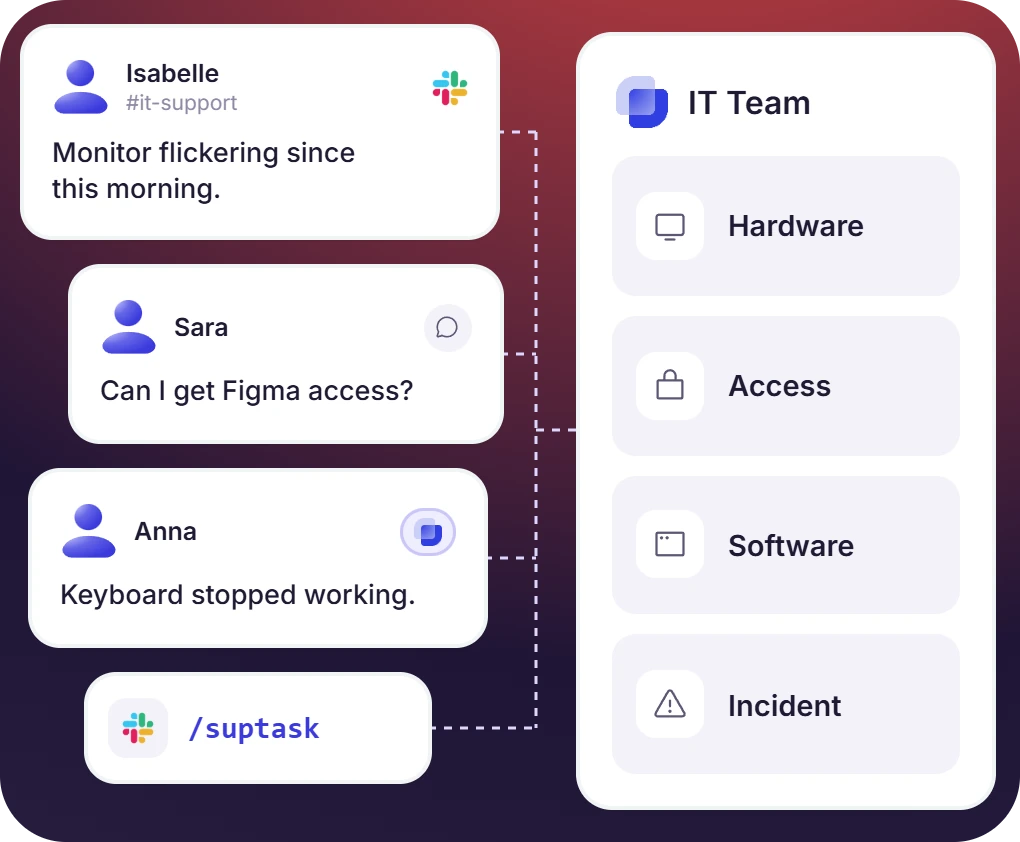
- A message in #it-support, DM, 🎫 reaction, or /Suptask opens a ticket in the IT support ticketing system
- Each request type from hardware, access, software, and incident has its own form to capture the fields IT needs
- Email and web form requests arrive in the same IT queue as the Slack ones
Route Each ITSM Ticket to Right Agent and an Approver
- The form and channel decide the queue. Automation rules set priority and status on creation
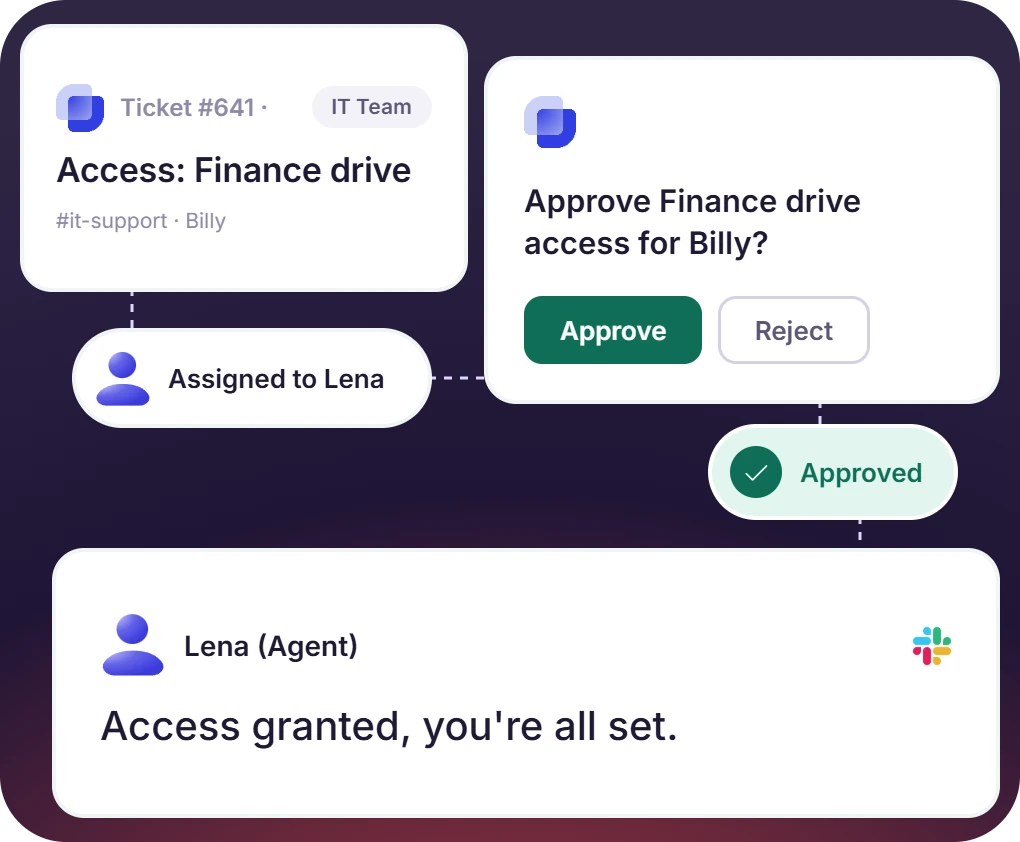
- An agent is assigned by round-robin, current load, fixed owner, or to whoever is on the call
- A manager approves access and purchase requests on the ticket, and the approval stays in the ticket history
The numbers speak for themselves.
Set SLA Targets by Priority and Escalate Before the Breach
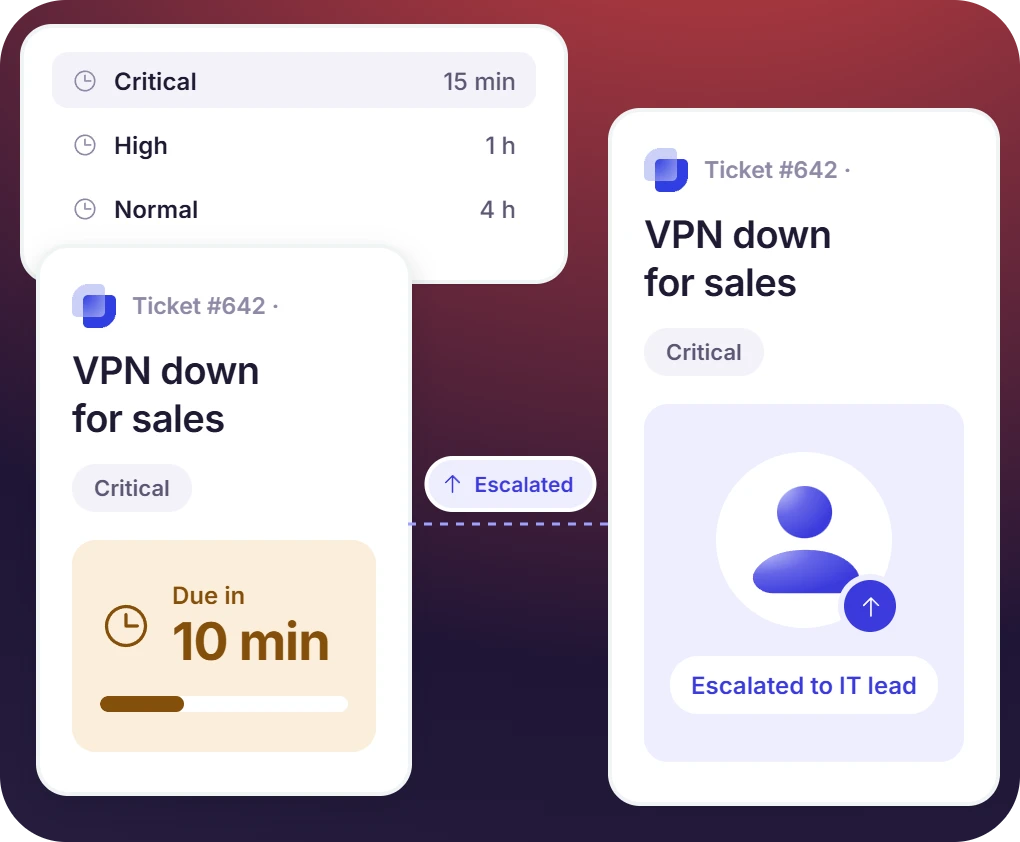
- Each Inbox holds its own SLA thresholds by priority level, and the IT service desk ticketing system starts the reply clock at creation
- A reminder before the threshold, a notification at breach, and an escalation to the team lead
- An incident management ticketing system and a service request queue use the same Inbox structure, with their own forms, statuses, and tags
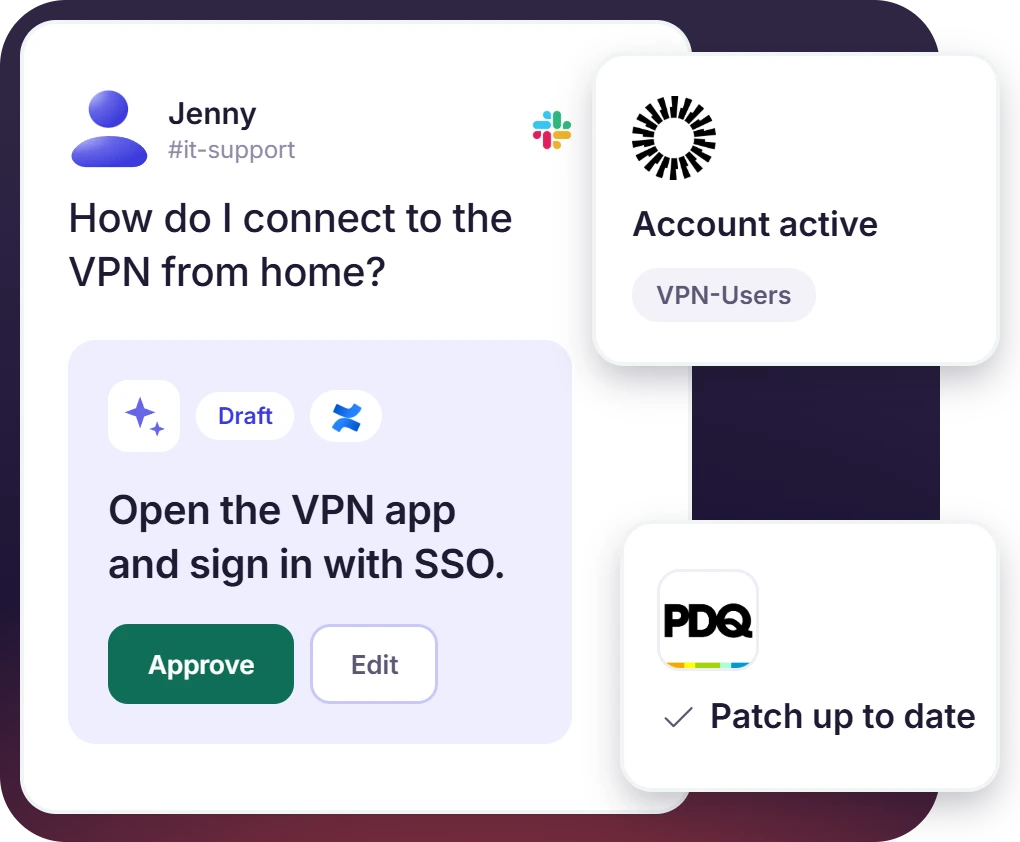
The IT Service Desk Software Employees Already Have Open
- Suptask AI answers common IT questions from Confluence or Notion, automatically or as a draft the agent approves
- Okta, Microsoft Entra, and Google Workspace add account and group status to the ticket. PDQ Connect and Iru report device and patch state
- Password resets and group changes are performed from the ticket, each one approved by an agent


What Suptask Changes About ITSM Help Desk Software
How Suptask Runs the ITSM Ticketing System in Slack
Ask
Route
Resolve
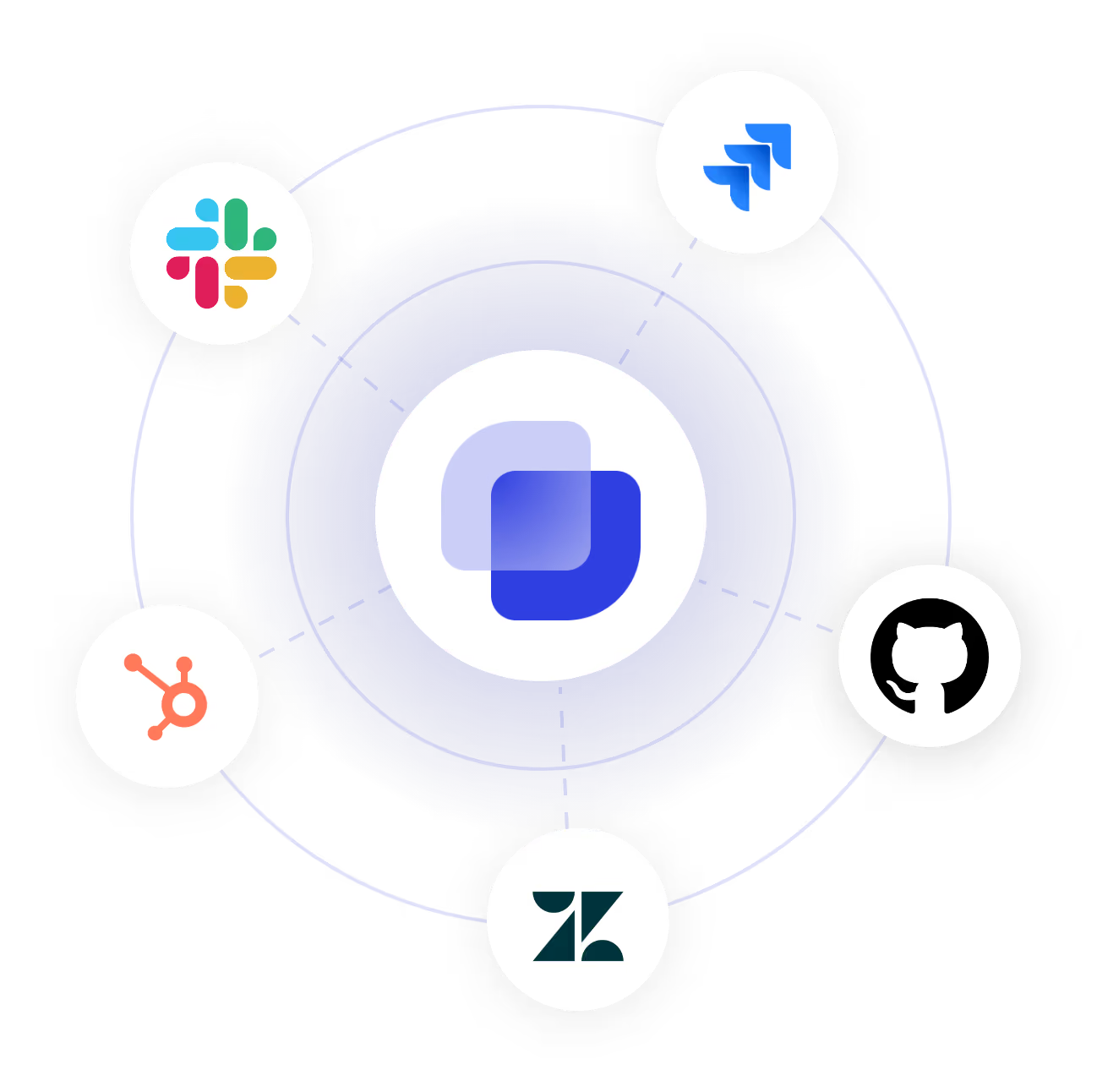
Connect Your Identity Provider and Endpoint Tools to the ITSM Ticketing System
Frequently Asked Questions
Is ITSM a ticketing system?
No. ITSM is a set of practices that is used for the delivery of IT services. The practices cover incident handling, service request fulfillment, priority setting, and reporting. A ticketing system is the tool the practices are run on, and Suptask is that tool for a help desk working in Slack.
An ITSM ticketing system is used to record each IT incident and service request as a ticket. The ticket holds an owner, a priority, a status, and a response target, and the reporting comes from those records. Most ITSM ticketing tools are built around a portal that employees have to log into. Suptask runs the same workflow, with the request arriving as a Slack message.
Slack on its own does not put an owner, a status, or a priority on a message. Requests in a channel are easy to miss, and two agents can end up answering the same one. Suptask is used to turn a message into a ticket, which makes Slack an IT help desk ticketing system. IT works its own queue, and nothing is installed by the employee.
For the practices a help desk is measured on, the answer is yes. Service requests and incidents get their own forms and statuses, SLAs are set by priority with escalation, and approvals are handled on the ticket. Suptask is not a full ITIL ticketing system, and change management and a CMDB are not part of it. Teams with those needs keep the modules in another tool and use Suptask for the intake and the service desk.
A help desk is responsible for answering requests. An ITSM help desk does the same work and also tracks the requests against priorities and service targets, with reporting on the results. In Suptask, the difference comes down to configuration. A priority field and an SLA rule are added to the IT Inbox, and the queue is then ITSM help desk software, with the SLA rule available on Growth. Service desk vs help desk has more on the two terms.
Suptask is priced per agent per month, and employees who submit requests are free on every plan. Starter is $15 per agent billed annually, or $18 monthly, and it is used for one Inbox with tickets raised from Slack channels, DMs to the Suptask app, the 🎫 reaction, and the slash command. Email intake, web forms, and extra Inboxes are not included there. Professional at $24 adds unlimited Inboxes for IT, Security, and Infrastructure, routing between them, email-to-Slack ticketing, automation rules, ad-hoc approvals, CSAT, and multi-team analytics, and SLA management is not part of it. Growth at $38 is the plan for SLA thresholds by priority with pre-breach reminders and escalation, SLA analytics, agent business hours, on-call assignment, approval sequences, AI answers from Notion, Confluence, and uploaded documents, web forms, and SSO. Identity and endpoint integrations, Jira and GitHub issue creation, multiple Slack workspaces, and Enterprise Grid are on the Custom plan, with each configured integration billed from $20 per month. Full comparison on the pricing page.
One place for employees to ask IT in Slack, one queue for IT to answer from



