Trusted by 1700+ teams
14-day free trial
No credit card required

The AI Assistant Built Into Your Service Desk

Suptask AI resolves your tickets from your own knowledge - automatically, inside Slack, and always under your control

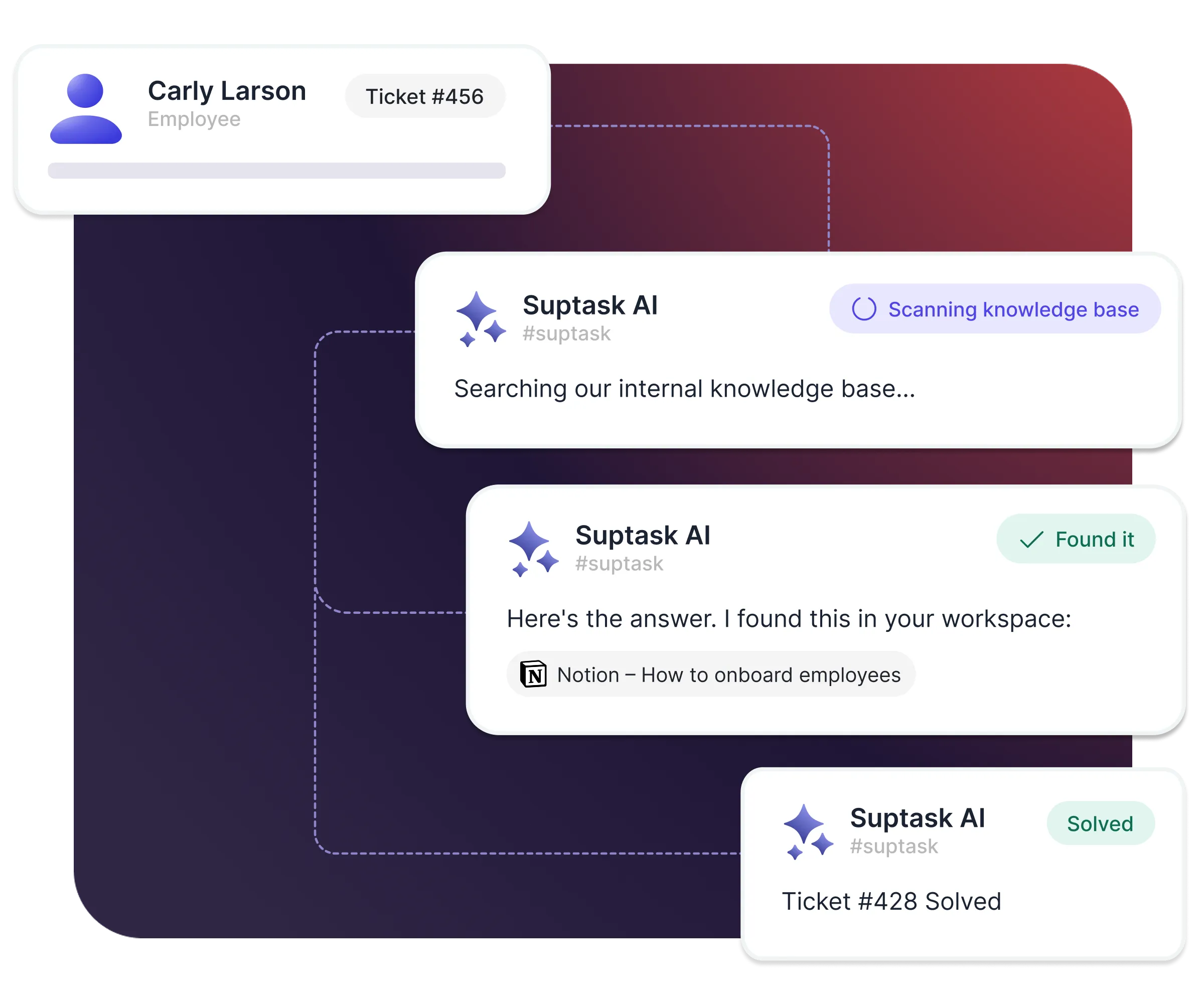
Resolve tickets automatically

  • Answer requesters automatically from your knowledge
  • Handle full conversations, including follow-up questions
  • Escalate to an agent when AI can't solve it
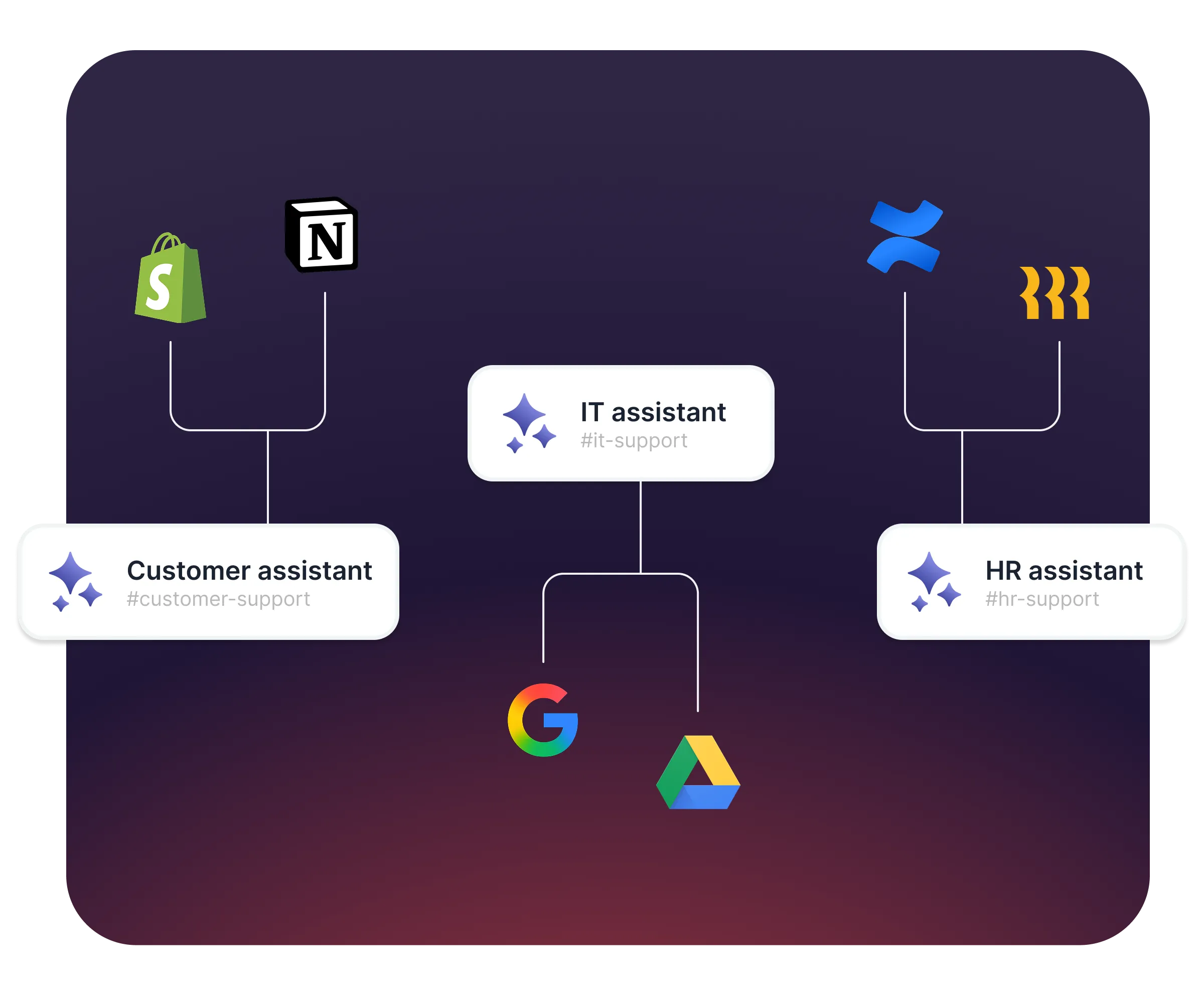
An AI assistant for every team

  • Give each team its own AI assistants
  • Connect to your knowledge base or upload documents
  • Trigger automatically or manually

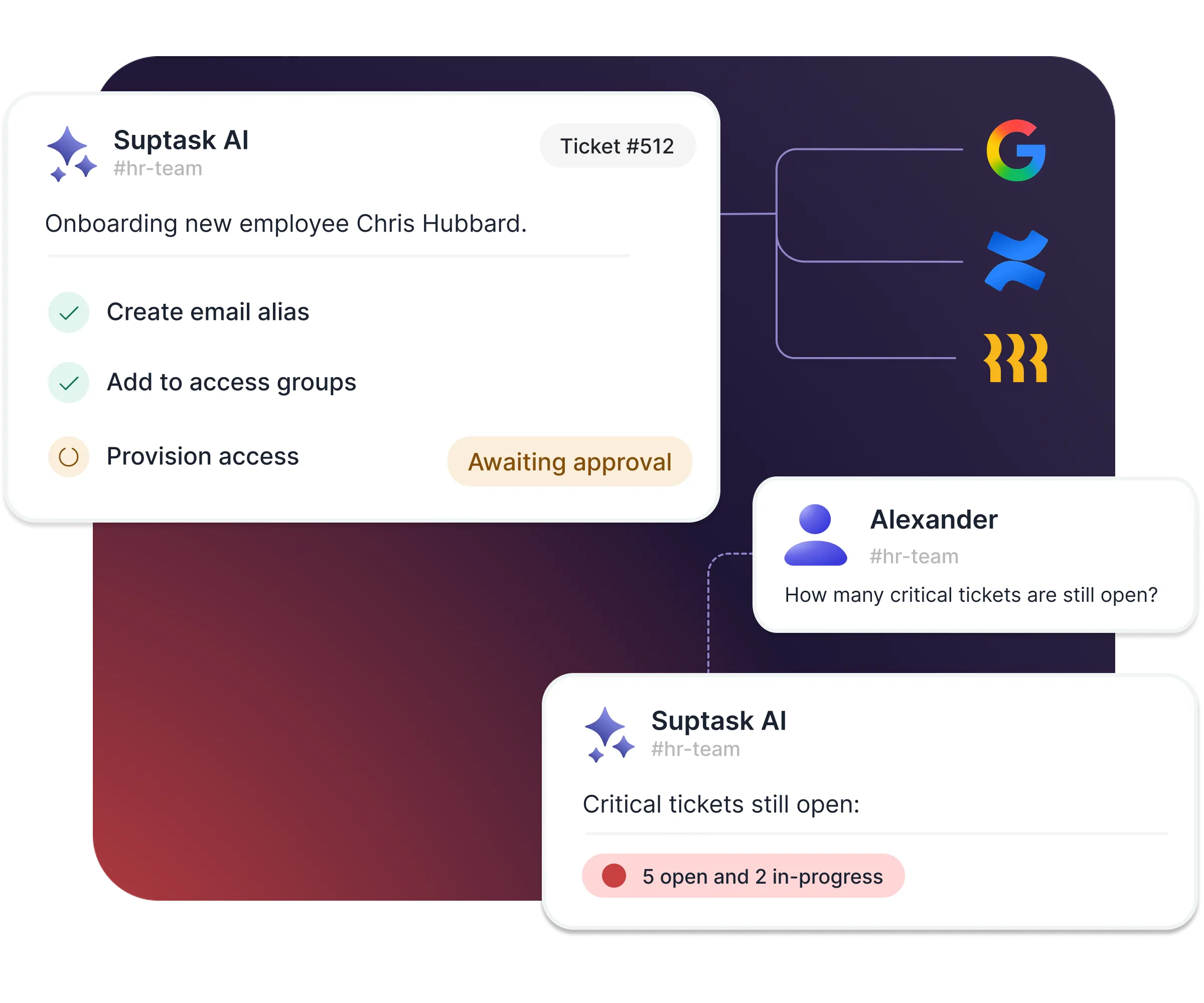
Let AI do the work, not just answer

  • Automate recurring tasks like onboarding and access requests
  • Enrich tickets from systems such as HRIS and user directories
  • Get insights and stats about your tickets on demand
Powerful automation, with a human in the loop

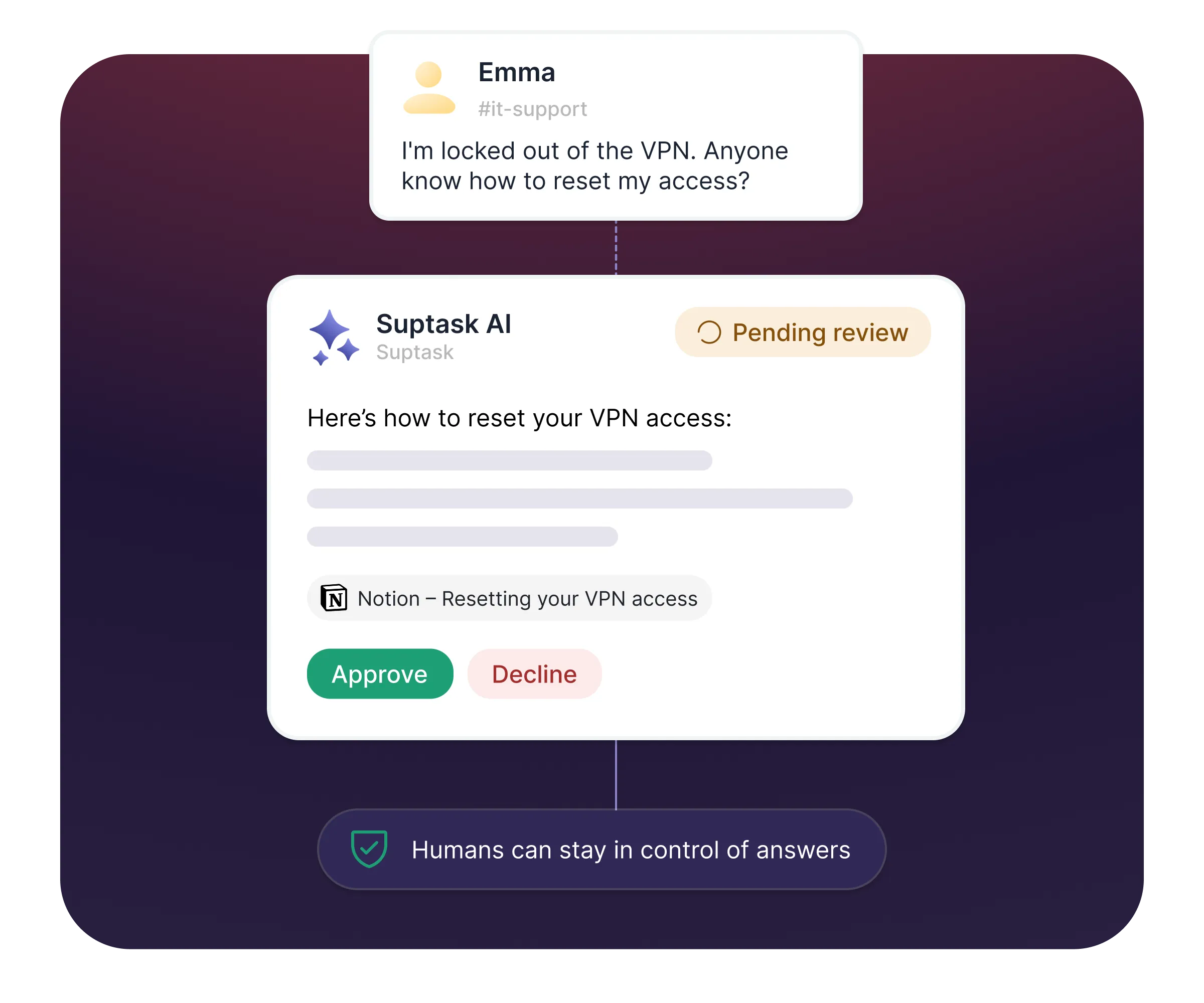
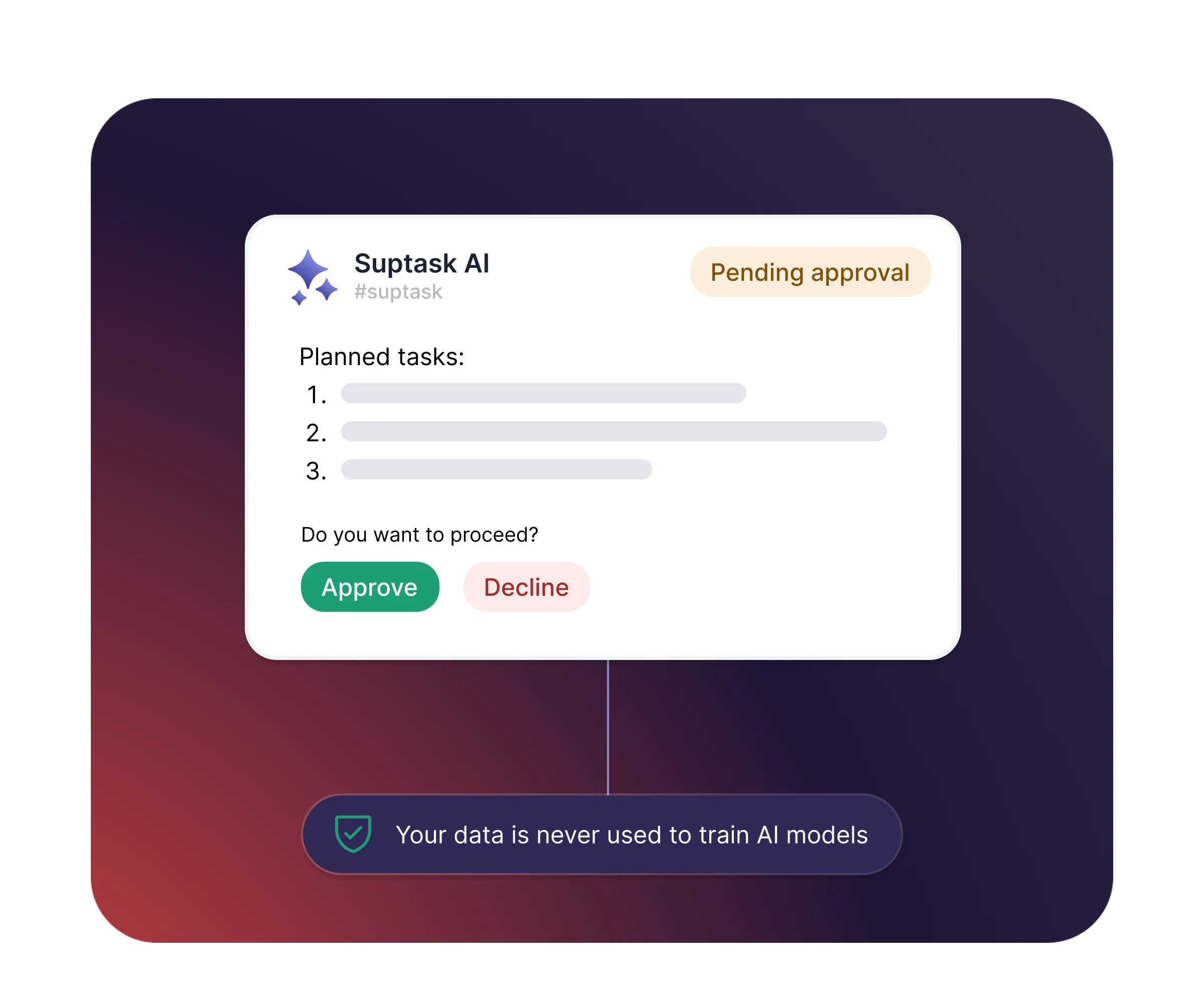
  • Choose what runs automatically and what needs approval
  • Review AI answers before requesters see them
  • Your data is never used to train AI models

How it works

From request to resolution, all inside Slack
[1] Capture
Requests are picked up automatically from your Slack channels and email, automatically categorized and routed to the right team.
[2] Build
Build assistants from prompts and workflow tasks. Connect your knowledge and systems, set their triggers, and define which actions are automatic and which need approval.
[3] Resolve
Assistants summarize, answer, and act - helping agents or replying to requesters directly, and escalating to a human whenever needed.

What your team gets with Suptask AI

A faster experience for requesters - and far less busywork for agents.
Instant answers, day or night

Requesters get accurate answers from your knowledge base automatically, without waiting for a free agent.

Less busywork for agents

Suggested replies, summaries, and insights are handled by AI, so agents spend time on the work that needs them.

Knowledge that builds itself

Every closed ticket gets an AI summary of the problem and solution - searchable in Slack and building team knowledge over time.

Always in your control

Nothing leaves Slack without your rules. Approvals, automation, and privacy are set by you, not the AI.

What teams improve with Suptask

76%
Faster Response Times
3x
Increase in User Satisfaction
9.8
Average NPS Score

Built for different teams

See how Suptask AI works for your team

For IT teams

Deflect common requests, auto-route emails, and let assistants handle access requests and password resets from your knowledge base.
Explore solution

For HR teams

Answer employee questions instantly, enrich tickets from your HRIS, and let AI drive onboarding workflows end to end.
Explore solution

For Finance teams

Turn recurring finance requests into structured tickets, with AI categorizing and routing so nothing slips.
Explore solution

Already trusted by fast-moving support teams.

"Suptask has helped us create a seamless, best-in-classticketing experience for our end users. By integrating across multiple workspaces, it has streamlined our workflows and empowered our entire organization."
Chris Tucker
Director of Strategic Technology
“Suptask has become an integral part of multiple departments within our organization, and the impact has been transformative.
The platform has streamlined our ticketing workflow, leading to significant efficiency gains and saving our teams hundreds of hours each month”
Prathamesh Borkar
Director of Operations
"With Suptask, Product Managers and Engineers work hand-in-hand in Slack. By keeping everything in Slack, Engineers and Product Managers can easily collaborate on tickets while maintaining private threads for technical discussions. It’s boosted our overall responsiveness against our clients."
Simona Cossidente
Head of Product & Process
"Suptask transformed the way we manage support by bringing full ticketing workflows into Slack. With its powerful AI features, we handle requests faster, stay organized effortlessly, and deliver a smoother experience for both our team and our customers. It’s truly made support feel natural and efficient on Slack."
Charles Mellin
Chief Operations Officer
"The biggest impact Suptask has made on our team is that we now have an organized way to process questions and requests from our employees. All communication for a request stays within Slack and the Suptask ticket - which was an impossible feat in the past."
Jean
People Enablement Coordinator

Put AI to work on your tickets today

Frequently asked Questions

What is a Slack ticketing system?

A Slack ticketing system is help desk and service desk software that integrates with Slack. Any department, from IT and HR to finance, can submit, track, and resolve internal requests without ever leaving their main workspace. Using Slack as your help desk, your messages can turn into tickets, so you never have to leave Slack to manage your tickets.

Can Slack be used as a ticketing system?

Yes, Slack can be used as a ticketing system by integrating dedicated apps like Suptask to Slack. This allows teams to create, track, and manage requests all in one place.

What teams are Suptask built for?

Suptask is built as a solution that works for any team.

We have proven examples across many organizations where teams such as IT (ITSM), Product, Engineering, Finance / Billing, Revenue Operations, Sales Operations, and HR are using Suptask to improve their ticketing experience on Slack.

How do I use a help desk in Slack?

To use Slack as a help desk using Suptask, Sign up and install Suptask, then simply ask for help in a designated channel (e.g., #support) or add a ticket emoji to any message.

How to automate ticket management directly in Slack?

You are able to control tickets without leaving Slack. The set-up requires no knowledge of coding. Here's the procedure.

  • If any new messages are automatically treated as tickets in Slack channels, automate ticket creation. Users can transform previous Slack messages into tickets by using a specific emoji (e.g., "🎫 ").
  • Automate ticket assignments using rules. Tickets must be assigned to the appropriate persons or groups. Suptask offers round-robin assigning, the fewest-open-tickets rule, and keyword-based routing.
  • Automate updates/notifications by automatically notifying requesters about their tickets, new tasks for agents, and responding in threads so that there is full transparency on status changes and resolution processes, etc.

How to create tickets from Slack?

You can create tickets from Slack from any conversation with multiple methods:

  • Post in a Request Channel: Send a note to a channel called #it-support. Suptask will turn it into a ticket.
  • Use an Emoji Reaction: React with a ticket emoji (like 🎫). Suptask will turn that message into a ticket.
  • Use a Slash command: Write /suptask or /helpdesk to create a ticket anywhere in Slack.
  • Message shortcut: On any message, select the short "Create a ticket" from Suptask to turn it into a ticket.