


Marketing Ticketing System for Request-Driven Teams
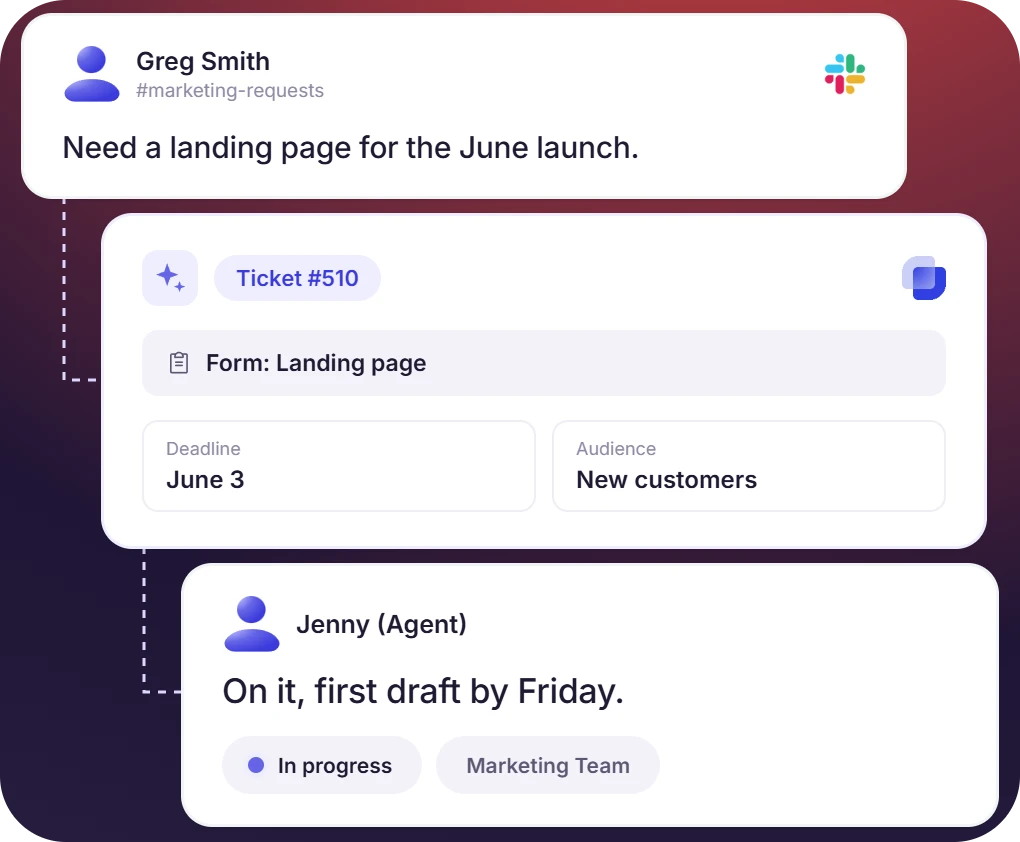
Stakeholders ask the marketing team for landing pages, creative, and copy through Slack, email, or WhatsApp. Suptask records each task as a ticket, and the marketing team works the queue in Slack.












Marketing Ticketing for In-House Teams, Creative Studios, and Marketing Ops

In-house marketing teams
The marketing team receives requests from sales, product, and leadership. Each request is created as a ticket with an owner and priority.

Brand and design studios
Ad creative, social assets, and landing pages are requested in the Slack channel. The requests are added to the design queue with the brief and moved to engineering when needed.

Marketing operations
Budget approvals, vendor onboarding, and tool access requests are received in DMs today. The operations team gets them as tickets, and agency emails are added to the same queue.
Track Every Marketing Request in One Slack Queue
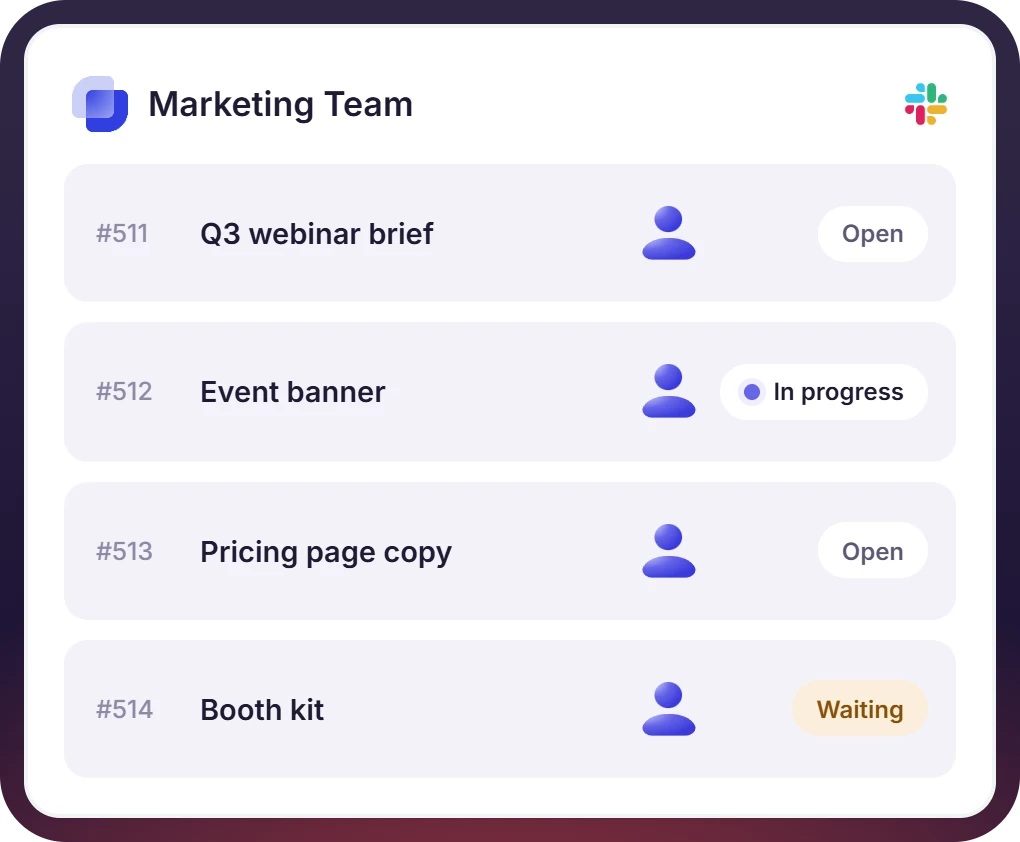
- Campaign briefs, design requests, copy revisions, and event support are created as tickets in Slack
- Each marketing ticket has an owner, priority, and a status
- Priority levels and custom marketing intake forms are set to collect asset type, deadline, brand, and audience when a request is raised
Triage Marketing Requests in Slack and Send Approved Work to the Project Tool
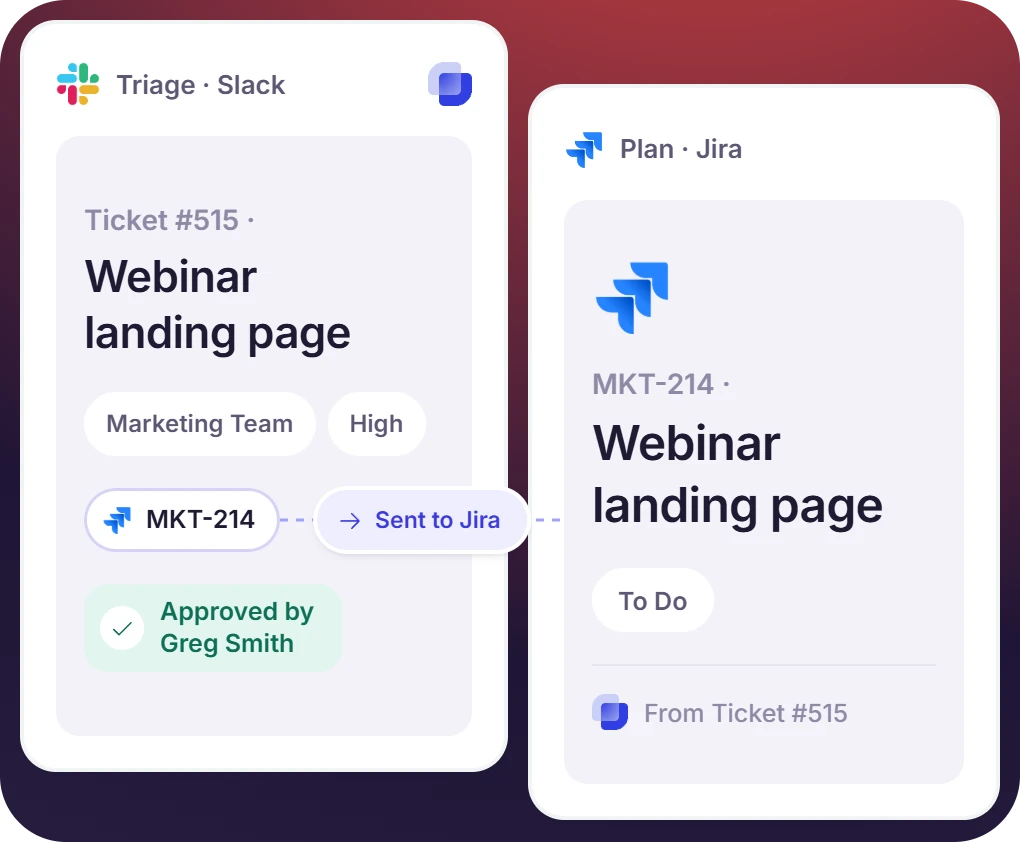
- Suptask collects all the marketing intake requests from stakeholders, sales, product, and leadership
- Requests are assigned, prioritized, routed, and answered from one Slack queue
- A request that becomes planned work is created in Jira or ClickUp from the same ticket, available on the Custom plan
The numbers speak for themselves.
One Ticket Thread for Marketing, Design, and Engineering
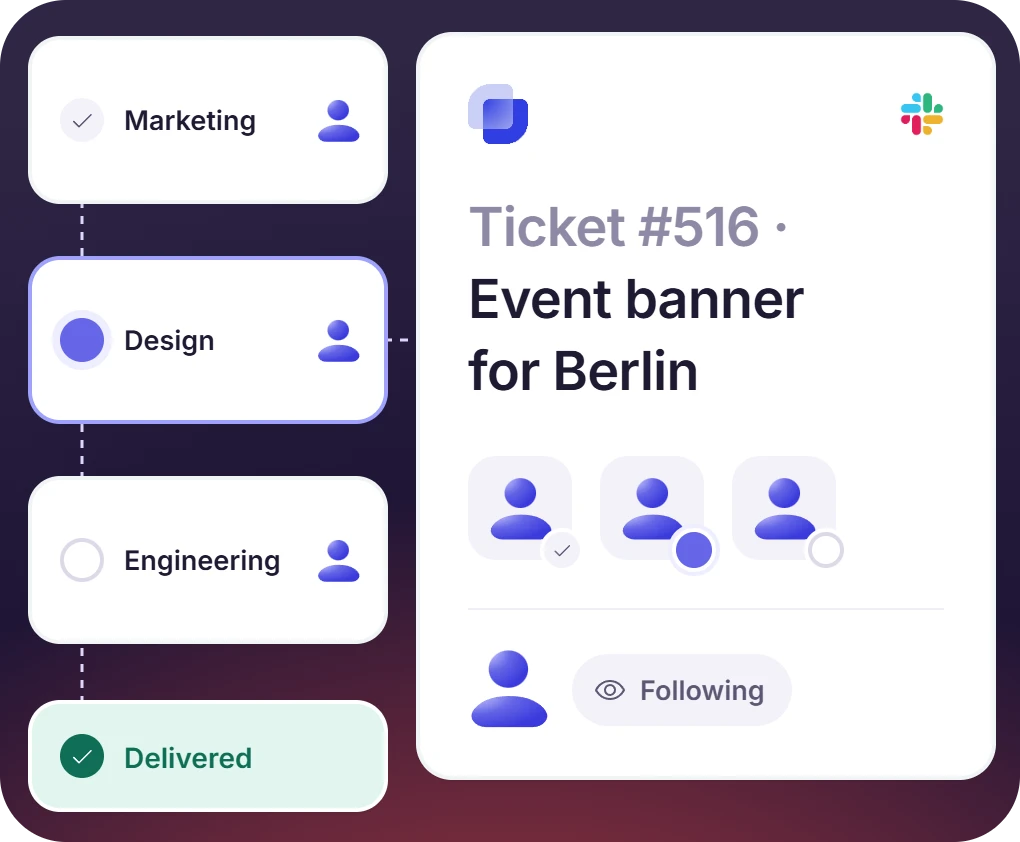
- Each request is routed by its type to design, engineering, or marketing
- Each team works on the requests in its own queue, with the conversation held on one ticket
- Approvals and followers keep stakeholders informed without creating more messages
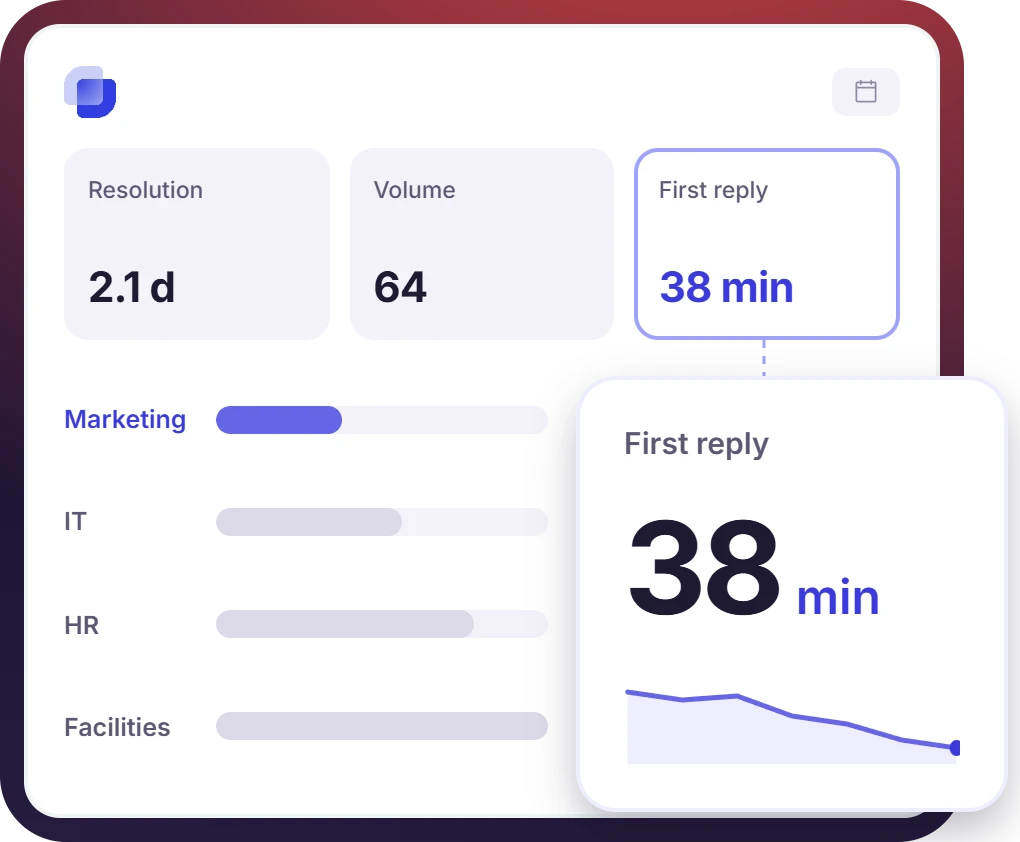
Measure How the Marketing Ticket System Is Performing
- Marketing ticket volume, first reply time, and resolution time are shown on built-in marketing dashboards
- Marketing tickets are reported next to the IT, HR, and facilities tickets in one view
- An SLA is set on the marketing queue, and the clock runs on the ticket from the first message


What Suptask Changes About a Marketing Help Desk
How the Marketing Ticketing System Works in Slack
Request
Triage
Deliver
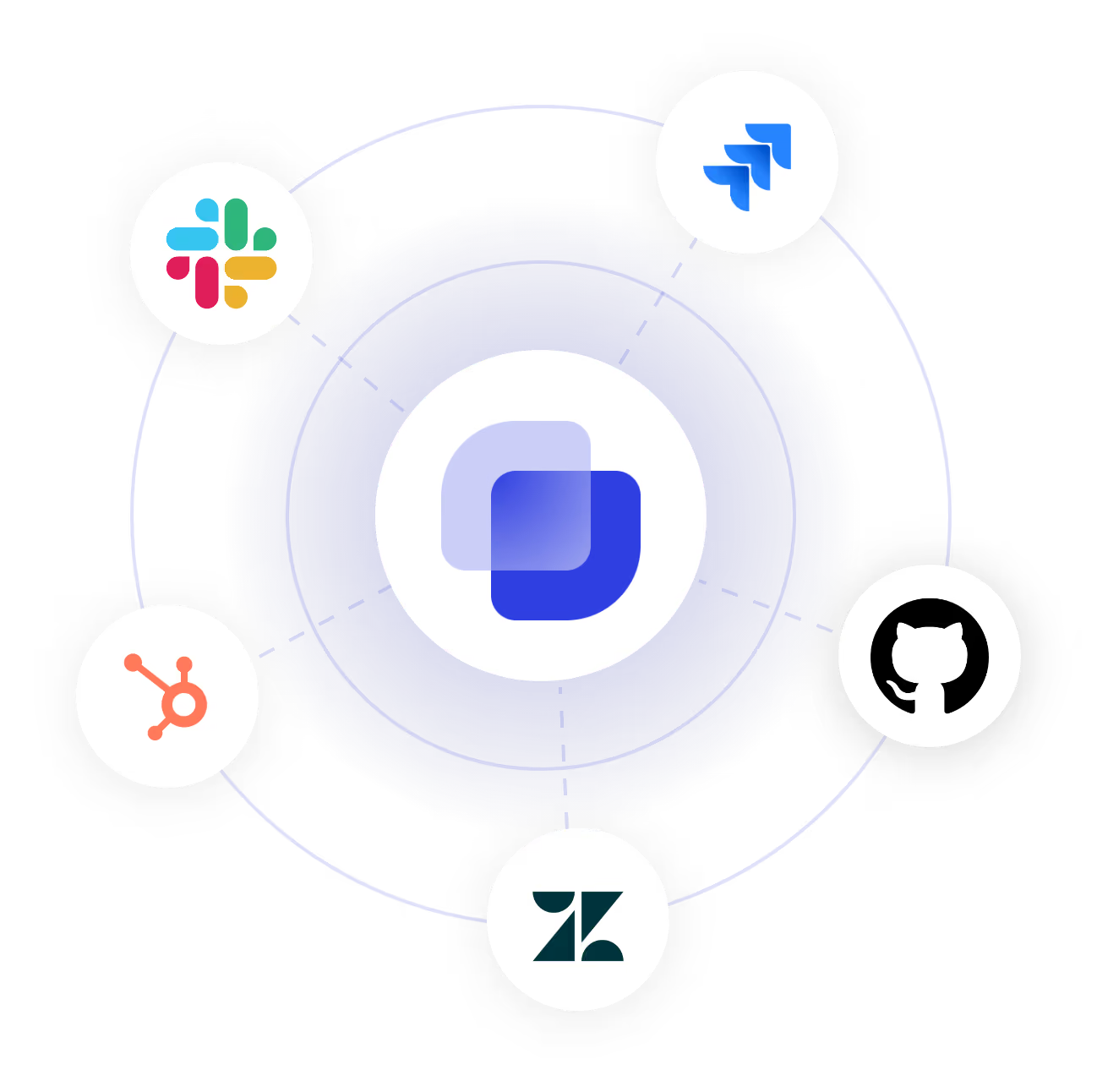
Connect Your Project Tools to the Marketing Ticketing System
Frequently Asked Questions
What is a marketing ticketing system?
A marketing ticketing system tracks the requests made to a marketing team as individual tickets. Campaign briefs, design asks, copy revisions, and event support each carry an owner, a deadline, and a status. It is a structured queue in place of the DMs and email threads where those requests arrive today.
Anyway, they already do it. A message in the marketing channel, a DM to the team, a reply in a thread, or a ticket emoji on an existing message are all created as tickets. A short form then captures the asset type, deadline, and the audience. Agencies and outside contacts can email the request in, and email ticketing puts it in the same queue. Nobody who submits a request needs a Suptask seat.
Without one, requests arrive in DMs, emails, and meeting notes, with no record of who owns them. Marketing leaders then have no measure of the volume the team handles or the time it takes to respond. A ticketing system records every request, and capacity planning is done from that data.
Yes. The custom form captures the request type, such as design, copy, development, or event. Automation rules then route the ticket to the right queue. Design requests reach the design team, copy revisions stay with the content team, and stakeholders see the conversation in one thread regardless of who handles it.
No. Suptask is used for the intake, which is where the requests enter, get triaged, and routed. The approved work moves into the project tool your team uses for delivery. Jira and ClickUp connect directly on the Custom plan. Slack Workflows and webhooks cover Asana, Monday, and Trello on every plan.
Suptask has four pricing plans: Starter($15/agent/month), Professional ($24/agent/month), Growth ($38/agent/month), and a custom pricing plan. If you have one marketing queue, you can start with the Starter plan. Only the marketing team pays for seats, and everyone who submits a request is free. Professional at $24 covers extra queues for design or engineering, routing between them, approvals, and email intake from agencies. SLA targets are part of Growth at $38. Direct Jira, ClickUp, and HubSpot integrations are on the Custom plan. Each configured integration is billed separately. Visit the pricing page for the current details
Put Every Marketing Request in One Slack Queue



