


B2B Customer Support Ticketing System, One Channel per Account
Requests to engineering arrive triaged by product area and severity, and the ones that need code go to Jira or GitHub.

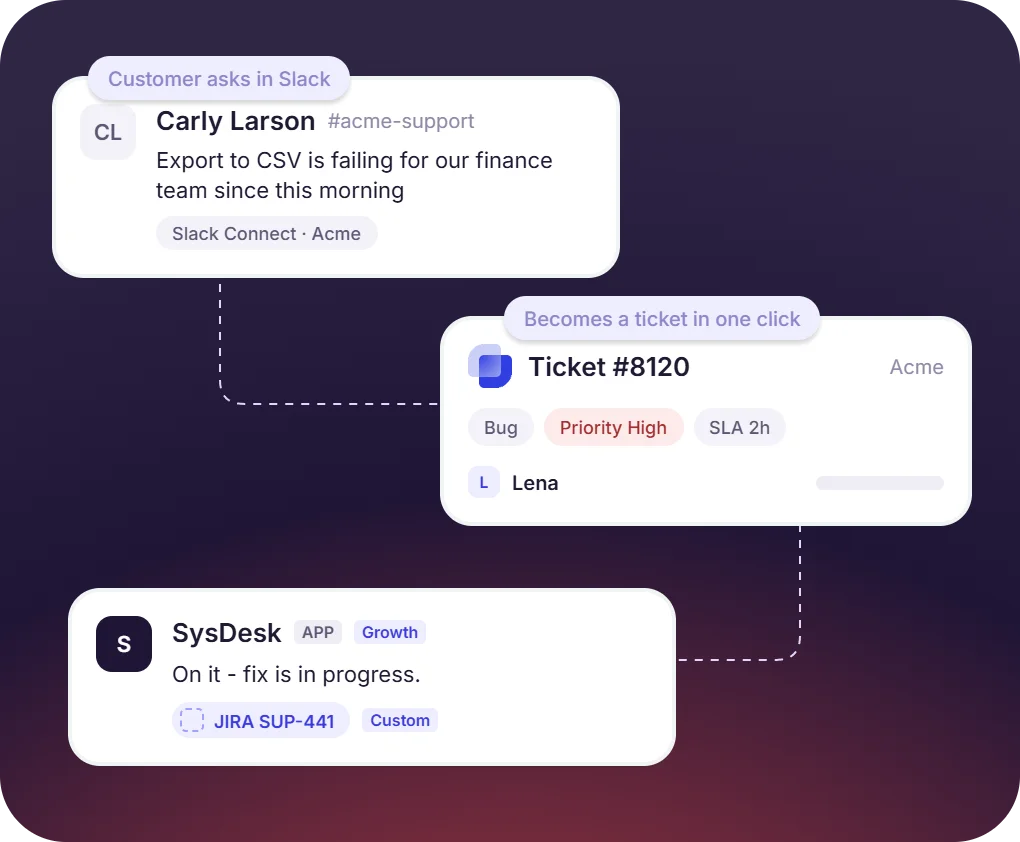











Customer Support Ticketing for B2B SaaS, Success, and Engineering Teams

Support agents
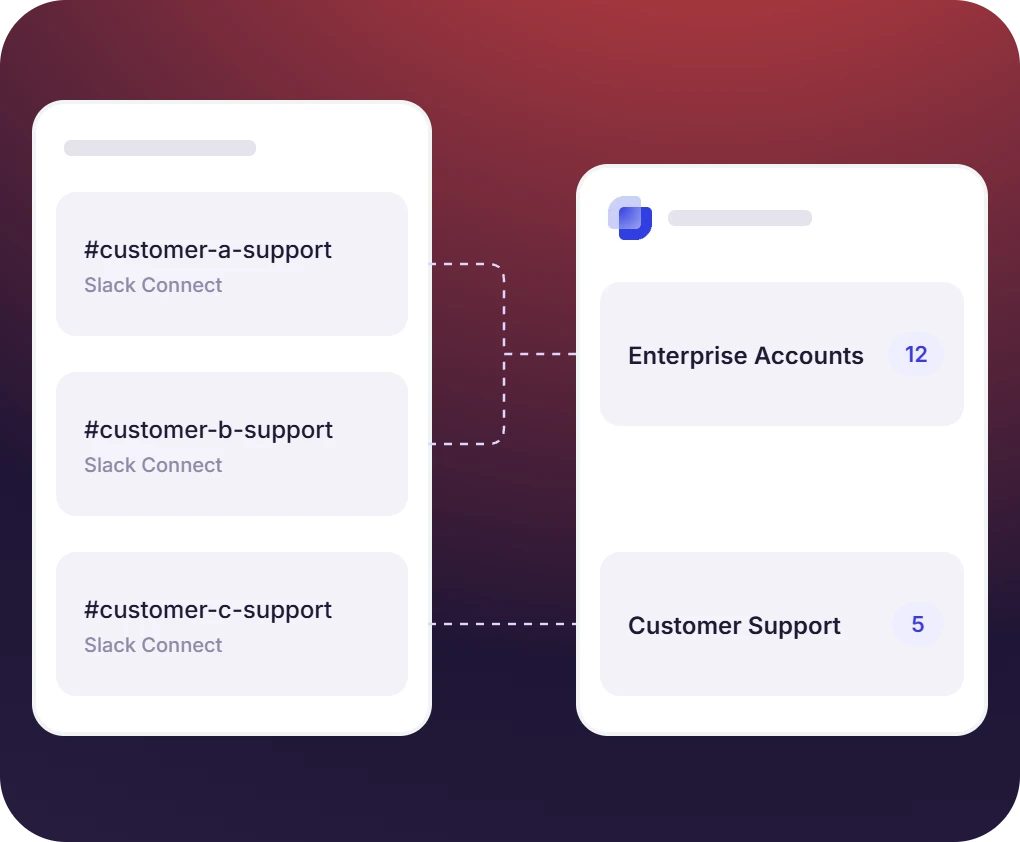
Every customer you support gets a Slack Connect channel. Tickets from all of them land in one queue, which is where B2B SaaS customer support teams work.

Account managers
Account managers stay in the channel they already use with the customer. Follow a ticket to watch it without owning it, and give renewal-sensitive accounts their own SLA.

Second-line teams
Second-line teams take the ticket where it started, so the context comes with it. Debugging stays in a private thread, and the customer sees each status change
B2B Customer Support Software Built on Slack Connect
- A shared Slack Connect channel per customer, grouped into Inboxes by tier or region. Key accounts can have their own
- Suptask onboards the customer with a message, and tickets come from the 🎫 reaction or the message action
- Customers follow their open tickets in the Suptask app, and summary notifications cover the ones still active
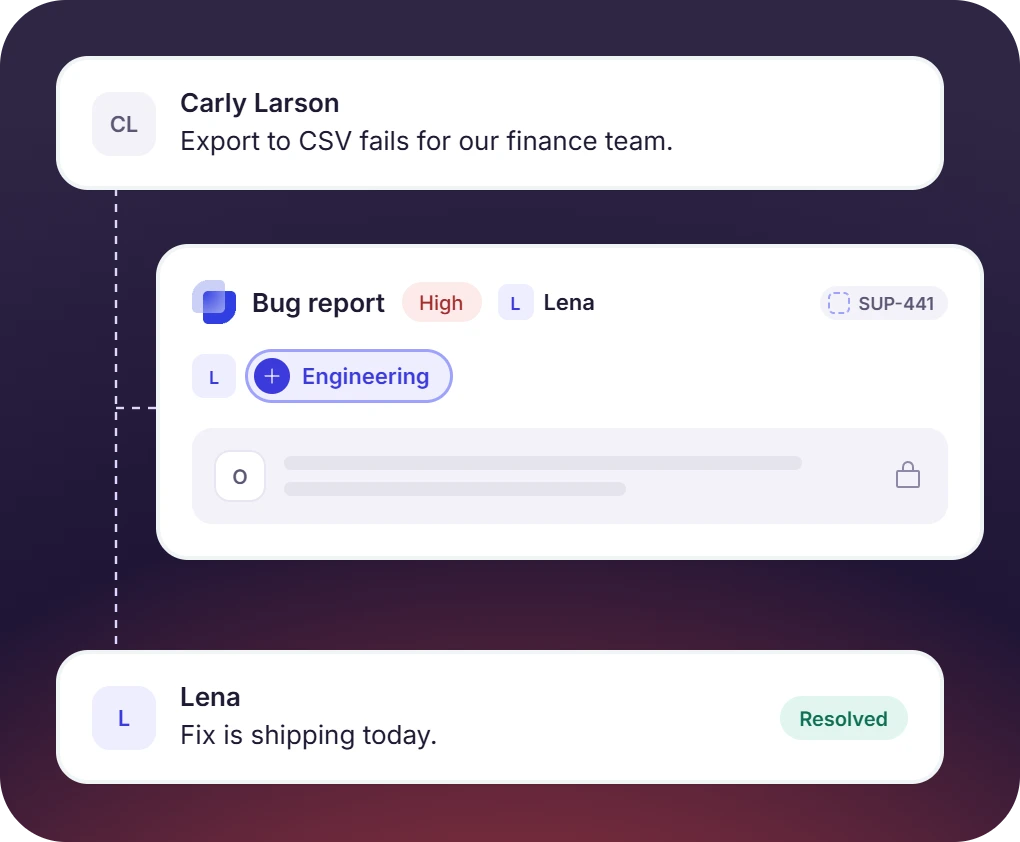
Engineering Joins the Ticket in the Same Thread
- Escalation adds an engineering team as a follower or moves the ticket to a second-line Inbox. Technical detail remains private, with Jira and GitHub issues on Custom plan
- Every customer support ticket has an owner and a priority. Replies and status changes post back in the channel the request came from
- Canned replies cover the repeat questions, and duplicates from one customer merge into a single ticket
The numbers speak for themselves.
Customer Support Ticket Management Across Slack, Email, and WhatsApp
- Emails to support@ become tickets in the same Inbox. Replies go back under your company name, from Suptask's domain until you set up a custom sending domain
- AI categorization reads the incoming email and routes it to the Inbox that handles it
- WhatsApp groups on Custom take up to eight participants, including Suptask. Web forms cover customers who use none of these
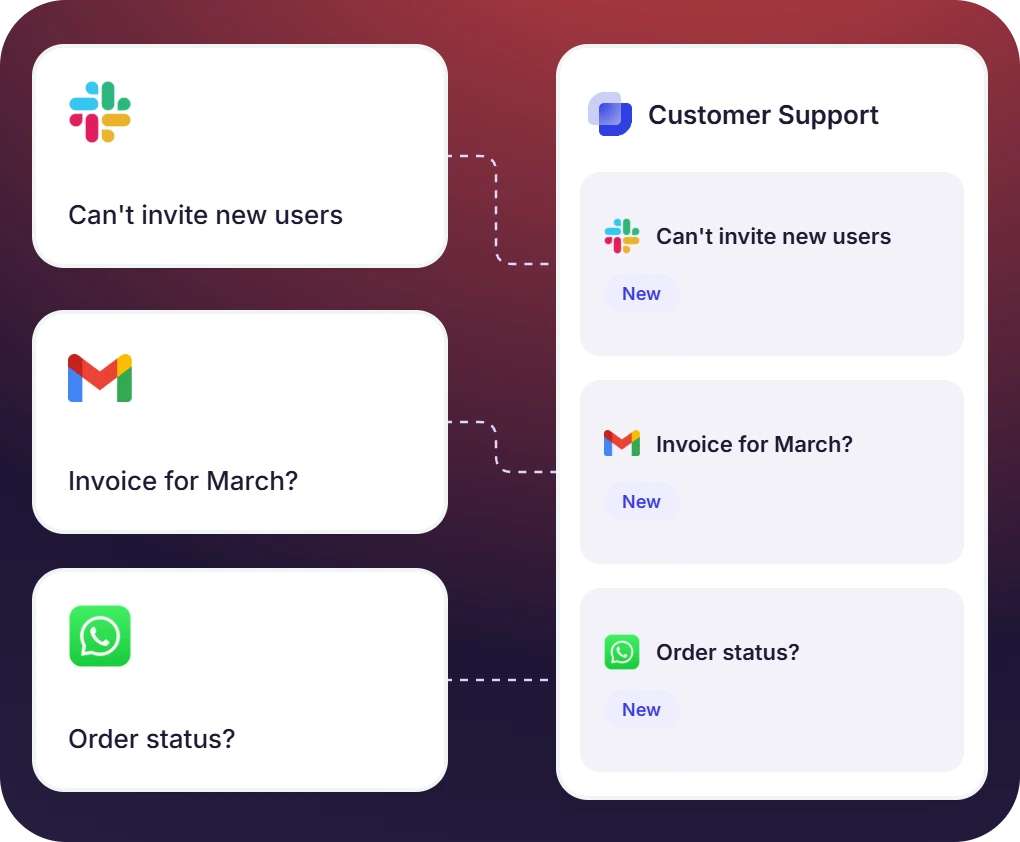
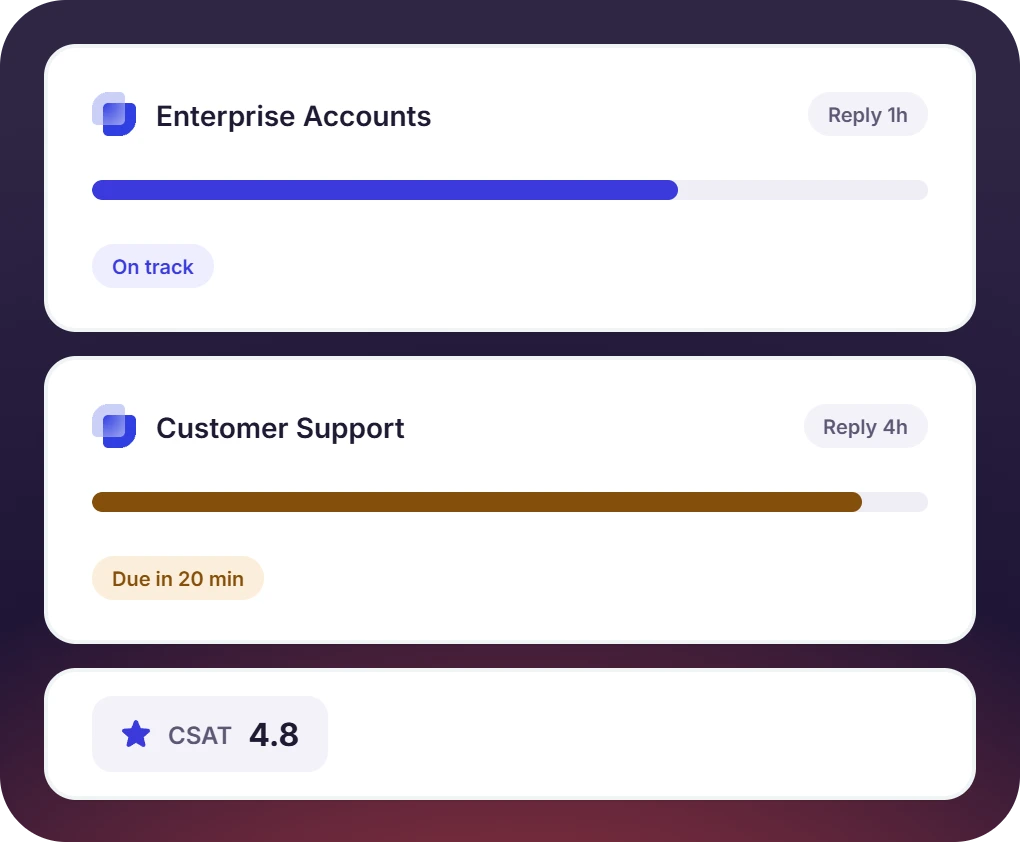
A Customer Service Ticketing System With an SLA per Inbox
- Thresholds are set by priority, with an alert before a breach and an escalation to a manager. Business hours per Inbox match the customer's region
- CSAT surveys are sent when a ticket closes, and the customer support service desk reports the scores by account
- AI answers are generated from your product docs and posted in the channel, or kept as drafts. AI summaries are used at handover


What Suptask Changes About the Customer Support Help Desk
How a Customer Support Ticketing System Works in Slack Connect
Connect
Capture
Resolve
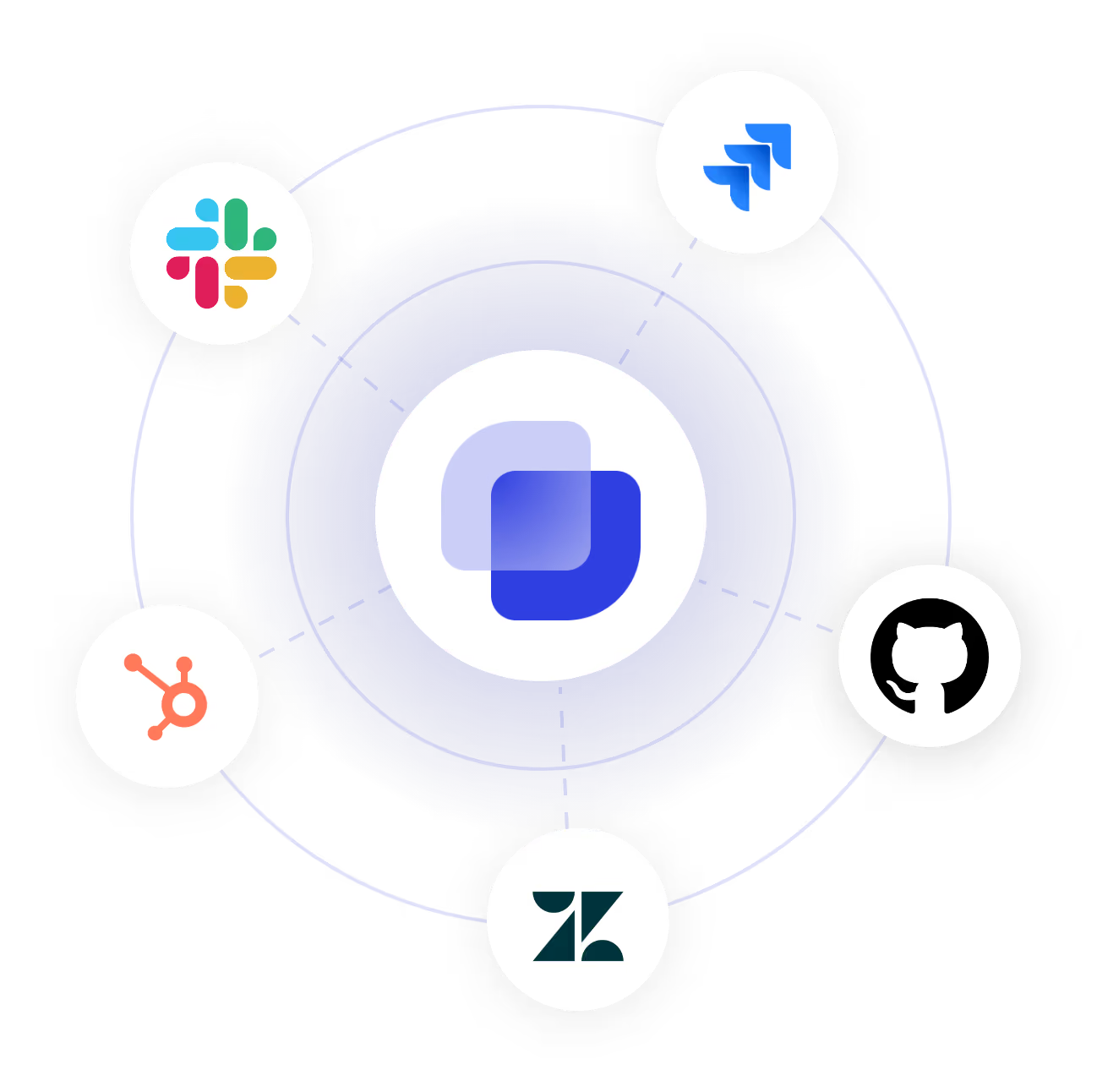
Connect Your CRM and Support Stack to the Customer Support Ticketing System
Frequently Asked Questions
What is a customer support ticketing system?
A customer support ticket turns requests from customers into tickets. Each ticket has an owner, status, and SLA along with recording of every action for review. Suptask is a B2B customer support ticketing system in which each customer has a shared Slack channel. Email and WhatsApp requests reach the same queue, so the customer support ticket software holds every account in one list.
No, Suptask works with your existing Slack workspace and becomes available in the customer's Slack once a shared channel is created. Your customers can track open tickets in Suptask. Also ticket can be created as the way there are created in Slack either with the 🎫 reaction or the message action.
Yes, for B2B work. Each customer gets a shared channel, and requests raised in it become tickets. Suptask adds the owner, the SLA, the CSAT survey, and the escalation path to that conversation. The how-to for Slack customer support is covered on the blog, and the hub page lists the rest of the ticketing system.
Yes. Emails to your support address become tickets in the same Inbox, and the replies go back as emails under your company name. WhatsApp groups are available on the Custom plan, and web forms are part of Growth. The customer support ticketing software puts all of it in one queue, so the ticketing system customer service teams work in does not change with the channel.
No, Suptask has no chat widget and no phone line. A public help center is not part of it either, so the fit is B2B accounts in shared channels along with internal support. Teams that run both keep a consumer desk for the widget and use Suptask for the accounts that work in Slack. Zendesk and Intercom integrations are available on the Custom plan.
Starter is $15 per agent per month on annual billing, or $18 monthly, and covers one queue. Professional at $24 adds Slack Connect, email intake, CSAT, canned replies, and multiple Inboxes. Growth at $38 adds the SLA per account, branding, multi-language, and AI answers. WhatsApp and the CRM integrations are on the Custom plan, with the full customer support ticketing solution priced per agent.
Give every customer a channel and your team one queue



