


MSP Ticketing System Built on Client Conversations
Raise, assign, and answer tickets from the Slack mobile app, with the same forms and buttons as on desktop.












MSP Ticketing Software for Client Work and Internal IT

Client support
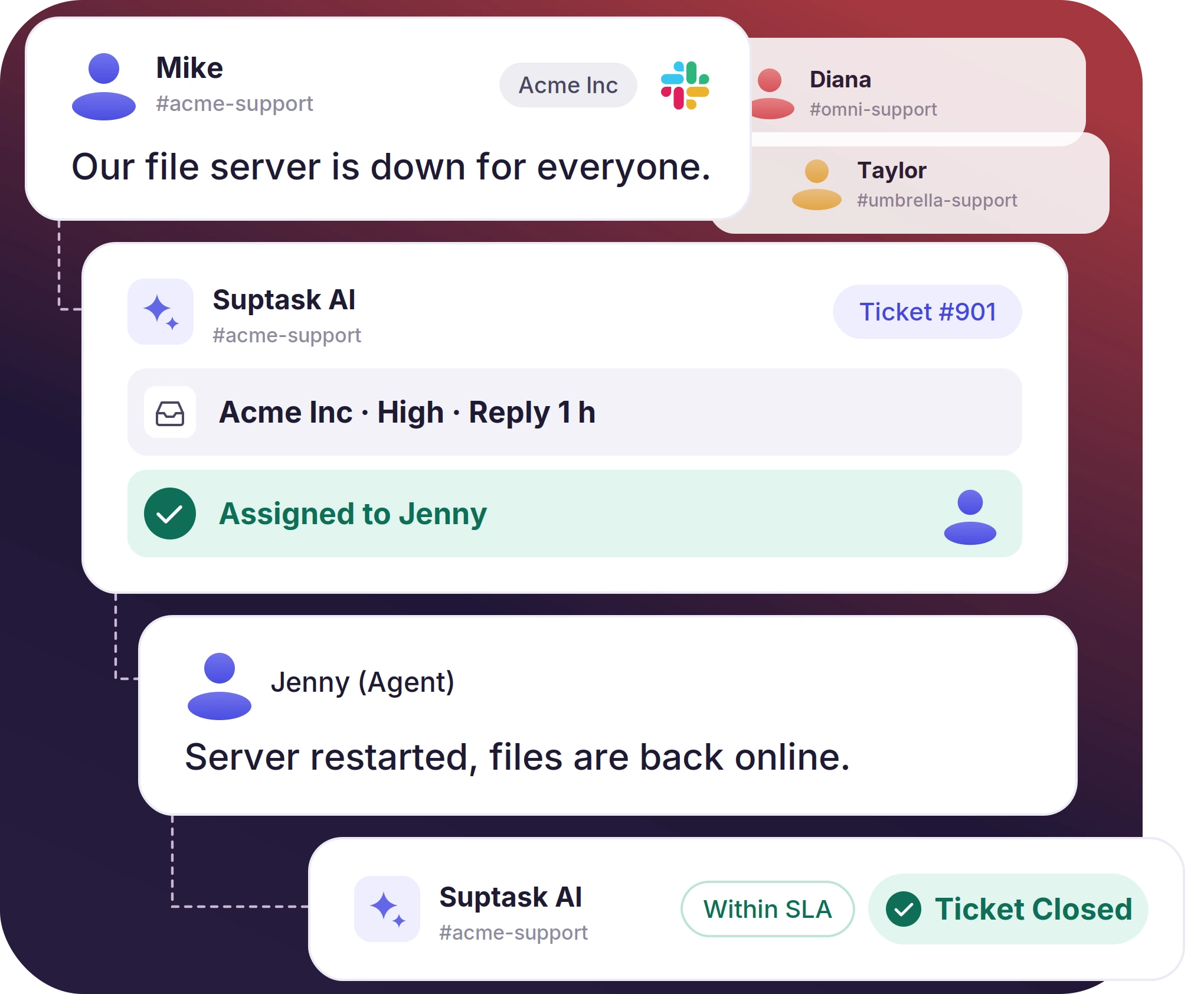
Client requests are handled in Slack, including access problems, server issues, and software issues. Each ticket has an owner, priority, and a response target.

Internal teams at the MSP
IT, HR, and operations at the MSP handle their own requests through Suptask along with client queues.

Multi-client management
Every client account has its own workspace and its own queue. Volume, SLA compliance, and workload across all of them are viewed on one dashboard.
One MSP Service Desk for Every Client Workspace
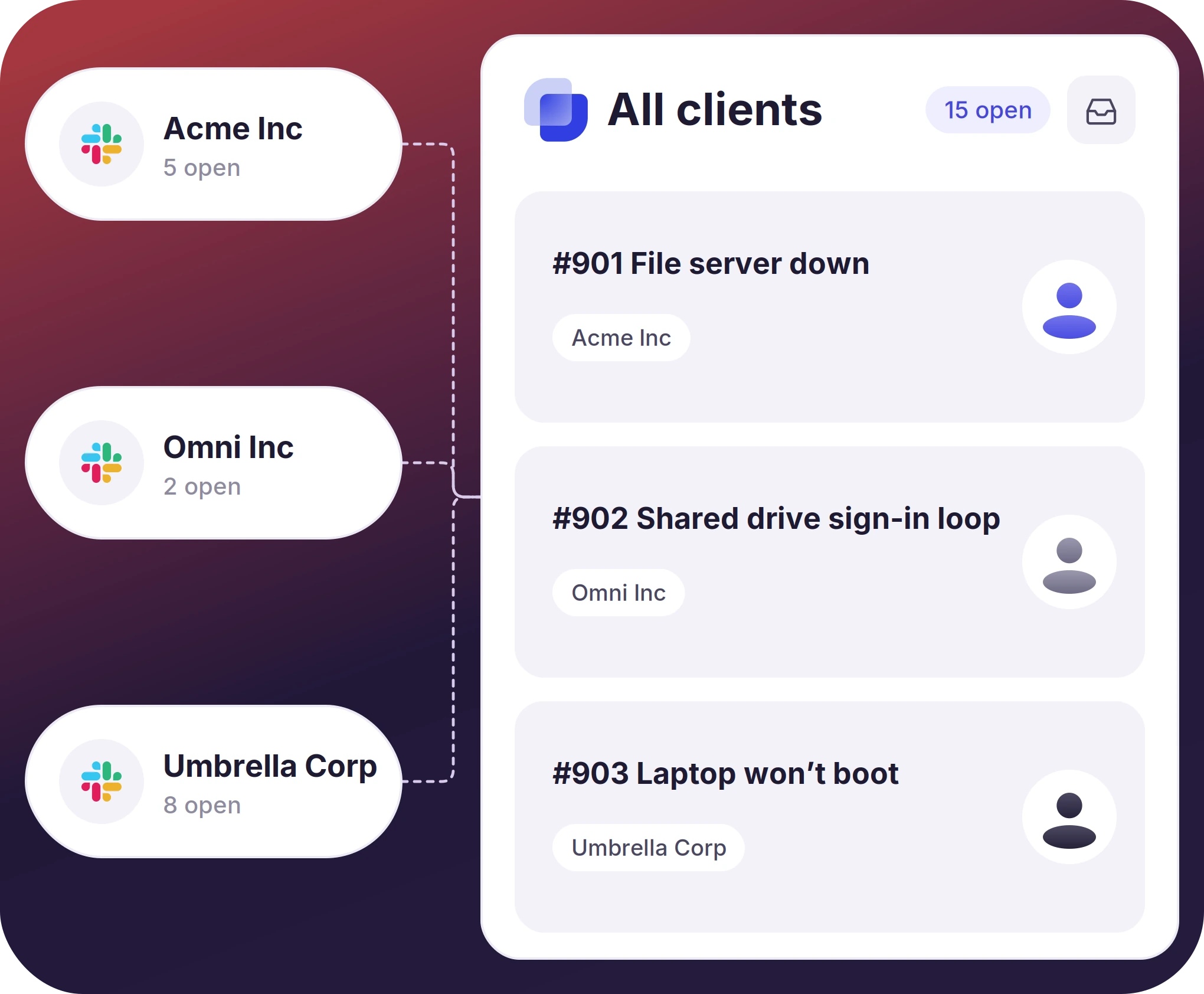
- Tickets from each client’s workspace reach one queue technicians work from
- Tickets from all connected workspaces are read in one dashboard
- Suptask Support connects each client workspace to the MSP account
Set a Different SLA For Each Client Account
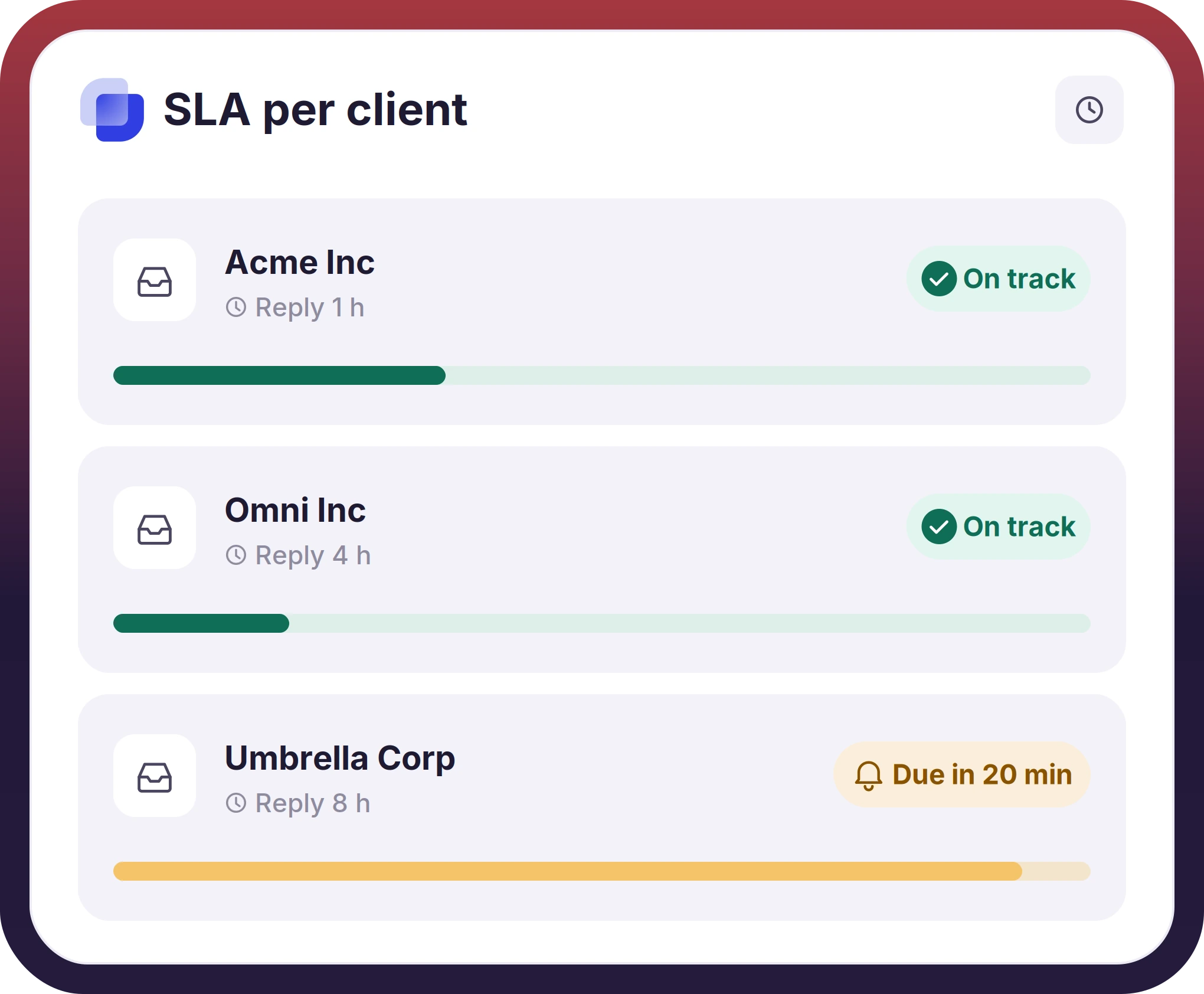
- Set a different SLA target for each client account's inbox
- A missed SLA target is notified and escalated by the rules set on that inbox
- Ticket volume, resolution time, and workload are read on one dashboard for every client account
The numbers speak for themselves.
Create a Ticket From Any Message in Slack
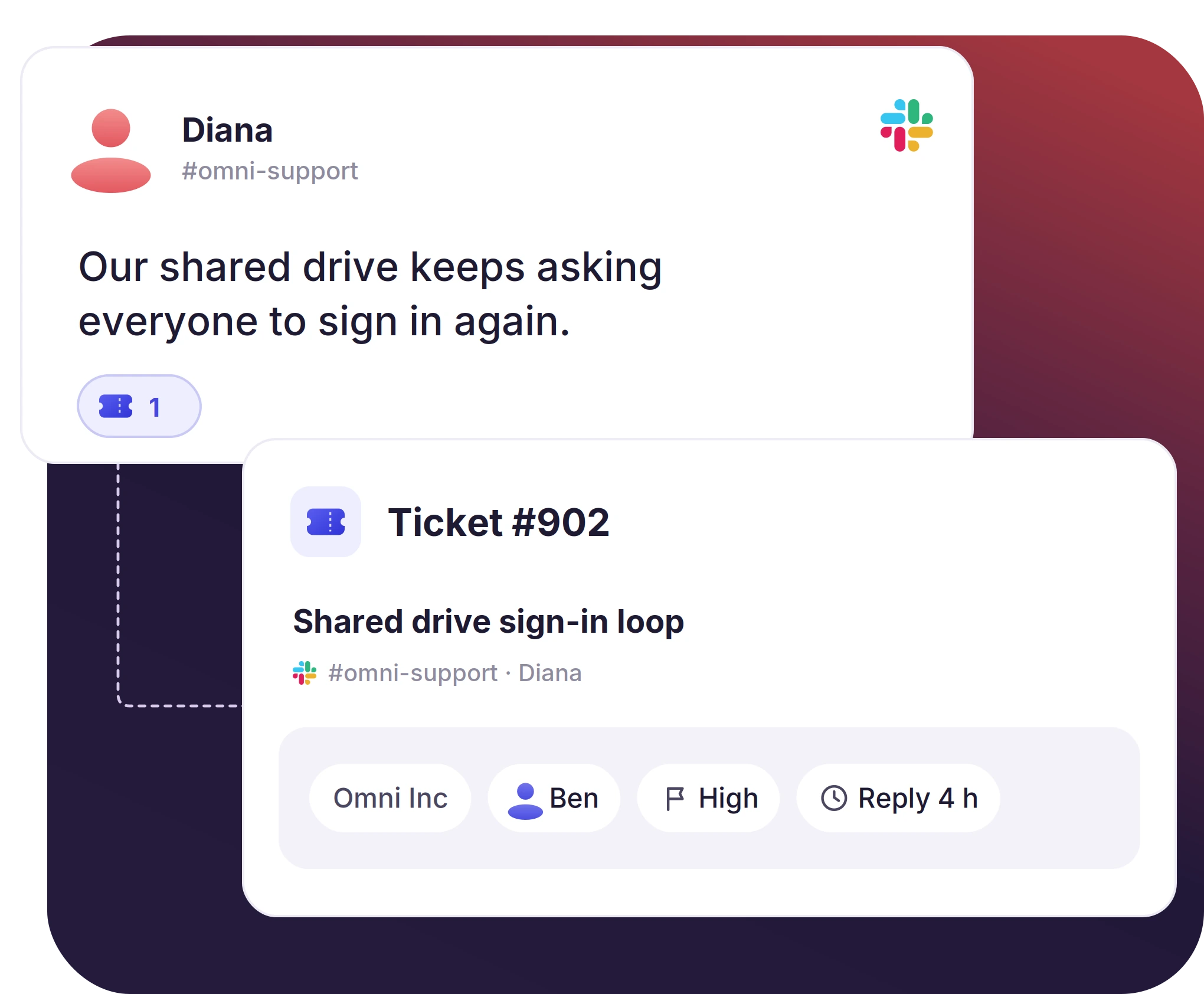
- A message in a Slack channel, thread reply, or DMs becomes a ticket
- Tickets can be created automatically by set rules, one click, or by ticket emoji
- Each ticket has an owner, priority, and response target from the time it is created
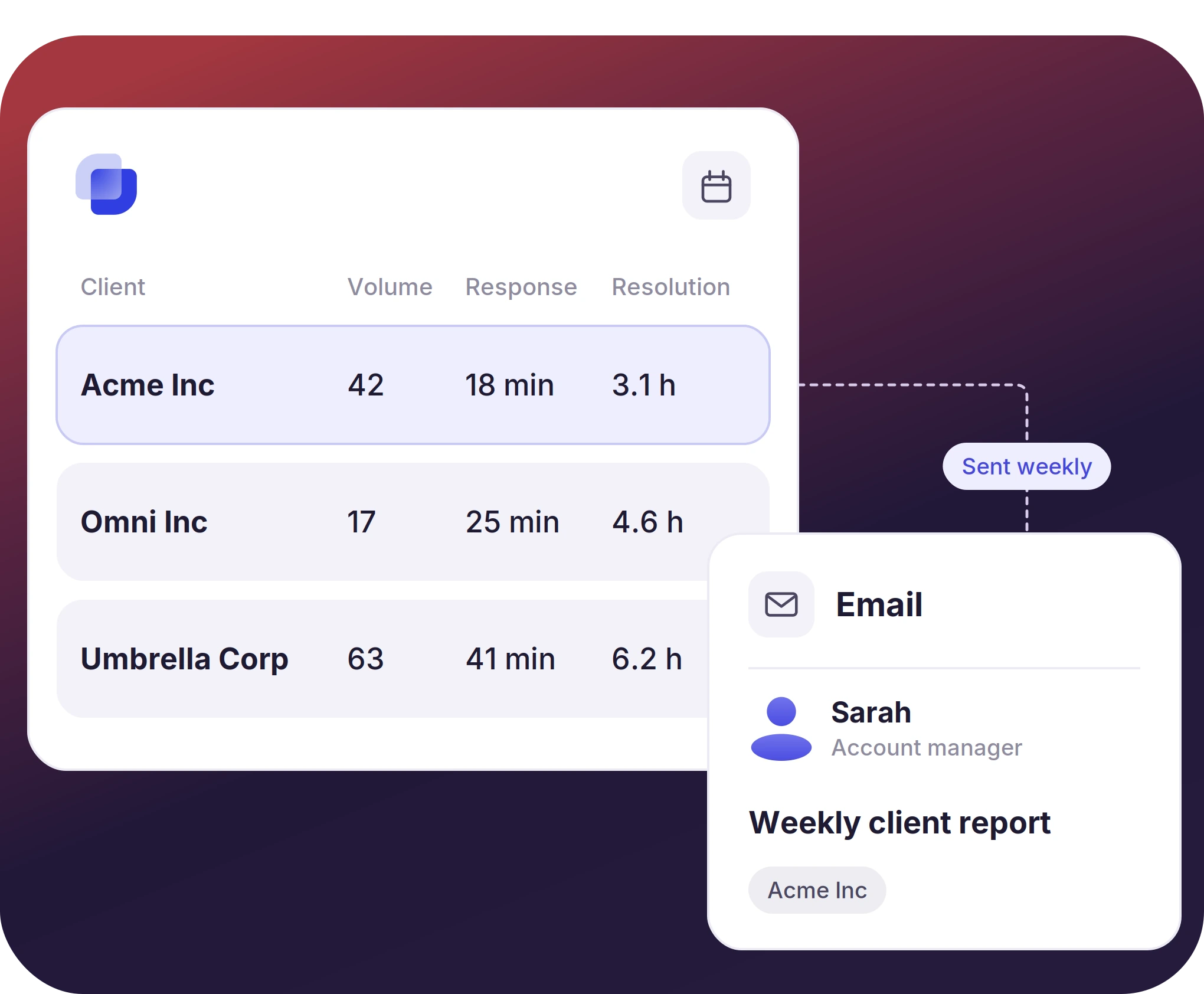
Measure How MSP Ticketing System is Performing
- Ticket volume, response time, and resolution rate are reported for each client and technician
- Email reports are sent to account managers and leadership with ticket figures for their client accounts
- Custom web views let each manager filter the tickets they are responsible for


Where Suptask Differs From Portal-Based MSP Help Desk Software
How the MSP Ticketing System Works in Slack
Connect
Capture
Resolve
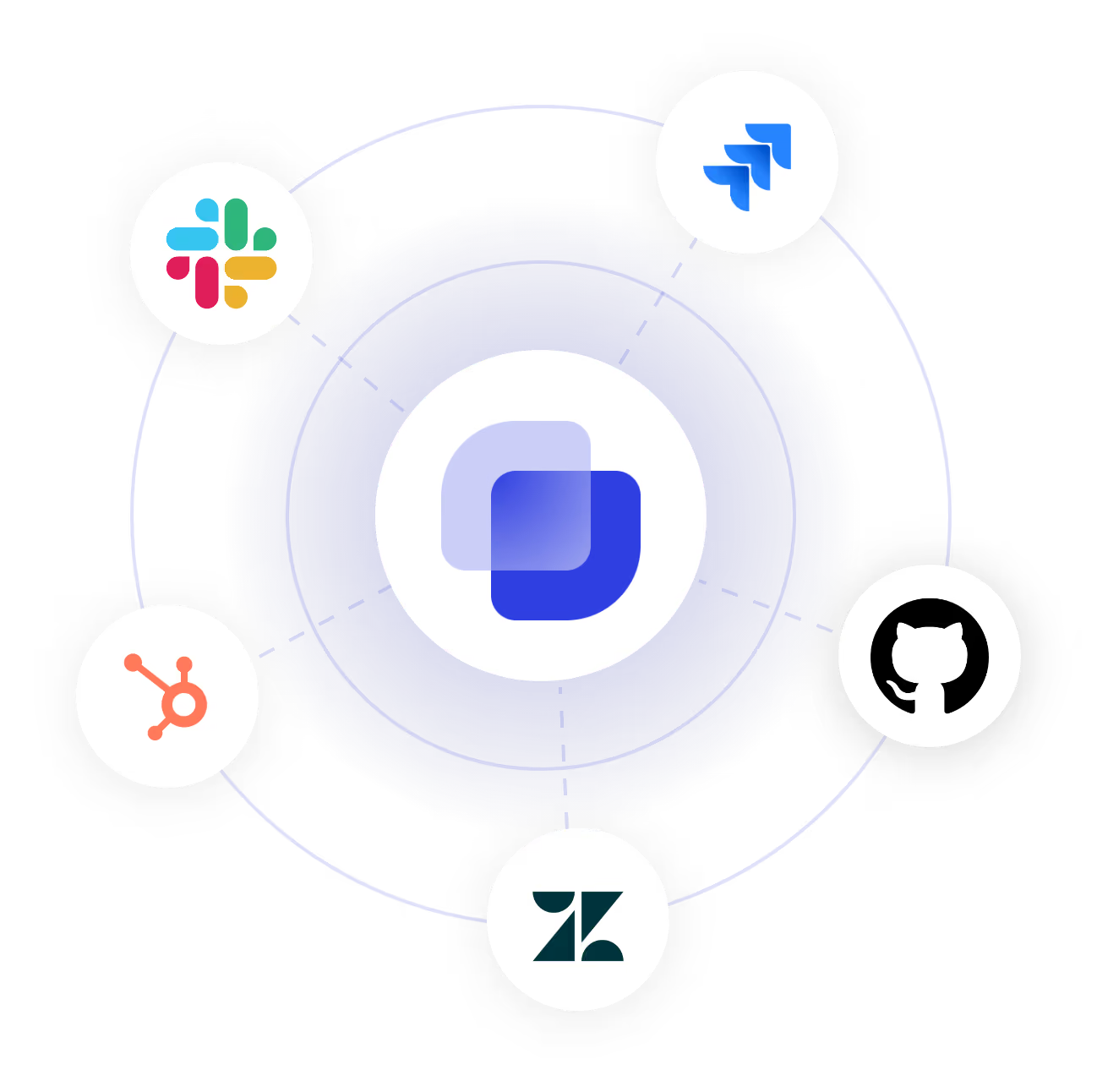
Connect Your Clients' Tools to the MSP Ticketing System
Frequently Asked Questions
What is an MSP ticketing system?
An MSP ticketing system tracks client support requests as individual tickets. Each ticket has an owner, response target, and record of how it was resolved. It helps with measuring how many tickets clients raise and how quickly they are resolved by the MSP's team.
MSP help desk is the support function run by an MSP for its clients. It takes client requests, sorts them by urgency, assigns technicians, and tracks resolution against the SLA. Suptask brings this process into Slack, enabling both technicians and clients to work in Slack.
Professional Services Automation (PSA) bundles tickets with billing, time tracking, project accounting, and resource management. An MSP ticketing system works on the client service delivery side by bringing a structured process for capturing, routing, and resolving tickets. Suptask ticketing system works with both PSA and MSP.
Yes, one workspace is set as the primary, where the technicians manage and respond to tickets, and each client workspace is connected to it. Agents get a single overview of the tickets across all the connected workspaces, along with dashboard analytics and reporting. Suptask Support sets up the multiple workspaces on the account.
No, Suptask can connect with the client workspace directly, no Slack Connect is needed. Slack Connect shares single channels between two organizations, while Suptask connects the complete workspaces together for ticketing
Suptask has four plans. Starter is $15 per agent per month, Professional is $24, Growth is $38, and enterprise pricing is custom. Multi-workspace setup for an MSP is arranged with Suptask Support. Visit the pricing page for the current details, or book a demo to go through your MSP's setup.
Give your technicians a client ticket queue in Slack.



