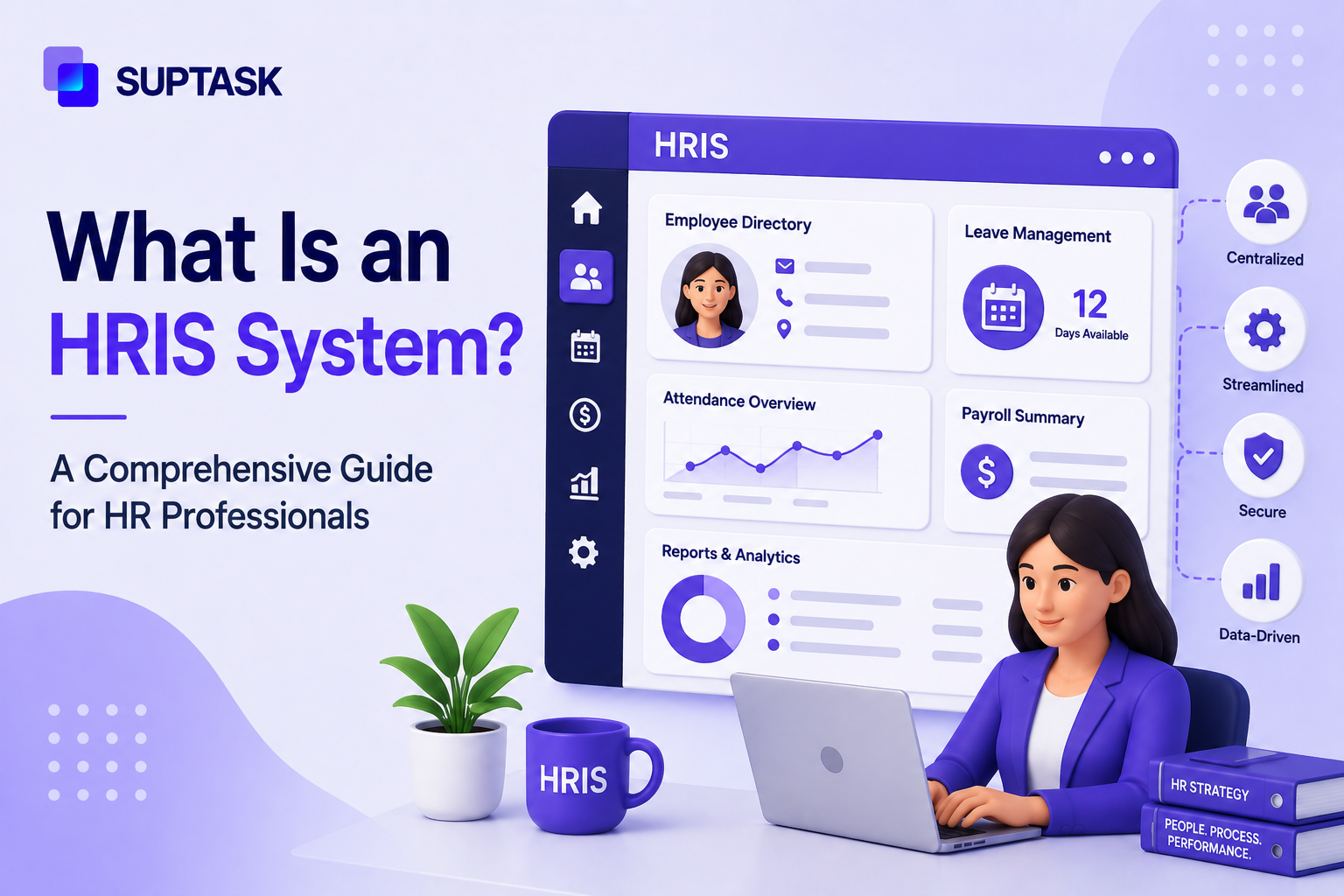
HRIS (Human Resources Information System) is software for HR teams to manage central employee records and a workflow layer for employee data.
From employee record storage and attendance tracking to time management, it acts as a unified platform to execute human resources roles and responsibilities.
This article explains what an HRIS is, how it differs from an HRMS and an HCM, what its core features are, how to choose one, and how it fits into the wider HR tech stack.
What is an HRIS?
An HRIS is the software layer where employee records are stored and managed. HR teams use it as the single source of truth, so the same data is read across the company in one place.
Here is what an HRIS usually holds:
The concept of HRIS came up in the 1980s. It was among the first commercial software categories built for business functions. Earlier, this data was managed on paper or in spreadsheets.
An HRIS also keeps track of each change to a record. That history helps with reporting and audits. Along with the day-to-day work, it supports compliance-related tasks as well.
What does HRIS Stand For?
HRIS is short for Human Resource Information System. A few people write Human Resources with an S, and the meaning does not change. In some companies, the same software is called the HR system or the core people database. All of these refer to the tool that stores employee data.
HRIS vs HRMS vs HCM
HRIS, HRMS, and HCM are often used interchangeably, though they are different. They cover different types of HR work, as said below:
- HRIS: It is a centralized database for employee records with workflows connected to that data. For small to mid-size teams, HRIS can work well.
- HRMS: It is an HRIS with added capabilities of payroll, time tracking, and performance management, so the scope of the tool moves from records into daily operations.
- HCM: More comprehensive than HRIS and HRMS. Beyond HRMS capabilities, it offers other features like workforce planning, talent management, and analytics. It is meant for large companies.
So, HRIS, HRMS, and HCM, all three are different when it comes to scope.
The Core Functions of an HRIS
HRIS software does a lot of different jobs. The features vary from one vendor to another, but the following are the core functions that are available in all HRIS.
Employee Data Management
This is the core feature of every HRIS software that manages employee records in one place. This information includes personal details, past employment, current job, and other important information.
The record is managed centrally and always up to date. It also holds worker status, like whether someone is exempt or non-exempt.
Time and Attendance
It records employee clock-ins, timesheets, and days off in one place to help the HR team track employees ' time and attendance of the employees. Once approved, it can be moved to payroll.
Payroll Processing (or Integration)
The payroll feature of HRIS software works in two ways. Some HRIS have it built-in while others connect to Payroll systems like Gusto, ADP, or Paychex.
Benefits Administration
HRIS can also handle all the employee benefits from sign-up to changing them later. Open enrollment, a new baby, a marriage, all of that gets handled here. Additionally, it can also work with insurance and benefit providers to sign up for benefits or update them.
Recruitment and Onboarding
HRIS platforms also cover recruitment and onboarding, varying from one vendor to another. They either offer this through an applicant tracking system built in or integrate with an ATS for the talent acquisition side, like posting jobs and going through resumes. Once the hiring is done, the same platform can also send the offer and run the onboarding checklist. This checklist is a big part of the role of HR in onboarding, since it sets up the new person's accounts and paperwork.
Performance Management
HRIS tools can help with performance management features, as goals, review cycles, and notes from managers get stored centrally. Although it is not a full-fledged performance management tool, it can help with basic ones like yearly reviews.
Reporting and Analytics
HRIS manages all the data centrally, making the reporting and analytics part easier. It can measure headcount, turnover, time-to-hire, and DEI numbers. A People Ops lead can pull turnover by team without asking anyone. This is also the base for people analytics later on. Clean data here makes those dashboards actually work.
Employee Self-Service
Self-service is the side employees see. They update their own info, grab a pay stub, check benefits, or file a PTO request on their own. Someone books time off from their phone, and it goes to their manager to approve. Of all the functions, this is the one that cuts HR tickets the most. People just answer their own questions.
Types of HRIS Systems
HRIS systems are often categorised into different groups based on the work they do in human resource management.
Operational HRIS
It is one of the simplest types of HRIS platforms that focus on routine admin. Small and mid-size companies often start with operational HRIS systems. It has features such as employee records, benefits enrollment, and payroll data feeds.
Simply put, it is meant to help companies with data storage and keeping it organized.
Tactical HRIS
Tactical HRIS, beyond Operational HRIS systems, helps companies with analytics needs. From recruitment analytics and training records to compensation planning. It is the right choice for companies that need analytics capabilities along with data storage.
Strategic HRIS
Strategic HRIS systems help companies with planning for headcount and salary costs three years ahead. It is often chosen by large companies to cover succession planning, talent forecasting, and workforce cost modeling.
Cloud, SaaS, and On-Premises Deployment Models
Beyond the three types, there is the question of where the software actually runs. These days, most HRIS systems are in the cloud, sold as SaaS, so the vendor hosts it and the team works through a browser. An HRIS cloud setup is the norm now. On-premises, where the system runs on company servers, has mostly faded. It hangs on in banks, healthcare, and other places with strict data-sovereignty rules. A few vendors split the difference with a hybrid.
Choosing an HRIS by Company Size
The selection of the right HRIS depends on the size of the company. A small team and a large enterprise have different needs from an HRIS platform. The following 4 might help you make the right choice.
HRIS for Small Business (Under 50 Employees)
For a small business under 50 employees, the HRIS platform must be simple to use. It is mostly used for basic admin work, so the learning curve should be simple and easy to set up.
Beyond basic work, for additional capabilities, integration can be considered rather than native capabilities, as it will help to keep the cost lower.
HRIS for Growing SMBs (50 to 250 Employees)
Companies with 50 to 250 employees are usually the first-time HRIS buyers. The workflows are getting bigger, and the benefits are more complex. Along with scalability, the HRIS should be able to enable self-service for HR teams to offload their mundane tasks.
HRIS for Mid-Market (250 to 1,000 Employees)
Mid-sized companies of 250 to 1000 employees have many other systems supporting their day-to-day work, so the HRIS platform should help them to connect with their existing systems. Additionally, the reporting flexibility and API depth are also important. A tool with good features but poor integrations only creates extra manual work. The integration list is what should guide the shortlist here.
Enterprise HRIS (1,000+ Employees)
Enterprise HRIS is meant for companies with 1,000 employees. At this level, companies beyond operational, tactical, and strategic capabilities need compliance across regions, global payroll, multiple legal entities, and deep analytics.
Global HRIS systems also have to support different currencies, tax rules, and languages. Workday, SAP SuccessFactors, and Oracle HCM are some of the common platforms used by enterprises. Over-buying is not really the issue here. The main challenge is the rollout, which can take a year or more.
The HRIS Integrations Ecosystem
HRIS sits at the center of the HR stack and shares data with the tools around it. The HRIS is the hub, and the payroll, hiring, and IT tools are the spokes.
Payroll and Benefits Providers
The most common integration is with payroll and benefits providers like Gusto, ADP, Paychex, and Zenefits. Payroll integrates with the HRIS system and shares employee data, tax info, and deductions. The sync is often bidirectional, so a change made in one place shows up in the other.
Applicant Tracking Systems (ATS)
ATS systems are getting popular across all sizes of companies. The HRIS system should connect with Applicant tracking systems like Greenhouse, Lever, and Ashby to fetch candidate information and update it in the HRIS system.
Learning and Performance Platforms
Learning and performance platforms help HR teams to upskill the employees. By integrating with LMS platforms and continuous performance tools like Lattice, 15Five, and Culture Amp. These push data back into the HRIS, like course completions or review scores, to keep the employee record complete.
ITSM and IT Provisioning
Onboarding and offboarding usually involve IT work too. A new hire needs a laptop, accounts, and system access. All of that runs through IT tickets. Modern HRIS platforms can trigger these tickets downstream, so IT gets the request as soon as HR adds or removes someone.
Slack and Internal Communication Tools
The core responsibility of the HR team is establishing effective communication with employees. For most teams now, communication is happening on Slack.
An HRIS can organize all the information, but people still have to find it, where a Slack integration can help. Suptask is one example that can bring all the HR information into Slack. It runs an HR ticketing system inside Slack, so an employee can raise a request without leaving the channel. Through its BambooHR integration, that ticket can read and write to the HRIS record, so the data stays in sync while the work happens in Slack.
The Benefits of an HRIS
HRIS can bring many benefits to an HR team. Here are some of the obvious benefits of HRIS that teams notice:
Reduced Admin Load
This is one of the most common benefits for companies of all sizes, as it reduces the admin work. HRIS offloads an HR team from manual data entry, since most of it is done once and stored in one place. Routine tasks like updating records or pulling basic reports also get faster.
Better Data Accuracy and Compliance
With a single source of truth, data accuracy can be maintained. The single record can be used everywhere without errors. Furthermore, it also keeps an audit trail to ensure compliance.
Improved Employee Experience
HRIS can also improve the employee experience by offering self-service capabilities. Employees can update their details, pay stubs, or request time off on their own. They do not have to wait for HR to reply to every small thing.
Better Decision-Making Through Analytics
An HRIS is also the base layer for people analytics. The data sits in one system, so it can be used for reports and dashboards on things like turnover or headcount. Without clean HRIS data, those dashboards do not work well.
How to Choose the Right HRIS?
Choosing an HRIS gets easier with a simple framework. The five criteria below cover most of what matters when comparing options.
Identify the Workflows the HRIS Must Anchor
Every HR team has different needs to work on. A good starting point is to list the top 5 to 8 workflows that would benefit most from being in one place. The most obvious starting points could be onboarding, time off, benefits, or performance reviews.
These are the core workflows, well before anything else is considered.
Score for Integrations, Not Just Features
An HRIS should integrate with existing systems, in addition to features. Therefore, before choosing a platform, make a list of the integrations like payroll, the ATS, ticketing, and Slack. A simple question to ask each vendor is how the tool syncs with these systems, and whether that sync is one-way or bidirectional.
Match Sophistication to Company Size
The right level of HRIS depends on the size of the company, which is already covered in the company-size section. Avoid over-buying, as instead of helping the HR team, it will create a technical burden. It is best to match the tool to the current size of the company to ensure that you are paying for the features needed.
Plan for Implementation, Not Just Selection
Implementation is among the core requirements of an HRIS system. Implementation time varies from one tool to another, often a few months at a smaller company and months at enterprise level.
The data has to be cleaned, migrated, and checked before go-live. It helps to ask a vendor about the setup timeline and what support they give during migration.
Ask About API and Data Export
Most companies change their HRIS at some point. Because of that, data portability matters more than it seems at buying time. It is worth checking whether the HRIS has an open API and how easy it is to export the full employee data if the company moves to another system. These terms are easy to miss in a contract.
Common HRIS Implementation Pitfalls
HRIS projects run into the same problems again and again. Most of them come from how the rollout is handled, more than from the software itself. These are the common ones.
- Underestimating the data cleanup: Moving to an HRIS system means migrating the old employee data from spreadsheets to the platform. From data format compatibility to cleaning old data, this often takes more time than the implementation itself.
- Treating go-live as the finish line. The adoption of HRIS is a long journey that doesn’t end at the implementation but begins with it. An effective training to follow up is needed to ensure employees can get the best out of the HRIS system.
- Skipping the integration work: HRIS should work with the existing system to create a single source of truth rather than another data silo. So, integration needs to be treated as the priority work.
- Buying by feature list instead of workflow fit: A long feature list might look good on paper, but its usability should be evaluated against a team's needs.
Frequently Asked Questions
What is an HRIS system?
An HRIS, or Human Resource Information System, is the software HR teams use to store and manage employee data in one place. It holds records like personal details, job history, and pay. Other HR tools connect to it, and most HR work runs on top of this system.
What does HRIS stand for?
HRIS stands for Human Resource Information System. Some people write it as Human Resources Information System, and both mean the same thing. It refers to the main software an HR team uses to keep employee data and run HR processes in one system.
What is the difference between HRIS, HRMS, and HCM?
An HRIS manages core employee records and workflows. An HRMS does that and adds payroll, time tracking, and performance management. An HCM covers everything an HRMS does and adds strategic work like workforce planning and talent management. The main difference is scope, from data at one end to strategy at the other.
What are the main types of HRIS systems?
There are three main types. An operational HRIS handles daily admin. A tactical HRIS supports mid-term decisions like recruiting and compensation planning. A strategic HRIS is for long-term workforce planning. HRIS tools are also grouped by how they are hosted, which is usually cloud, on-premises, or a hybrid of both.
What are the core functions of an HRIS?
The main functions are employee data management, payroll, benefits, recruiting, performance management, and reporting. An HRIS usually adds time tracking, onboarding, and self-service as well. The employee record sits at the center, and the other functions connect to it.
What is a cloud-based HRIS?
A cloud-based HRIS is one that runs on the vendor's servers and is used through a web browser. It is sold as SaaS, so there is no software to install or hardware to manage. Updates happen on the vendor's side. Most modern HRIS platforms work this way now.
What is the best HRIS for a small business?
There is no single best HRIS for a small business, since the right one depends on the team's needs. For a company under 50 people, the priorities are usually ease of use, payroll integration, and low admin work. The company-size section above has more detail on what to look for at each stage.
How do I choose an HRIS?
Start with the workflows the HRIS has to handle, then check how well it integrates with the other tools in use, like payroll and Slack. Match the level of the tool to the size of the company, and plan for the setup time. It also helps to ask about the API and data export terms.
How does an HRIS integrate with other tools?
An HRIS connects to other tools through built-in integrations or an API. Common connections are payroll providers, applicant tracking systems, learning platforms, and IT ticketing. The sync is often bidirectional, so data updated in one place appears in the other. Some HRIS setups also connect to Slack so employees can make requests where they already work.
What are common HRIS implementation challenges?
The common challenges are less about the software and more about the rollout. Teams often underestimate the data cleanup needed before migration. Adoption also takes months after go-live, since people have to change how they work. Half-built integrations are another issue, as they leave HR doing double entry across systems.
Closing
An HRIS is the foundation of the HR tech stack. It holds the employee data that everything else depends on. But the real value of an HRIS system comes from how well it connects to the other tools a team uses, from payroll to hiring to IT. A system that sits on its own does far less than one that is wired into the daily workflow. Slack is a big part of that workflow now. Teams that run an HRIS often benefit from bringing HR ticketing into Slack, so employees can get HR support without leaving the place they already work. The HRIS keeps the record, and the ticket keeps the request moving.