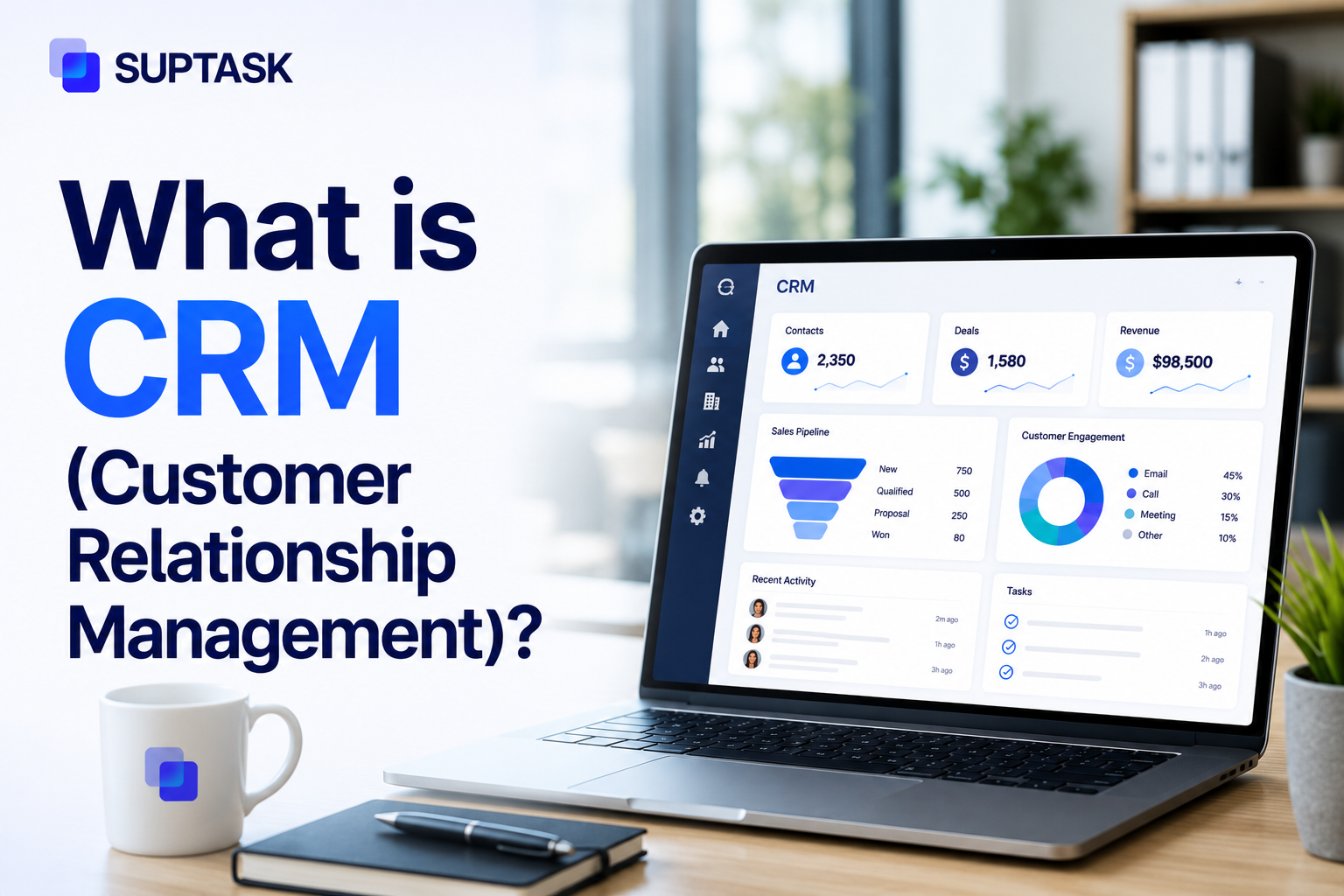
Customer relationship management, or CRM, is the system a business uses to centralize all of its customer information, such as contacts, deals, and past conversations. So the scattered spreadsheets and separate inboxes get replaced by a single shared database the whole team works from.
The word CRM gets used two ways really, it is the software itself, and it is also the wider strategy for managing customer relationships that the software is built to support.
This post is written for anyone who is researching what CRM software is and trying to work out whether their own team actually needs one. It covers what a CRM does day to day, the main types, the benefits, and the honest point where you might not need a full CRM at all. There is also a plain comparison of CRM against the tools it keeps getting confused with, the spreadsheet, the ERP, the help desk, the project tracker.
What Does CRM Mean?
CRM software is the system a company runs its customer records on. It holds who the customer is, what they have bought from you, and the exchanges that have gone back and forth, all of it kept current as the relationship carries on.
The word is used two ways, though. CRM is the strategy a company follows for handling its customer relationships, and CRM is also the software running underneath that. Ask someone what CRM management is, or what the purpose of CRM is, and they nearly always mean the software.
It is not one team's tool either. Sales works the pipeline, marketing runs its campaigns off the same contacts, support pulls the history mid-conversation, and IT is in there at some companies. One system, each team using it their own way.
The idea goes back a while. CRM came out of contact books and the paper Rolodex. The record has just moved into software that can chase the follow-ups and report on the data.
What Does CRM Software Do?
What CRM software does, it comes down to a handful of jobs. Some of them are in every CRM, and some depend on the product.
- Contact and account management: The contacts and the accounts are all kept in one place, like who the customer is, their company, email, the whole history of what has happened between them and you. This is the base that the rest of the CRM is sitting on top of.
- Sales pipeline tracking: The pipeline is the part where the deals are getting moved from one stage to the next, a new lead first, then qualified, then proposal, then closed. A salesperson is able to see where each of the deals is standing at any moment.
- Email and communication tracking: Every email that is sent, every call, every meeting, is getting logged on the contact by itself. So the record keeps building up, and nobody is entering the same thing twice.
- Task and follow-up management: The follow-ups are handled from here as well. The right person is reminded to go back to the customer at the right time, and the lead is not slipping through only because someone has forgotten it.
- Reporting and analytics: Reporting is turning all of this activity into the numbers a manager can actually read, where the deals are getting stuck, which of the channels are converting, which of the reps are carrying more than the rest.
- Marketing automation: It is offered with all CRMs, which runs data such as segmented customers, the campaigns, and who has engaged is tracked. The bigger teams, though, are usually running a separate tool only for this part.
- Customer service integration: On the support side, the past tickets and the service history are surfaced the moment the customer is reaching out again, so whoever picks it up is not starting the conversation blind.
- Workflow automation: There are rules running underneath the whole of it too. The leads get assigned on their own, the reminders are fired, the records get updated the moment some trigger is hit, without a person touching any of it.
- AI features: The AI part is the newer addition, and by 2026 most of the CRMs are shipping it as the standard. The calls get summarized by themselves, the next step is suggested, the leads get scored, and a first draft of the email is written for you to cut it down.
Not all of these are done well by every CRM, though. The right one depends on what it is you actually need it for.
Types of CRM Software
CRM can be categorized into two types based on its function and by the department where it is used.
By Function: Operational, Analytical, Collaborative
- Operational CRM is the most common type, and it is what most people mean when they say CRM. It automates the day-to-day customer-facing operations across teams like sales, marketing, and service.
- Analytics CRM helps to read the data a business collects. It can help to build dashboards, reports, and customer profiles by understanding the data from all the sources.
- Collaborative CRM brings together the different teams like sales, services, and marketing to work together on the same customer record.
You might also find strategic CRM, however, it is similar to collaborative CRM, which is why we have discussed it separately here.
By Deployment: Cloud, On-Premises, Hybrid
- The cloud-based customer relationship management system is the standard in 2026. It is hosted on the cloud infrastructure maintained by the vendor, and can be accessed through a browser. Cloud-based CRM has lower upfront cost, and setup is quicker.
- On-premises CRM is hosted on the company's own servers. It will help to have more control over the CRM, but it requires more IT overhead, and updates are often slower.
- Hybrid CRM is also available, which brings the capabilities of both cloud-based and on-premises CRM. It is mostly regulated industries and big enterprises that go for it, the ones with strict rules on where their data is kept.
Most SMBs often start with the cloud-based operational CRM.
Benefits of CRM software
CRM software helps to replace the guesswork with a shared and structured knowledge of the customer, and the whole team can see it. The benefits of CRM software show up in a few areas.
- A CRM keeps one single record of the customer, and it is the same record that sales, support, and marketing all look at. So no one has to wonder who said what to the customer back in March.
- The tasks and reminders in a CRM help to keep the follow-up on track, and fewer leads are dropped because of it.
- The pipeline data helps the leaders to predict the revenue, and they can do it with more confidence than a gut feeling.
- The customer history stays in one place, so the reps can see it during the support and renewal conversations without asking the customer to repeat it.
- Most CRMs are connected with email, calendar, and chat, so the reps do not copy-paste between the different systems.
- The reporting helps to show where the deals are stuck, which channels convert, and which reps need help.
A CRM like this also supports the wider customer experience strategy, because the team knows the customer better.
Benefits For Small Businesses Specifically
The benefits of CRM for small businesses are a little different.
- Small businesses often start with a spreadsheet, then move to a contact manager, and then to a CRM. The benefit of a CRM shows up once the team grows past around 3 to 5 people who are doing the customer-facing work.
- For small businesses, the gains are mostly simple ones, like no lost leads when one person is on vacation, cleaner handoffs between sales and service, and a basic view of the pipeline without hiring a sales ops person.
- A one-person business does not really need a CRM, though. A contact list and a calendar can work fine until the team grows bigger.
When You Might Not Need a Full CRM?
A CRM is not the right tool for everyone, and there are a few cases where you do not really need one yet.
- A solopreneur or a very small team of 1 to 3 people can often get by with a well-organized spreadsheet and a shared inbox. There is not enough going on yet for a CRM to be worth the cost.
- For the teams with a very simple sales cycle, like one purchase and no follow-up, a contact list and some payment records can be enough on their own.
- Some teams mostly need internal coordination and not customer tracking. A CRM is the wrong tool for them, and they should look at project management or ticketing instead.
- The B2B SaaS support and IT teams are a different case. A CRM tracks the relationship and the pipeline, not the operational ticket queue, so it is a different category of tool altogether.
When in doubt, start simple. Most of the teams that skip the spreadsheet phase end up with an over-configured CRM that nobody uses.
CRM vs Adjacent Systems
A CRM is often compared with the other tools around it. It helps to know where the CRM stops and where the next one starts.
CRM vs Excel
Is Excel a CRM tool? It can be used as a basic CRM, and a lot of small teams do keep their contacts in a spreadsheet for some time. But there are limits you run into, there is no automation, there is no version control when the whole team is editing, there is no proper connection with the email, and there is no real reporting. Most of the teams move away from it around 3 to 5 users, or once the contacts go past 200 or so.
CRM vs ERP
A CRM and an ERP are the two that get mixed up the most often. The CRM is for the customer-facing work, the sales, the marketing, the service. The ERP is for the internal operations instead, the finance, the inventory, the HR. Some of the bigger platforms like Microsoft Dynamics and NetSuite are selling both of them together.
CRM vs Help Desk or Ticketing
A help desk or a ticketing tool is not the same as a CRM, even if the two look close. A CRM is used to keep track of the customer relationship and the sales pipeline. A help desk or ticketing tool is used to manage the support requests and the operational queues. There are also dedicated customer support tools that are built only for that side. A lot of the teams end up using both. This is also where a tool like Suptask comes in, it is a Slack native ticketing tool, and it is not a CRM. It has a Pipedrive Slack integration, so the sales pipeline data can show up next to the support work inside Slack.
CRM vs Marketing Automation
Marketing automation is the tool that keeps overlapping with a CRM these days. Most CRMs come with some basic email marketing inside them, and the dedicated tools like Marketo or HubSpot Marketing Hub do the same thing but in more depth. The smaller teams mostly use the built-in one, the larger teams often use both of them.
CRM vs Project Management
Project management tools are a separate category from a CRM, though the two get confused sometimes. A project management tool is for the internal work, and a CRM is for the customer record. The reason for the confusion is mostly that both of them move things through stages.
How to Choose a CRM?
Choosing a CRM does not have to be complicated, and a few things are worth checking before you commit to one.
- It helps to start with what you actually need, the three or four must-haves, and not a long wishlist of every feature you can think of.
- The size of the team and the way it is growing matters too. A startup needs different things from a 200-person sales org, so what works now might not work in a year.
- The way a CRM connects with the tools you already use, like email, the calendar, the chat, the billing, is often more important than the number of features it has.
- The pricing models are not all the same, some are per user, some are per feature, some are per record. It helps to understand which one is going to scale painfully as the team grows.
- It is easy to over-buy as well. Most of the teams end up using less than 20% of the features their CRM has, so a simpler tool is often enough.
If you are still deciding, it is fine to start with a free tier from one of the major vendors, and to only upgrade once you hit a clear limit.
Frequently Asked Questions
Is it easy to learn CRM?
It depends on the CRM and how comfortable the person is with the software. Most of the modern cloud CRMs come with an onboarding flow that gets a new user productive inside a day, and the advanced features and customization take longer, a few weeks to a few months. The safe way is to start simple and add the rest later.
What is the most used CRM?
Salesforce is the biggest one by market share, and the other big names are HubSpot, Microsoft Dynamics, and Zoho. But the most used CRM for any single team is really the one that the team will actually use, and that is not always the biggest name on the list.
Do I need a CRM for my small business?
Not always. If there are fewer than about 3 people doing the customer work, a spreadsheet usually does the job. Once the team grows past that, the math starts to shift, and a CRM begins to pay off.
Can I use a CRM for personal use and not business?
Yes, some people do. They use lightweight tools like Notion or Airtable, or a free CRM tier, for tracking personal contacts, networking, or freelance clients. It works fine, though most of the CRMs are over-built for that kind of use.
What does ELI5 CRM mean?
A CRM is a tool that remembers everything about every customer for you. So when a customer talks to anyone on the team, that person already knows who they are and what they have done with you before. It saves people from asking the customer the same thing over again.
How much does a CRM cost?
It ranges quite a bit. There are free tiers from the likes of HubSpot and Zoho at the bottom, and enterprise pricing that reaches $150 per user per month or more at the top. The SMB friendly CRMs usually run around $15 to $50 per user per month.