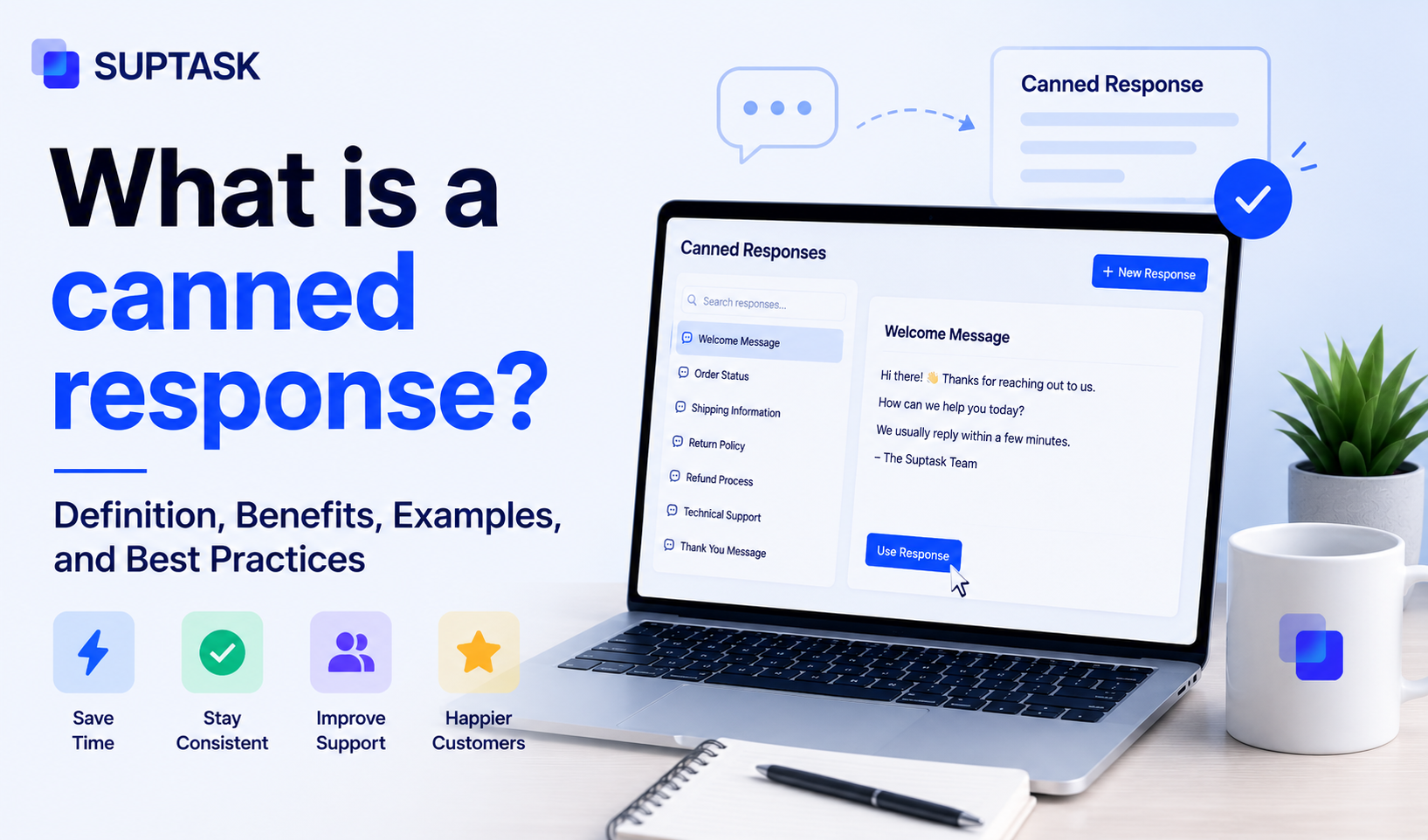
A canned response is a pre-written reply that a support agent inserts manually into a customer message to answer a common question easily and consistently.
Agents often use them because the same questions keep coming back, and typing out the same response will take time and effort. So canned responses are the best way for them to get their job done in the quickest time possible.
In this post, we will go through what a canned response actually is, how it is different from an auto-reply and a template, where they get used, and how to organize them so they do not end up sounding robotic.
What is a canned response? (definition and characteristics)
A canned response refers to a reply that has been written already, so the agent doesn’t have to write it from scratch every single time a common question comes in. Agents only have to pull the relevant response, and they can also edit it to ensure it stays relevant to the customer.
Canned responses, along with speed, ensure consistency, as every agent will send the same message. However, it is not automated, thus, an agent has to choose and send it manually.
Canned responses, also known as canned replies, saved replies, quick replies, canned messages, canned answers, or macros depending on the help desk platform.
Canned response vs auto-reply vs template
People mix these three up all the time, so you should know the difference between them.
A canned response is the manual one. The agent reads the ticket, picks the canned response that fits, edits it, and sends it. So, human involvement is needed.
An auto-reply, as the name says, is an automated one. It is sent by the system automatically when certain conditions are met, like an out-of-office message, we have received your ticket. So, no human involvement is needed.
A template is the broader thing. It usually means a longer pre-written format, like an email template or a support ticket response template. A canned response is just a small part of it, or you can say, a fast kind of template, made for quick insertion into a reply.
Here is how they line up side by side:
Where are canned responses used?
Canned responses for customer service show up wherever support actually happens, which is basically every channel a customer can reach you on.
On live chat when customers expect a quick reply, canned responses can ease agent to do so. While in email, they can eliminate the need for writing the same email each time the same kind of request is received.
Help desk ticket tools have canned responses built into them, so agents can insert them without leaving the tool. They work on social DMs as well, though those usually need a little more editing so the reply does not read as copy-pasted in front of everyone. They also fit into a Slack-native support setup, where an agent drops a canned response into the ticket thread the same way they would inside a traditional help desk, so nothing really changes about how it works.
Examples of canned responses
So what does a canned response actually look like in practice? Here are some of the common ones, by the situation they solve.
- When a new ticket comes in, a quick acknowledgement confirms it is received, gives a ticket number, and sets a rough idea of when they will hear back, so nobody is left wondering if anyone saw it.
- If a ticket needs more detail, a response that asks for the account email, a screenshot, or the steps that caused it saves the agent from typing out the same questions every time.
- During an outage that hits everyone, one canned response tells every affected customer the same honest thing, that the issue is known, people are on it, and where to check for updates.
- Once the issue is fixed, a closing response confirms it is resolved and leaves the door open in case the same thing comes back.
- When a ticket moves to another team or a senior agent, a handoff response tells the customer it is being passed on and to whom, so they do not feel dropped.
- A day or two after the fix, a short follow-up checks things are still working on their side, which is the one most teams forget to send.
These are only the shapes they take, not the exact wording. If you want a copy you can lift straight away, the support ticket response templates are organized by ticket stage.
How can canned responses get organized in a help desk?
So, now you have an understanding of canned responses, let’s work on knowing how to organize them in a way that they remain easy to retrieve. If they are not organized, the team will spend more time finding them, resulting in lost productivity.
- Categorization: Group them by category such as greetings, troubleshooting, billing, escalations, and closings.
- Naming conventions: Each response must be named according to its scenarios, like refund, escalation, or more, rather than reply 1 and reply 2.
- Placeholders and dynamic fields: Placeholders are best used when values change in a response, such as the customer's name, agent ID, request number, or more. This way you can edit them easily to ensure they are personalized. These features usually live right inside the help desk, often as part of its customer support automation software.
- Ownership: Give the library an owner such as a support manager or a senior agent. Ownership ensures that the responses are updated and easy to pull out when needed.
- Maintenance: Have a practice to review the responses from time to time. This way you can ensure they are up to date and in line with your offerings.
What is a canned response in AI?
It is mostly the same idea as before, only now the AI helps decide which one to use, and sometimes it writes the reply for you. This shows up in three ways:
- AI-suggested canned responses: The model reads the incoming message and suggests a reply, either by pulling one from your existing library or offering a short generated phrase. Gmail's Smart Reply is one of the best examples of this. Help desks now do the same thing with customer support automation software, the agent opens a ticket, the AI shows the two or three canned responses that fit best, and the agent picks one and edits it a little.
- AI-generated responses on the fly: AI can also write the reply from knowledge base articles, rather than just being limited to the pre-written responses.
- The honest tradeoff: You should have the AI deployed for AI questions, and a reviewed library for the high-stakes ones like refunds, escalations, or anything legal-related.
Cut short, AI is not replacing the canned response, it is improving it. It can pull the right one automatically, or write one from scratch off the knowledge base.
Here is what that looks like in practice. A customer messages, “I was charged twice this month.” The AI reads it, recognizes a billing question, and surfaces the two saved replies that fit, the duplicate-charge one and the refund-status one. The agent picks the duplicate-charge reply, checks it, and sends it. That is the suggested kind.
Take a rarer question, say a customer asking whether your tool supports single sign-on with Okta. There is no saved reply for that, so the AI writes one on the spot from your knowledge base article on SSO, and the agent reviews it before it goes out. That is the generated kind.
Same queue, two paths, and in both the agent is still the one hitting send.
Best practices for using canned responses well
A canned response is only as good as the way you use it. Here are six things that separate a library that helps from one that annoys customers.
- Personalize every send: Although canned responses are pre-written, it is still best practice to personalize them with the customer name and the actual issue. The right customer service phrases matter here too, because the wording is what makes a canned reply sound like a person wrote it.
- Keep templates short: Avoid writing filler messages, keep it precise and direct to the point. So the customer can understand it easily.
- Review the library on a cadence: Review canned responses from time to time to ensure they are updated and according to the offerings.
- Match the template to the scenario, not the keyword: Agents must send a relevant response according to the scenario, rather than the keyword. So, read the ticket first before sending a response.
- Skip canned responses for emotional or escalated cases: When customers are already frustrated, a canned response is the worst for them. At such times, write the reply on your own, addressing their concern.
- Make the library navigable: Avoid writing too many canned responses, the best practice is to have a library of the ones that are most used, so they can be found easily.
The difference between a canned reply that works and one that irritates is usually small. Take a customer writing in because they were double-charged. Here is the bad version:
- Hi, thank you for contacting support. Your issue is important to us. We have received your message and will look into it. Please allow 24 to 48 hours for a response.
It is generic, it says nothing about their actual problem, and it makes them wait without a reason. Now the good version, same saved reply, used the way it should be:
- Hi Sarah, thanks for flagging the double charge. I can see the two payments on your account from the 3rd, and I have refunded the duplicate one just now. It should land back in 3 to 5 days. I will keep this ticket open until you confirm you have it.
Same length, roughly. The second one reads the ticket, names the issue, and does something about it. That is the whole gap between a library customers trust and one they learn to ignore.
When NOT to use a canned response?
Indeed, canned responses are the best thing, but they won’t make sense to be used every single time. There are a few times when reaching for one does more harm than good.
- When the customer is angry or escalated: A canned reply lands as dismissive when someone is already upset. They want to feel heard, and a templated answer tells them the opposite, so write this one yourself.
- If a customer has already complained about generic replies: In such cases, avoid sending a canned response, draft one personally that sounds relevant to the customer.
- Sending them another canned one just proves their point. This is the moment to drop by the library and reply personally.
- Edge cases are the third one: Sometimes you might find that template fit for this question, but they might not. So read the question carefully to make a wise decision.
Frequently asked questions
What is the meaning of canned response?
The meaning of a canned response is simple. It is a pre-written reply that a support agent saves in advance and inserts into a customer message to answer a common question. The agent can still edit it before sending, so it stays a manual thing and not an automatic one.
What is an example of a canned response?
An example is the acknowledgement you get when you open a new support ticket, the one that confirms your message was received and gives you a ticket number. Other common ones include asking the customer for more details, sending an outage update, or closing a resolved ticket. Each one is a saved reply the agent pulls up instead of typing it out fresh.
What is a canned response in AI?
A canned response in AI is the same idea, except the AI helps choose or write it. It can scan the incoming message and suggest the canned responses that fit best, as Gmail's Smart Reply does, or it can generate a reply from your knowledge base on the spot. Most teams use a mix, AI for the everyday questions and a reviewed library for the high-stakes ones.
Why is it called a canned response?
It is called canned because of canned food, which is prepared ahead of time, stored, and opened when you need it. A canned response works the same way, written in advance and pulled out when the right moment comes. The term was actually used for pre-prepared material before digital support even existed.
Is a canned response the same as an auto-reply?
No, they are not the same. A canned response is inserted manually by an agent who can edit it first, while an auto-reply is sent automatically by the system when a trigger fires, like an out-of-office message. The simplest difference is whether a human is in the loop.
Are canned responses bad for customer service?
Canned responses are not bad on their own; it depends on how you use them. Used well, with personalization and the right scenario, they save time and keep answers consistent. They turn bad when an agent pastes one without reading the ticket, or uses one on an upset customer who needed a personal reply.