


SaaS Help Desk for SaaS Companies, Delivered in the Cloud
Briefs, design requests, and copy reviews arrive with the details marketing needs, triaged into one queue.

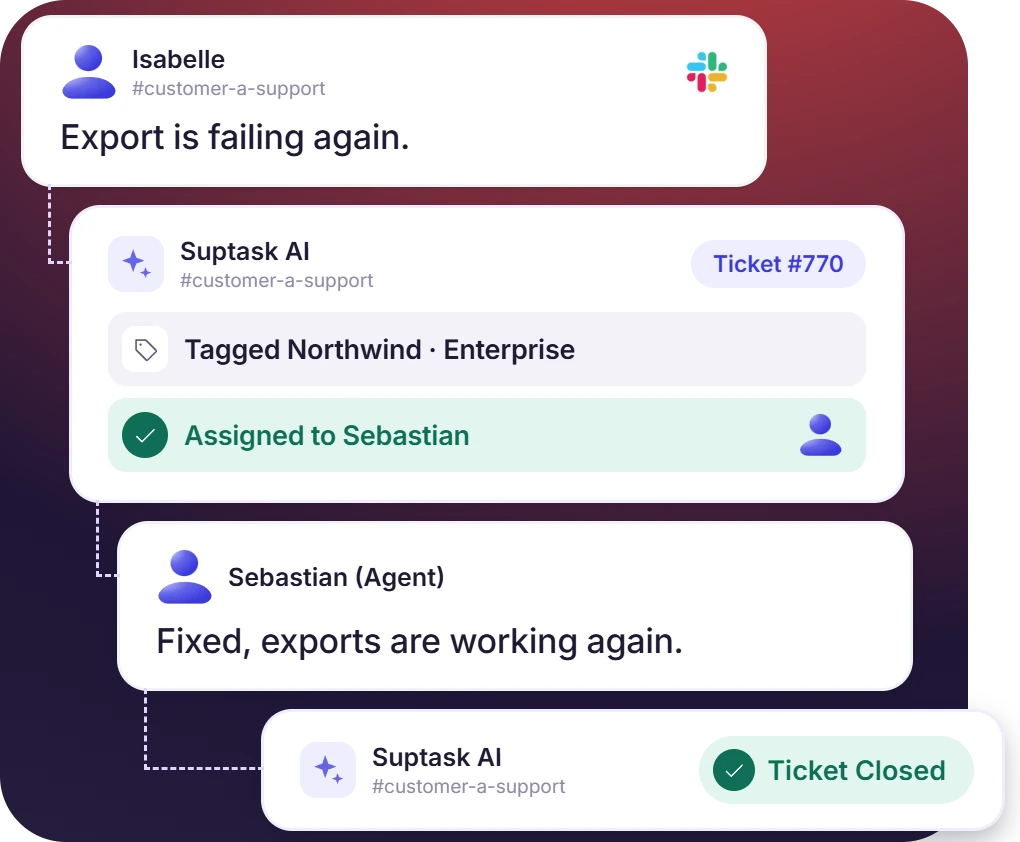











SaaS Help Desk for SaaS Support, IT, and Distributed Teams

B2B SaaS support teams
A SaaS ticket system that works by account, with Slack Connect channels the customer already has open and an SLA set per Inbox.

Moving off a server
A cloud-based IT ticketing system eliminates the need for maintaining a server and database. Also, updates can be installed without an upgrade.

Remote-first companies
Suptask runs where the team already works, so a company with no office keeps one queue across its time zones.
A SaaS Ticketing System Built Around the Customer Account
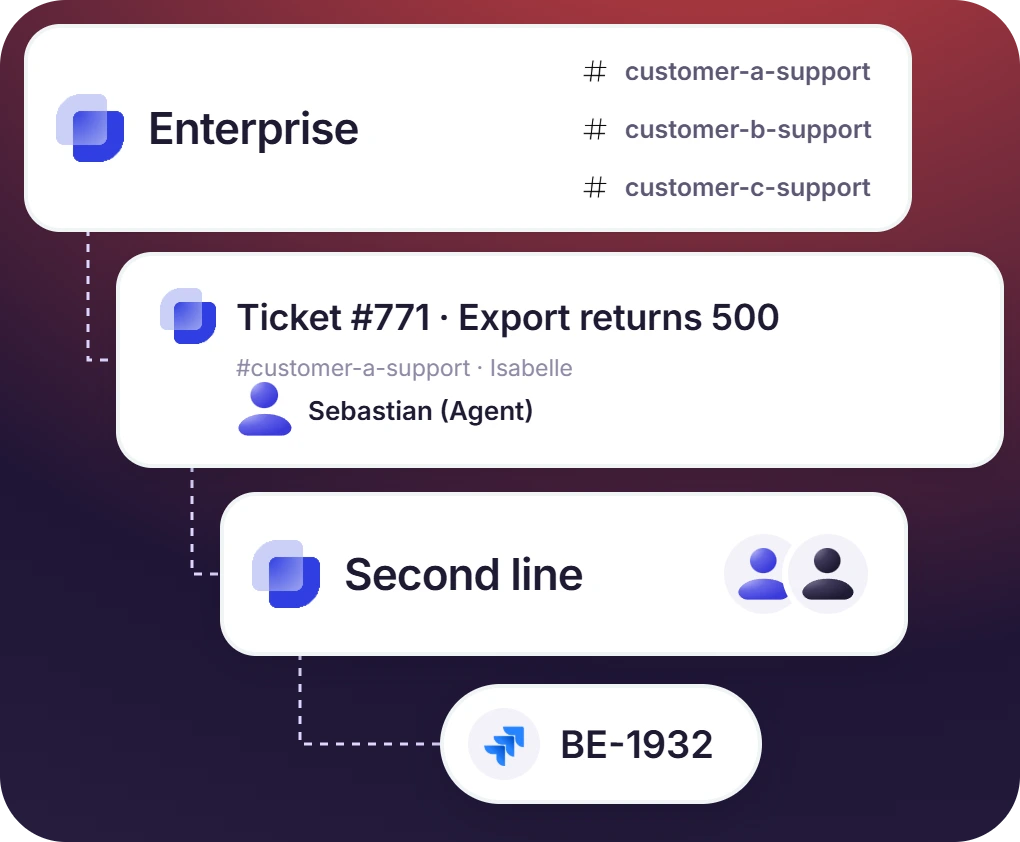
- One channel per account keeps the conversation with that company in one place, and Inboxes group the channels by tier or region
- A ticket that needs code moves to a second-line Inbox, with a Jira or GitHub issue created from it on the Custom plan
- HubSpot and Salesforce show the account record beside the ticket. A CSAT survey at close is scored against that account
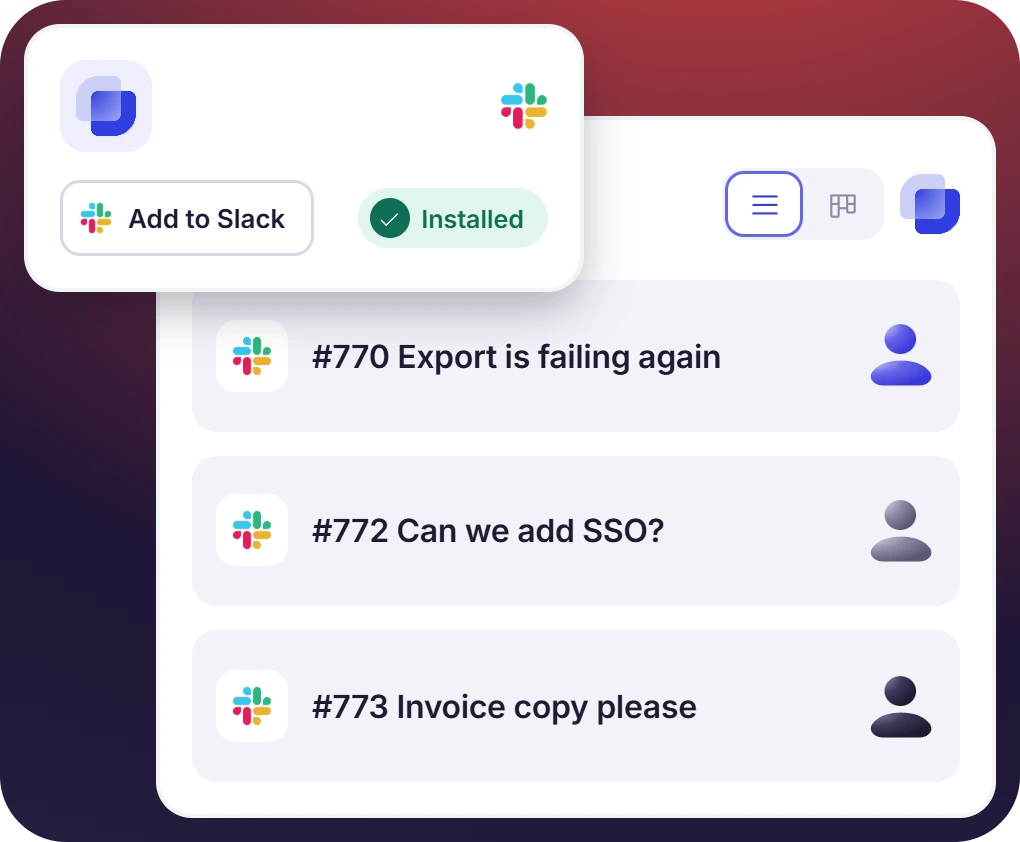
A Cloud-Based Ticketing System From the Slack Marketplace
- A Slack admin adds the app to the workspace. There is no server to provision, and no client software for agents to install
- New releases reach the workspace without a version to install, and the web app covers list and filter work
- Suptask runs in the cloud only. The requester sees a channel in Slack and has no separate account to keep
The numbers speak for themselves.
Cloud-Based Help Desk Security You Can Show Your Customers
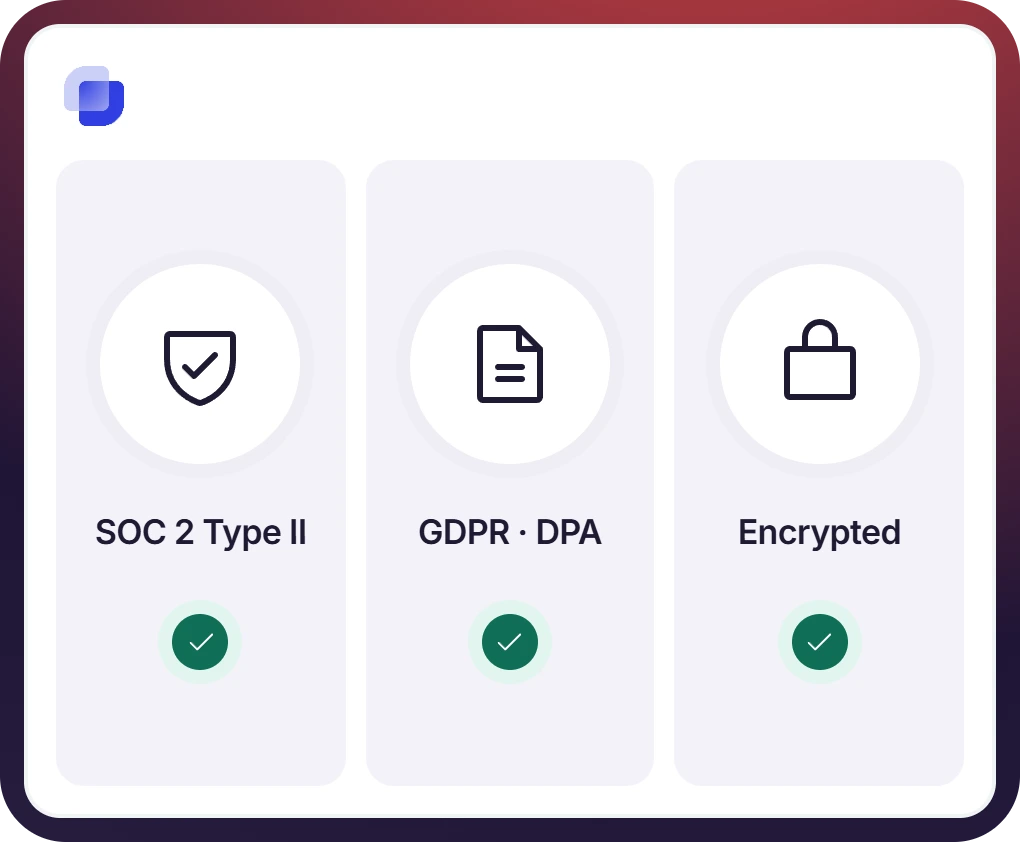
- Suptask holds SOC 2 Type II. Data is encrypted with industry-standard algorithms and managed keys, with vulnerability scanning running continuously
- Suptask is GDPR compliant and signs a DPA. The HIPAA BAA belongs to the Custom plan
- The AI data policy rules out training on customer data. SSO is part of Growth, and Slack's access controls still govern the workspace
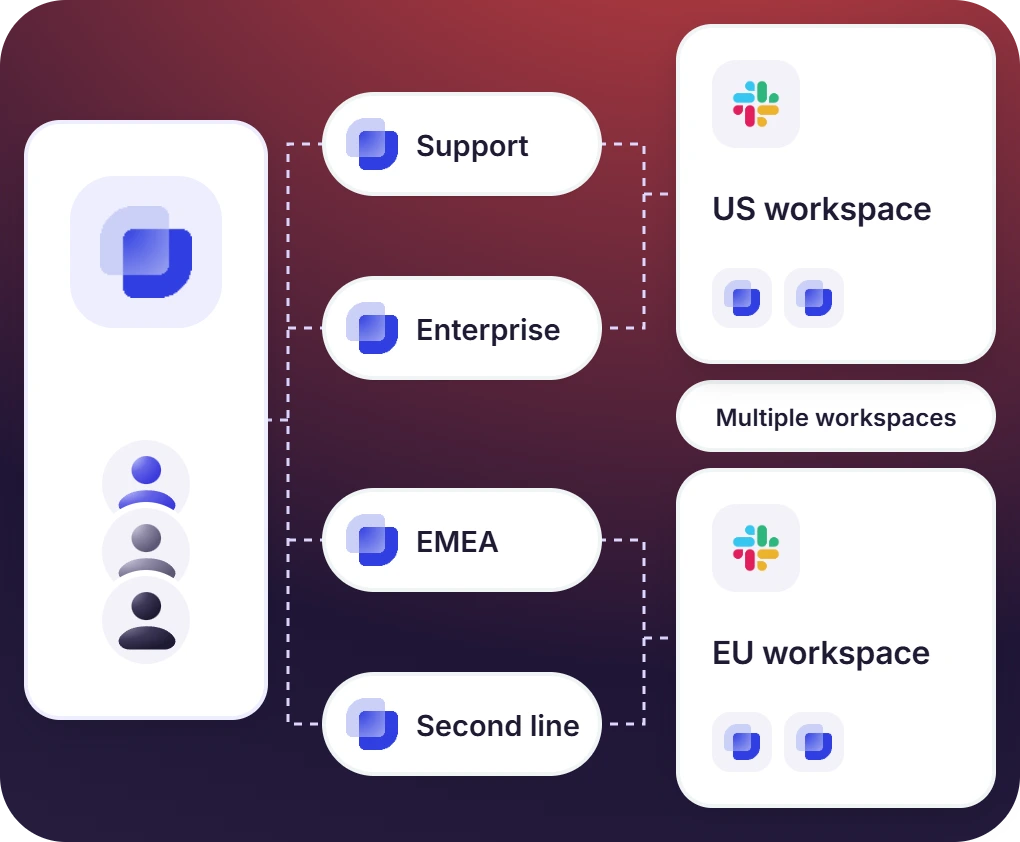
A Cloud Service Desk That Scales Without New Infrastructure
- Adding a team means adding an Inbox on the Professional plan. Agents are counted as seats, and customers arrive as channels
- Larger companies run Suptask across multiple Slack workspaces on the Custom plan, with Enterprise Grid supported
- Growth plan adds the data export API and custom dashboards, so reporting follows the desk as it gets bigger

What Suptask Changes About SaaS Helpdesk Software
How the Cloud-Based Ticketing System Works in Slack
Install
Connect
Support
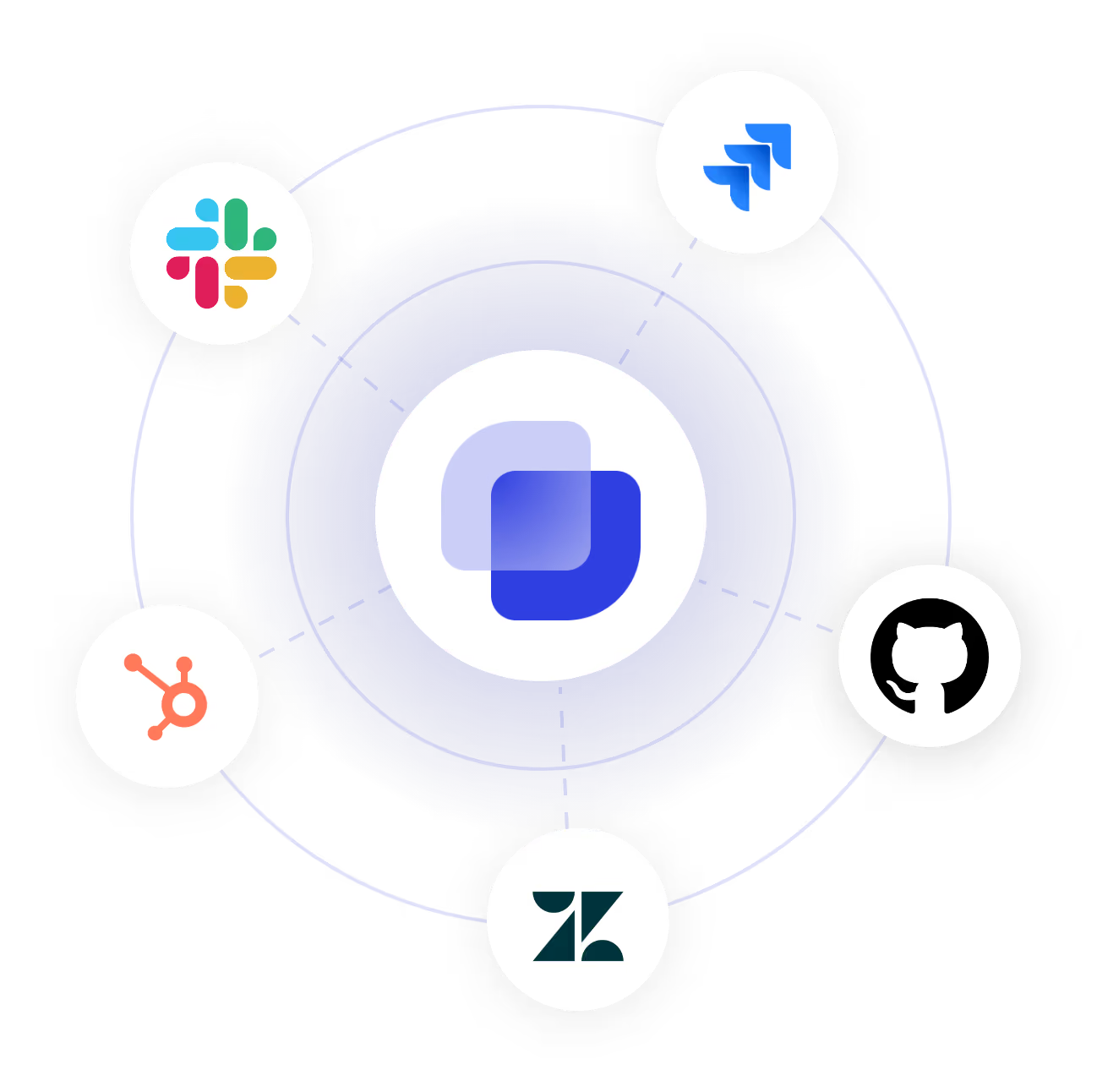
Connect Your SaaS Stack to the SaaS Help Desk
Frequently Asked Questions
What is a SaaS help desk?
The term is used in two ways. One way is about the software itself, which is delivered as a service, so there is no server that you have to host and the updates are done by the vendor. The other way is about the support model of a SaaS company, where each customer account is given a channel of its own and the escalation goes to engineering. Suptask can be described as a helpdesk SaaS in both of these senses. When you are choosing a SaaS help desk solution, the things to look at are the handling of accounts, the route a ticket takes to engineering, and what is written on the security page. The same account model is used for B2B customer support.
SaaS customer subsidy is the support which a software company gives to the customers of its own product. It is account based. The customer is reached on the channel they are already using, and for many of them that is email, for some it is a shared Slack channel. Suptask is doing it with Slack Connect channels and with the email that comes into the same Inbox. A help desk SaaS is what the vendor teams use for this work, and the agents are answering the accounts from one queue.
There are trade-offs on both sides. With self-hosting the IT team keeps the control of the infrastructure, but the patching and the backups and the upgrade risk are kept by them as well. A cloud ticketing system moves that work over to the vendor, and the vendor's audits come along with it, which is what a help desk cloud setup gets reviewed on. What Suptask publishes is SOC 2 Type II, encryption with industry-standard algorithms and key management, continuous vulnerability scanning, and GDPR compliance with a DPA. Suptask does not have a self-hosted or on-premises edition at all.
Suptask is cloud-hosted and it holds SOC 2 Type II, with GDPR compliance and a DPA that can be signed. For the hosting details, including the region and the data residency question, you should contact the team. ⚠ Placeholder. The answer stays at this published line until William confirms the hosting provider, the regions, whether EU residency is available, any uptime commitment, and the status page URL.
Yes, it can. The desk is running in the Slack workspace which the vendor already has, and each customer account is given a shared channel, the customers who are not on Slack are using email. A ticket starts from a message, the work on it happens in the thread, and engineering is added when the issue needs code. Internal teams are served by the same Slack ticketing system, each team in an Inbox of its own.
The pricing is per agent and the requesters are free, there is no limit on how many of them you have. Starter is $15 per agent per month on annual billing, and it covers a single queue. Professional at $24 is adding the Slack Connect channels, the email intake, and CSAT. Growth at $38 has SLA management, SSO, and branding in it. Integrations and multiple Slack workspaces are on the Custom plan. The current figures are on the pricing page.
Support your customers where they are



