


Incident Management System Built For Fast Responses
Routing, approvals, reminders, and escalations run by rule, so tickets move without anyone chasing them.

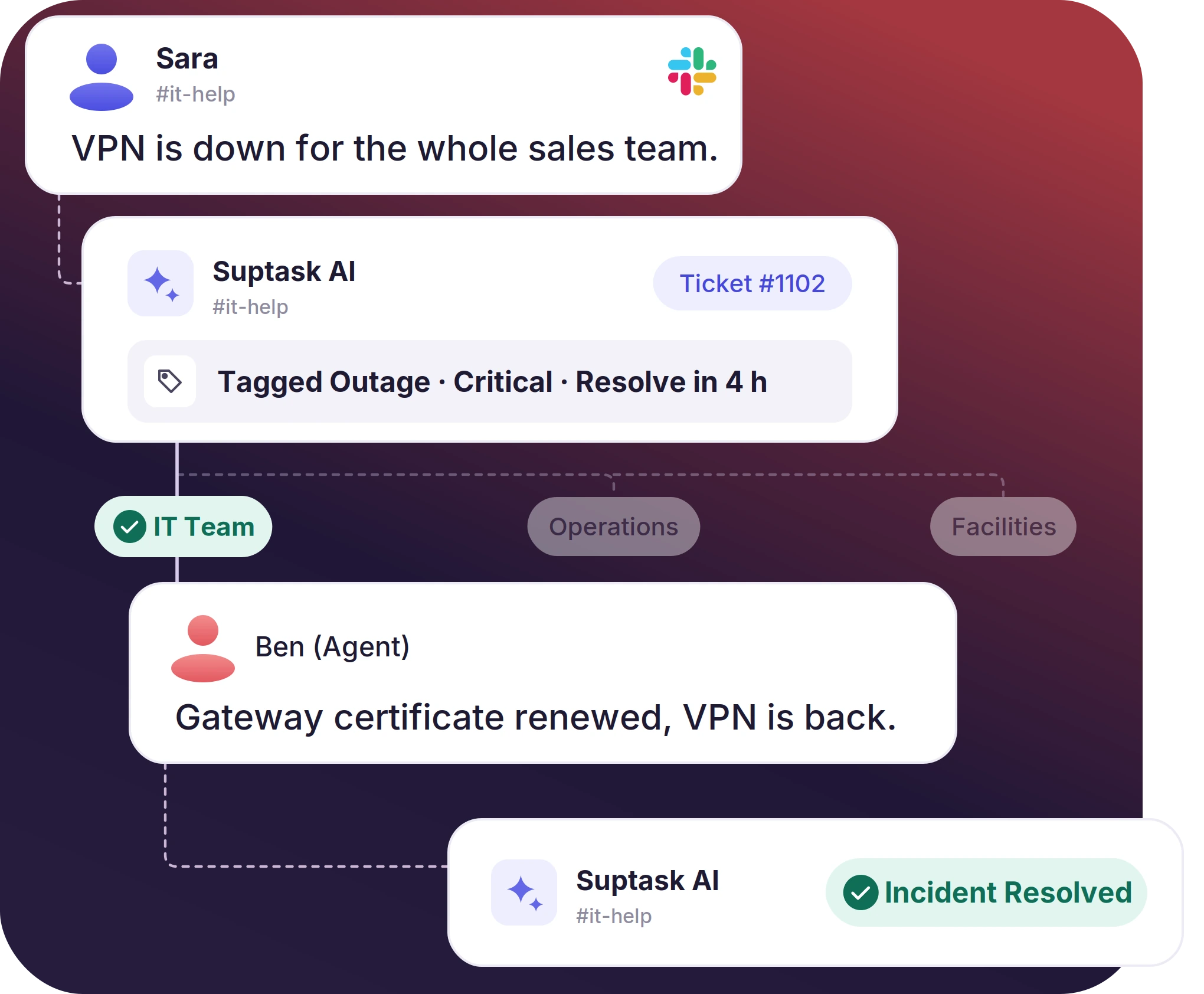











Incident Ticketing for Every Team That Handles Disruptions

IT and platform engineering
Outages, deployment failures, and degraded services are tracked as incident tickets. Routing rules send each reported failure to the responder who handles that incident type.

Operations and facilities
Equipment faults, vendor issues, and site disruptions are tracked on the operations queue, with the same priorities and response targets IT uses.

Cross-team incidents
An incident that reaches IT, operations, and leadership is worked on one ticket thread, with internal notes kept between the responders.
Log Each Incident Message on One Ticket Thread
- An incident reported in a Slack channel, thread, or DM is captured as a ticket
- Ticket creation can happen automatically by rules, or manually with a ticket emoji
- Assignments, priority changes, and resolution notes stay on the ticket record after the incident is closed
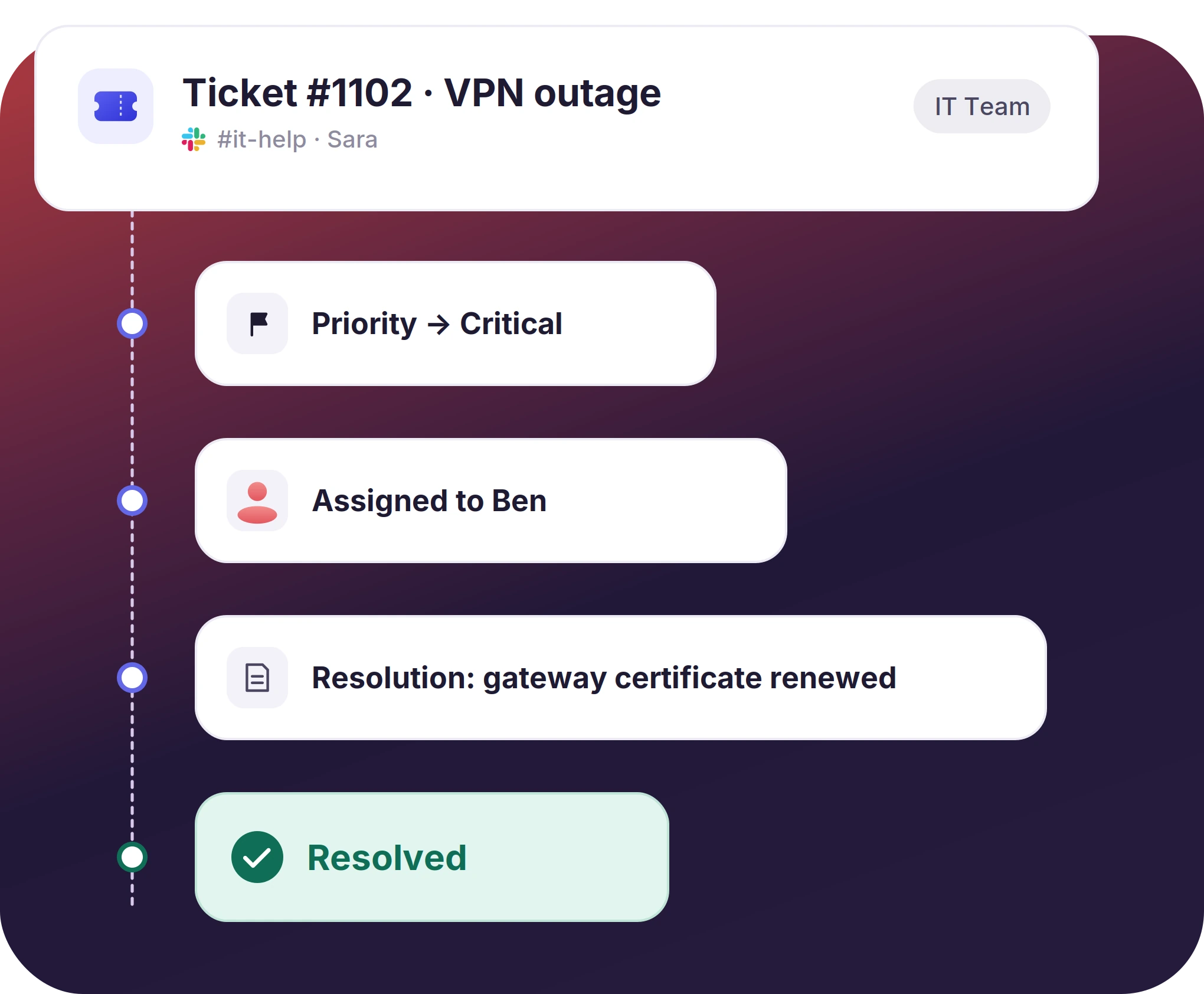
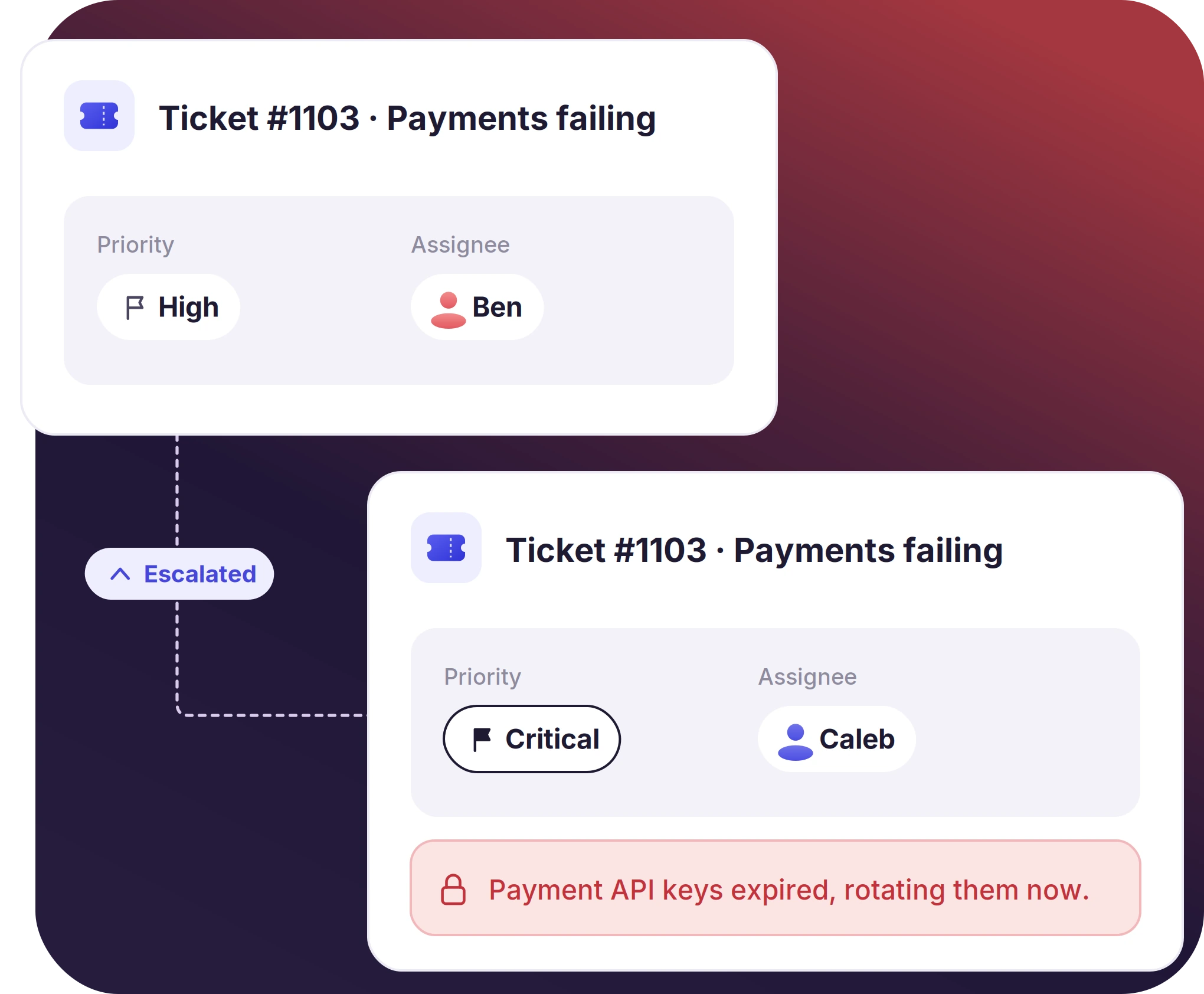
Assign, Escalate, and Resolve Each Incident Ticket in Slack
- Routing rules assign tickets to agents by keyword, channel, or by the form used
- Escalation happens by raising the priority and reassigning the ticket to another responder
- Internal notes let responders coordinate before the resolution is posted to the channel
The numbers speak for themselves.
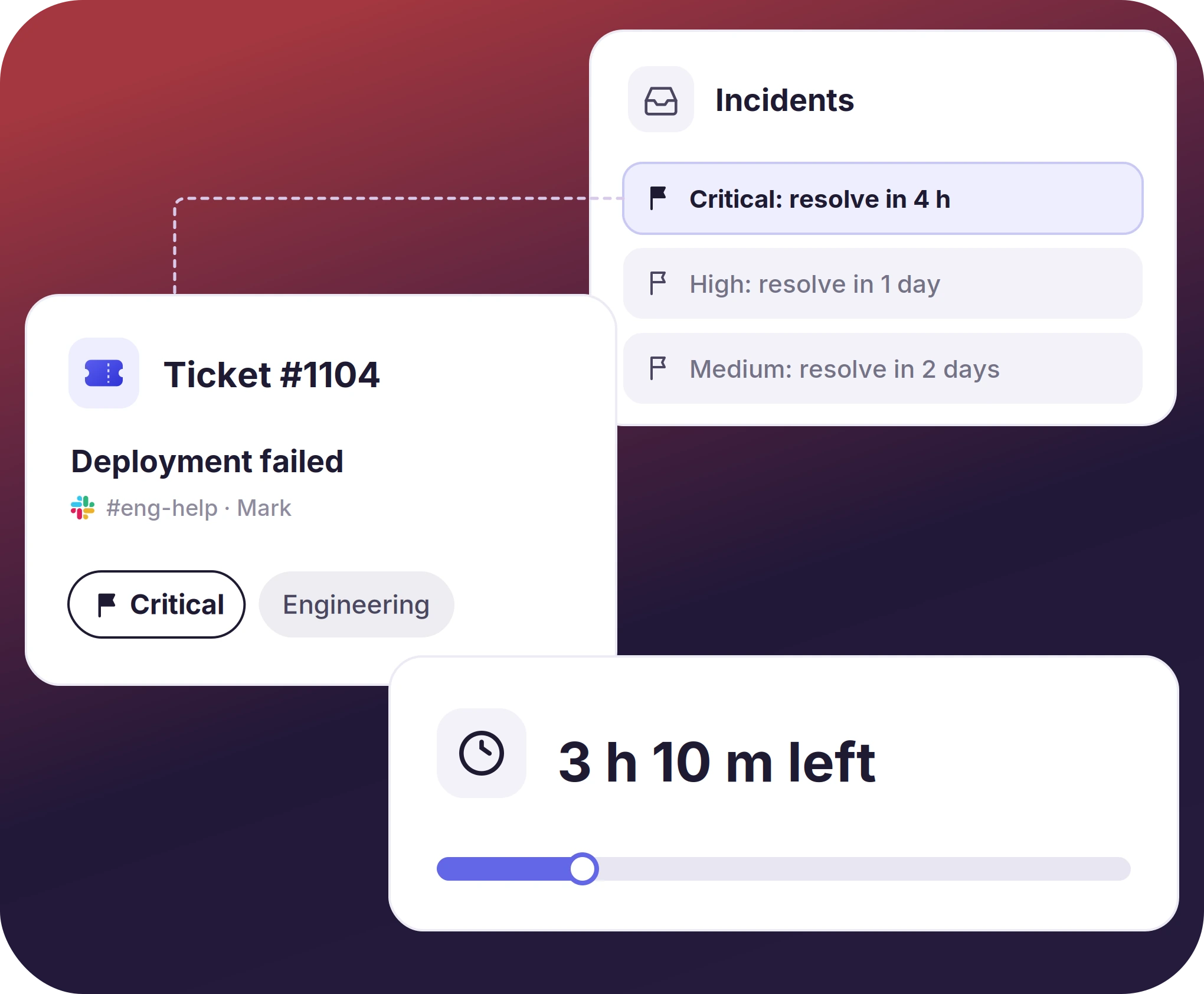
Set SLAs by Priority on Each Incident Ticket
- An SLA is applied to the incident ticket based on the priority set on it
- The clock runs from the moment a ticket is created
- SLA compliance is reported by team, incident type, and time period
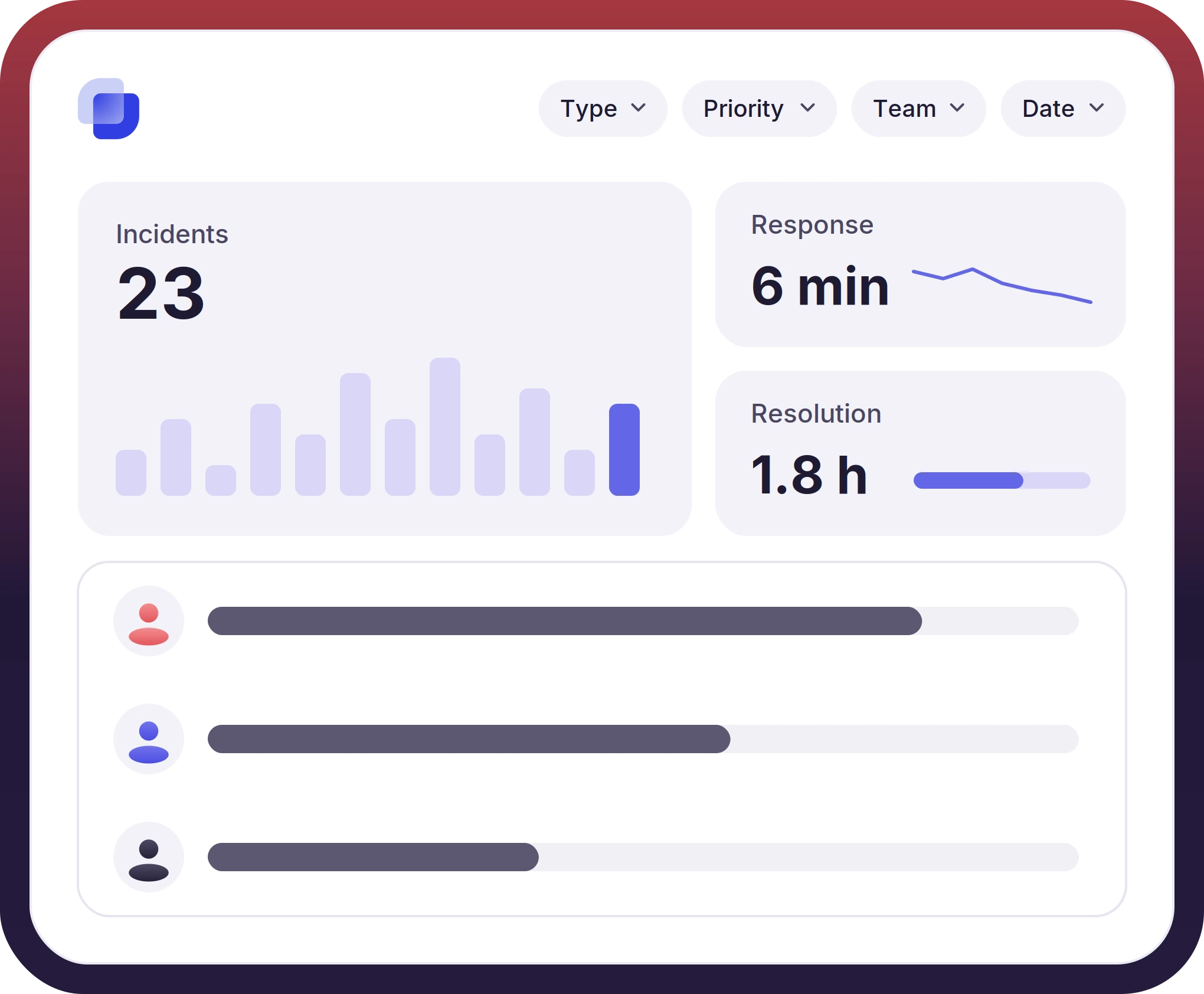
Track Incident Tickets Data From Built-In Dashboards
- Incident volume, response time, and resolution time are reported on one dashboard
- Incident tickets are filtered by type, priority, team, and date range
- Agent workload appears on the same dashboard as the ticket volume


What Suptask Changes About Incident Management Ticketing System
How the Incident Ticketing System Works in Slack
Report
Track
Resolve
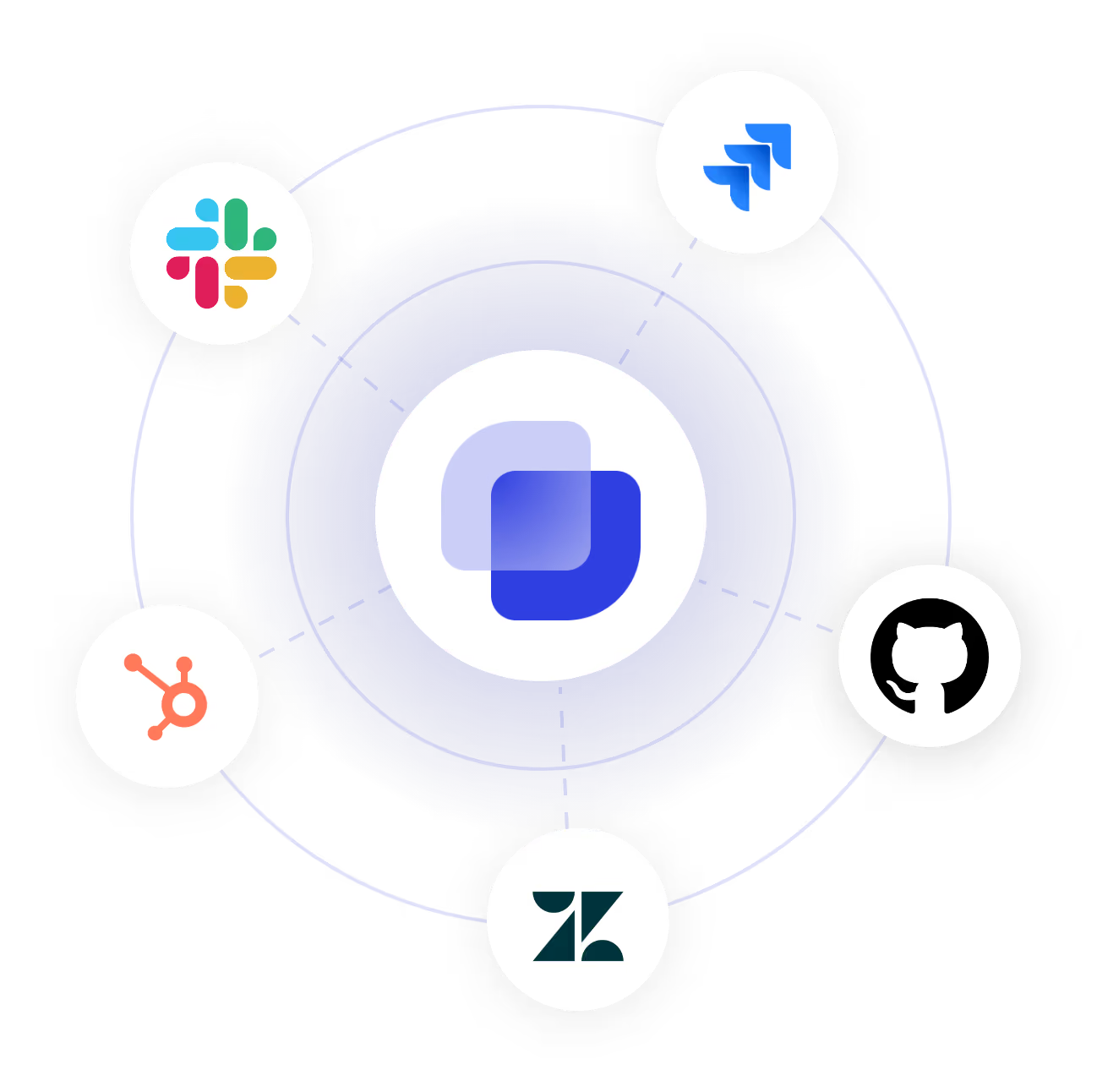
Connect Your Tracker and Directory to the Incident Management Ticketing System
Frequently Asked Questions
What is an incident ticketing system?
An incident ticketing system tracks service disruptions as individual tickets. Outages, failures, and degraded performance are logged with an owner, priority, and response target on each one. The system is also responsible for the record of how the incident was handled.
Incident management software helps organizations with the response side, like alerting, on-call rotation, and status updates. An incident ticketing system, on the other hand, maintains ticket records of who reported an incident, the responder, and how it was closed.
Suptask is a ticketing system that can work with existing alerting tools an organization already has in place.
Yes, security incidents can be tracked in Slack with Suptask, as it has privacy enabled by default. Incidents, from phishing reports and access issues to vulnerability disclosures, can be handled in a private ticket. All the information will remain between the reporter and security teams only.
Suptask can handle any service disruption a team handles. Server outages, deployment failures, software bugs, and equipment faults are some of the most common examples of incidents Suptask handles. Each incident type has its own forms, routing rules, and SLA targets.
Suptask connects with Jira, GitHub, GitLab, and Zendesk for the work raised from an incident. Alerts from monitoring tools reach Slack, and the ticket starts from the alert message posted there.
Suptask has four pricing plans. Starter is $15 per agent per month, Professional is $24 per agent per month, and Growth is $38 per agent per month, with a custom plan for enterprise teams. You can visit the pricing page for the current details or book a demo with us to know what fits your team.
Give the incident response team a ticket system in Slack



