


Finance Ticketing System for Expenses, Purchases, and Payroll Questions
Many reports of one outage become a single incident ticket, and everyone who reported it can follow the status.












Finance Ticketing for Corporate Finance, AP, and Shared Services

Corporate finance team
Expenses, budgets, purchase orders. The questions come by DM from marketing, sales, and engineering, and each one is recorded as a ticket with a named owner.

AP help desk and AR
Vendor invoices arrive by email, and customer billing questions come through Slack Connect. Discount and quote approvals from the deal desk land in the same queue.

Finance shared services
One Inbox per function, approval thresholds, private queues, and the records auditors ask for. Banks and fintechs use it as an internal bank ticketing system.
An Accounting Ticketing System With a Form for Each Request Type
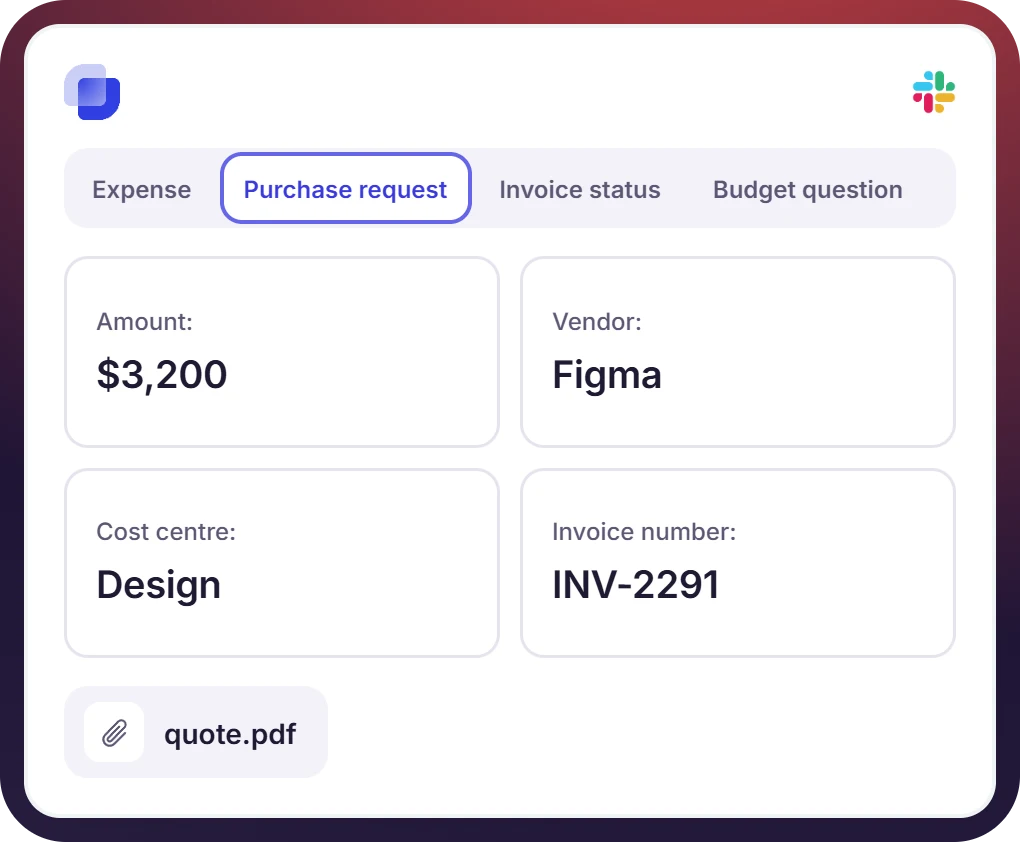
- One form per request type, carrying the fields finance needs, like the amount, the cost center, and the invoice number
- The form opens from a channel message, a DM, or the 🎫 emoji on any message
- Vendor emails to ap@ become tickets in the AP Inbox, and customers ask billing questions in a Slack Connect channel
A Purchase Request System With Approvals on the Ticket
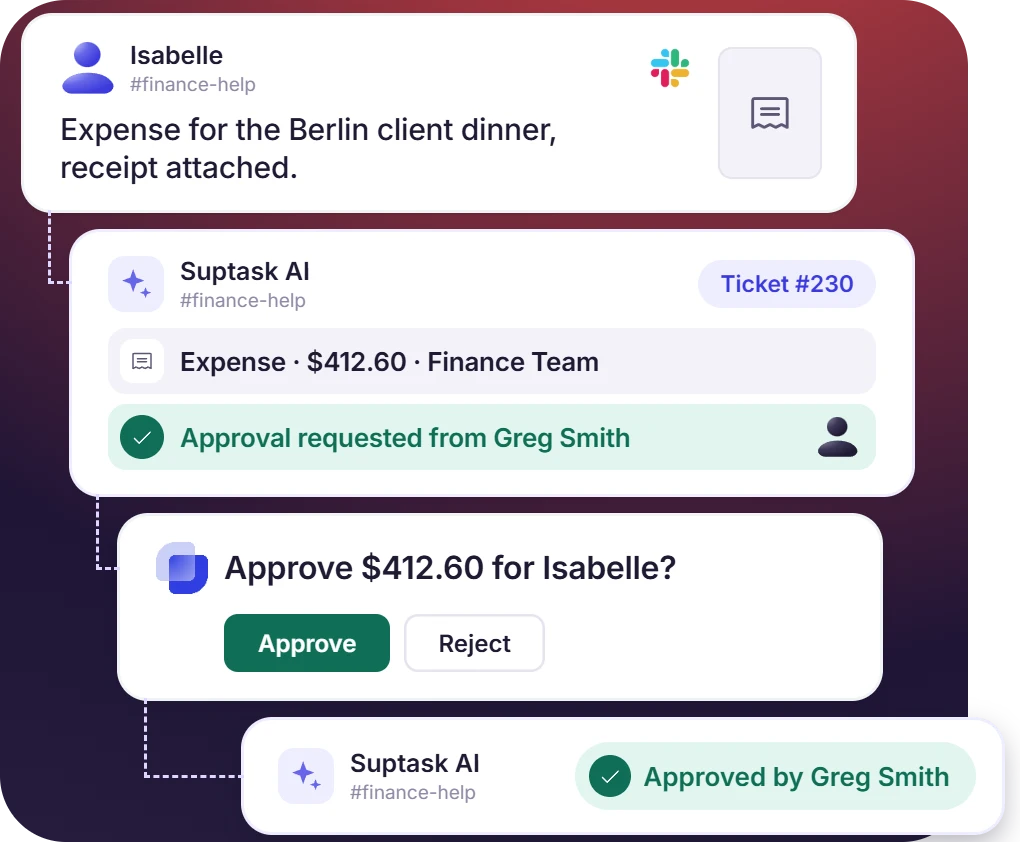
- Approval is requested from the ticket, and the manager approves or rejects from the Slack message without opening anything else
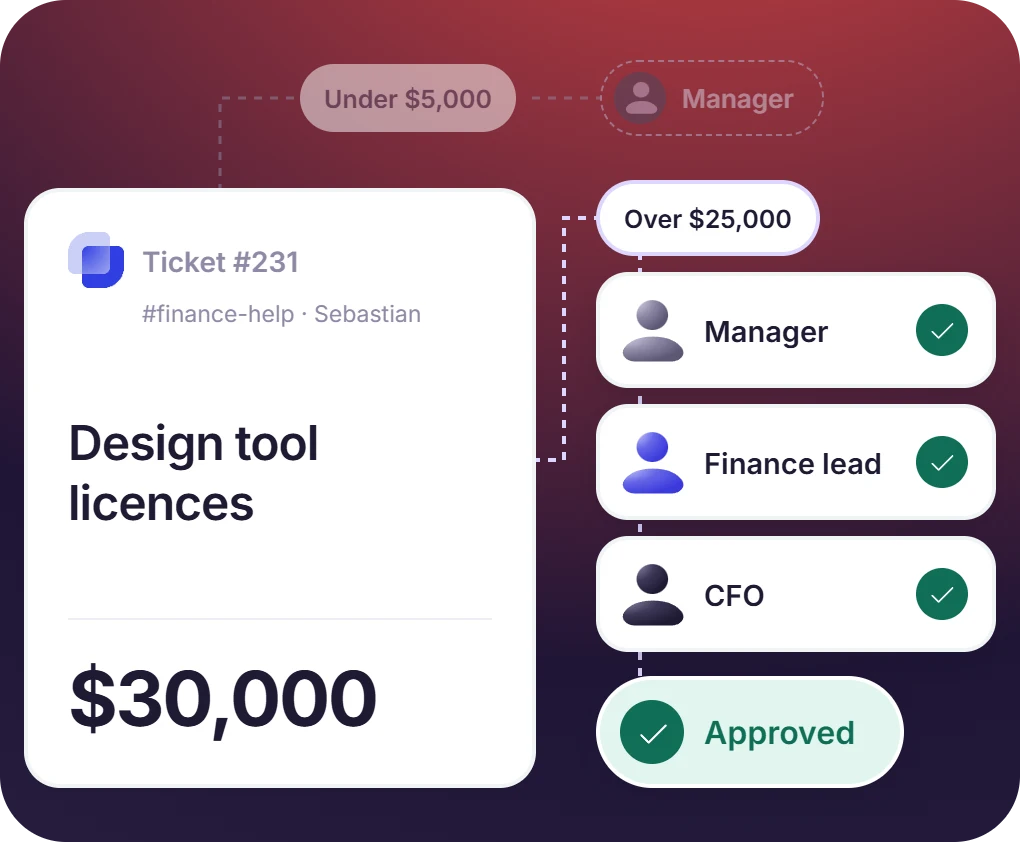
- A rule adds the approvers by amount, so a larger purchase includes the finance lead and then the CFO
- Approve and Reject buttons reach the approver in Slack. A rejection asks for the reason, and the requester sees it in the thread
The numbers speak for themselves.
Payroll and Compensation Requests in a Queue Only Finance Sees
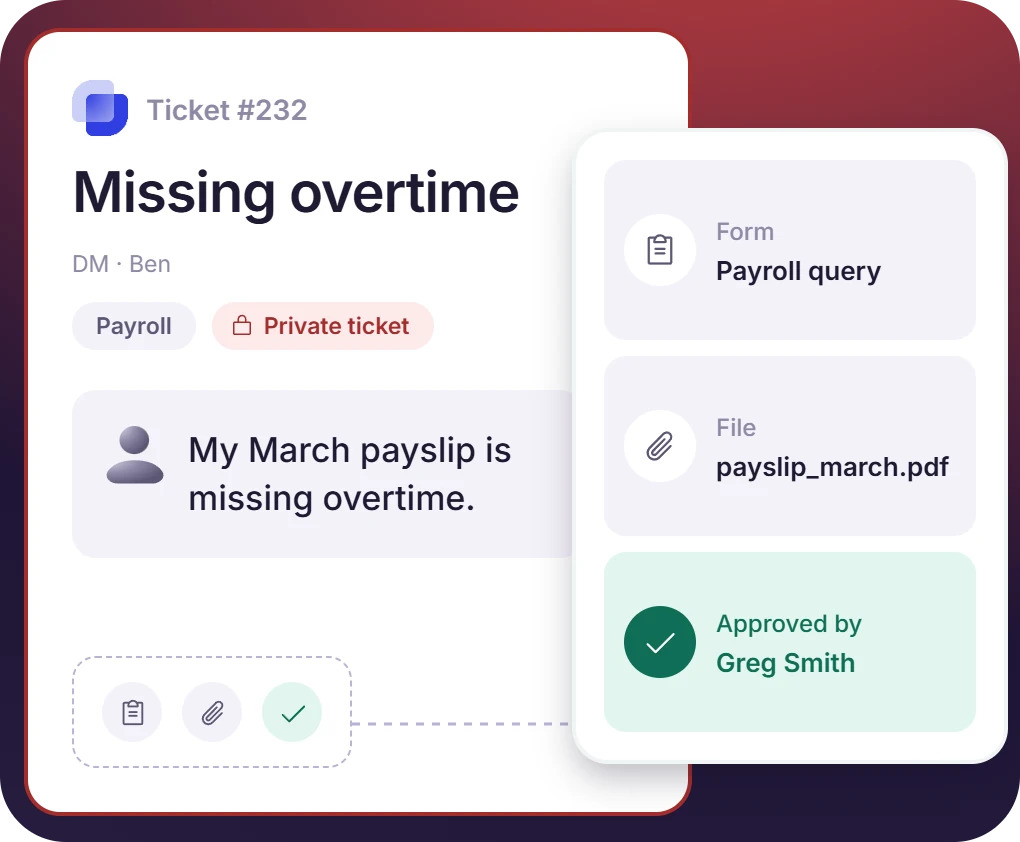
- A private form opens the ticket as a DM with the assigned finance member, and pay tickets go to a Payroll Inbox that only its agents open
- Every ticket holds who asked, what the form collected, which files came with it, and who approved it
- Suptask holds SOC 2 Type II with a GDPR DPA, and the stored record can be pulled out as a CSV
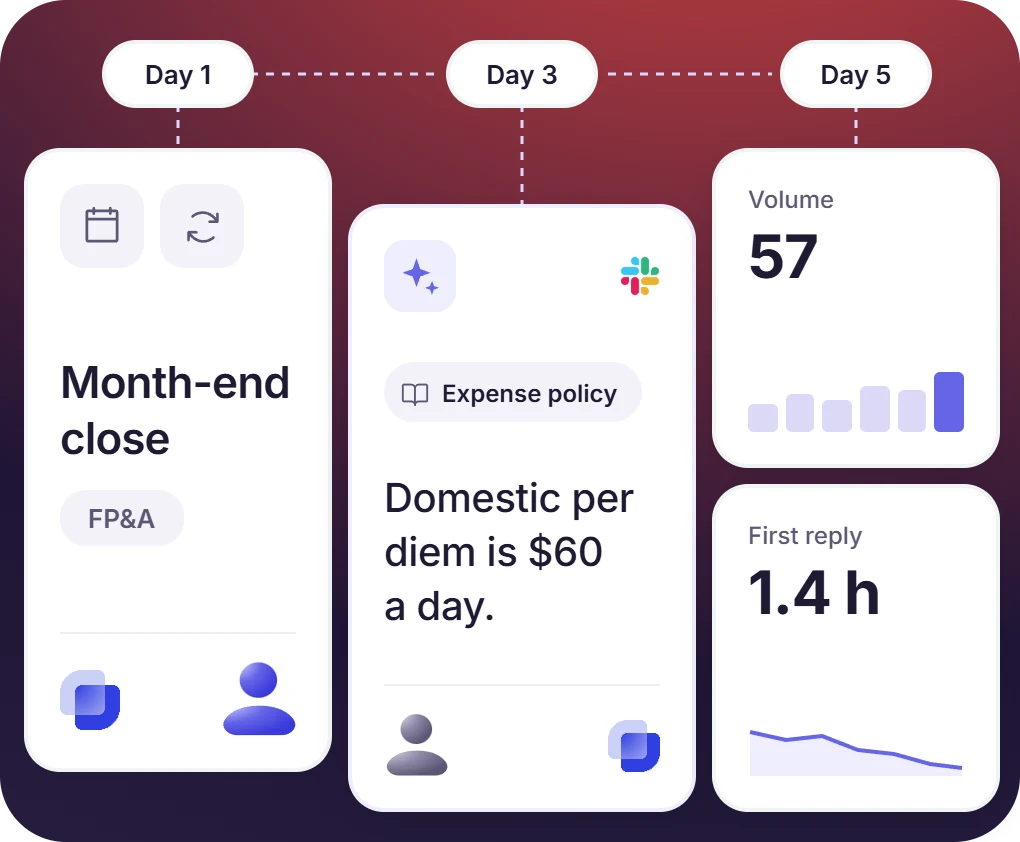
Month-End Tasks, Policy Questions, and Reporting per Queue
- The schedule creates the close tickets, and the FP&A queue holds them like any other request
- Canned replies handle the repeat answers, and Suptask AI answers the policy questions from the finance handbook
- Each Inbox reports volume, first reply time, and resolution time. AR tickets carry the customer and invoice state from HubSpot or Salesforce


What Suptask Changes About the Finance Service Desk
How the Finance Ticketing System Works in Slack
Request
Approve and route
Resolve and record
Connect Your CRM, Documents, and Workflows to the Finance Ticketing System
Frequently Asked Questions
What is a finance ticketing system?
A finance ticketing system records the requests that reach the finance team as tickets, each with an owner, a status, an approval where one is needed, and its own history. The requests covered are expenses, purchases, budget questions, payroll queries, vendor invoices, plus the deal desk and billing questions sales and RevOps raise. Suptask runs finance operations ticketing in Slack, where those requests already arrive.
On its own, a Slack channel gives no owner, no status, and no record of what was decided. Suptask adds forms, approvals, private queues, and reporting, which turns the channel into a finance help desk. The same Slack ticketing system handles the internal accounting help desk work for AP and AR.
Finance requests the [approval](support: Approvals) from the ticket, and the manager approves or rejects in Slack. Rule-based sequences add the approvers by amount, so a larger purchase collects a finance lead and then the CFO. The decision and the reason are recorded on the ticket, and the requester sees the status change in the thread. Ad-hoc approvals are part of Professional, and the rule-triggered sequences are part of Growth.
A private form opens the ticket as a DM between the requester and the finance member handling it. The Payroll Inbox is opened only by its own agents, and internal notes are never shown to the requester. Suptask holds SOC 2 Type II with a GDPR DPA. Finance teams in banks and fintechs use the same setup as an internal bank ticketing system, which handles requests from their own staff.
No. Suptask has no native integration with an accounting or ERP system, and it holds the request, the approval, and the record instead of the ledger. Ticket data reaches the finance system by CSV export on Professional, the [data export API](support: Data export API) on Growth, Slack Workflows, or webhooks, with agentic workflows available on Custom. HubSpot and Salesforce are integrated for customer and deal context on the Custom plan.
Starter is $15 per agent per month on annual billing, or $18 monthly, and it covers one finance queue. Professional at $24 adds separate AP, AR, and payroll queues, plus email intake, approvals, and Slack Connect. Growth at $38 covers approval sequences, SLA, AI answers, and conditional forms. Requesters are free on every plan, and CRM integrations are on the Custom plan. See detailed information on Suptask pricing.
Every Finance Request, With Its Approval and Its Record



