


AI Ticketing System With a Human in the Loop
Suptask AI answers from your own knowledge, summarizes long threads, and acts in connected tools with a person approving.

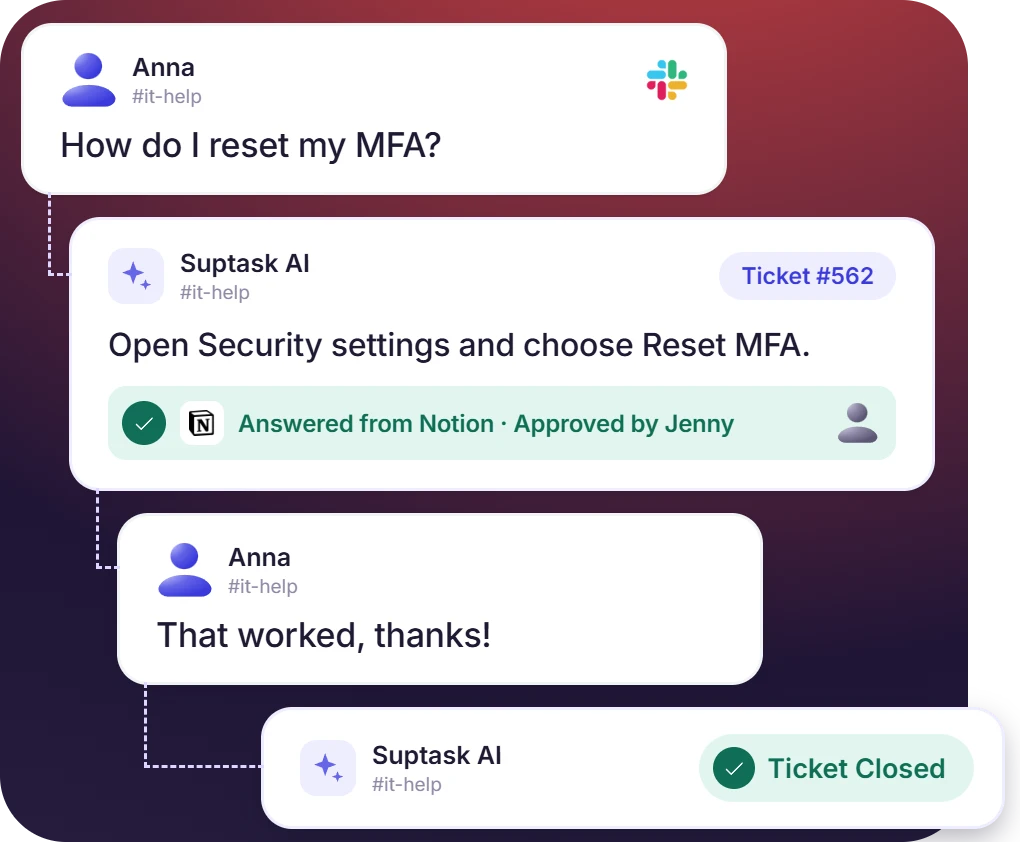











AI Ticketing for IT, HR, and Customer Support Teams

IT help desk
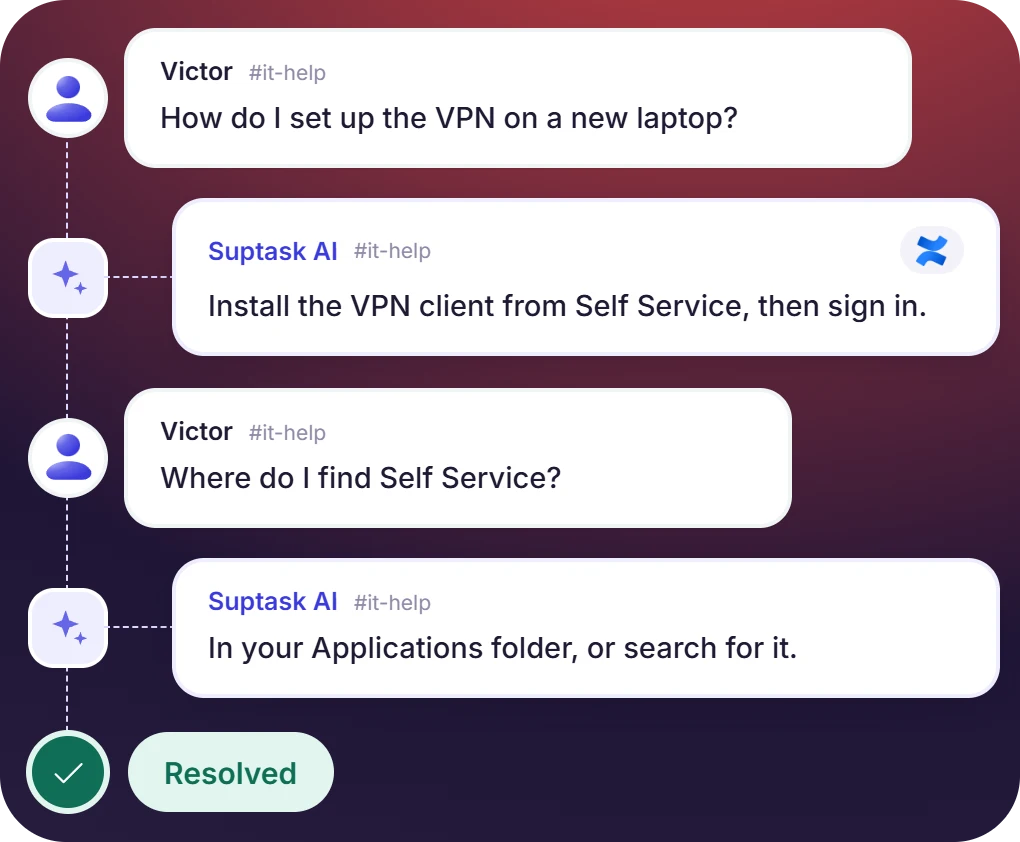
The same how-to questions arrive again and again. An AI IT help desk replies using IT documentation, so a technician picks up only what the assistant cannot answer.

HR and people teams
Policy and benefits questions are answered from the handbook the team has connected. An AI employee help desk handles the follow-up in the same thread.

Customer support teams
Customers ask in a Slack Connect channel. The assistant answers from product documentation, and the agent approves the draft first, which the team prefers.
AI-Powered Ticketing System the Admin Configures
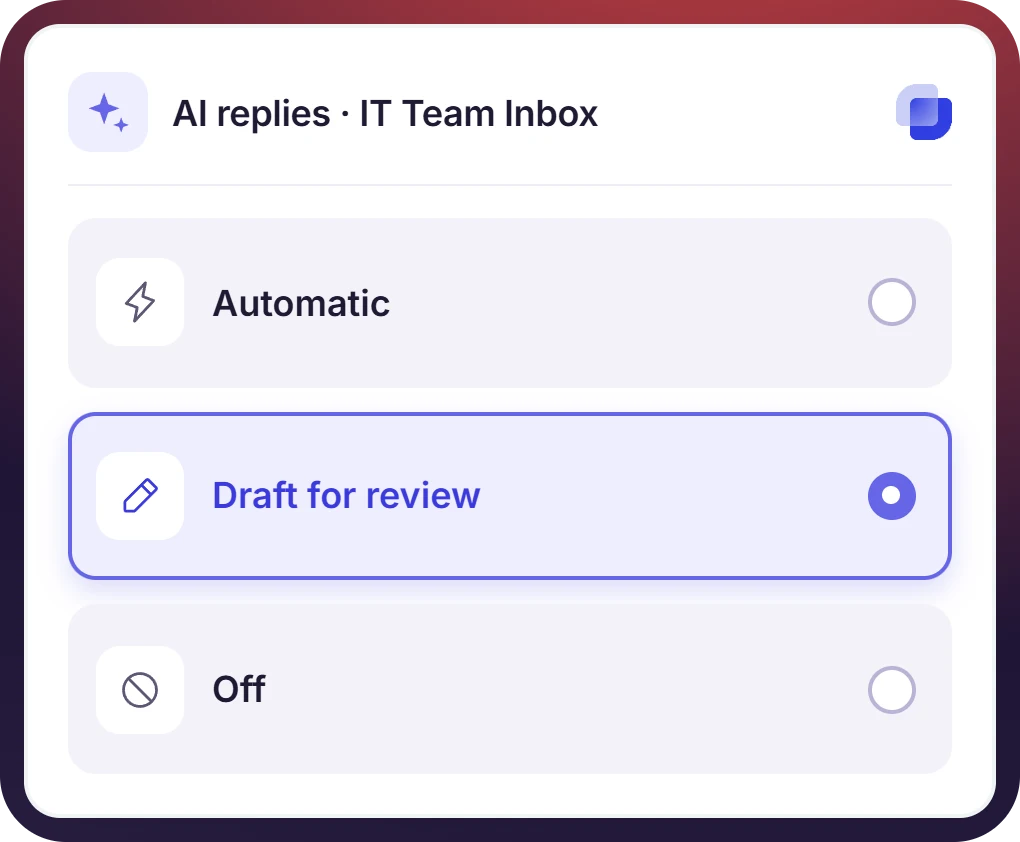
- An agent sees the suggestion before the requester does, unless automatic mode has been enabled for that Inbox
- Accept, adjust, or dismiss are the three actions on a suggestion, and the labeling of AI output is covered in the AI policy
- The choice is recorded per Inbox, so one team's configuration does not change what another team runs
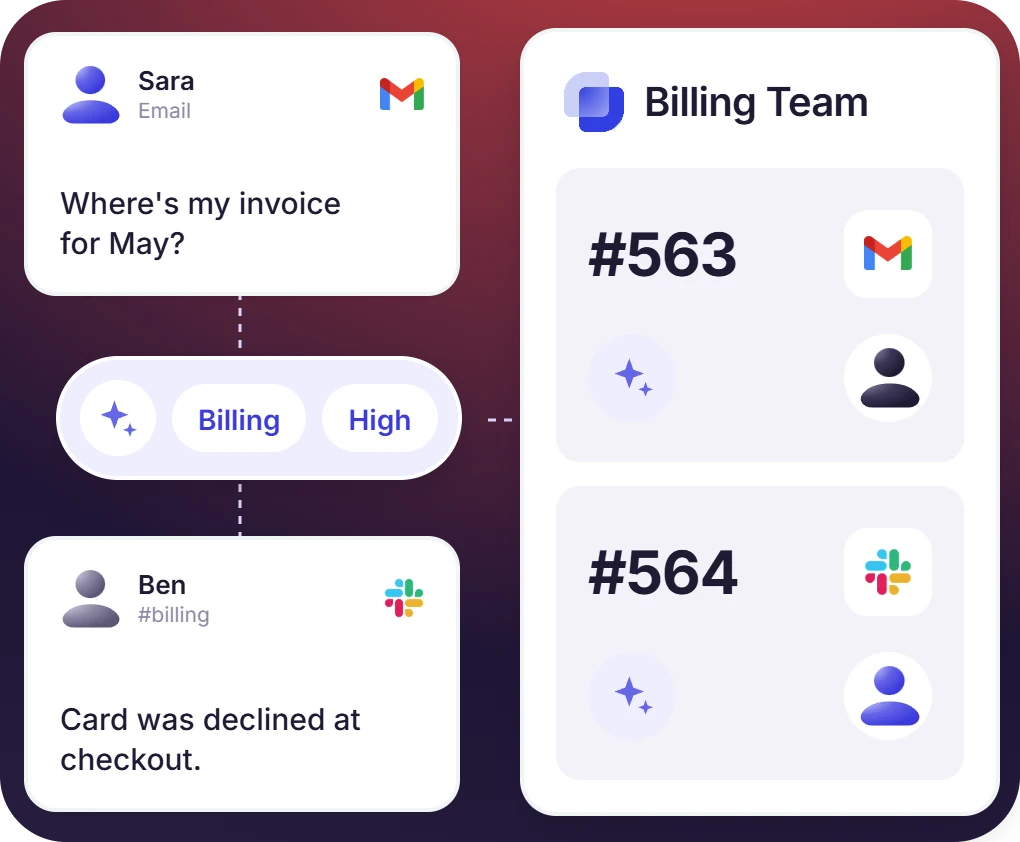
AI Ticket Triage That Routes Requests to the Right Inbox
- Auto-tag and prioritize puts a tag and a priority on the ticket as it is created
- Assignment runs on rules, round-robin, least loaded, or a fixed agent, with the AI setting the category they read
- AI email routing picks the form as well as the Inbox. Email ticketing carries an emailed request into a Slack thread
The numbers speak for themselves.
Automated Ticket Resolution Using AI and Connected Knowledge
- Answers come from the connected knowledge sources, Notion, Confluence, Google Drive, Guru, and uploaded documents
- Agents ask @Suptask about the ticket and get a suggested reply, built by the AI assistants
- The summary of the problem and the solution is written on close, and it can be searched in Slack later
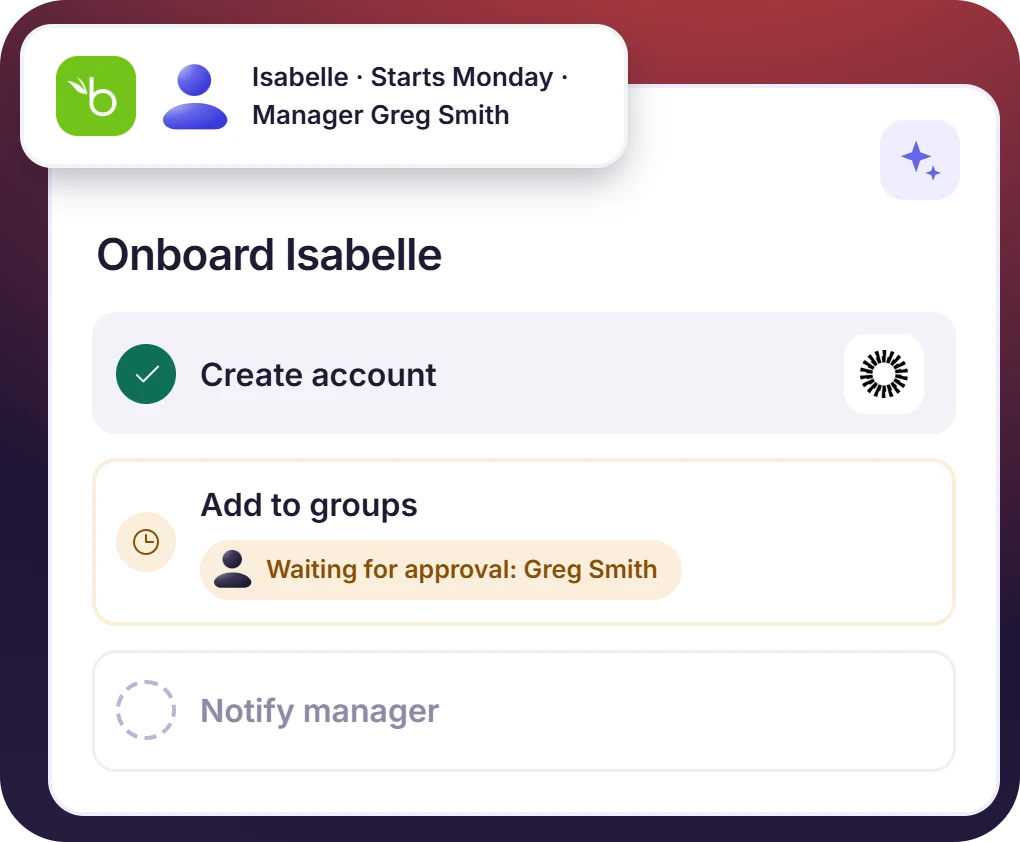
AI Service Desk With Agentic Workflows and HRIS Data
- HRIS and directory records are read into the ticket, so a workflow has the employee details it needs
- A step waits on a named approver when the workflow is configured that way, and the ticket shows the pending state
- Account creation and access changes run in the connected systems. Onboarding too. Each system is a separate integration, billed per connection

What Suptask Changes About AI Help Desk Software
How the AI Ticketing System Works in Slack
Ask
Answer or draft
Close and summary
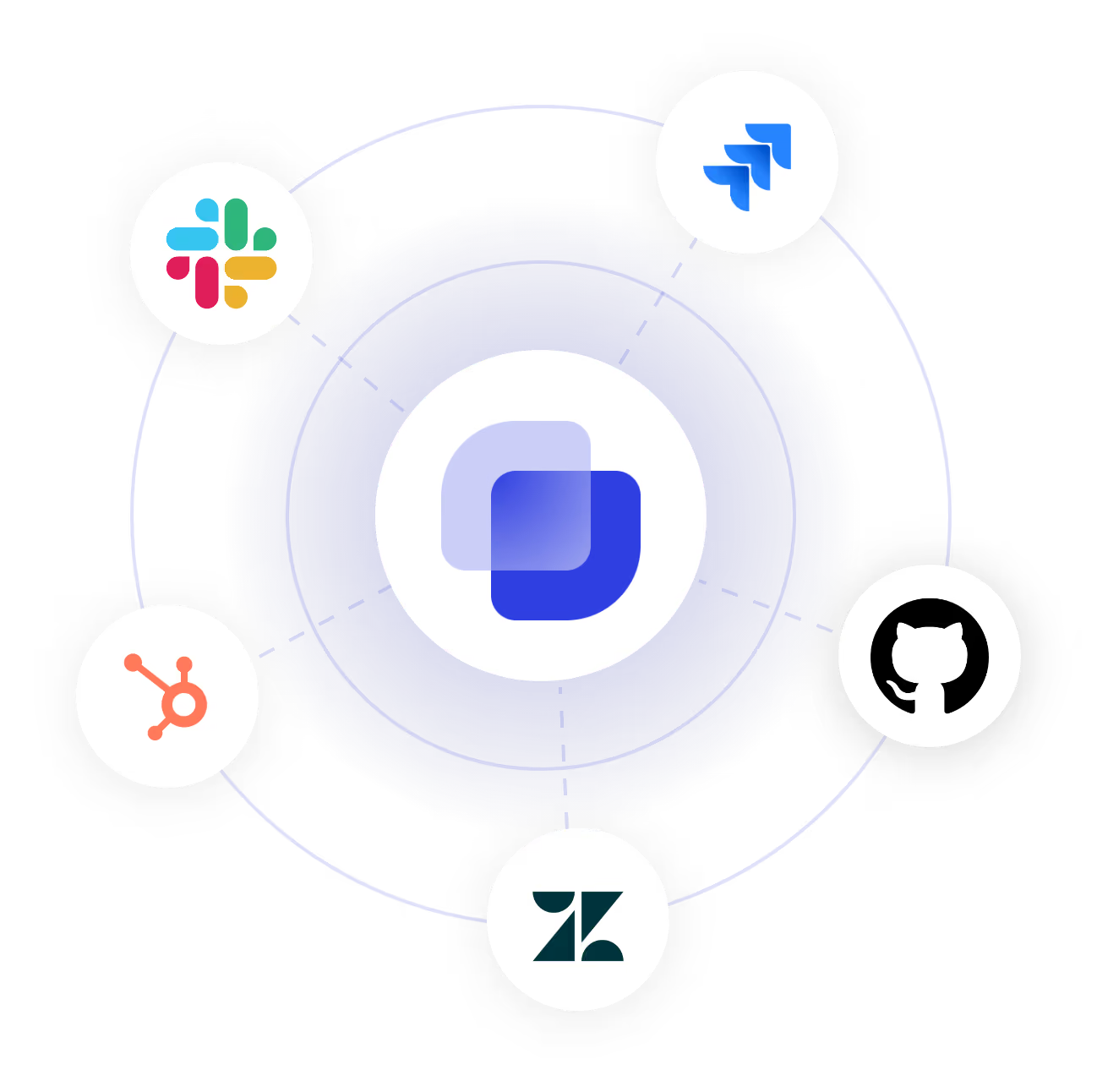
Connect Your Knowledge and Systems to the AI Ticketing System
Frequently Asked Questions
What is an AI ticketing system?
An AI ticketing system is a normal ticketing system, with the AI part doing the sorting of the tickets, the routing to the right queue, the answering where it can, and the summary at the end. The categorization happens first, then the routing, and the answer comes after that. Suptask is an AI-based ticketing system that works inside Slack, and the answers are taken from the documents your team has connected. What runs on its own and what waits for an agent is decided by an admin. AI in ticketing is used across the whole ticket, not only at the first step.
Slack by itself is only a chat tool, so no. Suptask is what turns it into a Slack AI help desk, where the assistant is used to answer the question in the thread it was asked in. When there is no answer in the connected documents, the ticket is handed over to an agent, and the requester is told about it. Everything stays in Slack: the ticket, answer, and approval, there is no portal to log in to. A Slack AI help desk is one part of the larger Slack ticketing system, which also has the forms, the routing, and the approvals in it.
On Professional, the AI is used on the email side, the categorization and the routing of an inbound email into the right Inbox, with the form picked at the same time. The problem and solution summary that gets written when a ticket closes is on Professional too. Growth is where the assistant answers from your knowledge base, and @Suptask is there for agents to ask about a ticket. Auto-tagging with the priority is Growth, the stats about tickets on request are also Growth. Custom has the agentic workflows, which act inside the other systems. AI usage is included in each plan at no additional charge, the plan prices are per agent per month. Automated ticketing systems go through the same sorting and answering steps, whichever tool is running the AI for service desk work.
No, it does not. The data belongs to the account it came from, and it is not used for training any shared model or a model of a third party. The providers are covered by DPAs, the data is kept encrypted, and the retention is kept to a minimum. The messages themselves are still stored in Slack. A generative AI service desk has to be clear about all of this, and the wording is in the AI policy.
Yes, that part is on the Custom plan. The workflows are used to create an account, to apply an access request, to run the onboarding steps, with the employee data coming in from the HRIS or the directory. Every step that needs approval waits for it, where the configuration says so. A service desk AI agent of this kind is set up together with Suptask Support, it is not a switch in settings. The AI assistants are built out of prompts and tasks, which is how agentic AI for help desk automation gets put together.
The ticket is passed to an agent, and the requester is told about it in the thread. Any suggestion can be adjusted by the agent or dismissed before it goes anywhere. An admin is able to switch a feature off for one Inbox, or for the whole account. The policy itself says the outputs can be wrong and that human review is encouraged. Alignment with the EU AI Act is stated in the AI policy as well, human oversight included.
Bring AI into the Slack thread



