


Ticketing System for Small Business, Built Into Chat
The Slack thread is the ticket: the request, the replies, and every status change stay in one conversation.

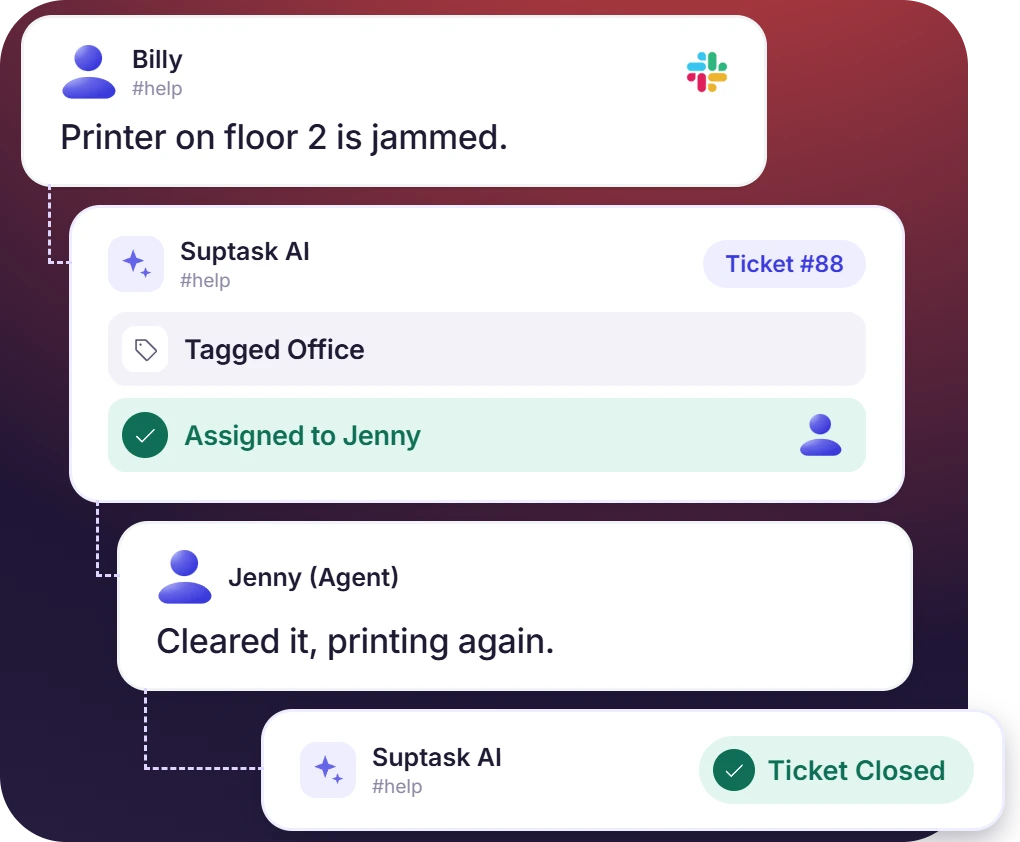











Built for Every Request a Small Business Handles

IT and tech support
An IT request sent in a channel is routed to the IT inbox. The ticket keeps the device, the issue type, and the urgency from the form.

HR and people ops
HR handles benefits questions, PTO requests, and onboarding. These requests are kept in an HR inbox, with private tickets available.

Office and operations
Supply orders, facility repairs, vendor coordination, and expense approvals are logged as tickets. The status is updated in the same thread.
Small Business Help Desk Software With No Portal to Roll Out
- Suptask is installed from the Slack Marketplace and works in the existing workspace
- Employees can keep working in the Slack channels the company already uses with no new login issued
- Custom ticket forms are built from the fields a small business picks, such as issue type, urgency, or device
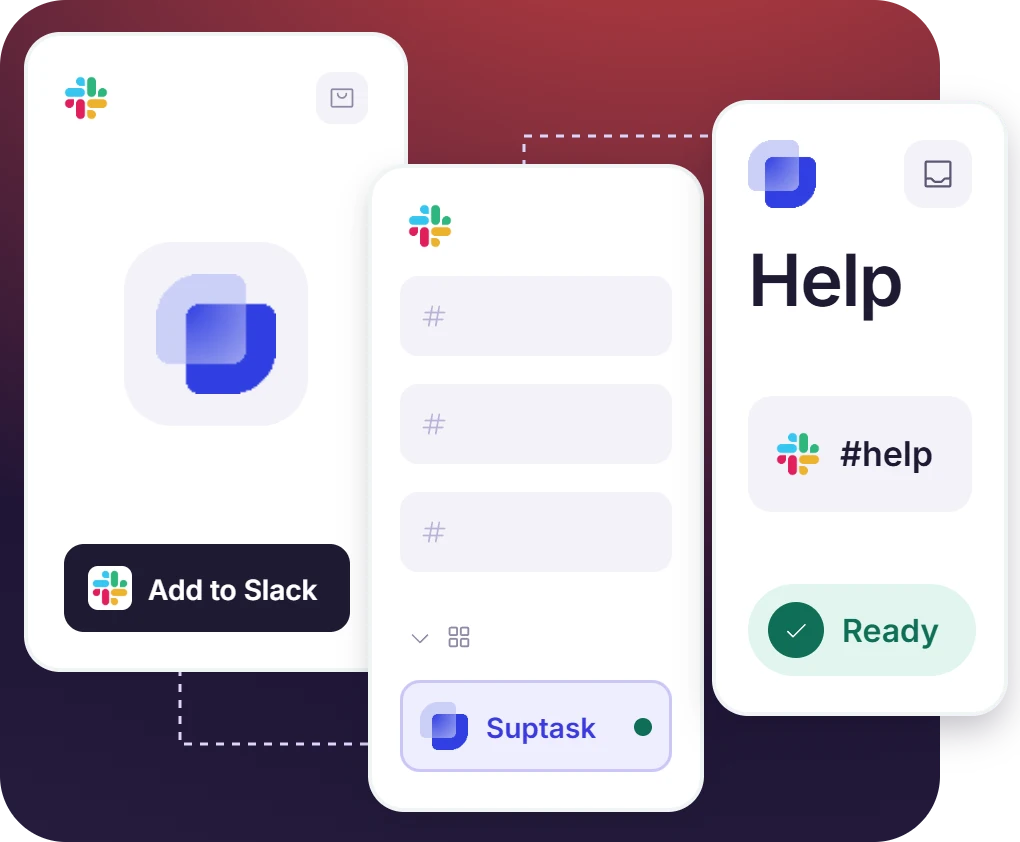
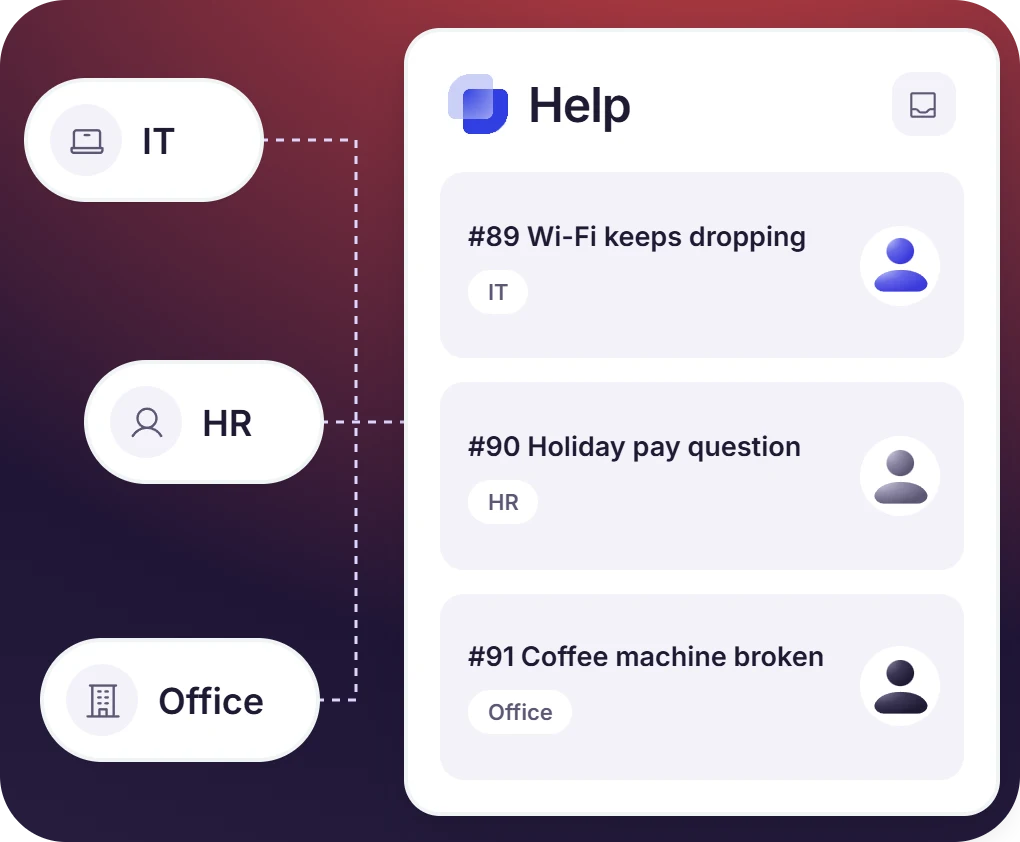
One Small Business Ticketing System for Every Request Type
- Each request type has its own form that collects the relevant ticket information upfront
- Routing rules send the ticket to the person who handles that request type
- Tickets from every request type are read from one dashboard
The numbers speak for themselves.
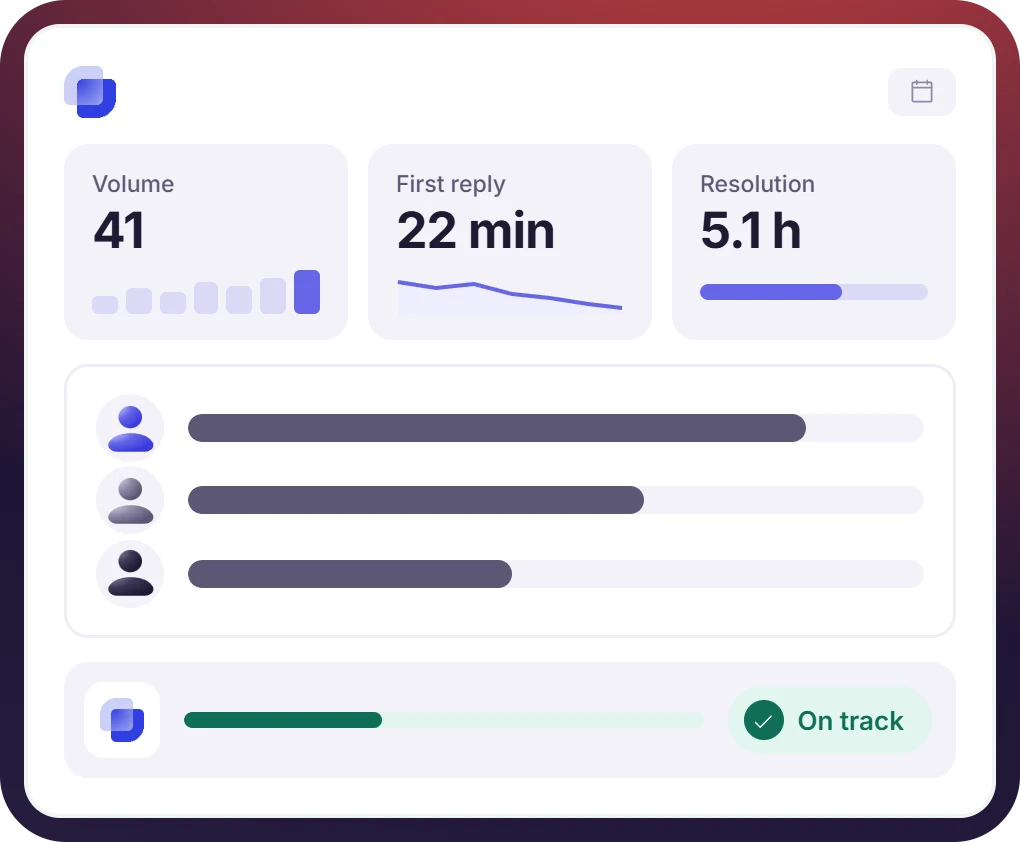
Report on Help Desk Performance From One Dashboard
- Response targets are set for each inbox, so urgent requests are picked up first
- Compliance against the response target is tracked on each ticket
- Ticket history holds the messages, the owner changes, and the resolution time
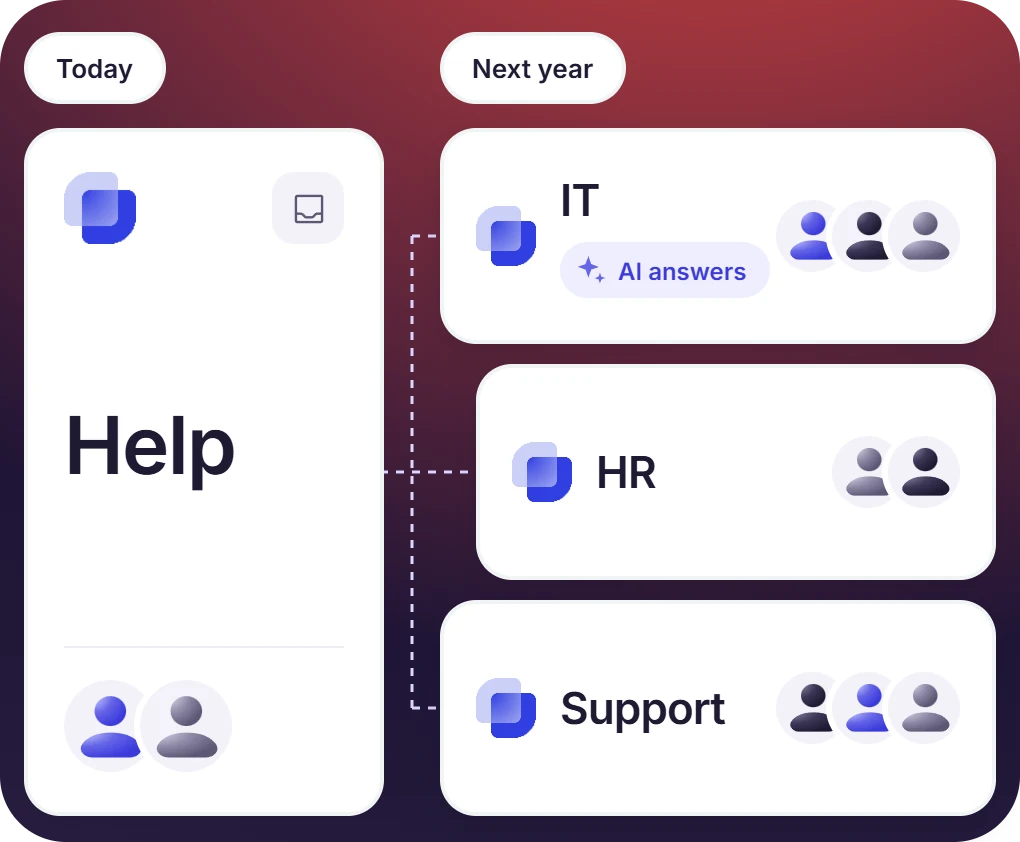
Small Business Ticketing Software That Grows With the Company
- Suptask AI automatically replies to repeated questions from the connected knowledge base
- Forms, routing rules, and response targets are changed in settings as the process changes
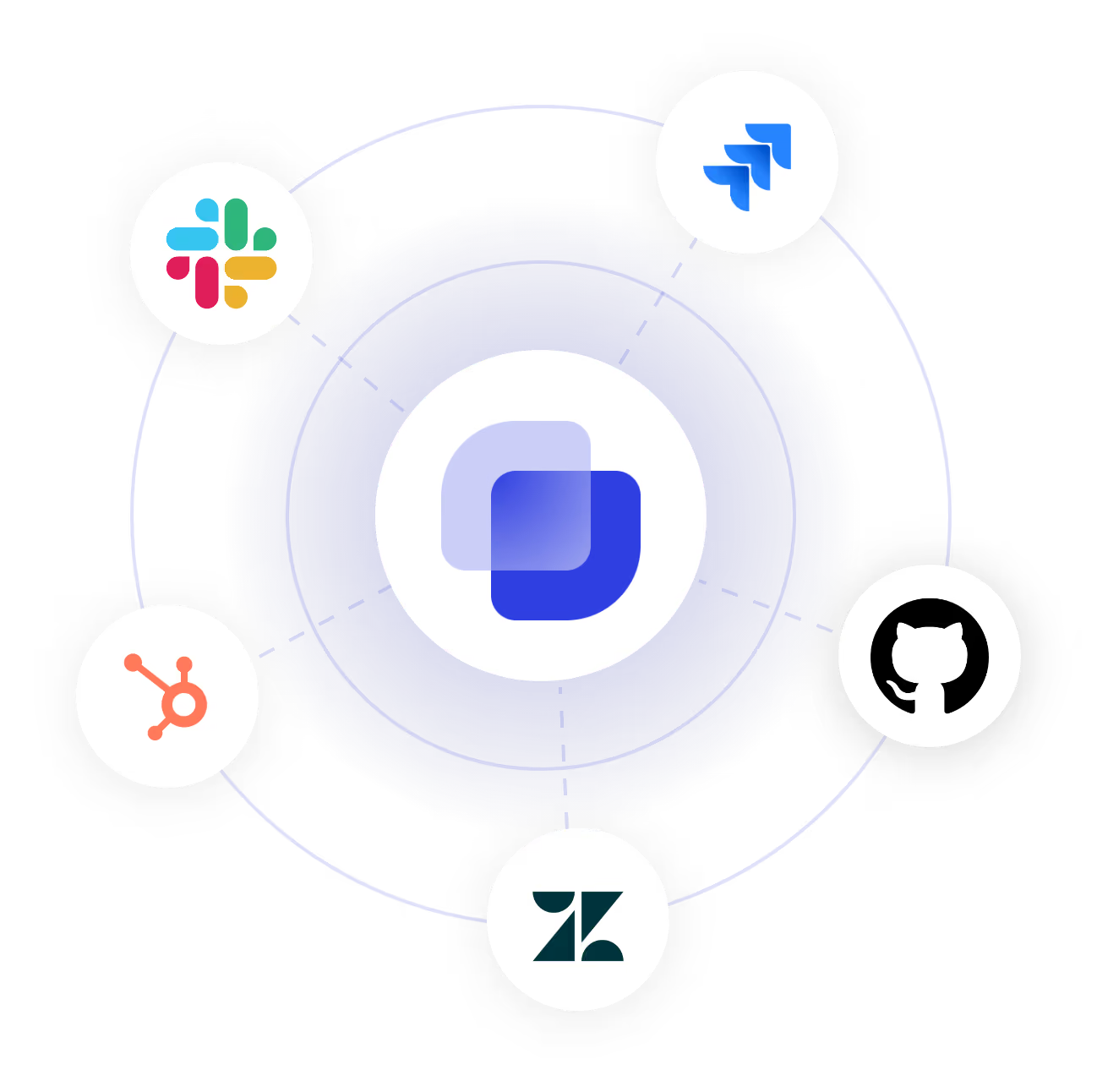
- Suptask integrations for Jira, GitHub, and Zendesk are available when the workflow extends past Slack


Help Desk Software for Small Business, Without the Enterprise Setup
How Suptask Runs a Small Business Help Desk in Slack
Ask
Track
Resolve
Connect the Tools a Small Business Already Uses to the Ticketing System
Frequently Asked Questions
What is a ticketing system for small businesses?
A ticketing system for small businesses is built for tracking the requests a company gets fro its employees and its customers. Every request, from IT issues and HR questions to office needs, is given an owner, a status, and a response target. This makes sure each request reaches the right person. In Suptask, all of this happens inside Slack.
Small businesses get requests from different sides, and most of them are handled over direct messages and emails. Therefore, it becomes difficult to know who is working on what and how much time is taken to reply. A ticketing system is helpful for keeping this information in one place, even for a team of five. There is no need to run an enterprise help desk platform for it.
Zendesk and Freshdesk are enterprise help desk platforms, which are set up outside the tools a team is already working on. They also need training and an admin to manage them. Suptask is installed in Slack, where employees are already sending their requests. There is no portal to log into, and the Starter plan is $15 per agent per month.
Suptask is installed from the Slack Marketplace, and it takes only a few minutes. Once an inbox is created, the first ticket can be submitted right away. Forms, routing rules, and response targets are configured later, as per the requirement. There is no server to set up or a training session to schedule.
Yes, Suptask can handle all of them. Each request type is given its own inbox, and it has its own forms, routing rules, and response targets. IT requests go to the IT queue, HR questions go to the HR inbox, and office requests are handled by operations. All the inboxes are reported on a single dashboard, so a small business does not need three separate tools.
Suptask has four pricing plans. Starter is $15 per agent per month, Professional is $24 per agent per month, and Growth is $38 per agent per month. There is also a custom plan for bigger companies. These prices are for annual billing, and you can visit the pricing page for the current details.
Set up a small business help desk in your Slack workspace



