


The Help Desk Mobile App Your Team Already Has
One place to ask IT, HR, facilities, and operations for help, with an internal ticketing system for each team.












A Ticketing System Mobile App for Agents Away From Their Desk

Agents on the move
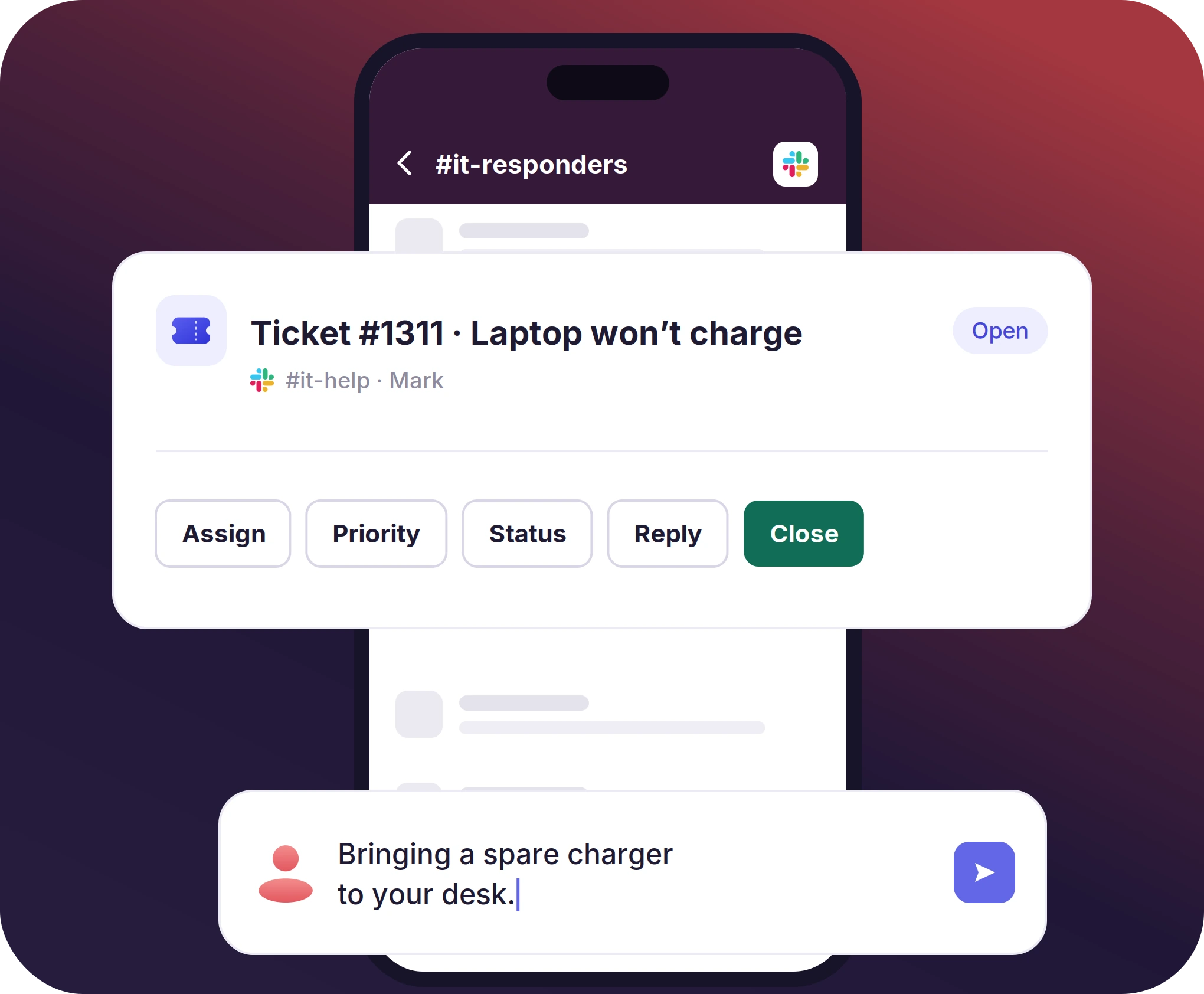
Agents who are walking between sites can use the ticket card in Slack to assign the ticket, change its status, or reply.

Staff on the floor
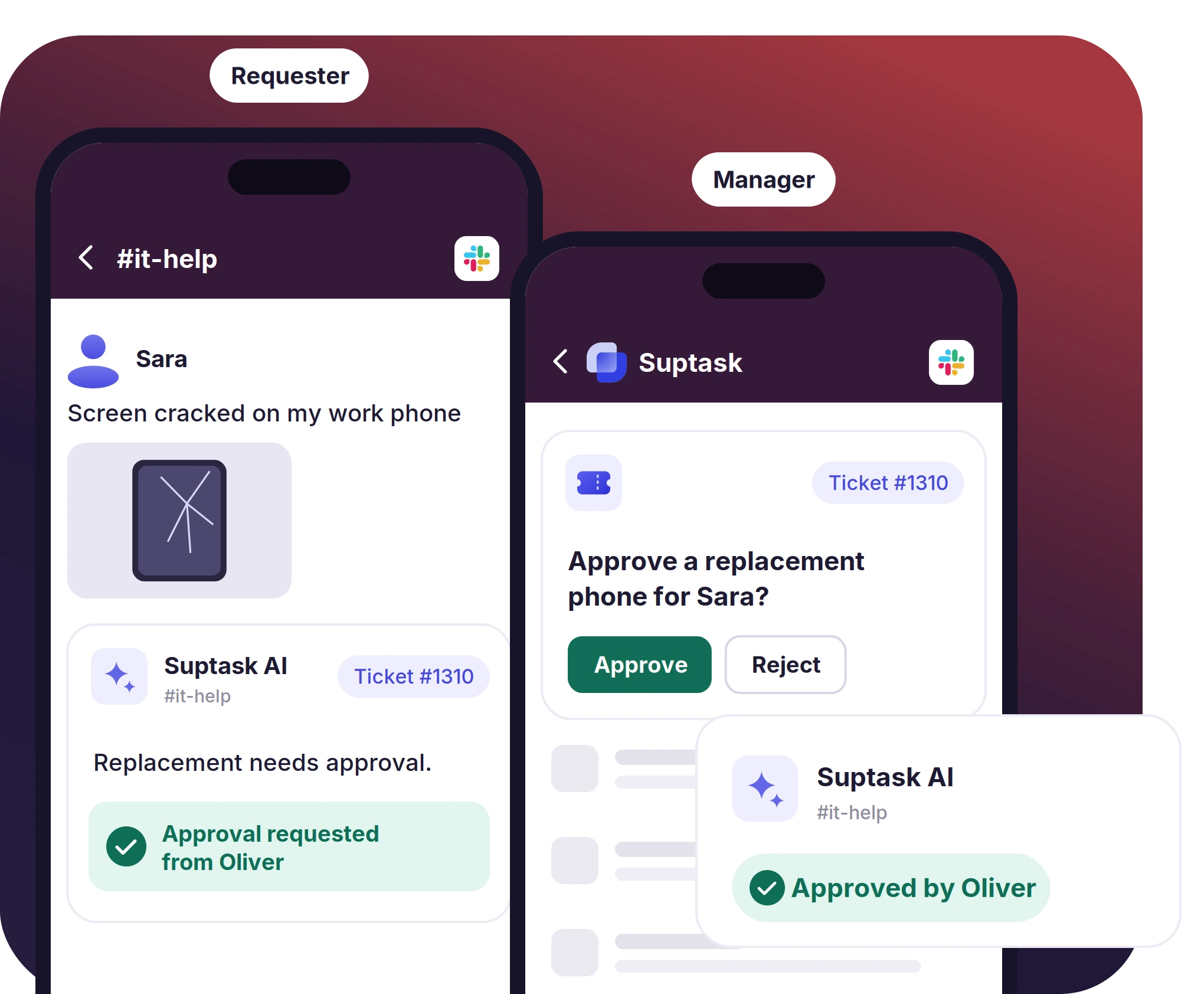
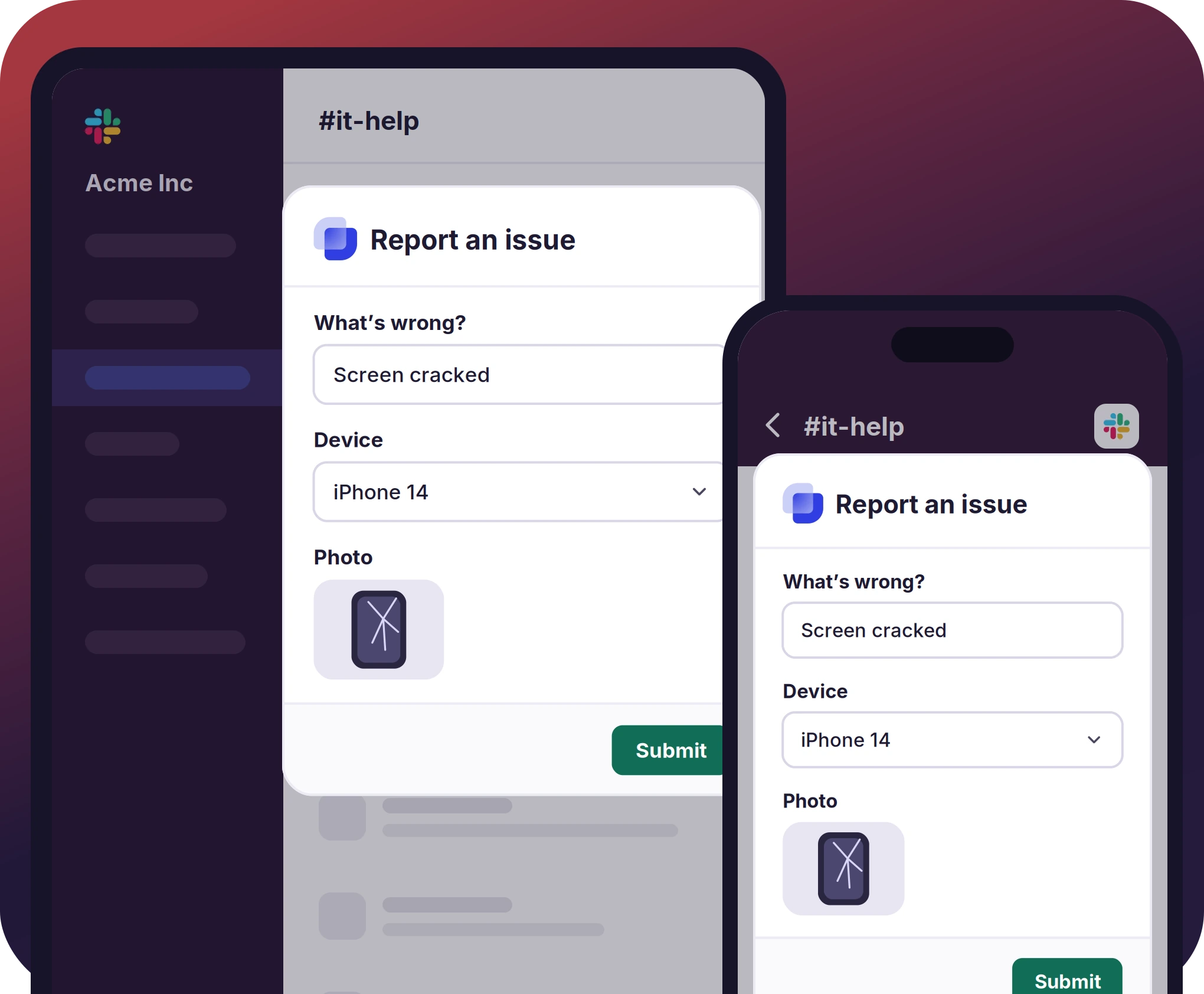
Warehouse and retail staff report a problem from Slack mobile with a photo attached. Status updates come back in the same thread.

Request approvers
Managers get the approval as a Slack message. Approve or reject it in one tap, and the ticket holds the decision after that.
A Mobile Help Desk That Works Like the Desktop One
- Slack for iOS and Android is the app Suptask runs in, so nothing gets downloaded
- Managed devices already carry the Slack app, which leaves no MDM ticket and no extra login for Suptask
- Forms open as Slack modals on any phone or tablet. Ticket cards keep their actions, and files attach from the camera roll
Assign, Reply, Change Status, and Close From the Ticket Card
- Cards in the Responder channel carry buttons that assign the ticket to the agent or a teammate, plus priority and status
- A reply in the thread reaches the requester there, or by email for email-originated tickets. Internal notes stay off that thread
- Canned replies are picked from the card. Duplicates merge into one ticket, and photos or files attached from the phone
The numbers speak for themselves.
Requesters Raise Tickets and Get Updates in One App
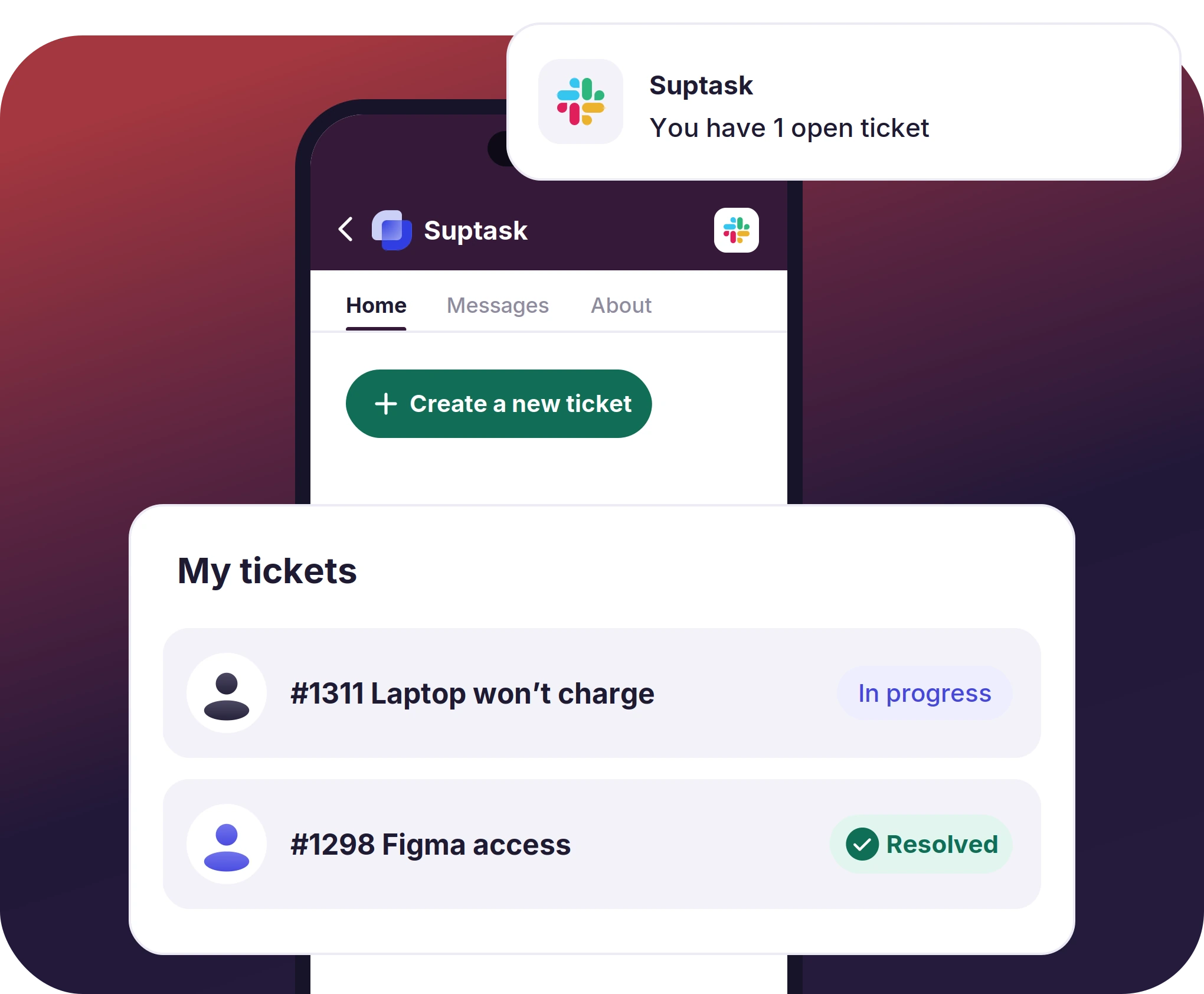
- A requester is able to open a ticket with a reaction, a shortcut, a DM, or the App Home button
- The App Home lists the tickets a person has open, and a daily digest of them arrives as a DM
- Mentions, DMs, and thread replies come through Slack's push notification. Each person's notification settings and Do Not Disturb govern them
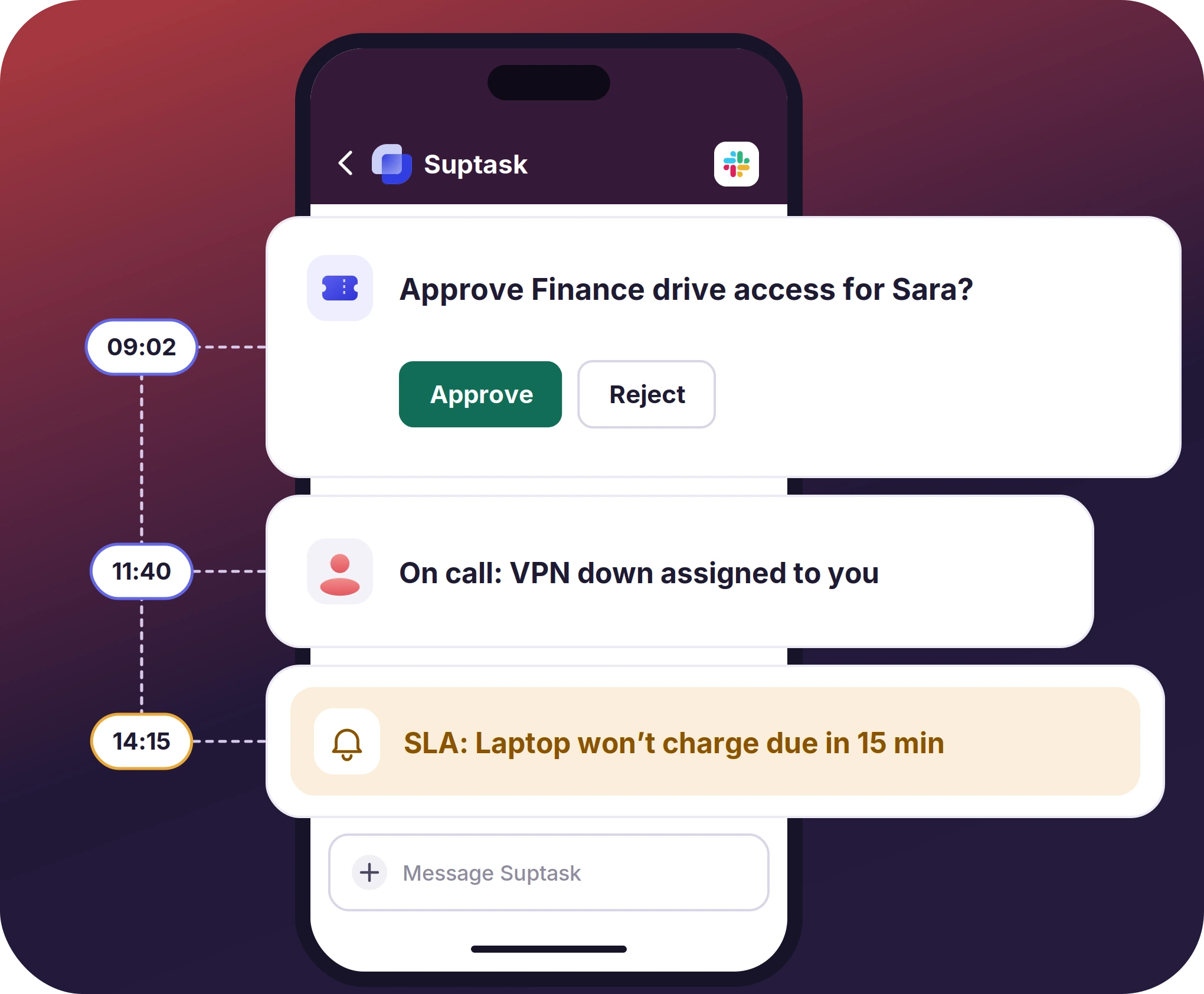
Approvals, On-Call, and Escalations in the Service Desk App
- On-call assignment sends the ticket to whoever is on call, and the notice arrives in Slack like the rest of them
- SLA reminders go out before a target is breached. Escalations follow the same path, as a Slack message
- AI answers and @Suptask suggestions appear in the thread, on a phone as much as on a desktop


What Suptask Changes About the Help Desk App
How the Mobile Ticketing System Works in Slack
Report
Triage
Approve and close
Connect the Tools Your Agents Reach for on Mobile to the Help Desk App
Frequently Asked Questions
Does Suptask have a help desk mobile app?
No, there is no separate Suptask app. Suptask runs inside Slack's own iOS and Android apps, so nothing gets downloaded and nothing goes through an approval queue. It works on iPhone, iPad, and Android through Slack. "Mobile ticketing system" on this page means help desk tickets handled on a phone. Transit and event ticketing is a different thing entirely.
Yes. On a phone, the Slack help desk app gives an agent the ticket card and its buttons, and a requester opens a ticket from a message or from the App Home. Approvers get the request as a message with Approve and Reject on it. A ticketing system mobile app is what this gets called, and the whole Slack ticketing system works the same way on a desktop.
Assign the ticket, set priority, change status, reply in the thread, add an internal note, pick a canned reply, merge a duplicate, and attach a photo or file. Responding to tickets covers each of those. Approvals come through as messages with buttons, and on-call notices and SLA reminders arrive the same way, on Professional and Growth depending on the feature.
No. They already have Slack on their phone, which is all the mobile help desk software a requester needs. Frontline and deskless staff are included in that, and they are free requesters, so headcount on a warehouse floor does not change the bill.
No. Suptask is built for Slack and runs only there. People outside Slack can still reach the help desk by email or through a web form, and their messages become tickets in the same inbox.
There is no free version and no separate price for mobile. Mobile is included on every plan because it is Slack. Starter is $15 per agent per month on annual billing, or $18 monthly, and requesters are free. The pricing page has the rest of the plans.
Run the help desk in the app the team already opens. The Slack service desk app needs no install.



