


Try the Ticketing System Free for 14 Days
A support ticketing system for B2B customers in shared Slack channels and email, with an owner and an SLA per account.

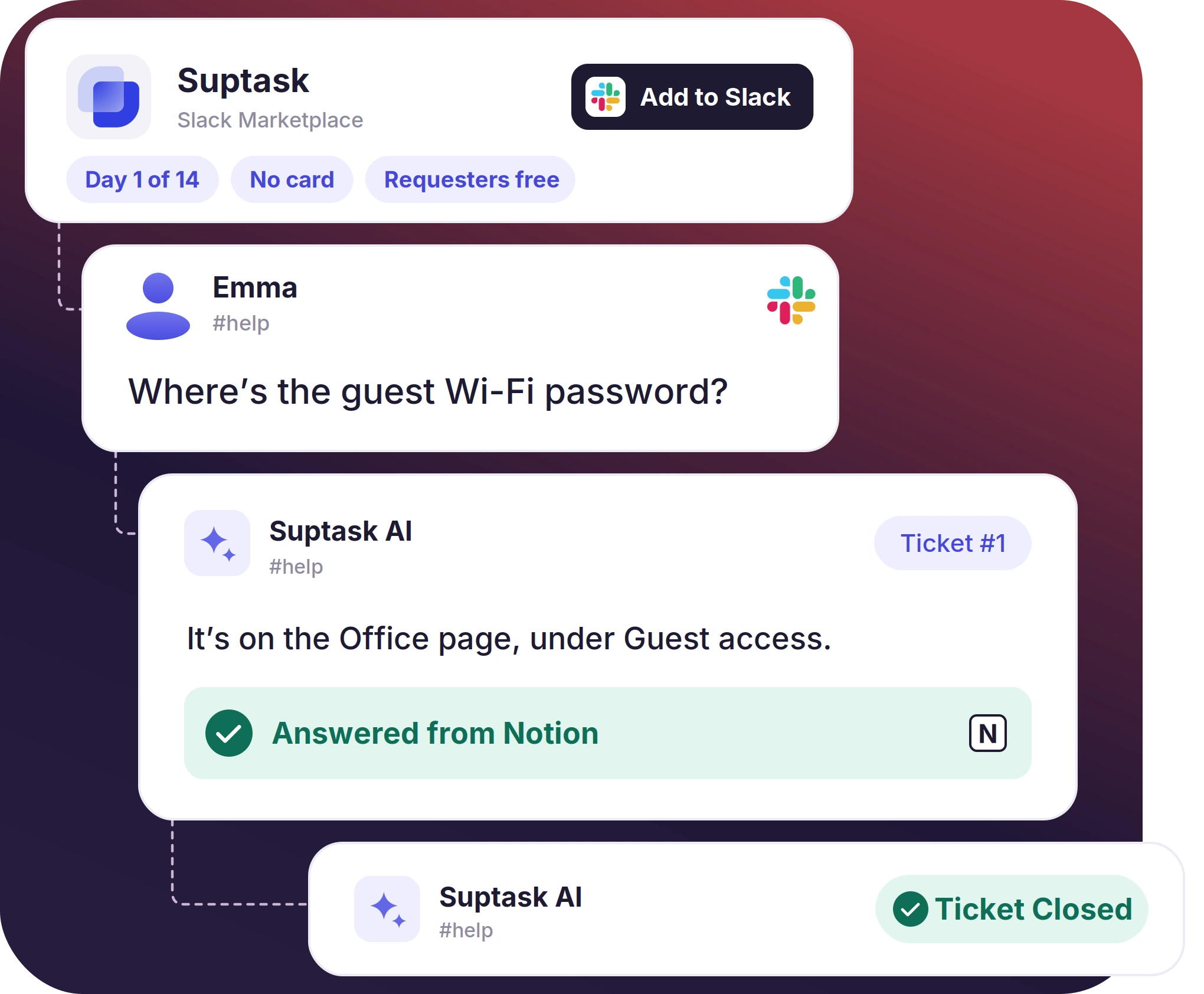











Who Should Start a Free Trial of Suptask

Replacing a shared inbox
A team on a shared inbox can connect that same channel to Suptask and work a week's worth of real requests through it as tickets.

Comparing two models
Suptask can run beside the tool you have now, on the same requests, for the full two weeks. First reply and resolution times are reported for its own queue.

Building a budget case
Two weeks of tickets gives the volume by type and the reply times. The numbers come from your own workspace, and they go to whoever approves the spend.
What the Free Trial Gives You, and What You Pay Later
- Every feature on the selected plan is available during the trial period
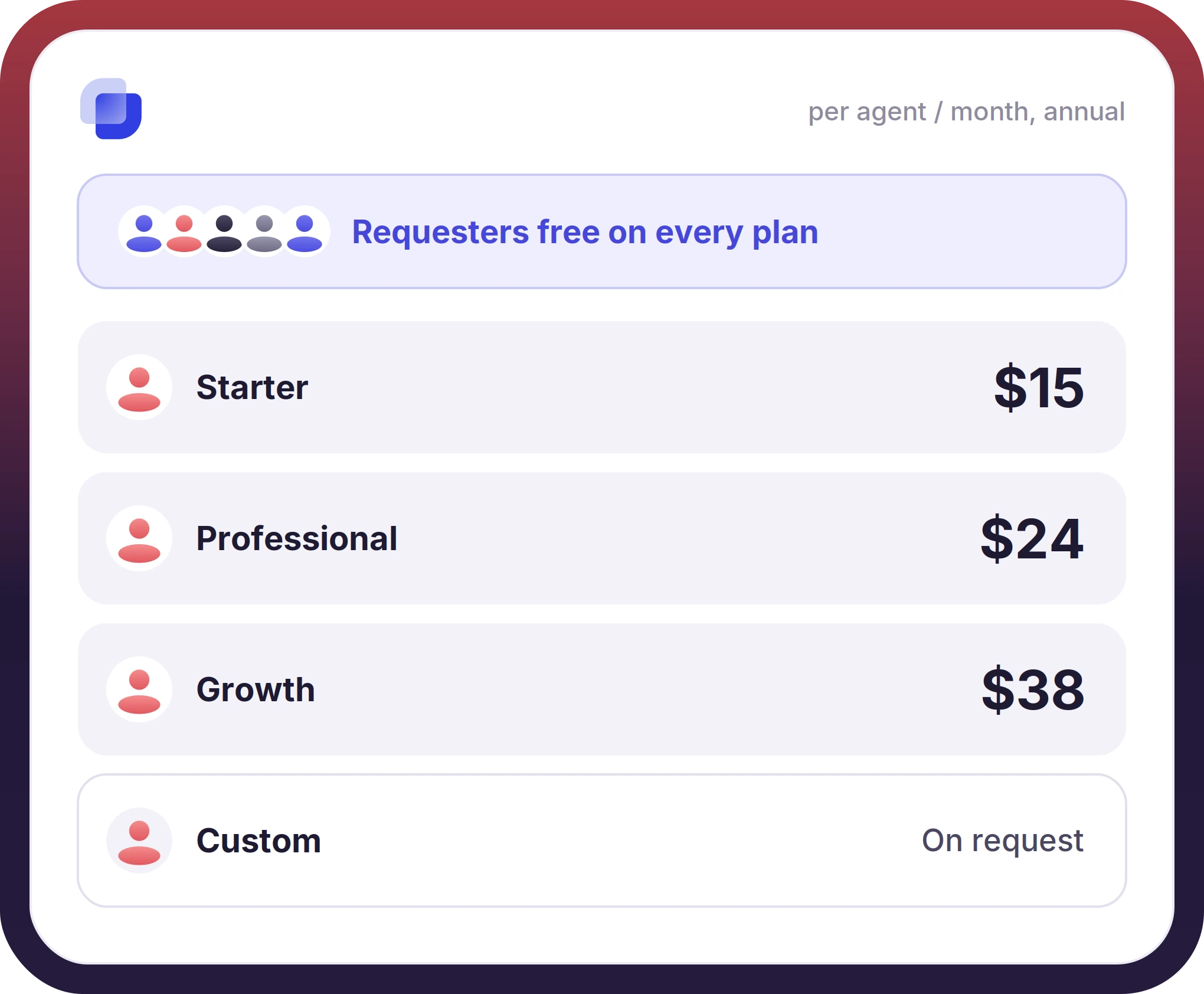
- Three plans follow the trial. Starter at $15, Professional at $24, and Growth at $38 per agent per month on annual billing, with Custom quoted on request
- The trial account becomes the paid account, with the setup left as it is.
Set Up Your Ticketing Flows Before You Pay Anything
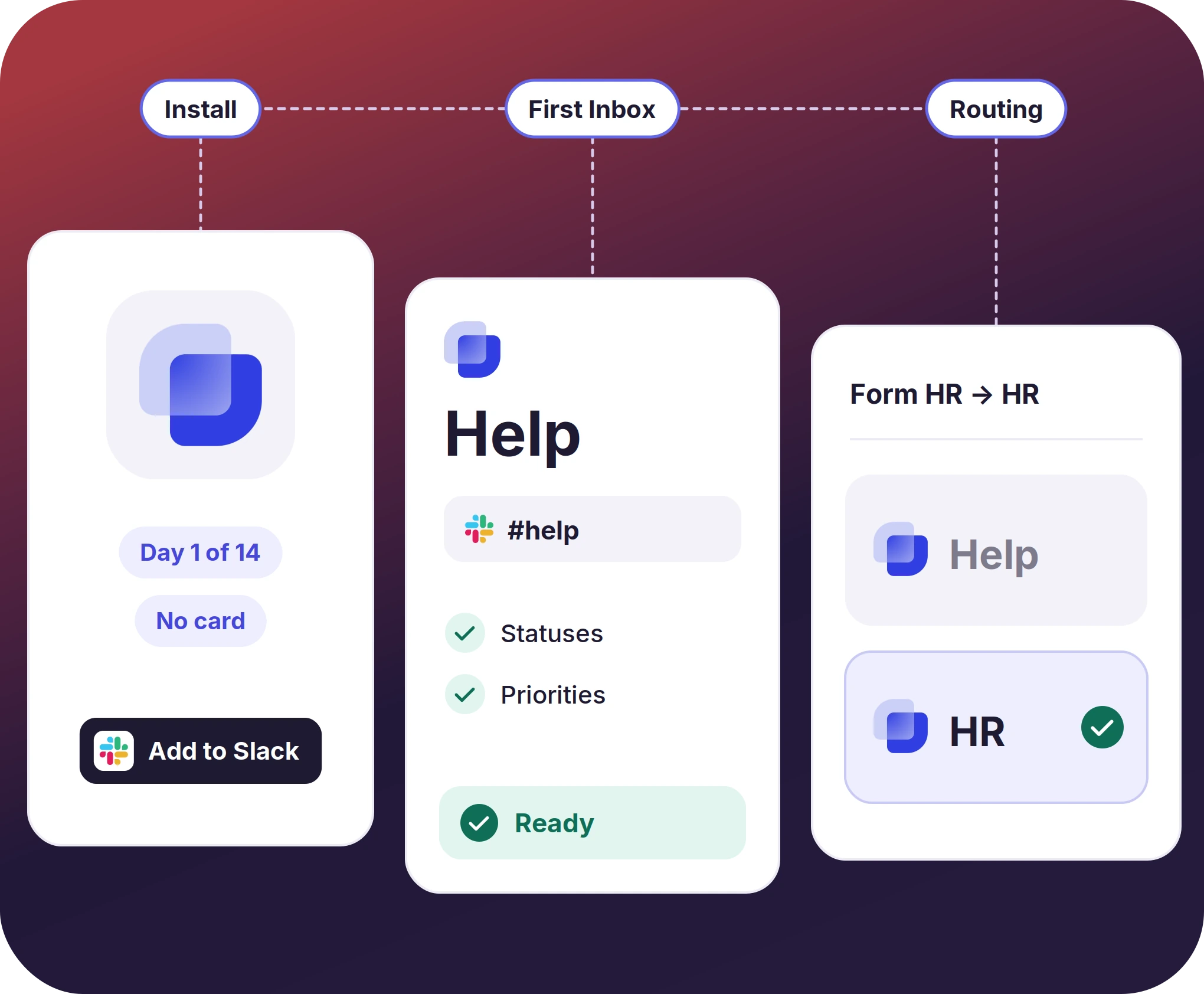
- The first Inbox connects to a channel the team already uses, and the Quickstart sets out the statuses and priorities that go with it
- A second Inbox can be added for another team, with routing rules deciding which one a request lands in
- Volume by type, first reply time, and resolution time appear in the single-team dashboard as tickets close
The numbers speak for themselves.
Where the Cost of a Free Tool Shows Up
- The portal is the part a free tool expects the team to adopt, and adoption is the part that does not always happen
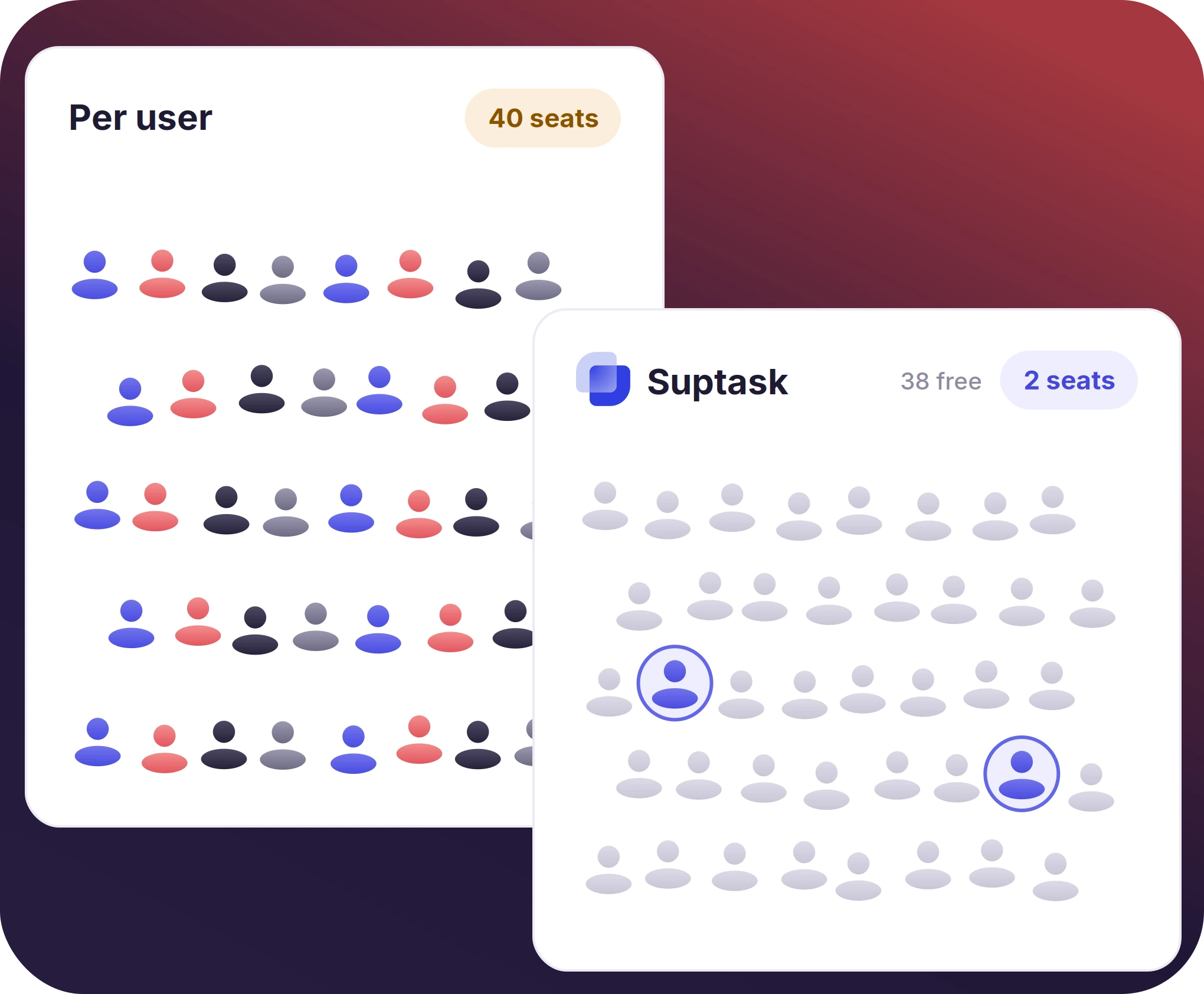
- Per-user pricing counts everyone who needs access, so the bill moves with headcount.
- Suptask counts only the agents who answer. Anyone who raises a request is free
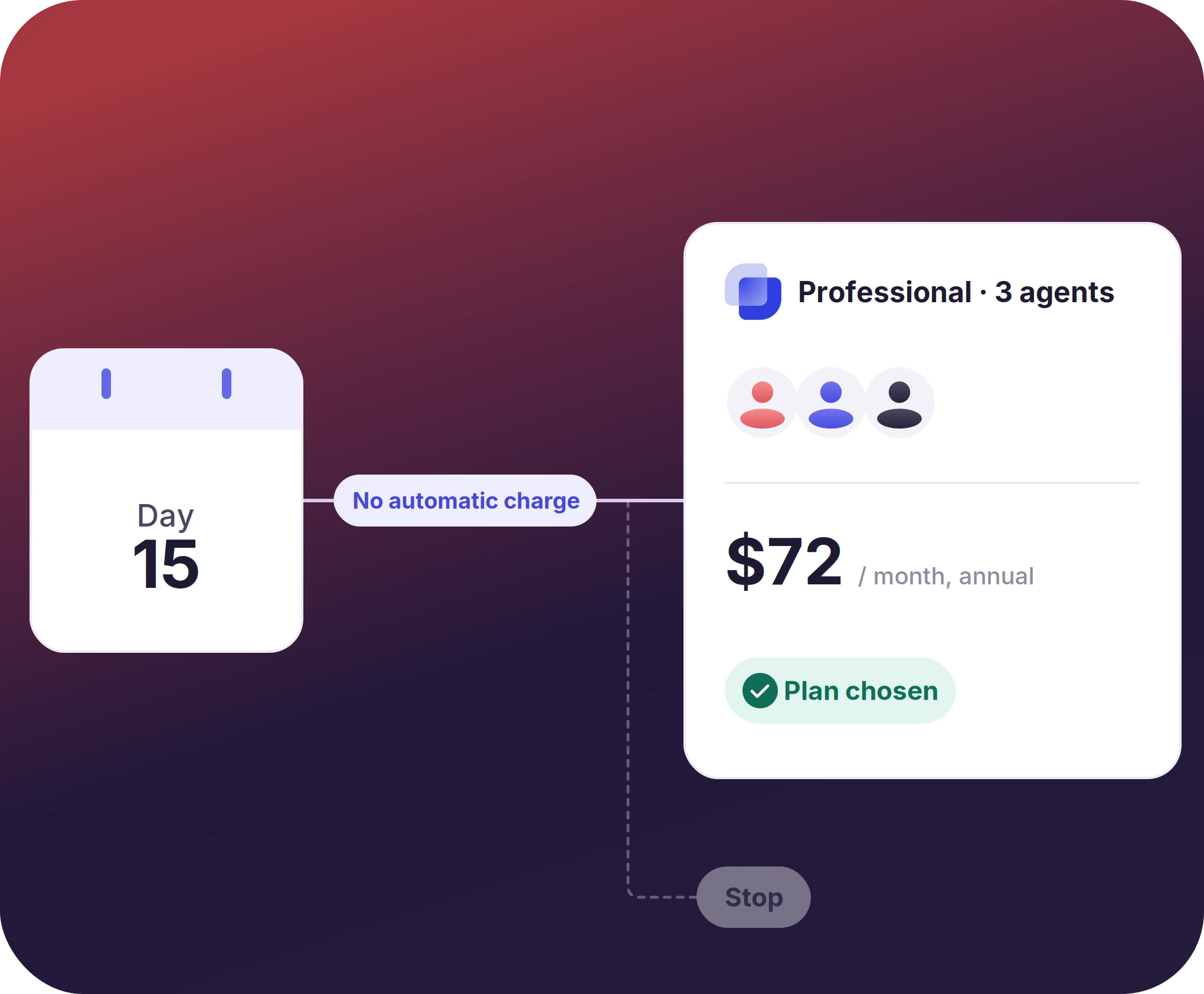
At Day 15, You Choose a Plan, or You Stop
- The admin picks the plan in the app, and the pricing page lists what each one carries
- Support answers questions while the trial is still running, including before day 15
- The agent count decides the cost, so the plan follows from how many people answered tickets in the two weeks


What the Trial Shows Before a Plan Is Chosen
How to Try the Ticketing System Free for 14 Days in Slack
Install
Setup
Decide
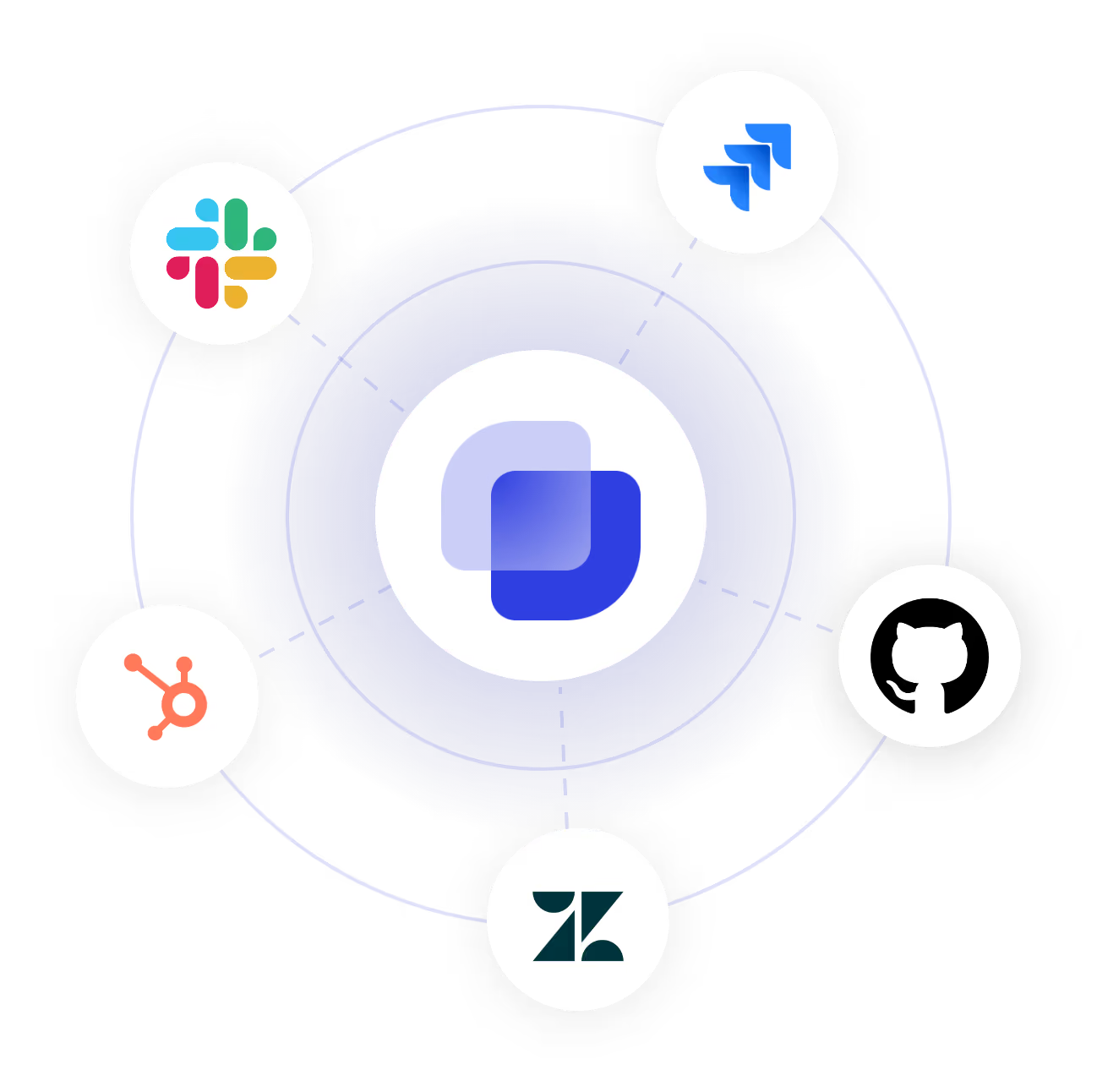
Connect Your Tools During the Trial
Frequently Asked Questions
Is Suptask free?
No. There is no free plan, and there is no free tier on Suptask. What you get is a 14-day trial of the product, with no credit card asked for at the start. After the 14 days, the plans are paid, starting at $15 per agent per month on annual billing, and the people who only raise requests are not charged on any plan.
Yes. The 14 days are meant for that, and a team can install the Slack ticketing system, set up its queues, then run its own requests through them before any money is spent. Two weeks is long enough for the numbers to be worth reading. Nothing is charged unless a plan is chosen at the end.
A plan is chosen by the admin, or the trial finishes. No card was taken at signup, so nothing can be charged automatically. [⚠ What the account does after day 14, and how long the data is kept. Blocked on product.] Invoices, seats, and plan changes are documented under subscription and billing.
No. The card is not asked for when the trial starts, and it is not asked for during the 14 days either. Payment details are collected at the point a plan is selected, which is a step the admin has to take. Until then, there is nothing to cancel.
Yes, there are some. Open-source help desks that a team hosts on its own server are free to license, and the cost turns into the time someone spends keeping that server running. Free tiers from the larger vendors exist too, with limits on agent numbers or on how many contacts can be added. A comparison of the free issue tracking tools is kept separately. Suptask is the paid option for teams working in Slack, where the people who only ask are not counted.
Suptask pricing is per agent per month. Starter is $15, Professional is $24, and Growth is $38 on annual billing. Monthly billing is higher. Requesters are not charged for any of them, and Custom is quoted for larger setups.
Start the 14-day free trial Suptask in your own Slack



