


Help Desk Software for Schools, K-12 Districts and Universities
An IT ticketing system for employee requests, incidents, and access approvals, built on ITIL practices without a portal.

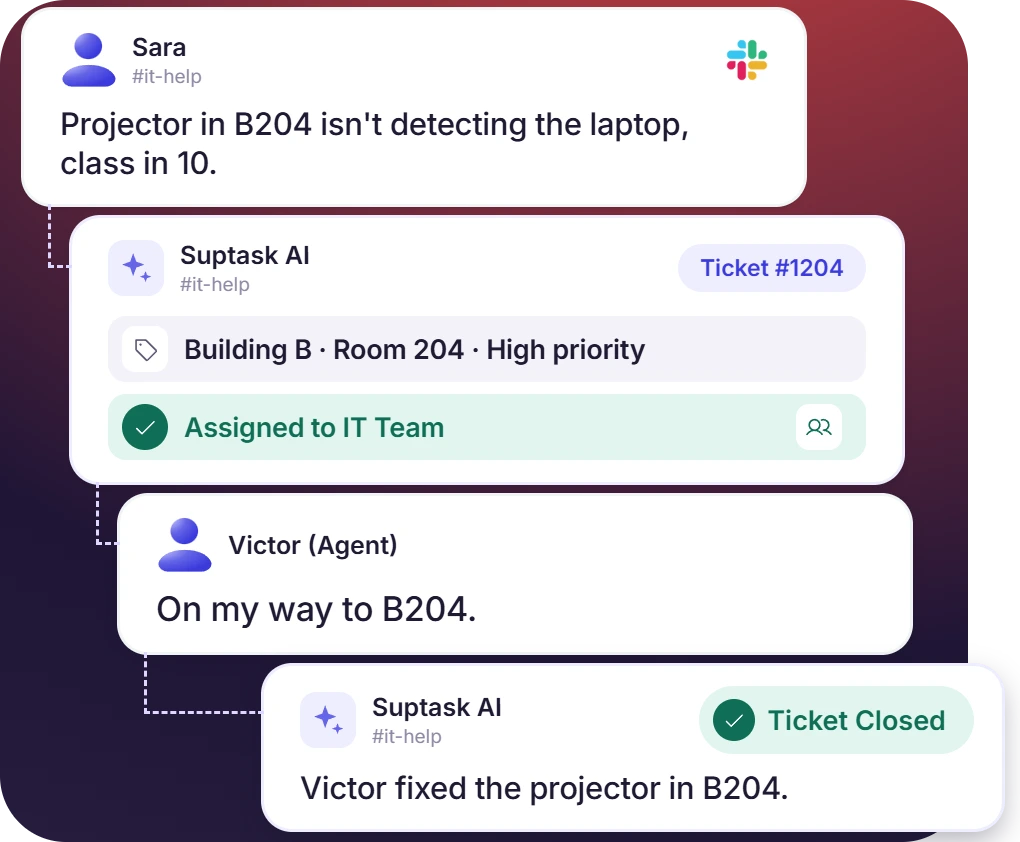











Help Desk for K-12 Districts, Universities, and Edtech Teams

K-12 districts
K-12 IT support and facilities go into one district-wide queue. Teachers ask in the channel between classes, and the ticket carries the room.

Universities
Each department holds its own queue, so IT and the registrar do not share a list. Students ask in the campus Slack, and a student help desk costs no extra seats.

Edtech companies
A Slack Connect channel is opened for each district customer. Teachers and admins write in their own words. A ticket that needs code moves to the product team.
An IT Ticketing System for Schools With One Inbox per Team
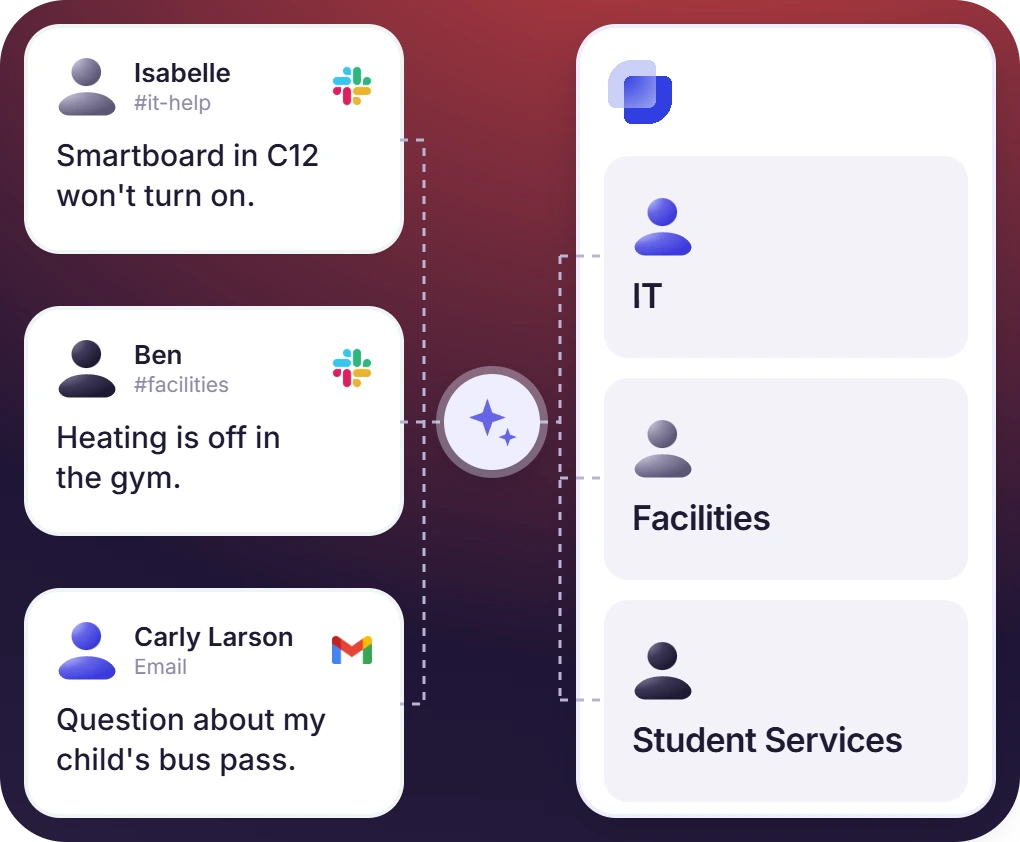
- A channel message, a direct message, or a reaction opens the ticket. The form captures the building, room, device type, and urgency
- A parent or a vendor outside Slack writes to the help desk address, and the email opens a ticket. A form on a web page does the same
- An Inbox for each of IT, facilities, student services, and HR keeps the queues apart. Canned replies cover the start-of-term questions
K-12 Help Desk Software for Districts Whose Staff Use Slack
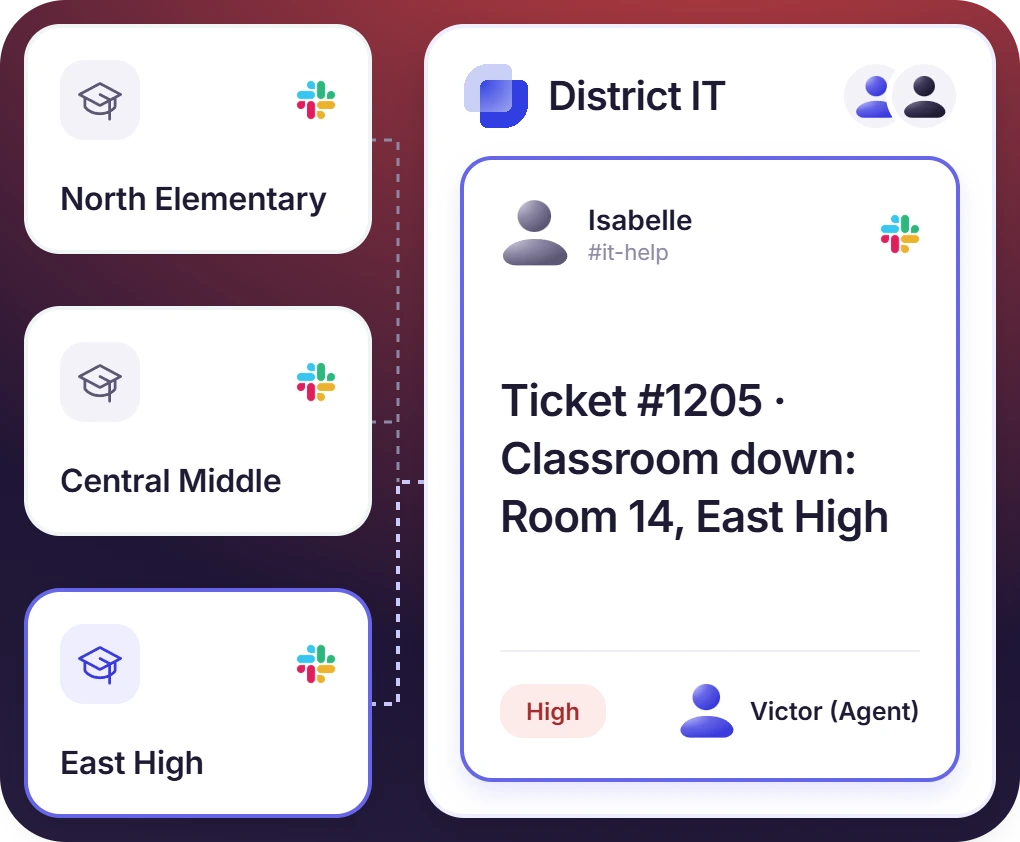
- Tickets from each school land in one district queue, routed by the building field. Districts running a workspace per school can join them
- The rules give a classroom-down request higher priority. Business hours are set to the school day, and the SLA is measured inside them
- Reports come out by school and by term. Account resets run through Google Workspace Admin, and Apple device status comes from Iru
The numbers speak for themselves.
Higher Education Help Desk for IT, Departments, and Students
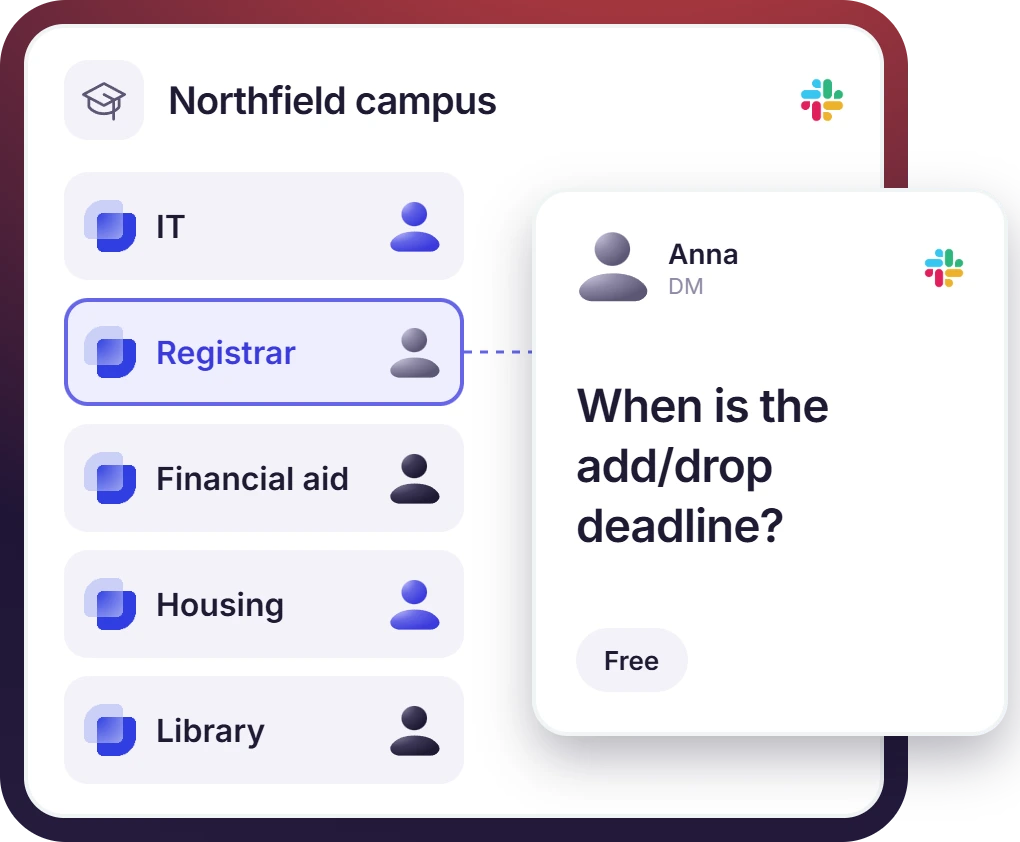
- Students ask from the campus Slack without a seat of their own, because requesters are free. The workspace itself can run on Slack for Education
- The registrar, financial aid, housing, the library, and IT each get an Inbox. A private form keeps accommodation and conduct requests inside it
- Separate campuses run separate workspaces, and Suptask connects them into one setup. Staff sign in with the campus identity provider
Help Desk Software for Education That Grows With the Institution
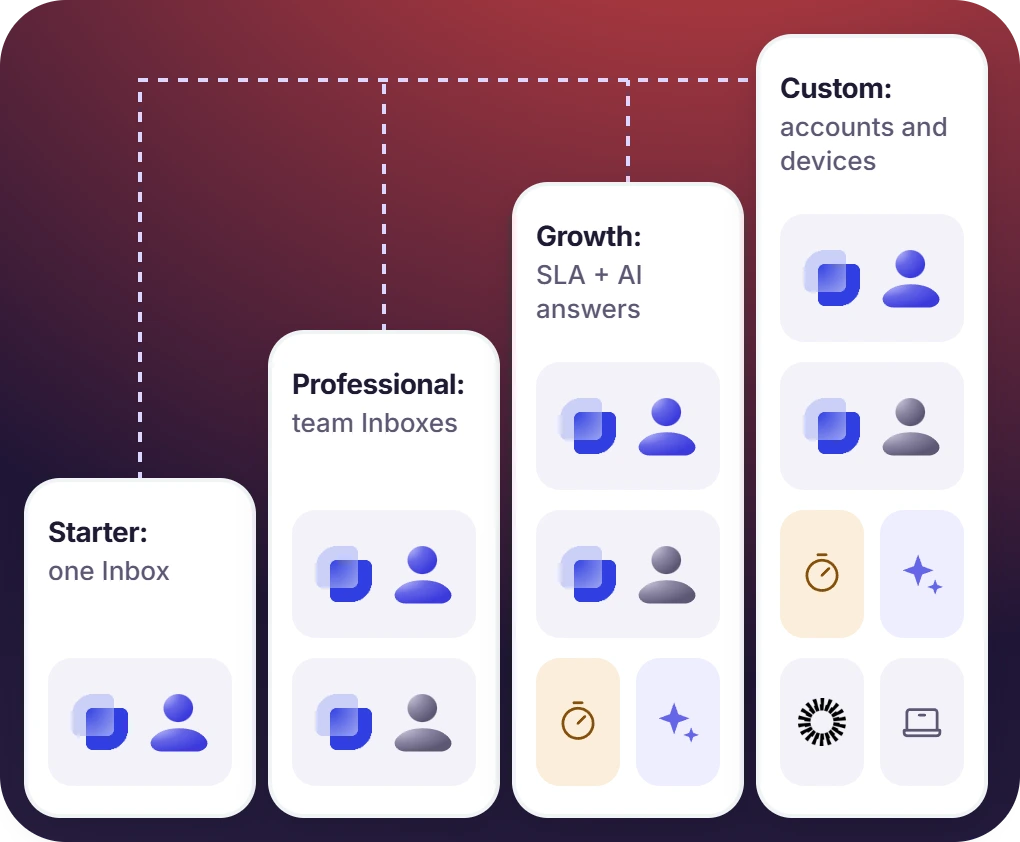
- A school starts on Suptask Starter with one Inbox. Professional adds teams, Growth brings SLA with AI answers, Custom connects accounts and devices
- School help desk software with AI pulls the answer from the IT knowledge base. The repeat questions each term are answered by AI
- Volume is reported by building, by team, and by term. A CSV export carries the same numbers to the technology committee


What Suptask Changes About the School Help Desk
How the School Ticketing System Works in Slack
Ask
Route
Resolve
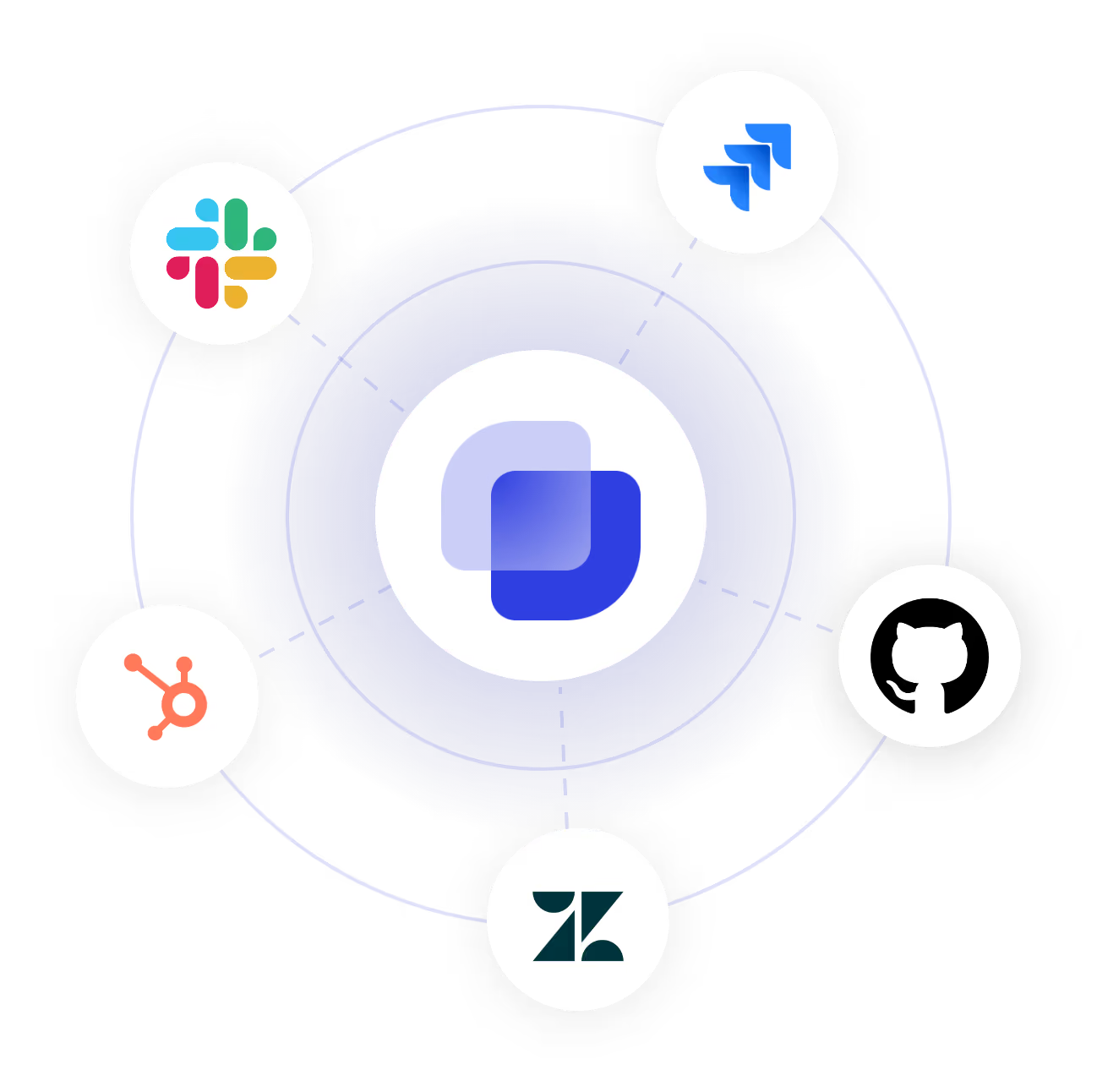
Connect Google Workspace and Your Device Tools to the School Help Desk
Frequently Asked Questions
What is help desk software for schools?
Help desk software for schools is used to record the requests that come in from teachers, staff, and students. Each one becomes a ticket. The ticket carries an owner, a status, and the history of what was done on it. Routing sends it to IT, to facilities, or to the admin team that handles the work. Suptask is a ticketing system for education that does this inside Slack, for institutions whose staff are already working there.
Intake comes first, because a K-12 ticketing system only works when the staff will actually use it. After that, routing by building, privacy for student matters, and reporting that breaks down term by term for each school. If devices are the priority, asset management belongs on the list too, and Suptask does not include it. Those are the points a school IT ticketing system gets checked on.
No, Suptask does not hold the device inventory. The help desk software role in education is to record the request, route it to the right team, and keep the history of what was done. The inventory stays in the MDM or the asset tool the school already runs. Device status can still be brought onto the ticket through the Iru or PDQ Connect integrations, which are on the Custom plan. A help desk for education and an asset system are two different systems here.
Yes, if the staff have Slack accounts. In a university that gives students accounts, a student help desk can run in the same workspace, and the students are free requesters because only the technicians who answer are billed. Slack for Education is Slack's own program for schools and universities. A workspace can be applied for through Slack. A school whose staff do not work in Slack is not a fit.
A sensitive request comes in on a private form. The ticket then opens as a direct message between the requester and the assigned staff member. Only the agents in that Inbox can see it, and the internal notes are never shown to the requester. Suptask holds SOC 2 Type II and works under GDPR with a data processing agreement. The security page has the details, and a district data agreement can be discussed with the sales team.
Suptask is billed per technician. The teachers, staff, and students who only raise requests are free on every plan. Starter is $15 per technician per month on annual billing and covers one queue. Professional at $24 adds a queue for each team, email intake, canned replies, and CSAT. Growth at $38 brings SLA with school-hours clocks, SSO, and AI answers. Account and device integrations are quoted on the Custom plan, along with multiple workspaces.
One place for the school to ask, in Slack, and one queue for IT to answer from



