Ask most help desk managers what they measure, and the list runs long. Twenty-five metrics, sometimes more. But how many of them do you check and use to make a decision?
Tracking more metrics might seem the right practice, but the focus must be on tracking metrics that lead to a decision.
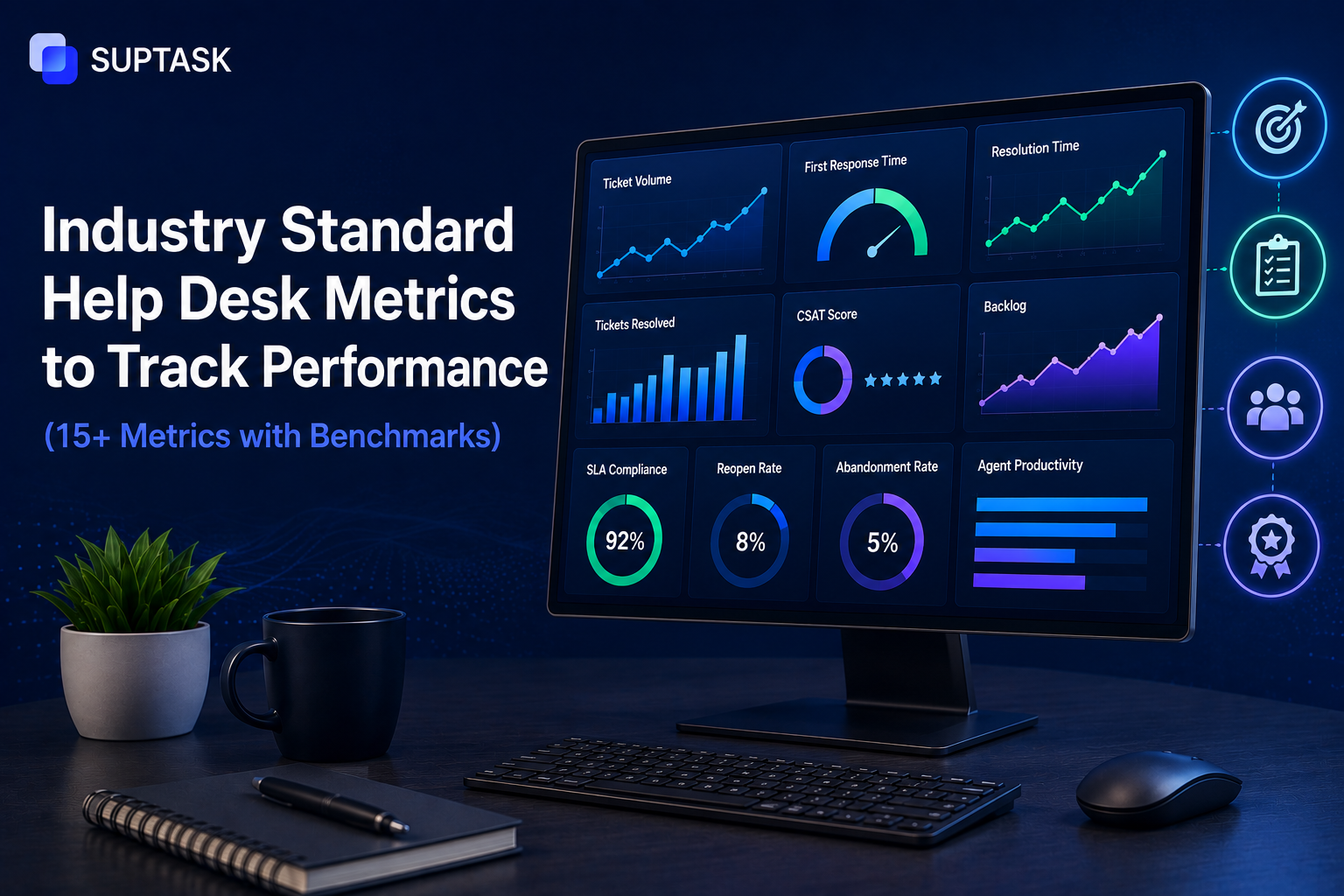
This blog will help you with 15 help desk metrics that actually matter, industry standard benchmarks for each, so you can track the metrics that help with something you can act on.
We have categorized these metrics into 4 categories, efficiency, satisfaction, cost, and agent performance. Each metric has a simple definition, formula, the benchmark with its source, and how to improve when the numbers are not as expected.
So, let’s get started.
Help desk metrics vs KPIs: what's the difference?
A help desk metric could be any number that describes what is happening on your desk, like how many tickets came in or how long they took. A KPI, or key performance indicator, on the other hand, is a metric you have connected to a target, so it measures success, not just activity. At last, every KPI is a metric, but not every metric is a KPI.
Let’s understand the difference between help desk metrics vs KPIs with an example. An average first response time is a metric that tells you what happened. "Reply within fifteen minutes, ninety-five percent of the time" is a KPI because now there is a target attached, and you can pass or fail against it. The same goes for service desk key performance indicators, the term changes, but the logic does not.
Put simply, metrics mean to describe, and KPIs hold you to a standard.
Efficiency metrics (how fast and how well)
These metrics describe the help desk performance metrics that show how quickly and efficiently the team works on a ticket. These metrics are also known as the service desk performance metrics, and they are usually the first place a manager looks.
1. Ticket volume
Ticket volume is just the total number of tickets your desk takes in over a set period, counted as total tickets created in the period. The raw count means little on its own, so read it per agent or per 100 employees.
A Zendesk-powered desk averages more than 600 tickets a month (Zendesk), but yours depends entirely on your size and your season. A steady or clearly explained volume is fine; however, rising volume with increased resolution time is a warning sign that means you have to increase your capacity.
2. First response time (FRT)
First response time is how long a customer waits for the first human reply after raising a ticket, worked out as the sum(first reply time − created time) / total tickets.
The identification of top-performing teams is that they reply to email in under 4 hours, and live chat is far quicker, often under a minute (Zendesk).
Speed is the biggest factor to look after, since 63% of the customers rank response speed as the top factor in support (Zendesk CX Trends 2026). Therefore, if your FTR is slow, triage faster, use saved first replies, and route by skill so tickets do not sit unseen.
3. Average handle time (AHT)
Average handle time is the working time an agent spends on a ticket from start to finish, calculated as (talk + hold + after-work time) / total tickets.
The ideal AHT is around 6 minutes (Zendesk), though it might vary with channel and complexity. Therefore, the best practice is to ensure that the AHT stays stable instead of creeping up. When it climbs, the cause is usually missing knowledge-base articles or thin information captured at intake, so fix those inputs before pushing agents to simply go faster.
4. Mean time to resolution (MTTR)
MTTR is the average time from a ticket being opened to it being fully resolved, or the sum(resolved time − created time) / total resolved tickets. MetricNet's global data puts the average incident MTTR at about 8.85 business hours, with a wide spread from under an hour to nearly 28 (MetricNet). It varies so much by complexity that the trend matters more than the absolute number. If it is rising, separate simple tickets from complex ones before coming to any conclusion, and look at where tickets sit idle waiting on someone.
5. First contact resolution (FCR)
First contact resolution is the share of tickets solved in a single interaction with no follow-up, written as (tickets resolved on first contact / total tickets) × 100. The usual industry range is 70 to 79% (Zendesk), and anything at or above 70% counts as best-in-class (HDI). Allow for your ticket mix, since a hardware-heavy desk will naturally sit lower. When FCR is weak, the fix is almost always better agent training and a stronger knowledge base, because most repeat contacts trace back to a gap in one of the two.
6. Ticket backlog
The ticket backlog is the set of tickets still open and unresolved at a given moment, simply count(tickets with status = open). A backlog sitting between 0% and 7.6% of monthly volume is considered healthy (Zendesk). The real test is whether the backlog clears at roughly the rate new tickets arrive. If it keeps growing, that is a capacity signal, and the answers are more deflection, reassigning load, or digging into which ticket types are quietly piling up.
7. SLA compliance rate
SLA is meant to attach a specific promise to each ticket or service. In terms of SLA compliance rate, it refers to the percentage of tickets that meet the specified response or resolution you committed to, or (tickets meeting SLA / total tickets) × 100.
A healthy compliance rate is 90% or higher. However, it may also change therefore, you should aim for 90% but not for every ticket. So, the realistic targets depend on the work, and what counts as a good SLA time changes with priority level. If you are missing SLAs, the target may be unrealistic or the routing too slow, so check both before blaming agents.
8. Reopen rate
The reopen rate refers to the percentage of resolved tickets that get reopened because the issue was not resolved earlier. It can be calculated using the formula (tickets reopened / total resolved) × 100.
Below then 5% is considered to be the healthy response rate. Your emphasis should be on keeping this rate as low as possible, and stale too. However, if you have a high reopening rate, that means the team is putting effort into closing tickets rather than solving customers' problems. The best practice is to keep it low by having a structured process that ensures a ticket can be resolved only when it meets certain criteria.
Satisfaction metrics (how your users feel)
The efficiency numbers tell you how the desk runs. These tell you how it feels on the other side, which matters just as much. They are the core of help desk customer satisfaction.
9. Customer Satisfaction Score (CSAT)
CSAT is a metric that tells you how happy customers are with the support they are getting. It is usually calculated with the help of a quick post-ticket survey, calculated as (positive responses / total survey responses) × 100.
The CSAT score of around 80% is considered acceptable, and above 90% is considered to be best-in-class for a help desk (HDI). The easiest way to calculate your own score is the CSAT calculator. If the score comes out to be low, it could be attributed to slow responses or issues that were not really fixed, and improving it often starts with how you collect customer feedback in the first place.
10. Net Promoter Score (NPS)
NPS is one of the best metrics to measure the loyalty of customers. It most likely tells how likely someone is to recommend you, scored as % promoters − % detractors on a 0 to 10 question. For IT support, a score around 50 is considered strong. Also, it is the border metric rather than CSAT, since it asks about the whole relationship and not just the last interaction. A weak NPS sitting next to a healthy CSAT usually means individual tickets go fine, but something about the overall experience is wearing people down.
11. Customer Effort Score (CES)
CES measures how hard the customer had to work to get their problem solved, usually as an average score on a 1 to 7 effort scale. As customer issues must be resolved requiring menial efforts from them, thus, the lower the better, and an average under 3 is healthy.
CES is also getting measured as one of the stronger predictors of loyalty than CSAT, because people rarely stay loyal to support that makes them repeat themselves or chase updates. If yours is high, go looking for the friction, too many handoffs, too many replies to close one issue, or a portal nobody can navigate.
Cost & financial metrics
These two put a price on the desk and show where the money actually goes.
12. Cost per ticket
Cost per ticket is what it costs your organization to resolve one ticket. You can calculate it using the simple formula total support operating cost / total tickets resolved, where the cost takes in salaries, tools, and overhead.
The healthy cost per ticket for a Level 1 service desk, it usually lands around $22, and HDI's benchmarking puts the wider range anywhere from about $6 to $40 or more (HDI).
The cost increases when the ticket escalates, since Level 2 desktop support and Level 3 specialists cost far more per ticket than the front line does (MetricNet). Therefore, to maintain the lowest cost per ticket is to get tickets resolved at the first contact.
13. Self-service/deflection rate
Deflection rate refers to the share of incoming requests that get resolved without an agent working on them, with the help of a knowledge base or an AI Assistant. You can calculate this metric with the help of the formula (self-service resolved + AI-deflected) / total inbound requests × 100.
Nowadays, modern help desks use AI, and the ideal percentage would be between 20% to 40% is a realistic range. A healthy deflection rate quietly pulls down cost per ticket and frees agents for the work that genuinely needs a human. If yours is low, the usual reason could be attributed to a thin or outdated knowledge base and answers that are too hard for customers to find on their own.
Agent performance metrics
These last two look at the people doing the work, with a warning attached.
14. Agent utilization rate
As the name says, this metric helps to know the share of an agent's available working time actually spent on tickets, calculated as (time spent on tickets / total available work time) × 100.
A healthy agent utilization rate is often between 60% to 80%. However, organizations are tempted to push it higher, but anything above 85% is a warning sign, because when an agent is burned out instead of being productive, they will make mistakes. But if utilization is low, the cause is usually uneven routing or time lost to non-ticket work. If it is too high, what you need is more hands or more automation, not more pressure.
15. Tickets resolved per agent
This is simply how many tickets each agent closes in a period, worked out as total tickets resolved / number of agents. There is no universal benchmark, because it depends entirely on ticket complexity, so a desk handling password resets will post very different numbers from one handling deep technical issues. The figure to watch is the trend, not the absolute.
You should work on maintaining a steady or rising count, alongside steady CSAT. A rising count with falling satisfaction usually means agents are closing tickets too fast to actually help.
How is AI changing help desk metrics in 2026?
So far, we have discussed the 15 metrics that have been in existence for years. However, in 2026, with AI, a new set of metric also used, as they are working with humans in most areas. Therefore, you should track these metrics:
- AI deflection rate: The percentage of tickets that got resolved with no human touch at all, handled start to finish by an AI assistant.
- Time-to-AI-summary: It tells how quickly a long thread gets summarized for the agent picking it up, which decides how fast they can actually start.
- AI-assisted resolution time delta: How much your MTTR drops when AI helps. The gap is large, with recent data showing a median of about 4.4 hours when automation is involved, against 71 hours when it is not.
- Automation coverage: The percentage of your common request types that are now fully automated, which tells you how much room is left to automate further.
These metrics will help you learn the effectiveness of AI in the help desk. Slack-native platforms like Suptask now surface these alongside the traditional metrics in the help desk dashboard, so AI performance gets measured the same way as everything else.
How to choose which metrics actually matter?
So, which metrics actually matter for your help desk? The metrics discussed so far are the most important ones, they must have a place in your dashboard.
You can get started with metrics like FCR for efficiency, CSAT for satisfaction, cost per ticket for the financial side, and agent utilization for the team. These will draw the picture of your help desk, whether it is working in the right direction or not.
Beyond measuring these metrics, you have to work on connecting them with the business goals. For example, FCR maps to cost and customer effort, CSAT maps to retention. If a metric does not connect to something the business cares about, drop it.
The best practice is to have a target set for each metric as the starting point. You should keep the target realistic, rather than following the industry standard. If your CSAT sits at 70%, aiming for 80% next quarter is real progress, even when best-in-class is 90%. The industry benchmark tells you where you stand, while your own trend tells you whether you are improving.
Best practices for tracking help desk metrics
Knowing the metrics is one thing. Tracking them well is another, and a few help desk metrics best practices separate the teams that improve from the teams that just report.
- Automate the collection: If someone is manually exporting tickets into the spreadsheets, then the data is already stale. You should have a tool that can automate the process of pulling the numbers, so you spend time understanding rather than collecting them.
- Review weekly: Look at the metrics every week, like backlog and response time, so you can react within time. Look at the strategic ones monthly, like cost per ticket and CSAT trends, so you can plan.
- Pair every quantitative metric with a qualitative one: Pair every number with a human one. A quantitative metric on its own can mislead. MTTR paired with CSAT tells the truth, because fast resolutions that leave customers unhappy are not really resolutions.
- Watch the trend, not the snapshot: A single month's figure means little. The direction over six months is what actually tells you whether things are getting better.
- Share them with the team: A metric nobody sees changes nothing. When agents can see the same numbers their manager does, the numbers start to move on their own.
For the reporting side of this, the help desk reporting workflow covers the dashboards, the cadence, and who sees what.
How does Suptask help you track these metrics?
If your team already works in Slack, Suptask puts all 15 of these metrics in a Slack-native dashboard, runs CSAT surveys automatically when a ticket closes, and tracks SLAs in business hours with proactive Slack alerts before a breach happens, not after. It works for internal IT support as much as customer-facing support, and you can start a free trial of the help desk ticketing platform whenever you want to see your own numbers.
Frequently asked questions
1. What is the industry standard for first response time?
It depends on the channel. For email, top-performing teams reply in under 4 hours, while live chat is expected to be far faster, often under a minute (Zendesk). The honest benchmark is that any first response under 4 hours on email is in good shape, and speed counts for more here than on almost any other metric.
2. What is a good CSAT score for a help desk?
Around 80% is acceptable, and 90% or higher is considered best-in-class (HDI). What matters more than the exact number is the direction it is moving. A CSAT climbing quarter over quarter is a better sign than a high score that is quietly slipping.
3. How is help desk performance measured?
Through a mix of metrics across four areas, efficiency (FRT, MTTR, FCR), satisfaction (CSAT, NPS, CES), cost (cost per ticket, deflection rate), and agent performance (utilization, tickets resolved). No single number tells the whole story, which is why a balanced scorecard with one metric from each area works best.
4. What's the difference between help desk metrics and KPIs?
A metric is any number that describes what is happening, like average response time. A KPI is a metric tied to a target, like replying within 15 minutes 95% of the time. Every KPI is a metric, but only the ones with a goal attached become KPIs.