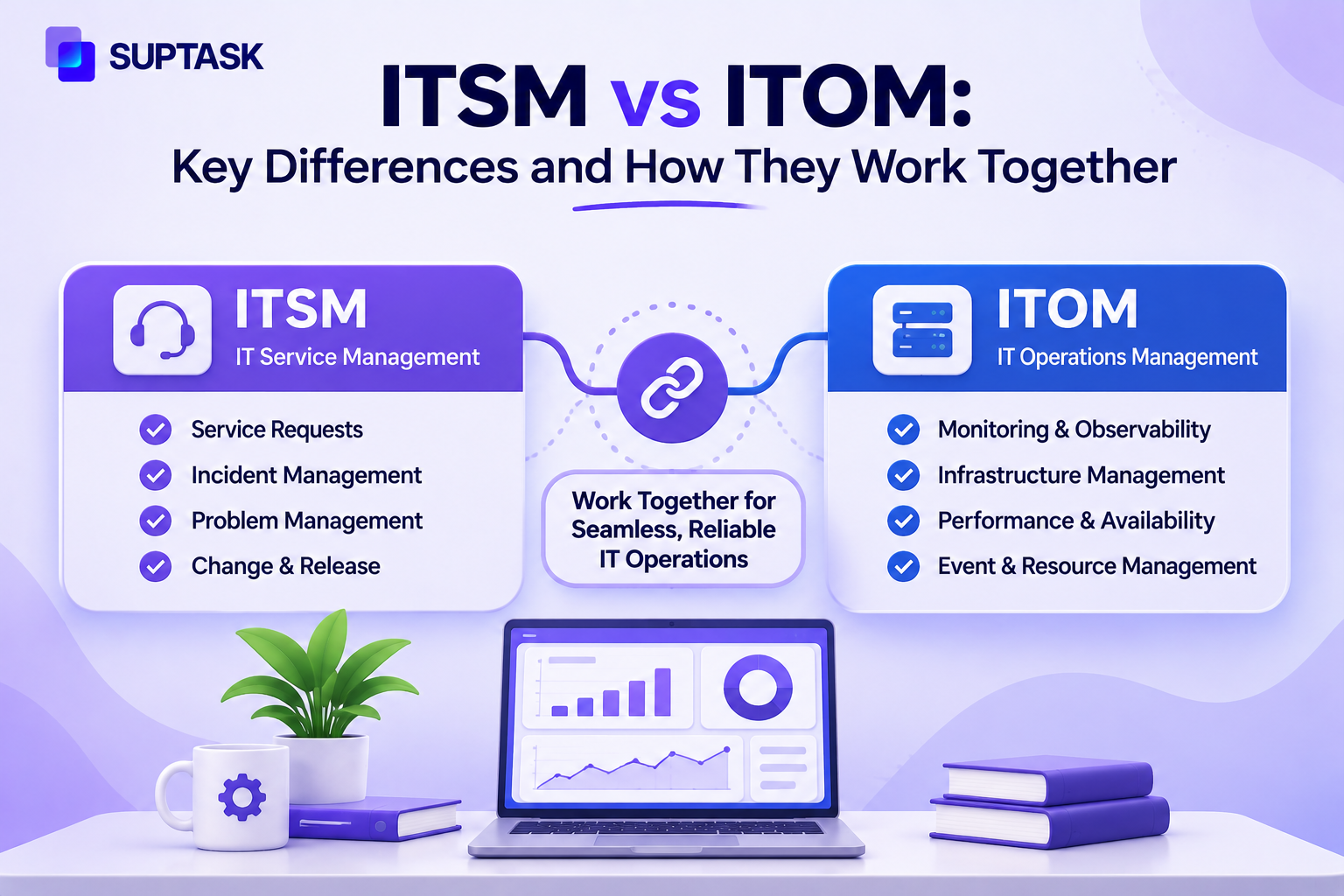
ITSM is how IT delivers services to people, from password resets to new laptops. ITOM is how IT keeps the technology behind those services running. The ITSM vs ITOM matters because both meet when something breaks, and someone has to fix it.
ITOM vs ITSM is asked commonly, and the same IT function can be running both. Requests and incidents from users are part of ITSM. Alerts from servers and networks are what ITOM handles.
The comparison in this blog starts with a short answer and a table. An incident is followed through both disciplines, and what a small team should begin with first.
Key Takeaways
- ITSM is the part of IT that deals with people. Someone needs a laptop or cannot log in, and ITSM takes the request through to the end. ITOM is the other half, meaning the servers, the network, and the capacity underneath.
- Most ITSM work starts when a person asks for something, while the ITOM side is supposed to catch a problem before anyone has to ask.
- Incidents, changes, and configuration data are where the two actually meet. A change approved on the ITSM side is a change the ITOM side has to know about.
- Plenty of frameworks put ITOM inside ITSM. In practice, they are two connected disciplines.
- In a small IT team, the same people do both jobs. The handoff from an alert to a ticket is the piece worth getting right.
What’s the Difference Between ITSM and ITOM?
ITSM focuses on delivering IT services to users, while ITOM focuses on keeping the infrastructure behind those services healthy.
The difference between ITSM and ITOM is about what each one is accountable for. A request with a person waiting on it is ITSM work. Everything underneath, meaning servers, network, and storage, is looked after on the ITOM side.
ITSM and ITOM are doing different jobs with different tools, though the same IT function can be responsible for both.
What Is ITSM?
ITSM is the discipline of delivering IT services to users and keeping those services running as expected. IT service management is made up of connected processes like request, incident, problem, change, knowledge, and service level management.
Gartner defines ITSM platforms as software for workflow management with automation, so IT services get planned, delivered, supported, and improved.
What Is ITOM?
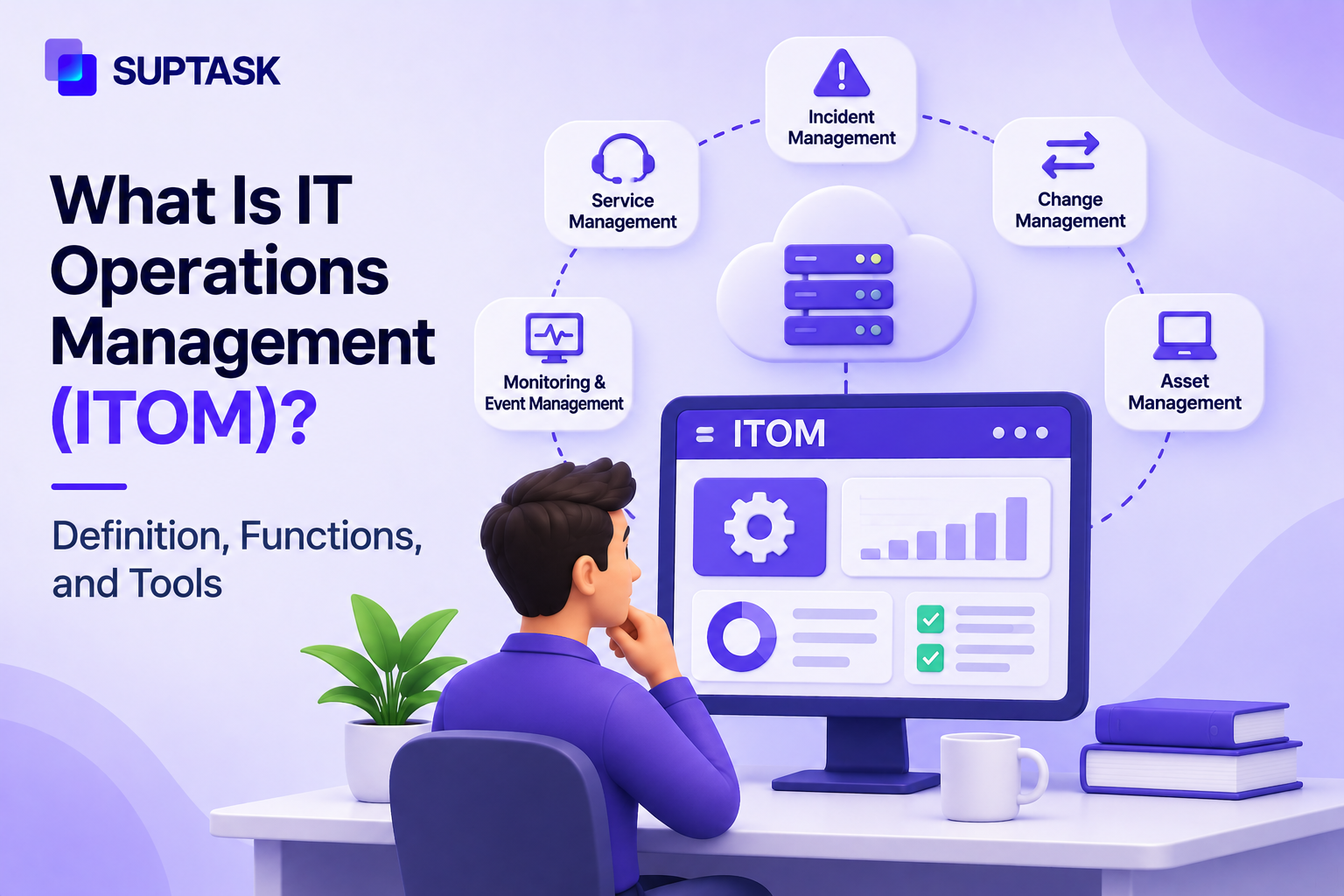
ITOM is the work of keeping the infrastructure behind IT services running. IT operations management includes monitoring, event management, capacity, availability, configuration, and automation.
Gartner’s IT management glossary describes operations services as day-to-day system management for IT infrastructure. Performance monitoring, technical diagnostics, configuration management, and asset management are listed in it.
Where ITSM and ITOM Overlap
ITSM and ITOM overlap when infrastructure-related problems turn into work for people. Below are four instances when IT operations and service management work together.
Incidents
An incident is an alert from a monitoring tool saying that something is wrong, and ITOM is what produces it. Assigning the incident to a person who owns it, with a status on it, is part of ITSM. The full sequence from detection to closure is the incident management lifecycle.
Changes
Approval for change is part of ITSM, and what the change will impact is part of ITOM. The dependency records live on that side.
Configuration Data
The CMDB records the hardware, software, and services in use by mapping them with each other. Both ITSM and ITOM can read it. Discovery tools on the ITOM side keep the record current, and ITSM shows what else is affected.
Problems
The same problem occurring again and again is not a new incident each time. A problem record is created, and the cause of it is investigated apart from day-to-day fixing. Deciding when an incident turns into a problem is a judgment the two sides make together. ITOM has the alert history, and the ticket record is on the ITSM side.
How ITSM and ITOM Work Together: One Incident, Start to Finish
ITOM identifies the problem, and ITSM assigns the problem to a person and keeps the users informed about what is happening.
Let’s understand how ITSM and ITOM work with the help of one VPN incident.
- Monitoring picks up the CPU on the VPN gateway when it has gone past the threshold. The alert is part of the ITOM side. Event correlation groups relevant alerts, so one ticket is created for one thing, not many.
- The alert has been turned into a ticket with priority on it, and somebody should be assigned to work on it.
- Users start reporting that the VPN is slow, and the service desk links these issues to the same incident. Since a slow VPN is not a request, it helps to know the difference between incidents and service requests at this point.
- The cause of the incident is found in ITOM. A tunnel on the gateway is misconfigured, and a fix for it is proposed.
- The fix goes to change approval on the ITSM side, and the users who reported it should also get a status update.
- The incident gets closed after the fix holds. The repeat pattern becomes a problem record. ITOM also puts a capacity alert on the gateway, at a lower threshold than before.
An alert with no owner stays in the channel, nobody picks it up till someone notices it. The waiting counts in the outage.
Is ITOM Part of ITSM?
In ITIL terms, ITOM comes largely under the service operation stage of ITSM. The tools are separate, though, and the two are run as connected disciplines.
ITIL v3 put the work into five lifecycle stages. Service operation is the one that covers monitoring, event handling, and the daily running of the systems. ITIL 4 dropped those stages. The work was reorganized into management practices instead. Monitoring and event management is named as one of them. The ITOM work is still there, under a different label.
ServiceOps is the term for bringing the two sides closer, the data moves between them without a person in the middle. Event data from the monitoring tools goes into the ticket directly, so the service desk does not have to go and look it up. Configuration records can be attached in the same way.
ITSM vs ITOM vs ITAM
ITAM manages IT assets as things a company owns and pays for. IT asset management covers the laptops, the licenses, and the servers. Services are what ITSM manages, and the running of the infrastructure comes under ITOM.
ITAM vs ITSM is the common mix-up. A laptop is an asset with a cost on it, and a ticket when it breaks.
Which Should You Start With?
The answer depends on what is going wrong in your team at the moment. You should start with ITSM if the requests and the incidents are getting lost somewhere. ITOM should be the starting point if the outages are arriving without any warning. Small IT teams can start with a hybrid approach combining both of them.
Requests that are getting lost will show in a few ways. There will be duplicate tickets and work that nobody has owned. Also, there is no record of how much time anything has taken. A queue should be set up in this case, where every item has an owner and a status on it.
The other side of it is when the outages are surprising you. Detection is the gap there. The monitoring and the alerting should come first, because the problem is with the detection itself. The tracking of it can be done after.
In small IT teams, the same people are doing both jobs. The question of which tool comes first is not that important for them. What you should get right is the handoff, the alert has to reach a ticket, and somebody has to own it. If a person is copying the alert into a ticket by hand, then that step should be automated first.
If your team is already working in Slack, then Suptask covers the ITSM side of this. The requests and the incidents are becoming tickets in the same channel where people are already talking. A monitoring app that posts into Slack can also have its alerts turned into tickets. Every ticket has an owner and a status on it.
How to Connect ITSM and ITOM in Practice
There are a few practical things that help when the two sides have to work together, such as:
- You should decide first which of the alerts actually need a person to look at them, and only those ones should be getting routed into the tickets.
- One set of the severity levels has to be agreed between both the teams.
- The status updates for an incident should be going in one place, which the users and the service desk are both able to see.
- Before any change is approved, the configuration data should be checked for what else the change is going to be touching, because the dependencies are recorded on the ITOM side.
- Once a month, the recurring alerts should be reviewed as problems.
- The measurement of the resolution time should start from the first alert and not from the moment when the ticket was created.
Suptask gives IT teams a Slack-native service desk where requests, incidents, and monitoring alerts meet in one queue. Your team does not need a separate portal or a new login for it.
Book a demo ||· See the ITSM ticketing system
Frequently Asked Questions
Can you use ITOM without ITSM?
Yes, it can be used on its own, but then you are losing the connection with the people who are affected by the problem. The systems will be kept healthy by ITOM and the alerts will be picked up, but nobody is telling the users what is happening to them. The job of ITSM is to make sure a person is helping the user, and the updates are going out. Both of them are needed in most of the teams, even when the ITSM side is only a simple ticket queue.
What is the difference between ITIL and ITSM?
ITSM is the practice that covers the management of IT services for the users. ITIL is one of the most widely used frameworks of best practices, and it tells you how ITSM work should be done. You can do ITSM without following ITIL at all. Many of the teams are borrowing only some of its processes and leaving the rest of them. ITIL is not a requirement for ITSM, it is a set of guidance that teams can follow as much as they want.
What is the difference between ITSM and ServiceNow?
ITSM is a discipline, and ServiceNow is a vendor that sells the software for it. The ITSM and the ITOM products are sold separately by ServiceNow, though both of them are running on the same platform. For this reason, the question of ServiceNow ITSM vs ITOM is coming up a lot. A discipline can be practiced with any tool, the vendor name is not the same thing as the practice itself.
What are the 5 stages of ITSM?
The five stages come from the ITIL v3 service lifecycle. They are the service strategy, the service design, the service transition, the service operation, and the continual service improvement. Most of the ITOM work comes under the service operation stage. ITIL 4 has removed these five stages, and the work has been reorganized into a set of management practices that are more flexible. The five stages are still useful for understanding how the older ITIL was structured.