


Google Drive Slack Integration to Answer Tickets From Your Documents
Suptask’s Slack Google Drive integration answers common questions from the documents stored in Google Drive. Agents see the relevant files on every ticket.
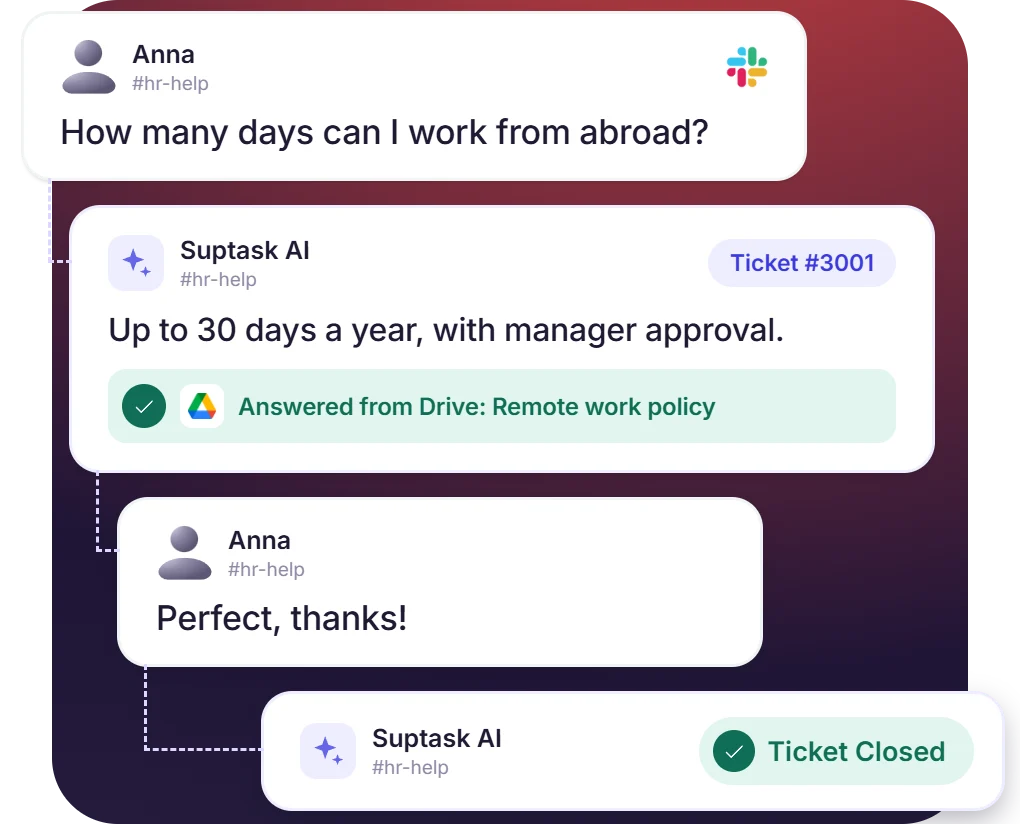











Common Questions Answered From Google Drive Documents
- Requesters get answers from the Drive documents without waiting for an agent
- Handbooks, policies, and how-to guides in Google Docs become answers in the ticket thread
- Questions outside the connected documents remain tickets for the team to handle
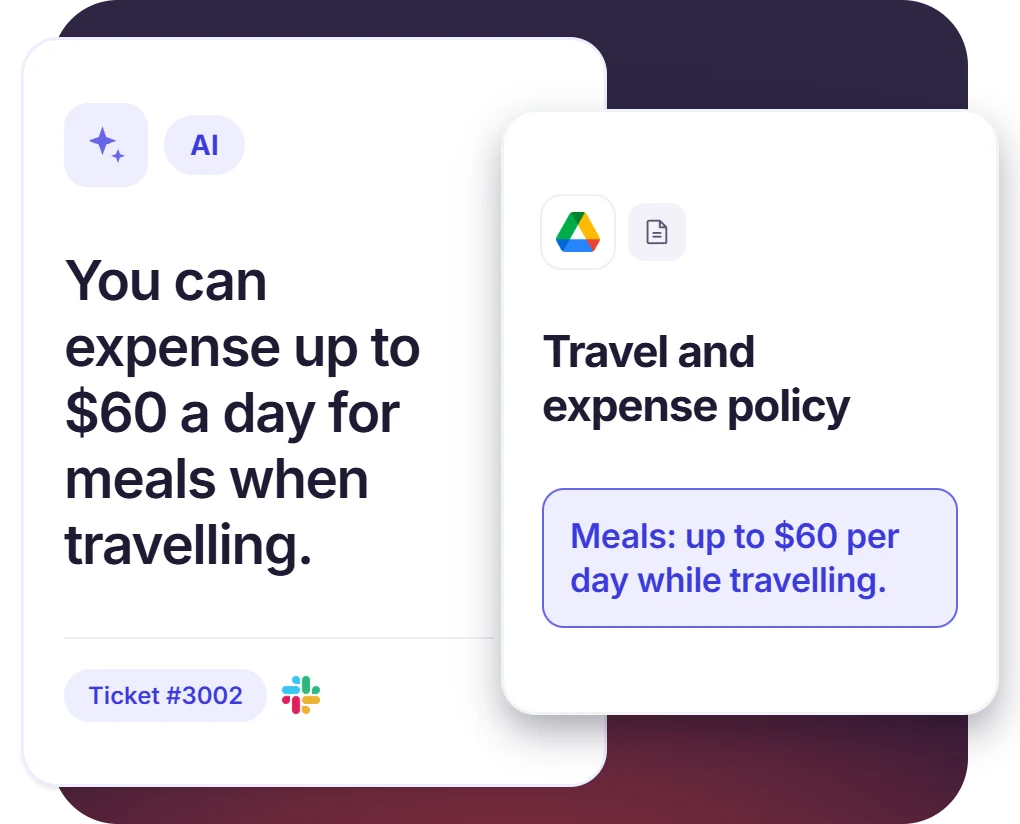
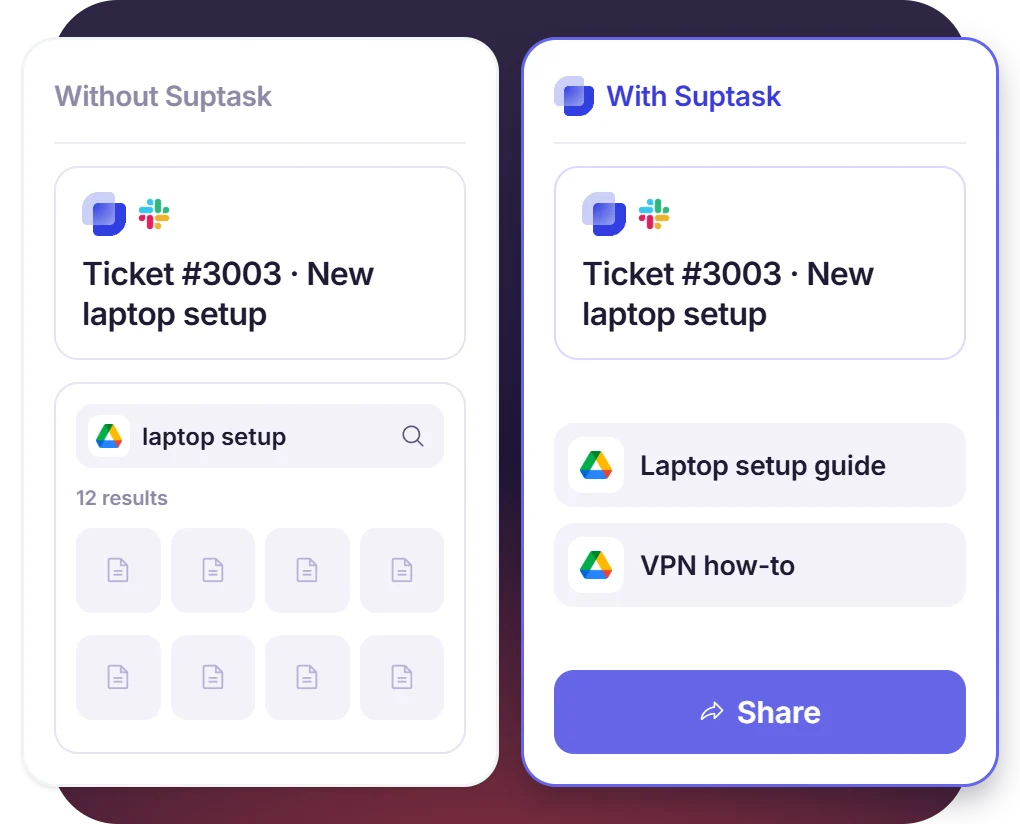
The Right Drive File on Each Ticket
- Suptask puts the matching Drive documents in front of the agent on each ticket
- Agents share the right file with the requester from the ticket thread
- The document comes with the ticket, so the agent skips the folder search
Agents Keep Control of the Answers
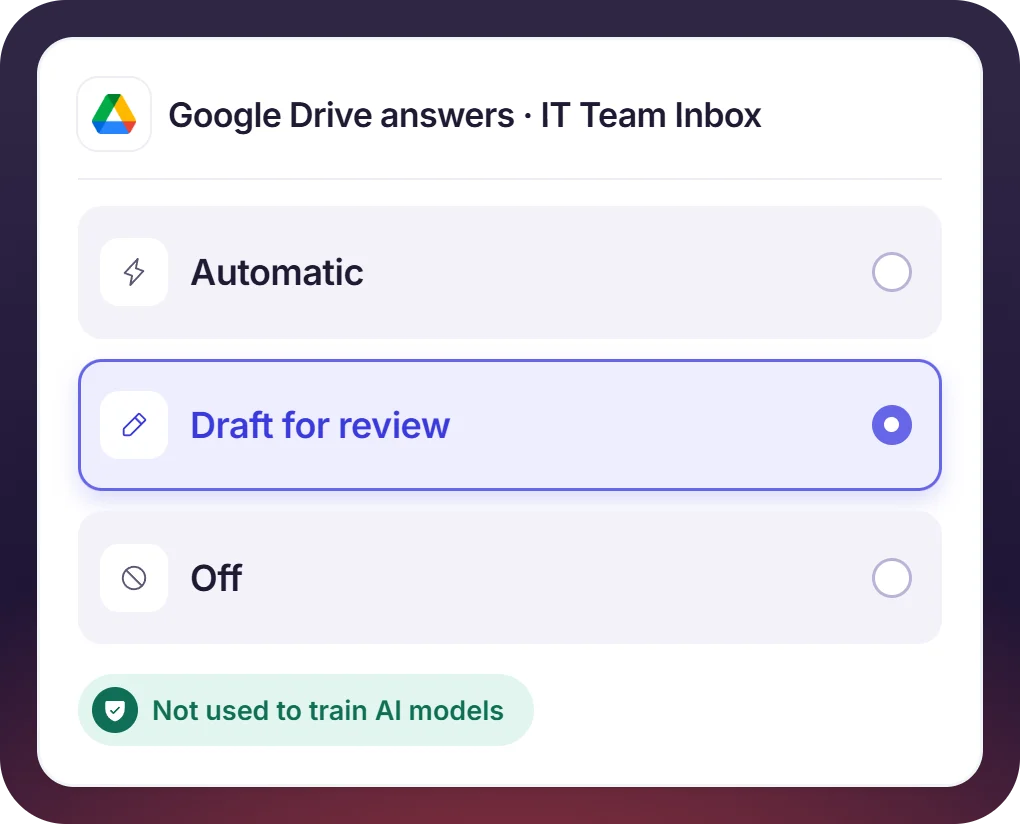
- Each assistant can be configured to send answers automatically or hold them as drafts for approval
- Every AI answer is labeled, and agents can adjust or dismiss it
- Drive content stays in the account and is never used to train third-party models
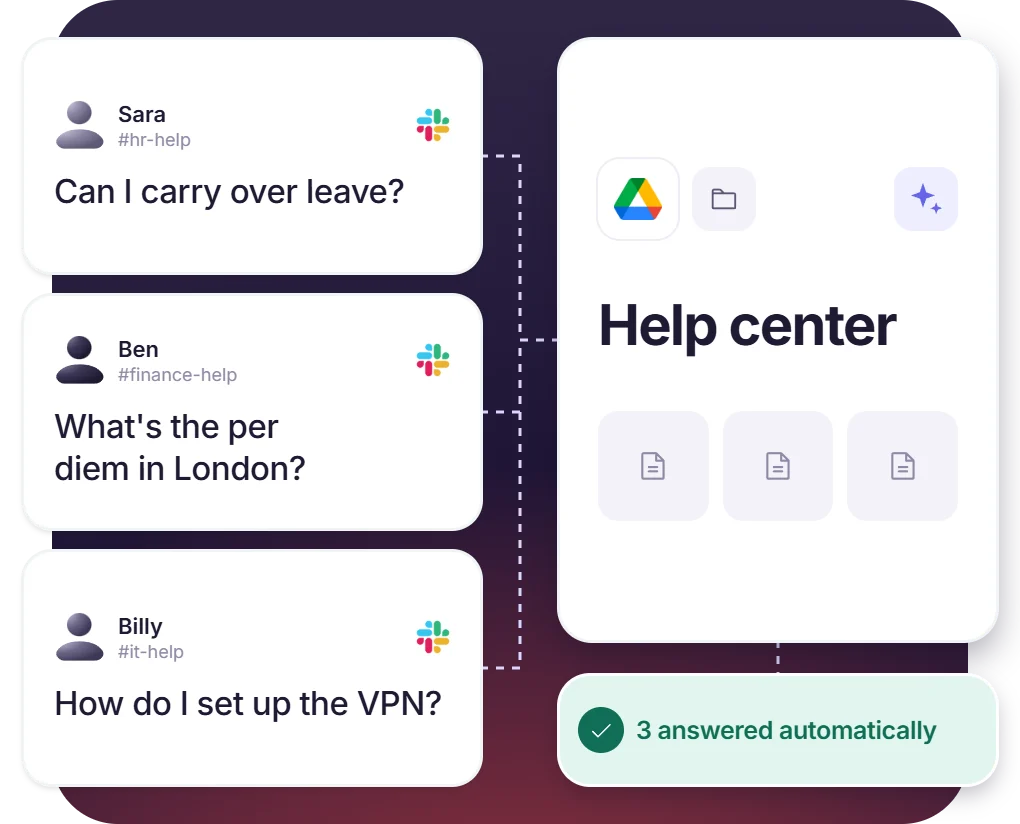
Repeated Questions Answered From Drive Documents Faster
- Leave, expense, and IT how-to questions are answered from the connected policy document
- Agents work on the requests needing human judgment
- Answered requests stay in the ticket record, so reporting covers them
How the Google Drive Slack Integration Answers From Documents
Setup
Ask
Resolve

What to Decide Before Connecting Google Drive to Slack

Documents to connect
Pick the handbooks, policies, and guides your help desk should answer from, and keep them current. Answers are only as good as the documents behind them.

Which inbox answers
Decide which Inbox answers come from which documents, so the IT team and the HR team reply from their own material.

Automatic answers or draft
You can choose which answers go directly to requesters and which ones wait for approval from the agent.

Setup and plan
Book a demo, and Suptask’s team will walk you through the steps to integrate Google Drive with Slack, including the plans for integrations.
What teams answering from Google Drive improve with Suptask
Built for Help Desks Working From Google Drive Documents
IT help desks

HR and people teams

Finance teams

Already trusted by fast-moving support teams.


Turn Slack into a help desk connected to the tools you already use
Frequently asked Questions
How do I connect Google Drive to Slack with Suptask?
Booking a demo is the first step. Suptask handles the connection itself, along with the choice of which documents the help desk is allowed to answer from, and that happens in the same session. Tickets raised in Slack after that can be answered straight from those documents.
Google Drive for Slack handles file previews and sharing inside Slack conversations, along with notifications about comments and access requests. Suptask does a different job with the same Drive. The documents connected to Suptask answer tickets in a Slack help desk [→ homepage], and the agent is shown the right file on the ticket being worked on. The two apps can be used together.
Whatever documents you connect from Google Drive. Handbooks and policy documents are typical. How-to guides work the same way. The answer only repeats what is written in the document, which is why those files need to be kept up to date.
Yes. Answers can be sent to requesters automatically, or held back as drafts until an agent approves them, and the choice is made separately for each assistant. Agents can also edit a suggestion before it goes out, or dismiss it.
No. Customer data is only used to run the features inside the Suptask account it belongs to. Nothing from Drive is used to train shared models or third-party models. The AI policy [→ /trust/ai-policy] covers this in more detail.
There are four plans: Starter, Professional, Growth, and Custom. The pricing page [→ /pricing] lists what each one covers. Which plan includes the Google Drive integration is best confirmed during a demo. Let’s connect and work out the Suptask plan that meets your needs.



