


Confluence Slack Integration for Answering Tickets From Your Spaces
Suptask’s Slack Confluence integration lets you answer tickets from Confluence spaces. It can also write the resolution back in Confluence pages for future reference. You decide what it reads and changes.
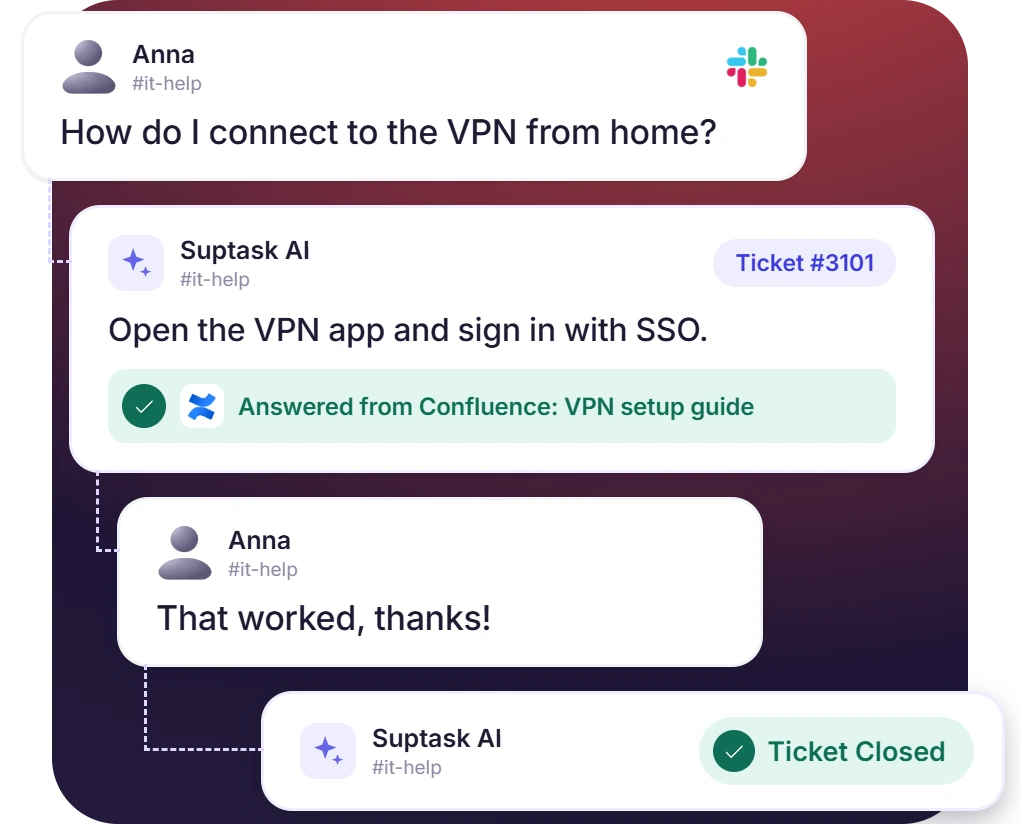











Confluence to Slack Pulls Answers From Your Documentation
- Each new ticket gets suggested answers that can be kept for agents or sent to the requester
- Suptask AI deflects repeat questions in a Confluence space already documented
- If AI answers don’t solve the request, the ticket stays open for your team to work on
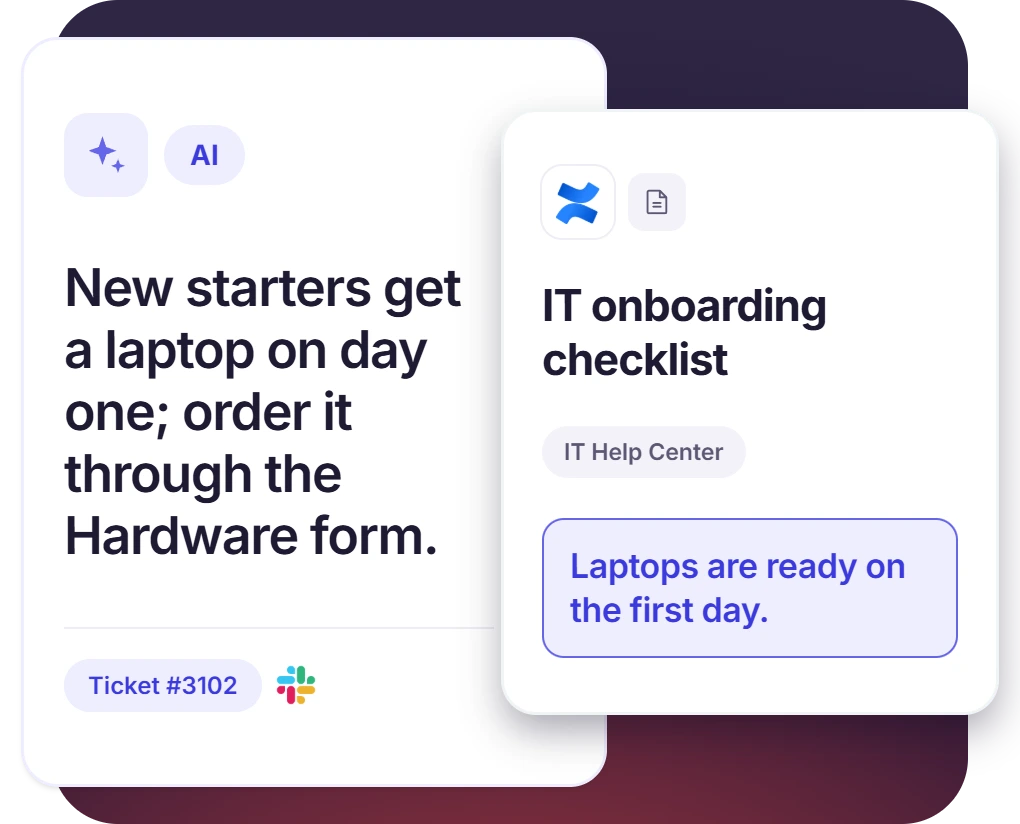
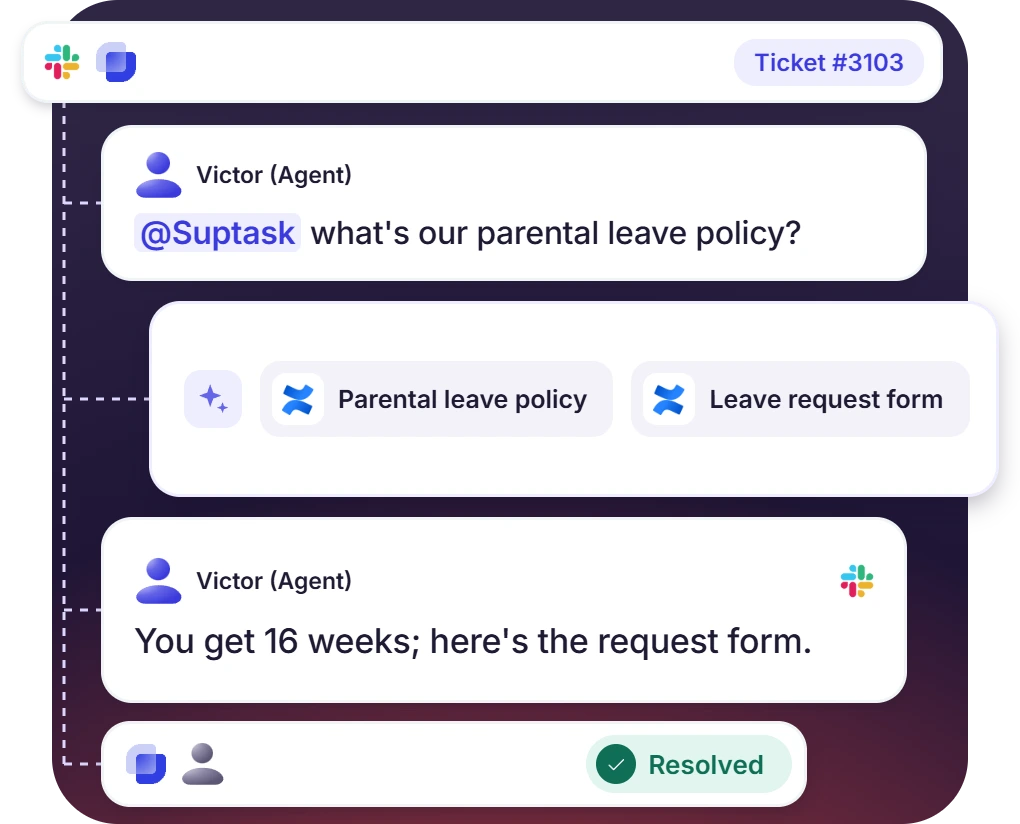
Agents Get Confluence Pages Inside the Ticket
- Mention @Suptask on a ticket to get the most relevant Confluence pages as context
- Reply in Slack through the Confluence integration with Slack (
- Ask about a policy or a runbook, then answer the requester in the thread
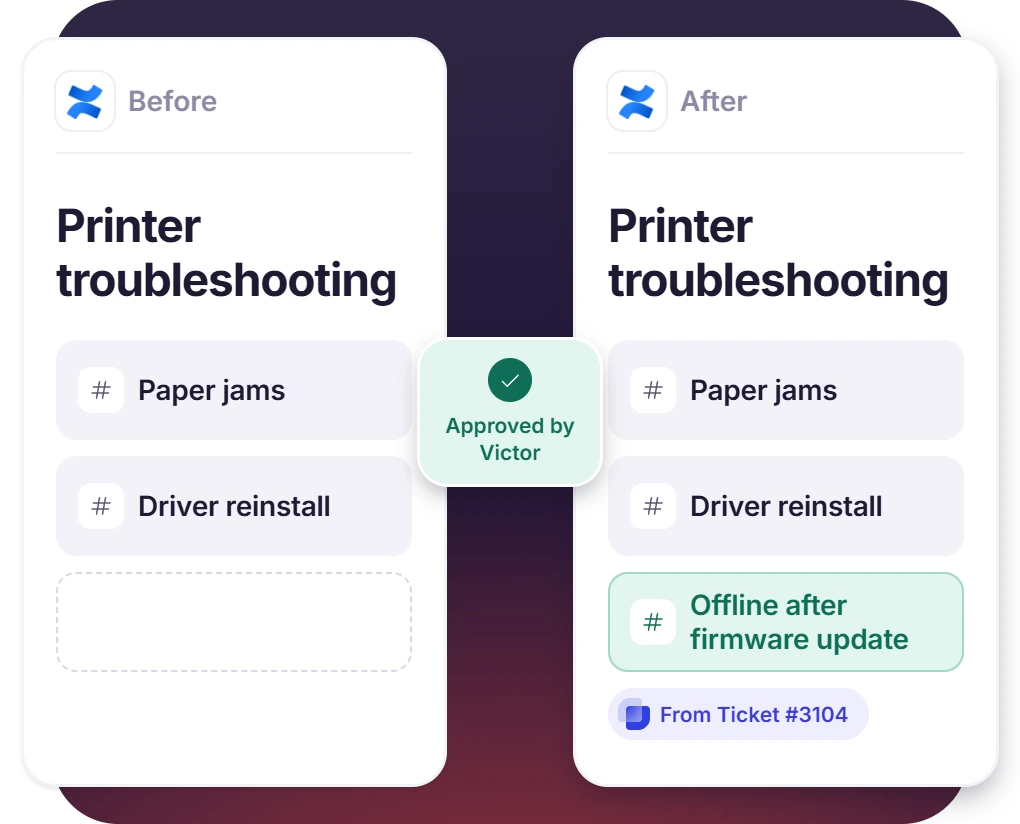
Write the Resolution Back from Slack to Confluence
- The assistant comments on a page or drafts new documentation, once write scopes are on the token
- Write tools are set to Ask. An agent approves the change before it is published
- The answers given on closed tickets become documentation
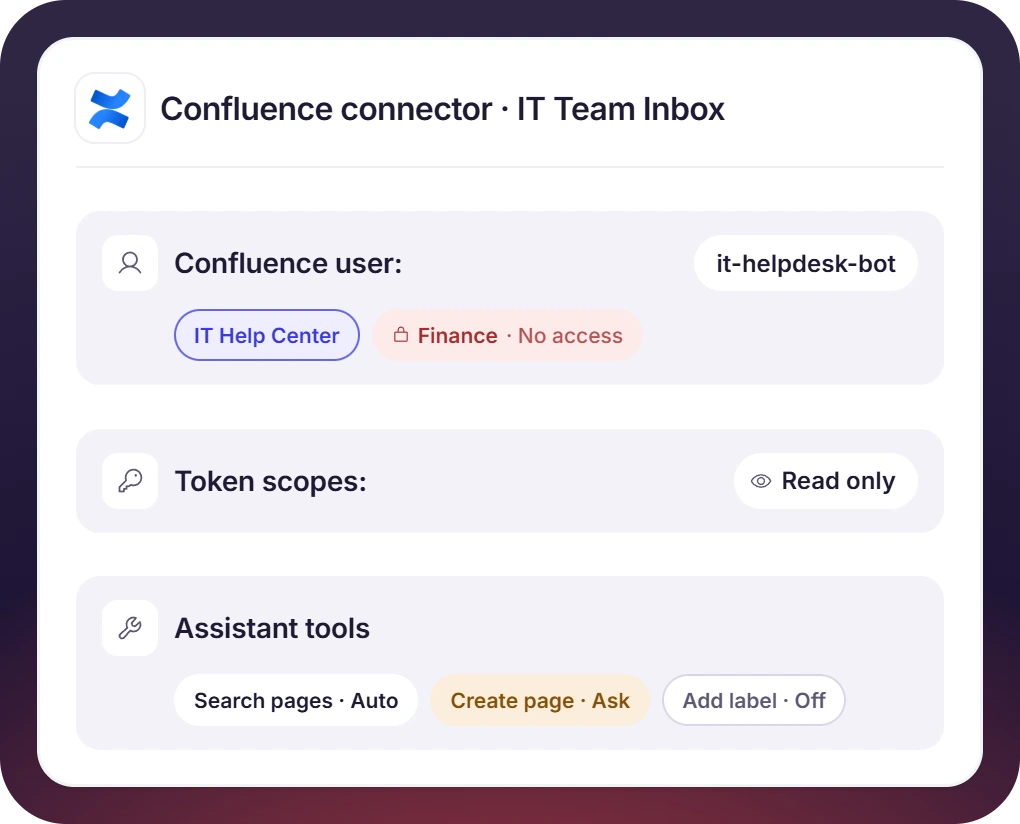
Control Exactly What Suptask Reads and Changes
- Suptask sees only what its Confluence user can see
- Token scopes decide whether Suptask can read only, or also write.
- The Slack integration with Confluence is configured per Inbox, so HR tickets use HR content
How Confluence Slack Integration Works
Setup
Ask
Resolve

What You Need to Connect Confluence to Slack Tickets

Confluence Cloud and an admin
A Slack Confluence Cloud setup is needed for the connector. A Suptask admin adds the connector to an Inbox under Intelligence.

Dedicated Confluence user
A dedicated Confluence user is a separate account used only for ticketing. The account should have access to the ticketing spaces only. A Confluence admin account is best avoided.

Scoped API token
Use “Create API token with scopes” in Atlassian, starting with read scopes. Write scopes need a new token later.

Atlassian Rovo
The Atlassian (Rovo) connector signs in with OAuth, so no token is created. One sign-in covers Jira and Confluence.
What teams answering from Confluence improve with Suptask
Built for Teams That Document in Confluence
IT help desk

HR and people team

Engineering and DevOps teams

Already trusted by fast-moving support teams.



Turn Slack into a help desk connected to the tools you already use
Frequently asked Questions
How do I integrate Confluence with Slack using Suptask?
The setup is done by a Suptask admin. A scoped Atlassian API token is created for the Confluence user that the assistant should act as. The Confluence connector is then added to an Inbox, under Intelligence. Once the connection is complete, the tickets in that Inbox can be answered from those Confluence spaces in Slack.
Confluence Cloud for Slack is the Atlassian app for this. Slack for Confluence is another name people use for the same app. It is used for sharing page previews and for sending Confluence notifications to Slack channels. The Confluence Slack integration from Suptask is responsible for a different task. Your Confluence spaces are used to answer the tickets in your Slack help desk. There is also the option of writing a resolved answer back to Confluence.
Only the spaces and the pages that the connected Confluence user has access to. The page restrictions in Confluence are still applied. For this reason a dedicated Confluence user is helpful, with access to just the spaces you want ticketing to use. A Confluence admin account is not a good option for the connection.
Only if the token has write scopes and the write tools are turned on. Each tool on the Assistant has a setting of Auto, Ask, or Off. A common setup is Auto for searching pages and asking for anything that writes, so an agent approves each change before it is published. The edit rights of the connected Confluence user are also applied.
The Confluence connector is used for Confluence-only knowledge, with a scoped API token. The Atlassian (Rovo) connector is the option for working across [Jira] and Confluence. The sign-in is through OAuth, so there is no token creation. There is a condition for Rovo access, which is the approval of an Atlassian organization admin. Some of the Rovo tools also make use of your Atlassian organization’s Rovo credits. Both of the connectors are for Atlassian Cloud only.
Book a demo to see which plan includes the Confluence integration for your team. The answering of tickets from a knowledge base and the writing of content back to it are handled as separate capabilities, so the plan is dependent on the requirement of your team. The requesters are unlimited on all of the plans, so the Suptask pricing question is about the agent seats.



