


The Ticketing System Built Into Slack
Your complete AI service desk tailored for your employees. Submit, track, and resolve tickets without ever leaving Slack.

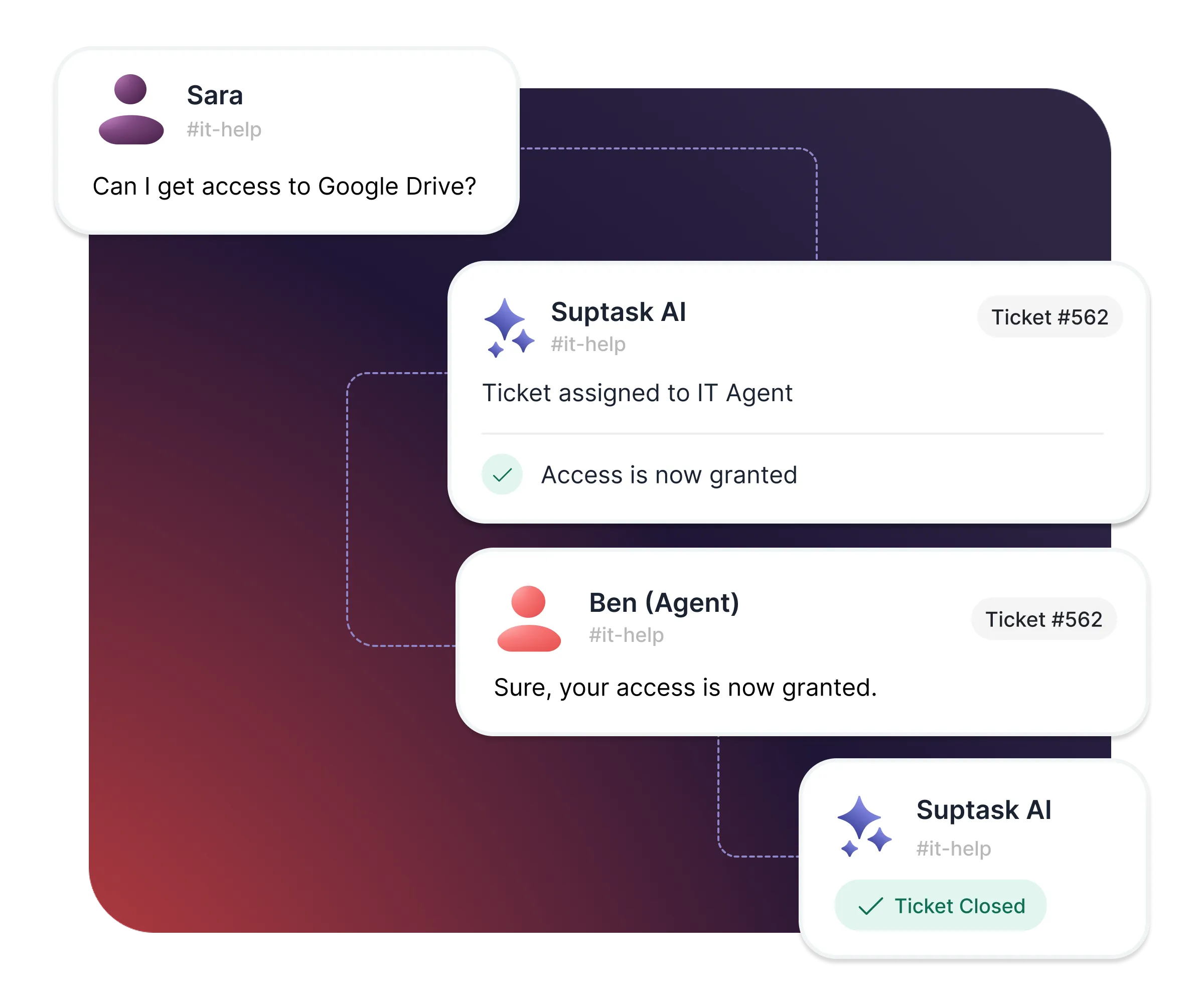











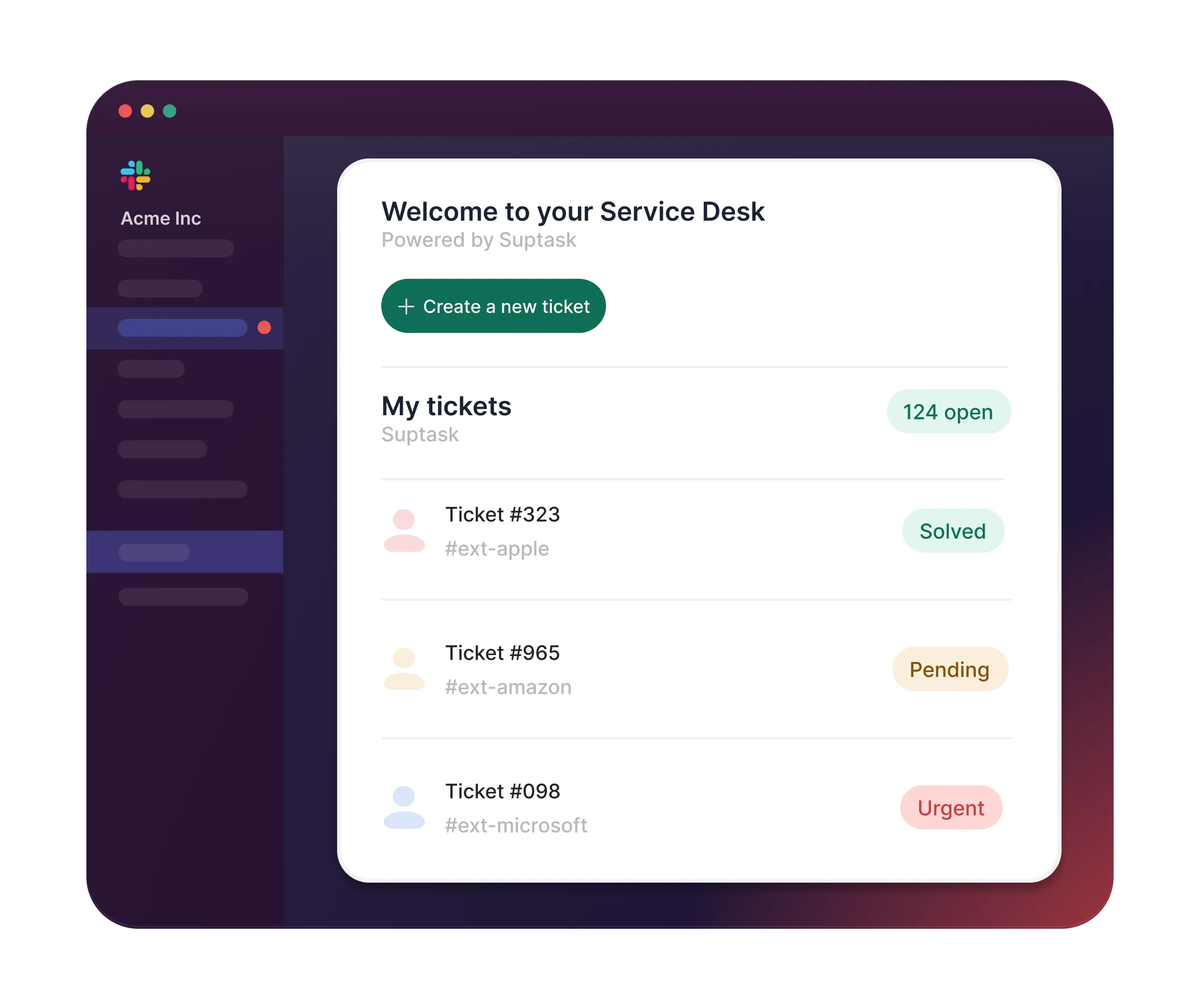
Your own Service Desk, right in Slack
- Work and manage every ticket from Slack and Web
- Employees submit and track requests in Slack
- Up and running in minutes - no training, no new tools
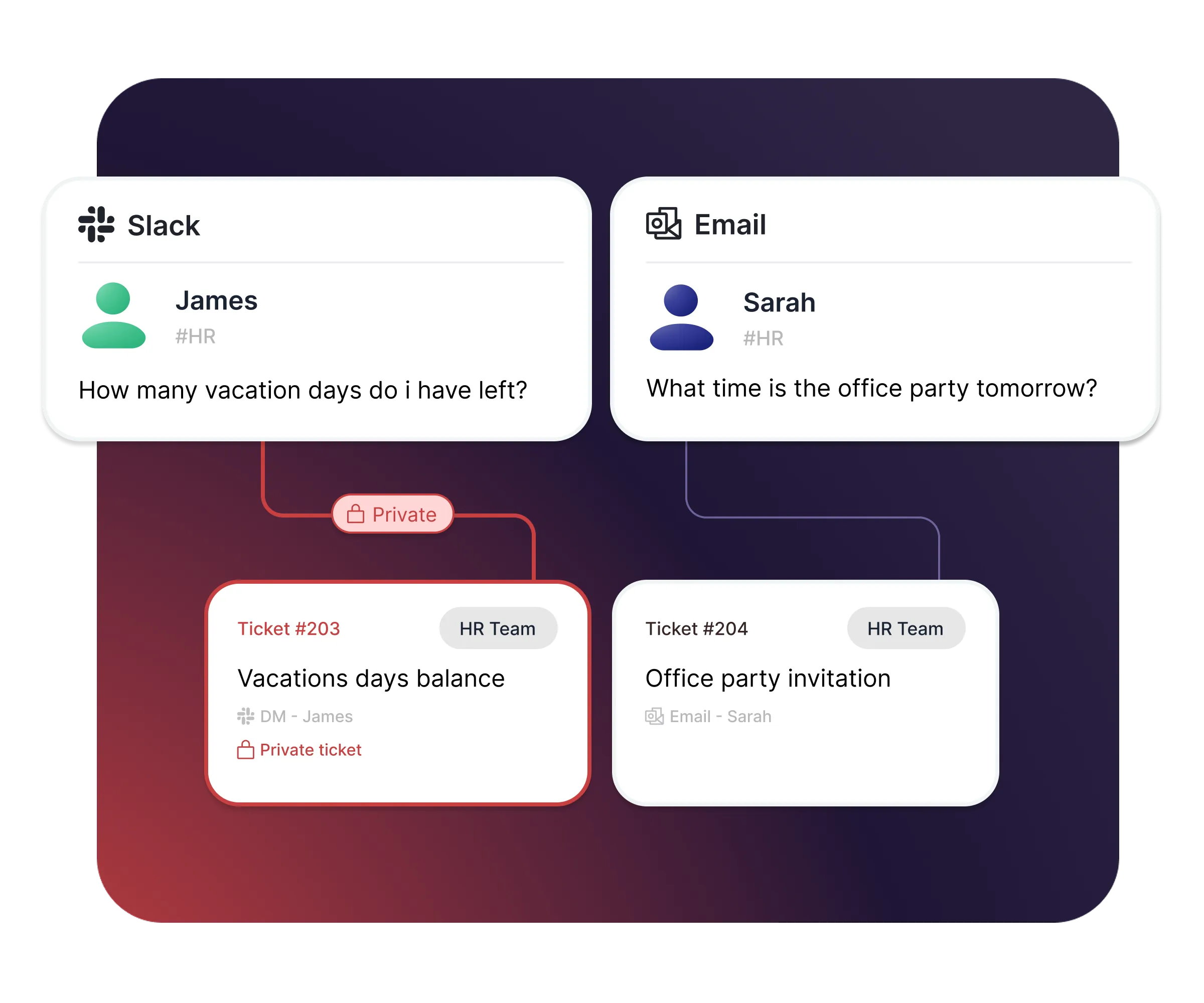
Capture requests from Slack & Email
- Turn messages to tickets from DMs and Channels
- Keep sensitive topics private
- Receive requests via Email - manage & reply in Slack
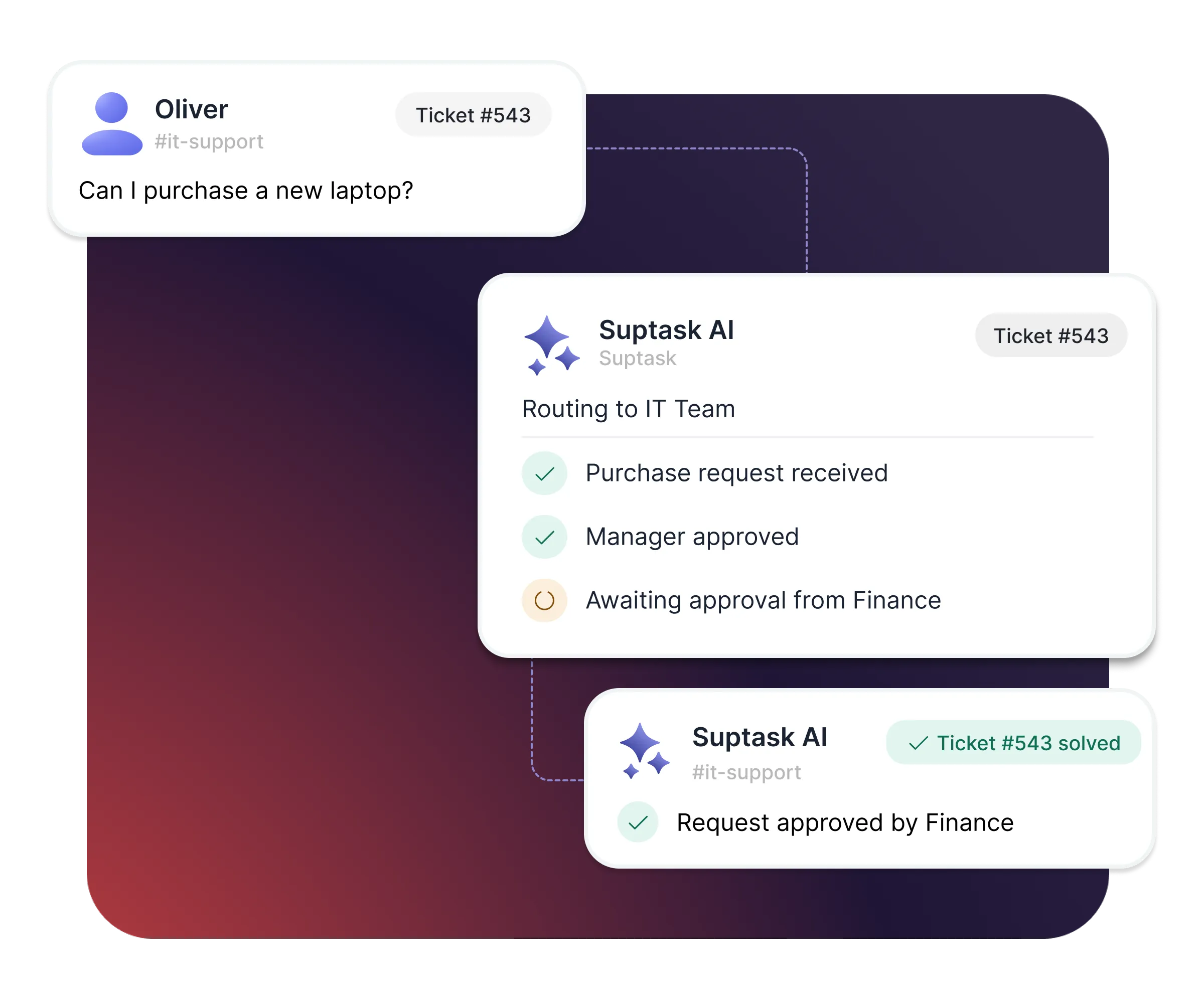
Smart routing and approvals for every team
- Route tickets across multiple teams
- Categorize requests and enrich with smart fields
- Send and manage approvals directly in Slack
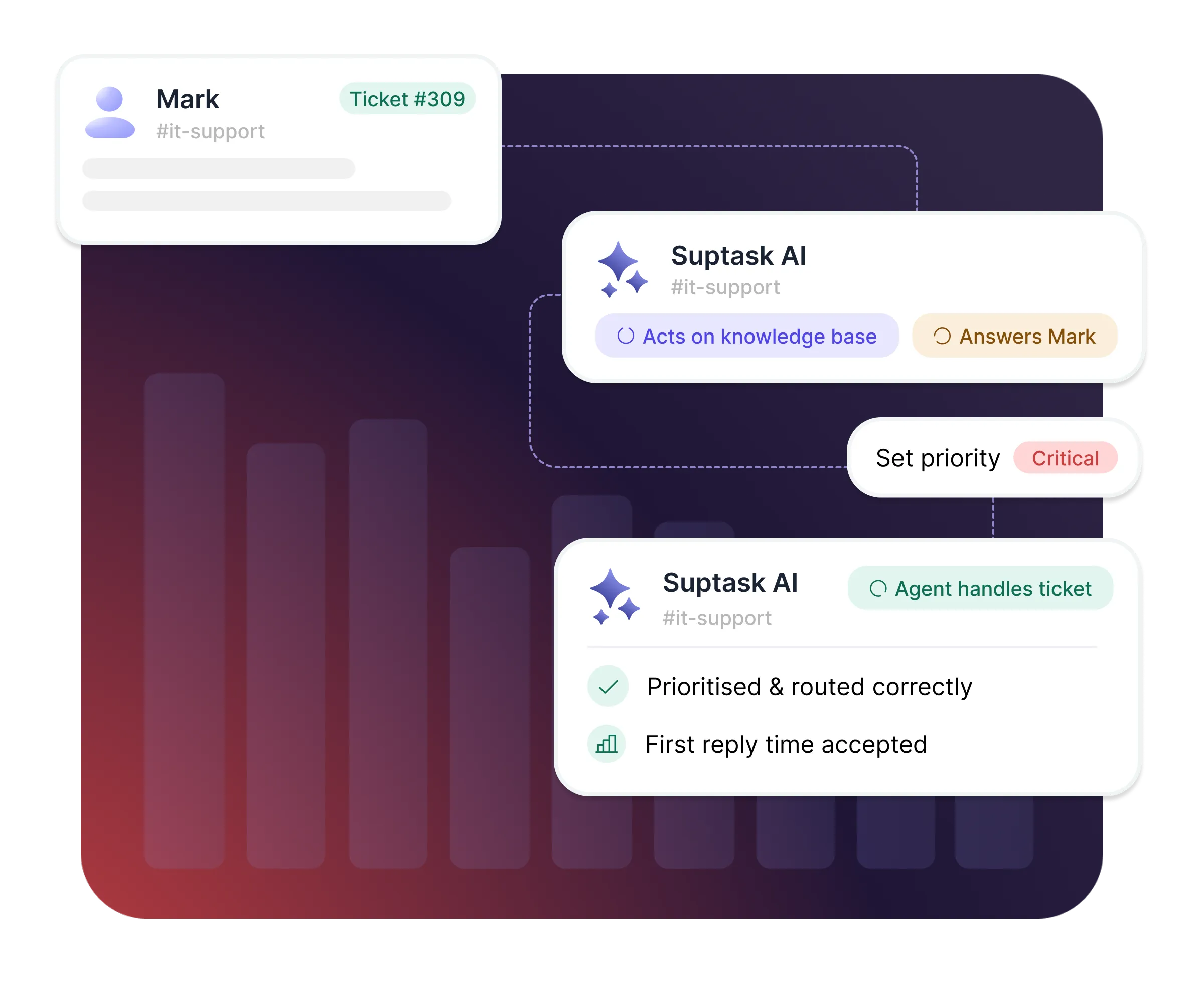
Save hours every week with AI and automations
- AI answers and performs tasks using your internal knowledge
- Dashboard analytics to track SLAs and team performance
- Powerful automation rules to manage your workflows
How it works
[1] Capture
[2] Route
[3] Resolve
What your employees gets with Suptask

Ask for help without friction
Submit a request from any Slack message, channel, or DM - no new tools, no portal logins, no passwords to remember.

Always know where things stand
Track every ticket you've raised directly in Slack - see the status and get notified the moment something changes.

Get access to what you need, fast
From onboarding to requesting app access - submit directly in Slack and track it to completion with an ease.

Your requests, your privacy
Sensitive topics - HR, payroll, personal info - stay private between you and the right people, handled with care.
What teams improve with Suptask
Built for different teams
For IT teams


For Finance teams

Already trusted by fast-moving support teams.




Turn Slack into a help desk your team will actually use
Frequently asked Questions
Do we need to change how our employees work today?
No. Employees ask for help the way they already do - a message in a channel, a DM to a colleague, or an emoji reaction on an existing thread. The conversation becomes the ticket. There's no portal to log into, no form to hunt down, and no password to remember, so adoption doesn't depend on training anyone. True conversational ticketing in Slack.
Yes. Any message in Slack can become a ticket - a Direct Message (DM), a channel post, or a thread that's already been running for a day. Add an emoji reaction or use a slash command and the full conversation is captured, so nothing has to be summarized or retyped. This is usually how requests actually arrive: someone asks a colleague directly, and it should be trackable from there rather than restarted as a formal request.
Email requests land in the same inbox. Suptask turns inbound email into a ticket, categorizes and routes it, and lets your agents reply from Slack - the requester gets the response in their inbox and never knows the difference. Your team works in one place regardless of where the request started. You can also use the API to submit and manage tickets
Tickets can be kept private between the requester and the responding agents, so HR, payroll and personal matters stay confidential while still being tracked. Agents collaborate in a separate responder channel that the requester never sees, and permissions can be delegated per team.
Most teams are live in under an hour. You add Suptask to Slack, create an inbox for the team receiving requests, and define the fields you want on a ticket. No migration project, no admin training, and no separate tool to roll out before the first ticket comes in.
A chatbot only does what someone mapped out in advance. Suptask AI has no flows to define - you connect your knowledge sources and tools, and it decides per request what's needed: answer from your documentation, look up or update a record in a connected system, or open and route a ticket. Anything it can't resolve moves straight into a tracked ticket with full context.



