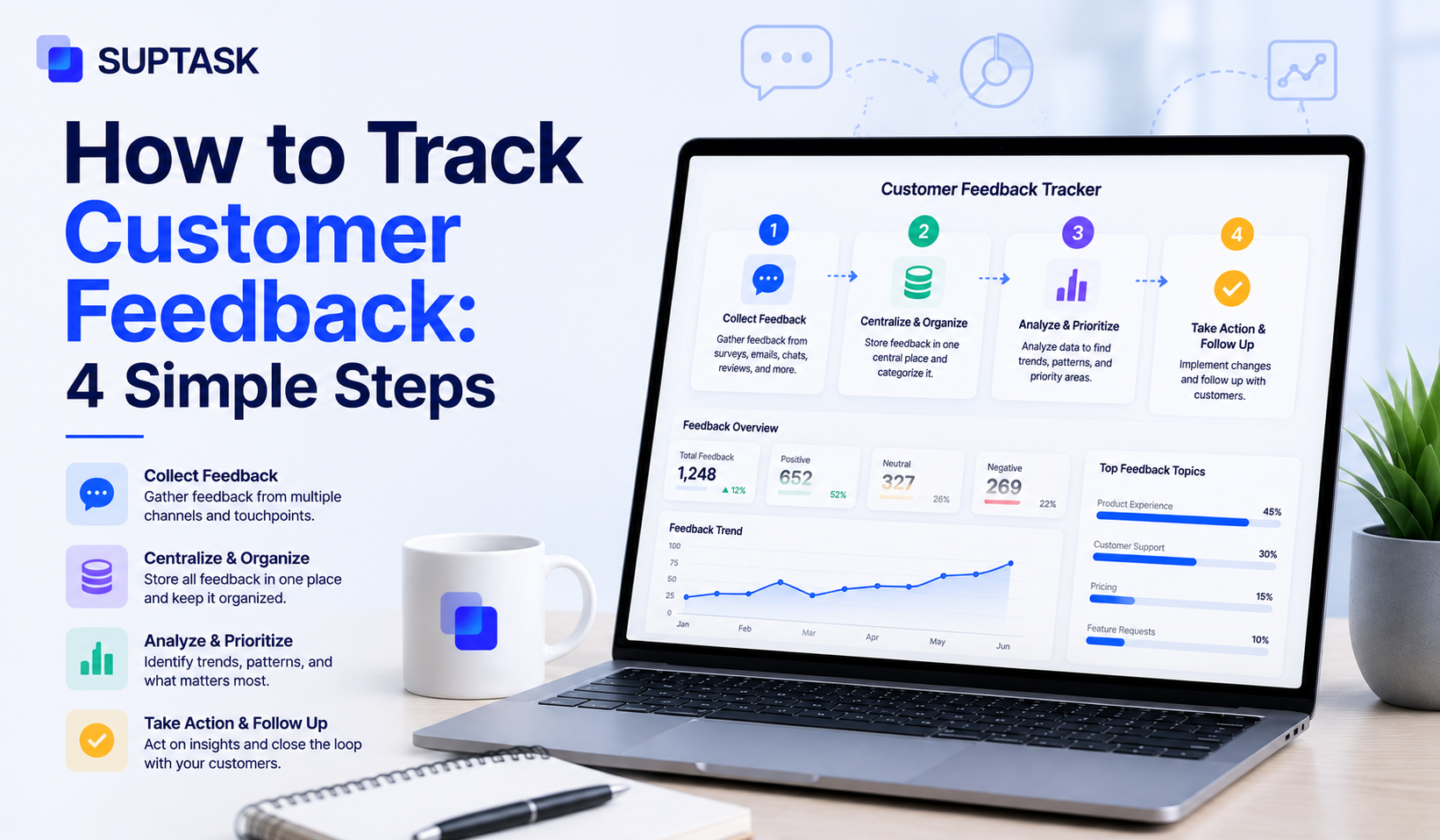
How do you collect and track customer feedback? Most organizations collect it but have no process to organize and monitor the feedback to act upon it.
Tracking customer feedback has no cost, however, if you do not track then it might lead to a poor customer experience. As per PwC's 2025 Customer Experience Survey, 52% of consumers stopped buying from a brand after a bad experience.
The most common challenge with customer feedback tracking is that it often spreads across siloed tools like surveys, support inbox, CRM, or social media DMs. As a result, they often get lost.
So in this post, we will go through 4 simple steps to track customer feedback, right from where it arrives to closing the loop with the customer.
Collecting vs tracking: where most teams stop
Knowing what customer feedback is and the forms it takes is the starting point, but collecting it is only half the job. The other half, the part most teams skip, is tracking.
Collecting is just gathering the input, sending the survey, reading the ticket, documenting what a customer said on a call. Tracking is the different and hardest part. It means you organize customer feedback, monitor it over time, and actually act on it, so the siloed comments start turning into patterns you can see.
Phase 1: Map and choose your feedback channels
The first step for tracking customer feedback is knowing the channel from where it is coming, and then deciding which of those channels are worth keeping.
You can start by auditing the existing channels. Go through each of them and note the source, who owns it, how good the data is, and when it was last reviewed.
The ultimate goal of this process is to find two things. First, find the channels that nobody owns, that is where feedback often gets left untouched. Second, the channels that have the most requests, so you should work more on them.
The last step is to decide what to keep, add, or drop. The simplest way is to match each channel to what you actually want out of it:
- NPS surveys for the loyalty signal
- CSAT for the quality of a single interaction
- CES for friction at a specific step in the journey
- In-app widgets for product-specific context
- Support ticket tagging for high-volume structured signal
- Review monitoring for public feedback
- User interviews for qualitative depth
- Sales call and CS conversation notes, which are high signal for very little effort
NPS, CSAT, and CES are all customer engagement metrics, so it helps to know what each one really measures before you pick between them. When surveys are part of the mix, the questions to ask in customer feedback surveys decide how useful the answers come back. Pair the scores with the comments, since quantitative and qualitative together tell you more than either on its own. Also, drop whatever is not pulling its weight. You should also avoid over-surveying, as it can create survey fatigue, lower your response rates, and skew who actually replies, so if a channel's response rate has fallen below 5%, cut it instead of sending more.
As an example, a SaaS company runs this audit and finds 7 active sources. Four of them have no named owner, and two have not been looked at in 60 days. So in the choose pass, they drop the dormant ones, put names against the unowned ones, and add in-app micro-surveys at three high-friction moments in the product. They still end up with seven channels, but the quality of the signal is completely different.
Phase 2: Tag and prioritize so patterns become decisions
Once the channels are set, the next step is to find out what comes in. Without consistent categorization, feedback stays a pile instead of a system. So you tag every piece of feedback, and the tags you choose also serve as the prioritization framework.
- Theme: Billing, onboarding, performance, feature request, bug, UX friction. This will help you know what the feedback is about.
- Severity: Blocker, major, or minor, so you can know how urgent it is.
- Customer segment: New or established, plan tier, vertical. This tells you who is affected and whether that group matters strategically.
- Channel of origin: Every channel has different data to say, therefore, you should know which of the channels has signals not available across others.
- Sentiment: You should also track customer sentiment such as positive, neutral, or negative to take appropriate actions to ensure a positive experience.
The tag and prioritization often work together. For example, a request with the tag onboarding/major/enterprise tier should rank higher than a request with the tag UI color/minor/free tier. Additionally, you can set the priority according to custom tags.
Tagging can also help you to quantify customer feedback, including the qualitative kind, such as themes, their frequency, and customer segments. In simple terms, you will be able to have data such as 47 tickets in 30 days from plan tier X, and it lets you measure the program alongside your other customer service metrics.
For example, a support team adds three tags to every ticket: theme, severity, and customer tier. Within two weeks, the "onboarding/major/new customer" cluster ranks as the top priority, with high frequency, high severity, and high strategic value, because these are new customers at risk of churning. The fix enters the next sprint.
Phase 3: Build the system that captures and assigns feedback
Tag feedback will need to have a place to store and someone to act on it. These two things are the foundation to ensure you can effectively track feedback and improve it accordingly.
The very first thing will be to have a single place where tagged feedback can be stored. When the data is stored in one place, it becomes easier to track. You can use a dedicated feedback platform like Canny, Productboard, or Savio, a CRM with feedback tagging, a help desk with categorized tickets, or a structured workflow for a smaller team.
The second requirement is to have named ownership for each feedback and handoff path inside that system. These are a few of the things you should consider:
- Named owners per category: A product might have a lot of feedback around features, workflows, and more. Clear ownership across teams is part of standard customer success roles and responsibilities.
- Clear handoff paths: Decide where each item must go after it has been categorized to ensure that the right team is working on the issue.
- Status tracking on the action: Record when it was assigned, who is working on it, and where it stands. Without status, you cannot tell whether the routing worked.
Most teams are using customer-facing feedback through Slack-based workflows, where support, success, and product can see and discuss it in the same channel. A Slack-based ticketing setup like Suptask is one shape this takes.
While building a centralized source of truth for all feedback, you should avoid exporting everything into a master spreadsheet every week, since it only works when the data flows in automatically. Also, avoid a centralization tool that has no support assignment capabilities.
For example, a feature request gets tagged in the support inbox, routes automatically to the product team's backlog tool, the product manager reviews it weekly, and the tagged customers get notified once it ships. That is a complete loop.
Phase 4: Close the loop with customers
Phase 4 is about keeping the customers informed about the progress on their feedback. This means letting customers know their feedback was received, considered, and is being worked on.
Customers who feel heard keep giving feedback, and customers who feel ignored stop, so how you handle one round affects the quality of the next.
There are three ways to close the loop:
- Individual: Send a reply directly to the customer who shared the feedback.
- Thematic: Publish a 'you asked, we shipped' update for the group of customers who raised that issue.
- Structural: A changelog, a public roadmap, or a monthly community update that shows what changed.
According to the Qualtrics XM Institute 2025 study, only about 3 in 10 consumers share feedback directly with companies, the lowest it has been. When feedback is met with silence, fewer people bother the next time, so closing the loop is what keeps them willing to share.
Keeping customers informed throughout the process can also help in their retention. Customers who see their feedback actually shape the product tend to stay longer, which is a big part of what actually drives customer loyalty.
Frequently asked questions
How often should you review customer feedback?
It depends on your volume. A weekly review works for most support and success teams, since it catches patterns while they are still small. Higher-volume teams may want a daily scan of tagged tickets for anything urgent, plus a deeper weekly or monthly review for trends. The point is a fixed cadence, because feedback that only gets looked at when someone remembers gets reviewed too late to act on.
Should you act on every piece of feedback you receive?
No. Acting on everything is neither possible nor useful, since some feedback is one-off, contradictory, or outside what the product is meant to do. The job is to act on the feedback that shows up often, affects valuable segments, or points to real friction, and to acknowledge the rest. Closing the loop matters even when the answer is no, but the build queue should follow priority, not volume.
How do you handle conflicting feedback from different customer segments?
Conflicting feedback usually means different segments want different things, so the fix is to weight it by segment instead of treating all input the same. Tagging by plan tier, vertical, or customer stage shows whose request it is and how much that group matters to the business. When two segments pull in opposite directions, you decide on strategic value and volume, and you can sometimes serve both with an optional setting rather than one fixed default.
How do you measure if your feedback tracking program is working?
Look at whether feedback is turning into action, not just how much you collect. Useful signals include the share of feedback that gets an owner, the time from feedback to resolution, the number of changes shipped from feedback, and whether response rates hold steady over time. If feedback comes in but nothing downstream moves, the program is collecting, not tracking.