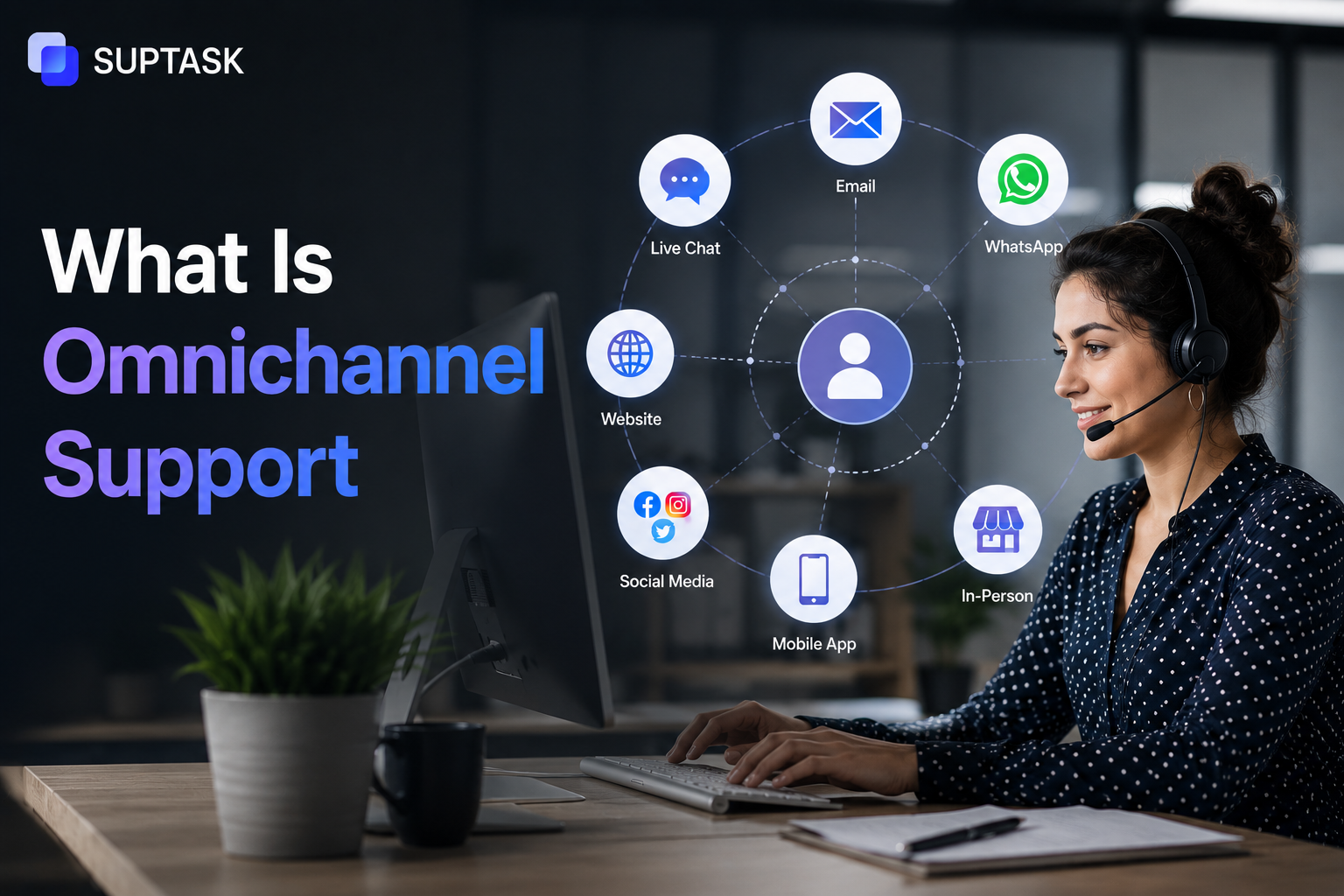
Omnichannel support is a way of running customer support where all your channels, email, chat, phone, social, and the rest, are connected to one shared system, so a customer can move between them without ever starting over.
This is the simplest definition of omnichannel support. This is the simplest definition of omnichannel support, but not every vendor means the same thing by it. For some, omnichannel just means they offer a few channels, like email, chat, and phone. For others, it means more than that, those channels are actually connected and share the same history and context. The difference matters. The first is really just multichannel. The second is true omnichannel.
So, which one do you think is offering omnichannel support? From the above definition, the answer would be the second one. Right?
Here in this blog, we will cover everything from what omnichannel support is, how it differs from multichannel, the channels it usually involves, the real benefits, and how to tell whether a vendor, or your own setup, offers genuine omnichannel customer service or just multichannel with a better marketing department.
What is omnichannel support?
Omnichannel support can be referred to as a model that ensures that every channel, email, chat, phone, social, in-app, and messaging, is connected to a shared system. So, a customer can start a conversation on one channel, continue it on another, and the agent still has the full context. This will improve the customer experience, as they don’t have the same issue on each channel.
Where did this term come from? It was first used as a retail and marketing term back in the 2010s to describe a shopping experience that remains identical across stores, websites, or apps. Customer support adopted it later, and it became a must-have part of it, so people started knowing it as something related to support.
Omnichannel vs multichannel: the distinction that matters
People also believe that omnichannel and multichannel are the same thing. Although Omnichannel and multichannel sound similar, they are not the same thing.
Multichannel means a business offers support across multiple channels, such as email, chat, phone, social, and so on, but each one runs as its own silo. A customer who emails you and then calls a day later has to start the whole conversation again, because the agent on the phone can see the call but not the earlier email. The channels exist side by side; they just do not talk to each other.
Omnichannel, on the other hand, means those same channels are connected. The agent picking up the call already knows the customer emailed yesterday about the same problem, so nothing has to be repeated. Also, a customer can even switch channels in the middle of a conversation and not lose the thread.
The channels usually involved are:
- Email is still the default for a lot of B2B and follow-up support.
- Live chat, on the website or inside the app.
- Phone, for voice support and callbacks.
- Social media, like X, Facebook, and Instagram, mostly on the B2C side.
- Mobile messaging, such as SMS, WhatsApp, and in-app push.
- Self-service, the knowledge base, and AI chatbots.
- Chat platforms, Slack and Teams, share channels, which are growing fast for B2B SaaS.
- Video, increasingly used for high-touch support.
The word that actually matters in omnichannel is integration. A vendor can offer all eight of these channels, but if they do not talk to each other, that is multichannel, not omnichannel.
Benefits of omnichannel support
When channels are connected with each other and share information with each other, they can deliver many benefits, including the following:
1. Customers stop repeating themselves
This is one of the most common and frustrating experiences that customers often report experiencing. They have to repeat themselves again every time they switch channels or speak to a new agent.
Omnichannel fixes it directly, because the context follows the customer instead of staying stuck in one channel. Therefore, a customer who starts in chat and then calls does not have to go back to the beginning, since the agent already has the history sitting in front of them.
2. Faster resolution at the same or lower cost
When a request is routed to an agent, it will have a complete history attached. Therefore, the agent will spend less time working out what's going on and more on resolving it. Along with speeding up the resolution time, it will also bring down the cost.
3. Better visibility into where customers struggle
As a simple rule, when you have complete visibility into the requests, you will be able to find the patterns that would go unnoticed otherwise. For example, you may notice that billing questions tend to start more in chat, and then are escalated to phone, which is an obvious sign that chat answers have failed to resolve the issue.
Building an omnichannel support strategy
A good omnichannel customer service strategy is built, not bought. Buying a platform is the easy part, the real work is in connecting the channels and the process around them. Here are the practical steps:
- Audit your current channels: Start by listing the channels you are actually on, and be honest about which ones are connected and which run on their own. Most teams find more silos than they expected.
- Pick the channels your customers actually use: You do not need every channel. Plenty of B2B customers would rather raise things in Slack than email, and many never touch phone support at all. Go where your customers already are, not where you think you should be.
- Choose tooling that genuinely unifies context: Most platforms that call themselves omnichannel still have channel silos under the hood. The test is simple, when a customer moves from chat to email, does the agent see the whole conversation automatically, or do they have to go and look it up?
- Standardise the customer record: Every channel should feed into one customer profile with the full history, so there is a single place that holds everything about a customer.
- Define routing rules: Decide which channel handles which kind of request, when something escalates, and what triggers a handoff from one channel to another. Without this, tickets fall between the gaps.
- Train agents on cross-channel handoff: An agent picking up a Slack thread that began as an email needs to know how to carry it on without making the customer start over. Tooling enables it, but the habit has to be taught.
B2B vs B2C omnichannel: meaningful differences
Omnichannel does not look the same for a B2C brand and a B2B SaaS company. The channels that matter, and the way they get used, are quite different, and copying the wrong playbook is a common mistake.
B2C omnichannel usually leans towards:
- High-volume channels like social, live chat, and phone.
- Self-service deflection powered by chatbots and an AI knowledge base.
- Mobile-first contact, over SMS, WhatsApp, and in-app messages.
- Same-day, often same-hour, response expectations.
B2B omnichannel usually looks different:
- Email is still the foundation, since most B2B support continues to happen there.
- Shared Slack or Teams channels, which are increasingly the main support channel for B2B SaaS customers.
- Account-level context, because one customer means several users and a shared history across the whole account.
- Longer issue lifecycles, where a technical problem can run over days instead of minutes.
- A lower channel count, but deeper integration on each of the channels that matter.
For B2B SaaS in particular, omnichannel usually means email, Slack or Teams, in-app, and a knowledge base, without bothering with social or SMS at all. The wider B2B customer experience shapes which of these channels actually earn their place.
Common pitfalls (and what vendor "omnichannel" really means)
Most of the trouble with omnichannel comes down to the gap between what is marketed and what is actually built. Here are the pitfalls worth watching for:
- Vendor-washed omnichannel: As said earlier, too many companies might be working on multichannel, but believe it to be omnichannel.
- Adding channels without integration: Being on social, chat, and email through three separate tools with no shared customer record is not omnichannel; it is multichannel. And it is worse for the customer than picking two channels and doing those two properly.
- Forcing customers onto channels they do not use: Being on X because "we should be" while your actual customers all email you helps no one. The channel mix should follow the customers, not a checklist.
- No clear ownership: When there are multiple channels, ownership is often missed.
- Channel-specific metrics with no roll-up: Tracking response time for each channel but never per customer hides the thing that matters, which is whether the customer got helped, not whether one channel looked busy.
- Treating self-service as a separate channel: In 2026, the knowledge base and chatbot are the entry point for most interactions, not a side door. Self-service belongs inside the omnichannel flow and should be measured as part of it.
Modern omnichannel support: AI and where work happens
The idea of omnichannel has not changed, but in 2026, a lot of the work behind it is now done by AI, and some of it has moved to where people already talk. Here is what is different now:
- AI-routed handoffs: When a chatbot cannot resolve a question, AI passes it to the right agent or specialist team with the full context attached, so the customer does not have to restart.
- Unified context summaries: An agent working on a ticket will have unified access to all the customer information compiled from every channel.
- Cross-channel sentiment detection: AI can read the customers' tone across the channels and flag the accounts that have the lowest satisfaction, so agents can work on them to rebuild trust.
- Slack and Teams-native support for B2B SaaS: These are the main channels for many of the B2B teams. Tickets are often logged directly through these channels from messages, agents work in the thread, and AI summaries make the constant context-switching manageable.
- AI deflection at the front door: Common questions get answered before they ever become tickets, with a smooth handover to a human the moment the AI cannot help.
Suptask sits in this space. It is a Slack-native customer support ticketing platform that connects Slack-based customer conversations to the rest of your support stack.
Frequently asked questions
1. What's the difference between omnichannel and multichannel?
Both offer several channels, and the difference is whether those channels are connected. Multichannel gives customers email, chat, and phone, but each one stands alone, so switching means starting over. Omnichannel links them, so the context follows the customer from one channel to the next, and they never repeat themselves. In short, multichannel is about how many channels you have, and omnichannel is about whether they talk to each other.
2. How many channels should we support?
Fewer than you think, and only the ones your customers actually use. Most teams do better with three or four channels that are properly connected than with eight that are not. The right number is the set your customers reach for, supported well, instead of a long list kept half-alive for the sake of looking complete.
3. Can a small business be truly omnichannel?
Yes, and often more easily than a large one. Being omnichannel is about connecting channels, not running a lot of them, so a small business on just email, live chat, and a shared Slack channel can be fully omnichannel if those three share context. Smaller teams also have fewer silos and tools to untangle, which makes the connecting part simpler.
4. What's the easiest channel to add first?
That depends on where your customers already are. For most B2B SaaS teams, the easiest and most valuable first step is a shared Slack or Teams channel, since the customers are usually in there already. For a B2C business, live chat on the website is often the simplest to add and the quickest to show value. Start with the channel your customers are asking for, not the one that is technically easiest.
5. Is AI replacing human agents in omnichannel support?
Not really, it is shifting what agents spend their time on. AI now handles the repetitive questions, the routing, and the summarising, which clears the simple volume off the queue. The harder, higher-stakes conversations still need a person, and probably will for a long time. So the realistic picture is AI doing the groundwork while humans handle the cases that actually need judgment.