


Your AI-powered service desk lives in Slack
Track, route, and resolve internal support requests directly in Slack, with less manual work, faster responses, and a better experience for everyone involved.












Everything your team needs to run a modern service desk
Branded support hub
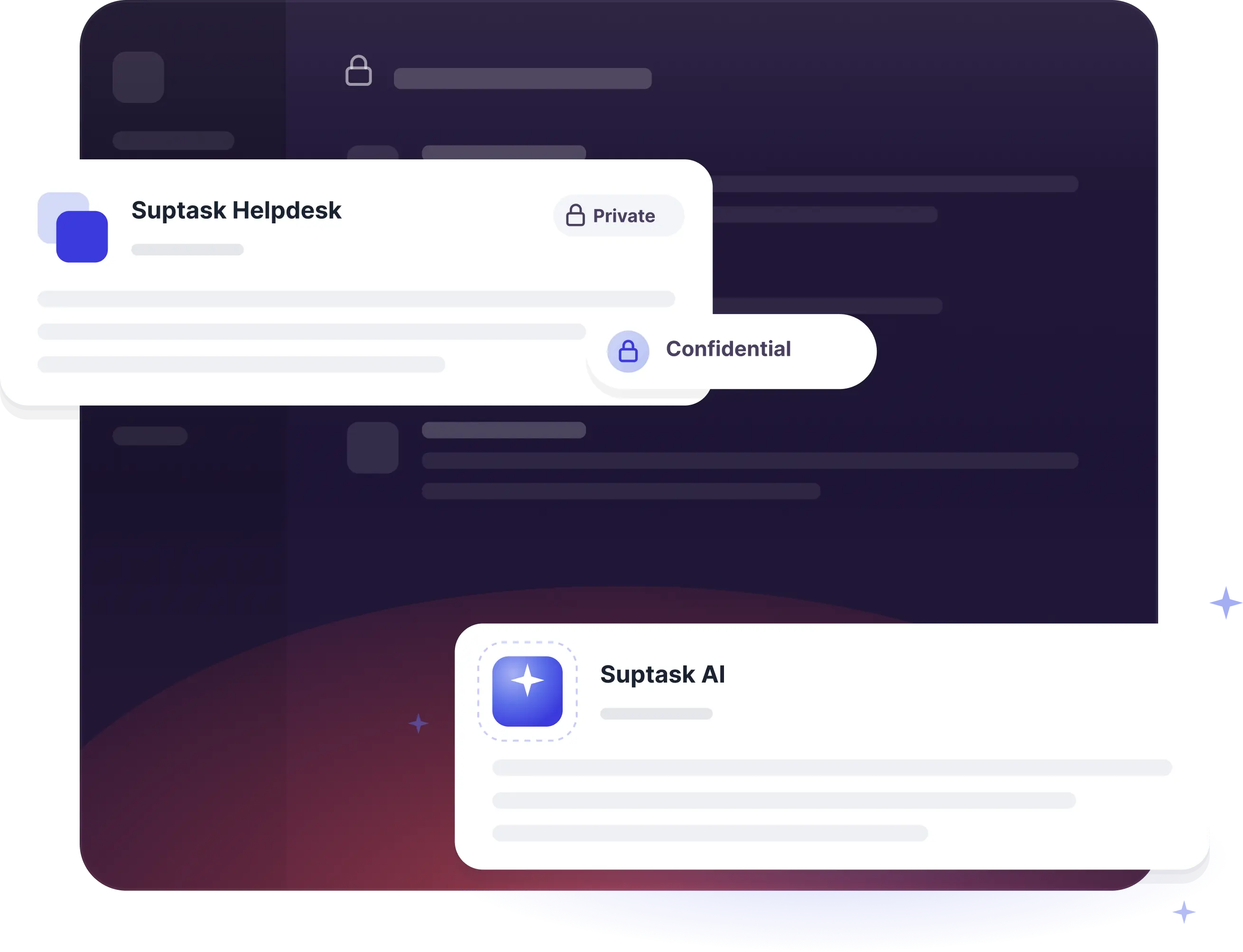
 Manage sensitive requests through private DMs
- Create tickets from any Slack message
- Keep employee conversations secure and centralized
Capture requests from anywhere in Slack
- Collect requests directly inside Slack
- Organize and manage requests in one place
- Customize the Suptask app to match your brand
Smart routing and approvals
- Streamline approvals across teams
- Automate multi-step approval workflows
- Manage approvals directly inside Slack
Reporting and SLA visibility
- Collect requests directly in Slack
- Organize requests in one centralized workspace
- Customize the Suptask app to your brand
How it works
[1] CAPTURE
[2] ROUTE
[3] RESOLVE
What your team gets with Suptask

A better support experience
Let people ask for help in Slack, without extra portals or unfamiliar tools.

Full visibility
Track ownership, status, and priorities without chasing updates manually.

Less manual work
Speed up intake, routing, and repetitive support tasks with built-in AI workflows.

Better performance
Use reporting and SLA visibility to improve support speed and consistency.
The numbers speak for themselves.
Built for different teams
For IT teams


For Finance teams

Already trusted by fast-moving support teams.


The platform has streamlined our ticketing workflow, leading to significant efficiency gains and saving our teams hundreds of hours each month”






Turn Slack into a help desk your team will actually use
Frequently asked Questions
What is a Slack ticketing system?
A Slack ticketing system is help desk and service desk software that integrates with Slack. Any department, from IT and HR to finance, can submit, track, and resolve internal requests without ever leaving their main workspace. Using Slack as your help desk, your messages can turn into tickets, so you never have to leave Slack to manage your tickets.
Can Slack be used as a ticketing system?
Yes, Slack can be used as a ticketing system by integrating dedicated apps like Suptask to Slack. This allows teams to create, track, and manage requests all in one place.
What teams are Suptask built for?
Suptask is built as a solution that works for any team.
We have proven examples across many organizations where teams such as IT (ITSM), Product, Engineering, Finance / Billing, Revenue Operations, Sales Operations, and HR are using Suptask to improve their ticketing experience on Slack.
How do I use a help desk in Slack?
To use Slack as a help desk using Suptask, Sign up and install Suptask, then simply ask for help in a designated channel (e.g., #support) or add a ticket emoji to any message.
How to automate ticket management directly in Slack?
You are able to control tickets without leaving Slack. The set-up requires no knowledge of coding. Here's the procedure.
- If any new messages are automatically treated as tickets in Slack channels, automate ticket creation. Users can transform previous Slack messages into tickets by using a specific emoji (e.g., "🎫 ").
- Automate ticket assignments using rules. Tickets must be assigned to the appropriate persons or groups. Suptask offers round-robin assigning, the fewest-open-tickets rule, and keyword-based routing.
- Automate updates/notifications by automatically notifying requesters about their tickets, new tasks for agents, and responding in threads so that there is full transparency on status changes and resolution processes, etc.
How to create tickets from Slack?
You can create tickets from Slack from any conversation with multiple methods:
- Post in a Request Channel: Send a note to a channel called #it-support. Suptask will turn it into a ticket.
- Use an Emoji Reaction: React with a ticket emoji (like 🎫). Suptask will turn that message into a ticket.
- Use a Slash command: Write /suptask or /helpdesk to create a ticket anywhere in Slack.
- Message shortcut: On any message, select the short "Create a ticket" from Suptask to turn it into a ticket.


