Slack Intercom Integration

With Suptask, your team can do so much more than just manage tickets by linking your support operation across several platforms. Integrating Intercom with Slack via Suptask lets your teammates escalate customer inquiries, create tickets, and collaborate on solutions within Slack while still tracking them in Intercom.

Get started in minutes
14-day free trial
No credit card required
Stories From Our Users

"Our agents can now escalate tickets directly from Intercom to the appropriate teams in Slack, ensuring quick and effective resolutions. The automatic linking and reference features have streamlined our workflow, saving us time and improving our response times significantly."
Laura
Customer Support Lead
"The Suptask integration between Intercom and Slack has been a game-changer for our support team. It allows us to manage tickets more efficiently and ensures that all team members are on the same page. The ability to track customer impact and link new tickets to existing issues has improved our overall support strategy and customer satisfaction."
David
Operations Manager
"Since integrating Intercom with Slack through Suptask, our customer support has become more efficient and organized. The ability to escalate tickets directly from Intercom to Slack has improved our team's collaboration and response times."
Anna
Customer Experience Manager

Do you want to learn how it works?

Suptask Integrations Empower Your Team

Create​‍​‌‍​‍‌​‍​‌‍​‍‌ and Manage Intercom Tickets

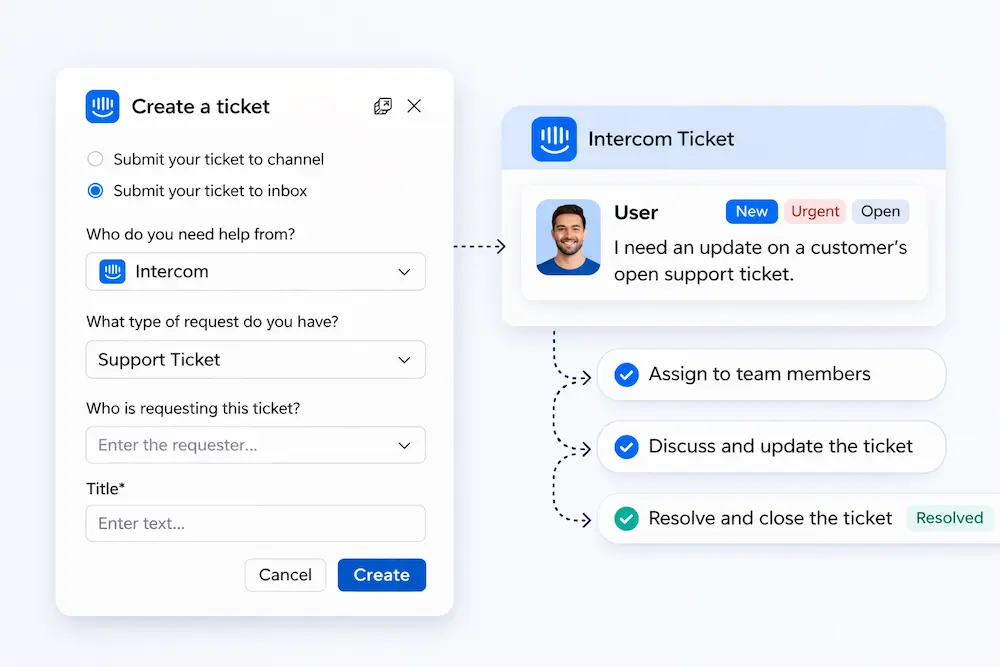
Direct Ticket Creation: Support agents can raise Suptask tickets directly from the Intercom window. The system also automatically links each ticket to the original Intercom conversation, providing full context and traceability.
Centralized Customer Context: Pull customer conversations from Intercom into Slack so the engineering, product, and operations teams can collaborate without needing Intercom access.
Bi-directional Updates: Changes made in Suptask are immediately visible in Intercom, which keeps both systems updated and removes the possibility of work being done ​‍​‌‍​‍‌​‍​‌‍​‍‌twice.
Read more

Collaborative Ticket Handling

Automatic Ticket References: Each escalated ticket is internally referenced and recorded in Intercom automatically, and this includes the Suptask ticket ID and a direct link for simple follow up.
Conversation-Based Collaboration: Once a ticket is escalated from Intercom, the discussion continues in Slack, where the various teams work together in channel sets focused on specific tasks, while Suptask preserves the whole dialogue.
Cross-Team Visibility: The engineering, product, and customer service teams can work together via Slack channels linked to Intercom tickets, enabling them to help each other and speed up troubleshooting when more than one department is involved.
Read more

Comprehensive Issue Management for Intercom

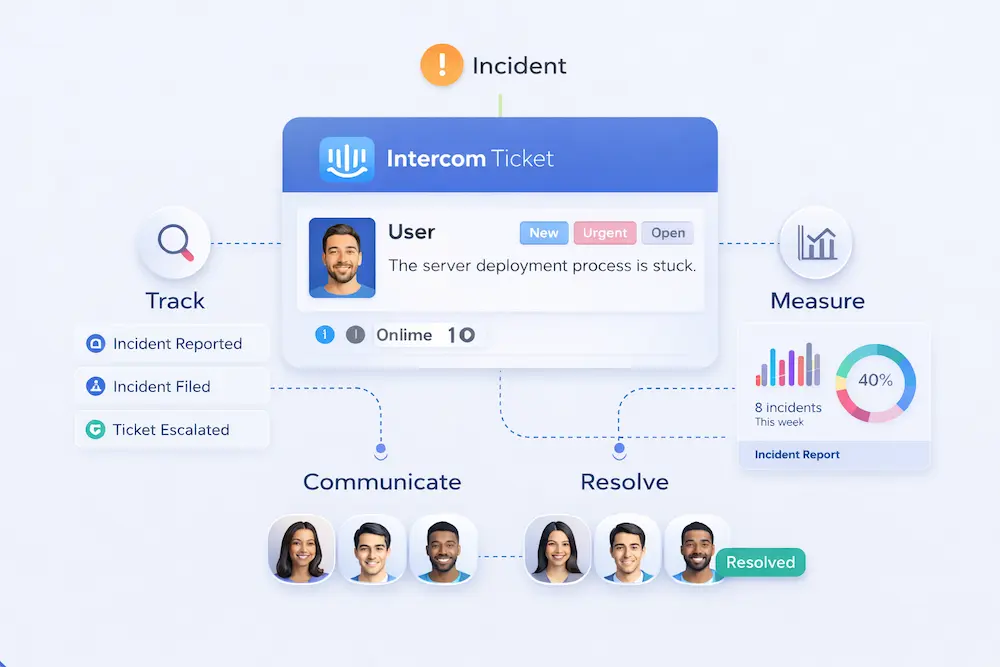
Customer Impact Overview: To identify customers affected by specific problems, one can check the related tickets in Suptask. This enables your team to plan for the most important incidents and respond more efficiently.
Link Related Tickets: Customer service representatives can link an incoming Intercom ticket with an already opened Suptask issue. In this way, not only are existing and new conversations kept in order, but the context is preserved across several reports.
Slack-first Context Sharing: Some relevant details from the Intercom ticket are automatically posted to the corresponding Slack channel, so the team can work together without changing platforms.
Read more

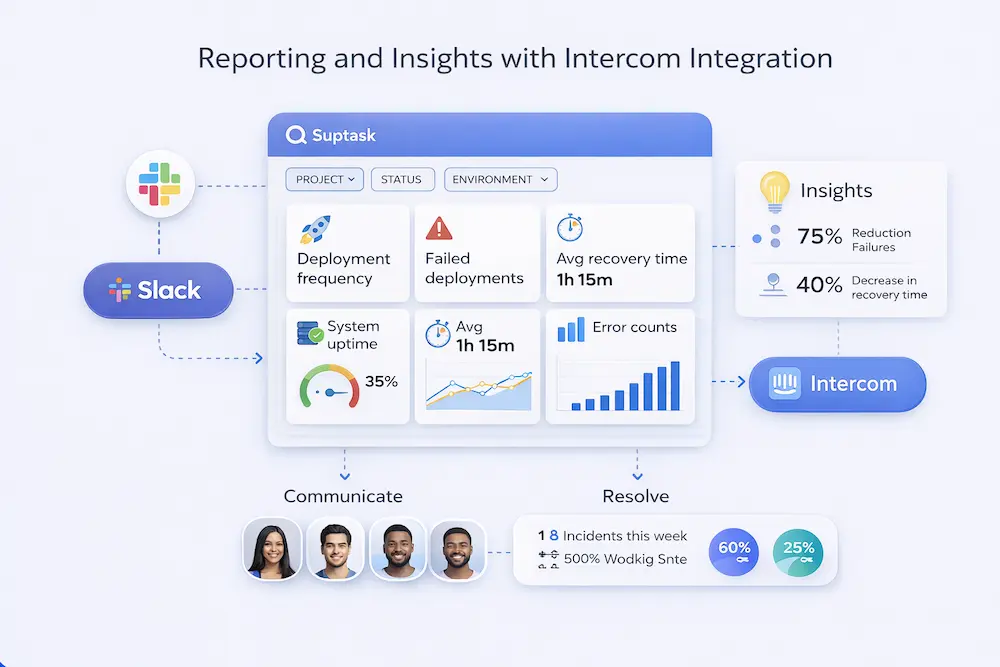
Reporting and Insights with Intercom Integration

Track Support Performance: With Suptask reporting tools, you can track ticket resolution times, escalations, and overall team performance, whether it's the Intercom team or the Slack team.
Identify Trends and Recurring Issues: Deep dive into the ticket data to uncover the most common issues your customers are facing. This way, you will have a clear path to upgrade both your internal procedures and the product quality.
Unified Cross-Platform Reporting: Making reports that pool data from both Intercom and Slack support tickets can help you achieve complete transparency in support operations.
Read more

Suptask's Intercom Ticketing Integration - Key Features

Open Support Tickets

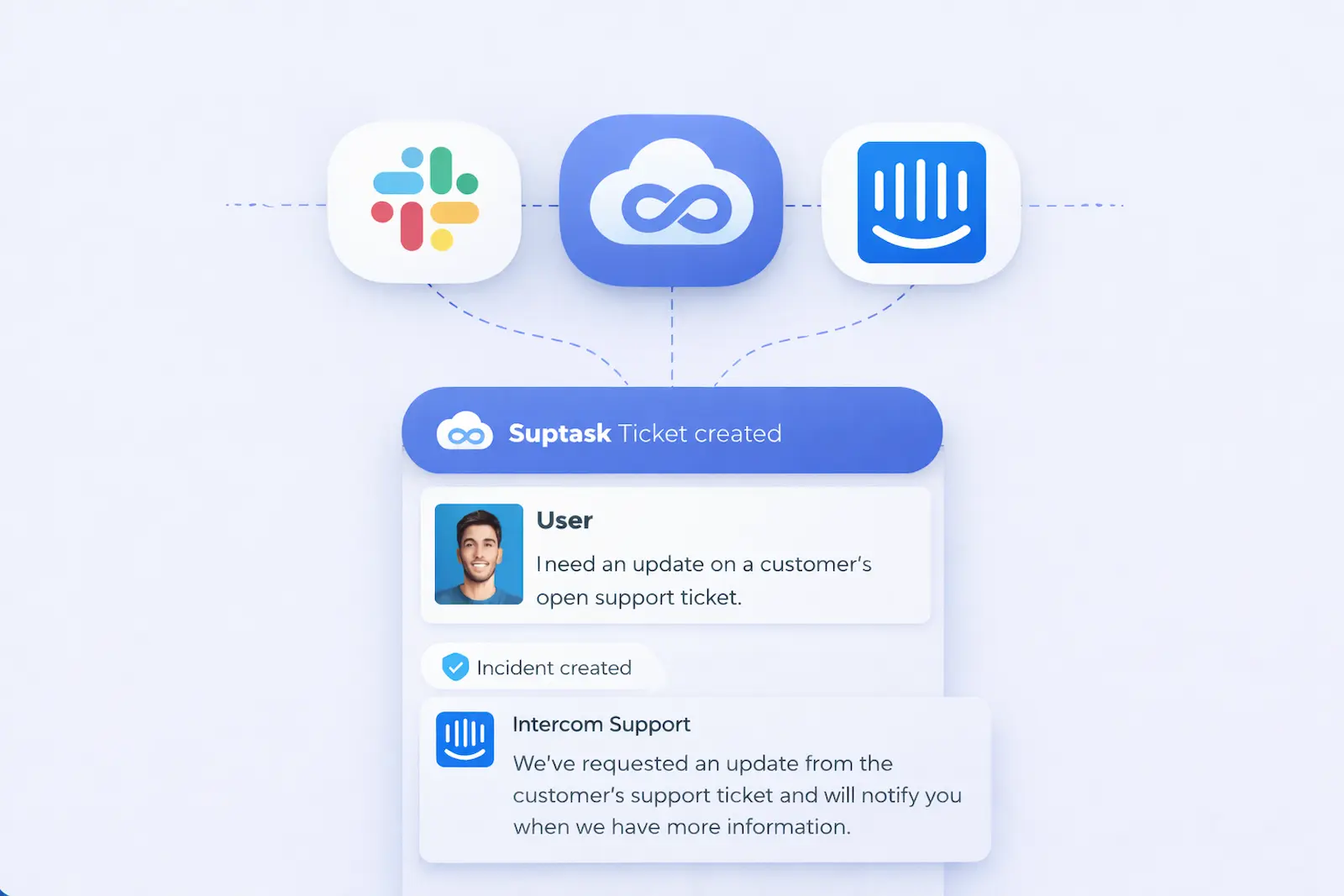
A support agent in Intercom who encounters a recurring issue or problem that needs tracking can raise a Suptask ticket without leaving the chat.

Escalate to Slack

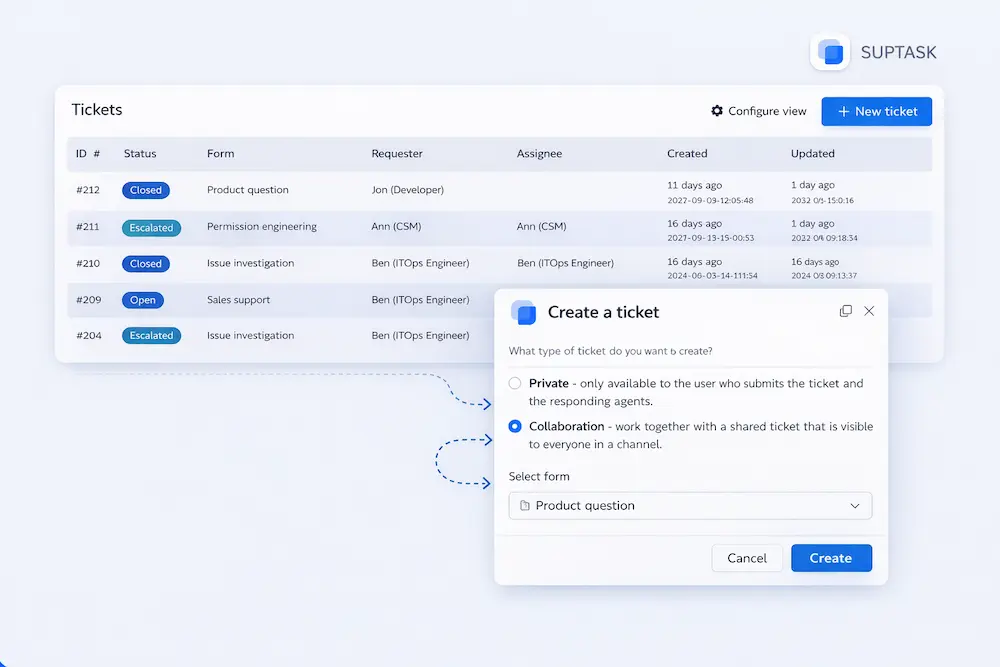
If the ticket agent believes it would be beneficial to bring in fresh perspectives and additional human resources, the ticket may be escalated to the Slack channel via Suptask.

Collaborate and Resolve

Once the ticket has been escalated, the message is posted in the selected Slack channel, where colleagues can exchange comments and work through the issue.

Track and Link Tickets

Through the involvement of an agent, several Intercom tickets can be connected to one single issue in Suptask.

Monitor Customer Impact

With Suptask, it is easy to identify customers affected by the issues, allowing support teams to focus their time on those with the biggest impact.

Real-Time Notifications

If a ticket is opened, changed, or escalated in Intercom, you will receive a real-time Slack notification. In this way, the team would be able to meet SLAs and keep customers ​​‌​‌​​‌​‌happy.

Integrating Intercom to Slack:
Step-by-Step

1. Prepare Your Accounts

Firstly, make sure you have:

- Accounts in Intercom, Slack, and Suptask that are ready to use
- Admin permissions in your Intercom workspace
- Support from a Suptask Integrations Specialist (SIS) for setup

Note: Intercom integration is a feature of the Suptask Custom plan, and you might need additional setup.

2. Create an Intercom Access Token

- Navigate to your Intercom workspace and make a new app.
- Call the application "Suptask Integration."
- From this application, create an Access Token.
- Carefully pass the Access Token to your Suptask Integration Specialist (SIS).

With this token, Suptask will be permitted to create and manage tickets in Intercom.

3. Configure Webhooks

Setting up webhooks for ticket synchronization in real time

- In Intercom, add a new Webhook.
- The Endpoint URL will be given to you by your Suptask Integration Specialist. Place it here.
- Make the webhook listen to all tickets.* events.

After the setup, make a test ticket in Intercom to check if the webhook events are coming ​​‌​‌​​‌​‌through.

4. Configure Integration Workflows

You can tailor the integration to fit your support process.

Here is an example of a simple workflow:

- Intercom gets a customer support conversation.
- The support team opens a back-office ticket (in the Bugs view).
- The ticket is automatically pushed to Suptask.
- Depending on the category or the configuration, the Suptask ticket is sent to a specific Slack channel.
- Product, engineering, or operations teams interact directly in Slack to work on the problem.

This way of working helps teams across all departments collaborate on customer issues in Slack without having to switch windows, while also providing full traceability in Intercom.
Try a Slack Ticketing
System Today
No credit card required

Frequently Asked Questions

Why should I integrate Intercom with Slack?

Integrating Intercom with Slack centralizes your communication channels, enhances team collaboration, reduces response times, and helps streamline support workflows. This ensures that your team can address customer issues quickly and efficiently.

What permissions do I need to integrate Intercom with Slack?

You will need admin access to both your Intercom and Slack accounts to configure and authorize the integration.

Can I reply to Intercom messages directly from Slack?

Yes, depending on the integration settings, you can reply to Intercom messages directly from Slack, ensuring quick responses without switching platforms.

Can I control access to Intercom conversations in Slack?

Yes, you can reply to tickets directly within Slack. Suptask will convert your Slack replies into Gmail responses and send them to the customer. Additionally, you can set up direct messages to notify agents of new tickets created from Gmail emails.

Can I integrate Intercom with other tools alongside Slack?

Yes, Intercom supports integration with various other tools and platforms, allowing you to create a comprehensive support and communication system tailored to your needs.