


Zendesk Slack Integration That Sends Tickets to Whoever Fixes Them
Suptask links the Zendesk ticket to a ticket in Slack, so the team that fixes it has an owner and a priority. The Slack Zendesk integration sends the replies back, and your agents answer from Zendesk.
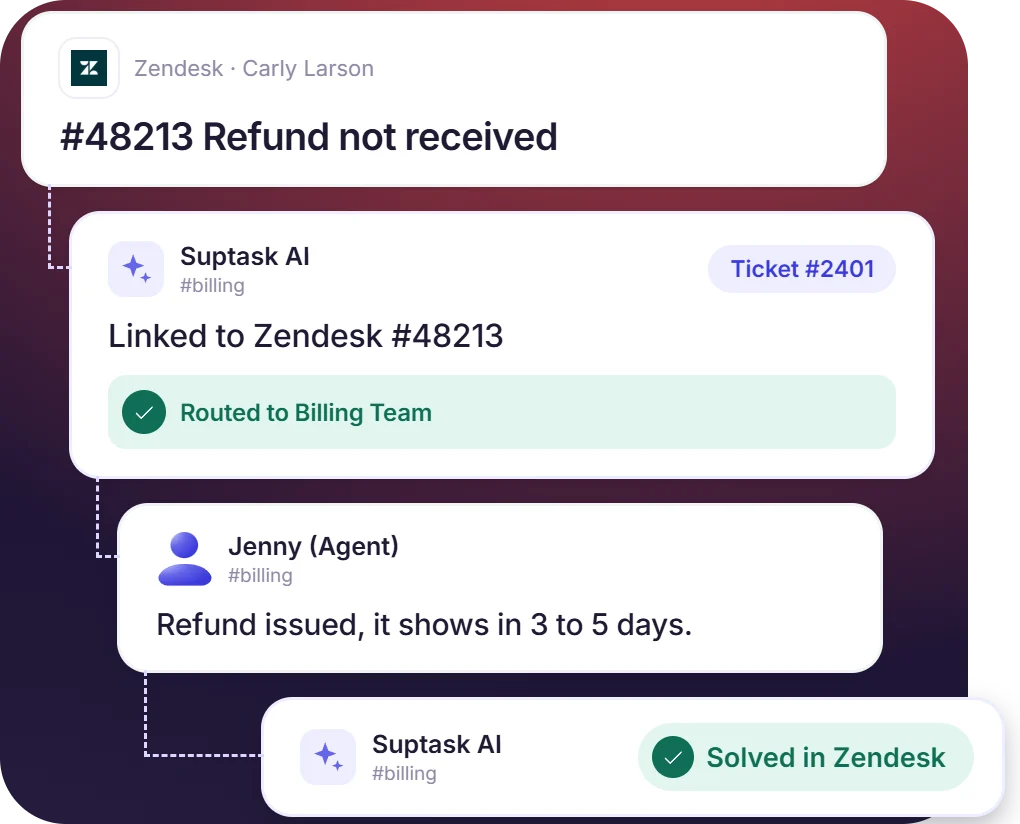











Send a Zendesk Ticket to the Team in Slack That Owns It
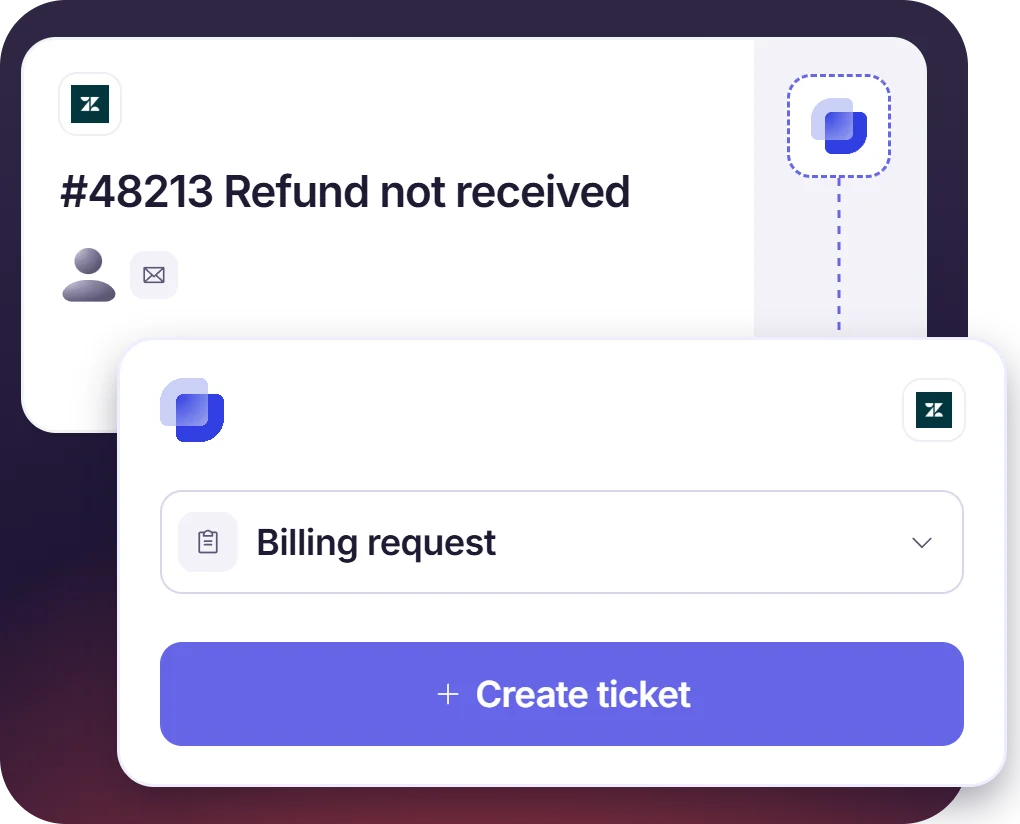
- Install the Suptask app for Zendesk, and the agent creates a linked ticket without opening Slack
- Each Suptask Form has its own Slack channel, so the ticket goes to the team that handles the work
- Links between the Zendesk ticket and the Suptask ticket are created automatically
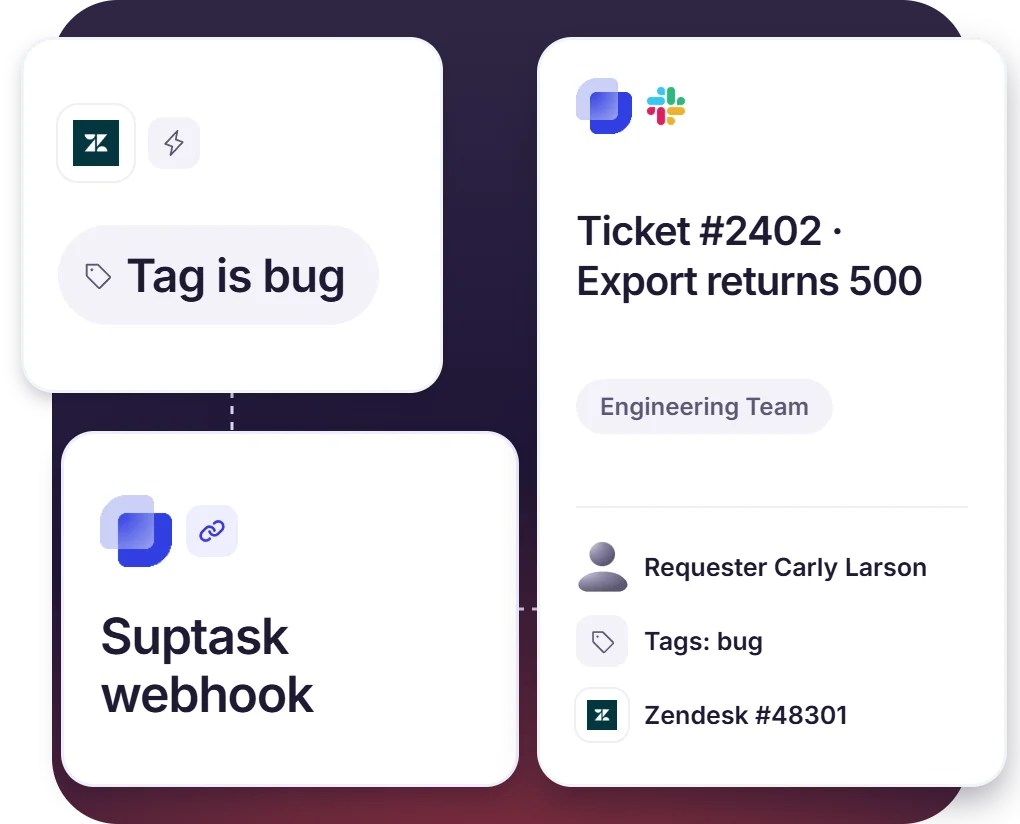
Zendesk to Slack Tickets Created Automatically
- Set the Zendesk trigger on a tag like Bug, and matching tickets become Suptask tickets
- Each ticket arrives with the requester, description, tags, and the Zendesk link on it
- Automatic creation can be enabled for one Inbox or for a single Form
Replies, Comments, and Status Sync Between Slack and Zendesk Tickets
- A comment on the Zendesk ticket shows on the Slack ticket, and a reply in Slack shows in Zendesk
- Status changes can be aligned, so work finished in Slack moves the Zendesk ticket on
- Create a Zendesk ticket from Slack for a request that belongs on the customer desk
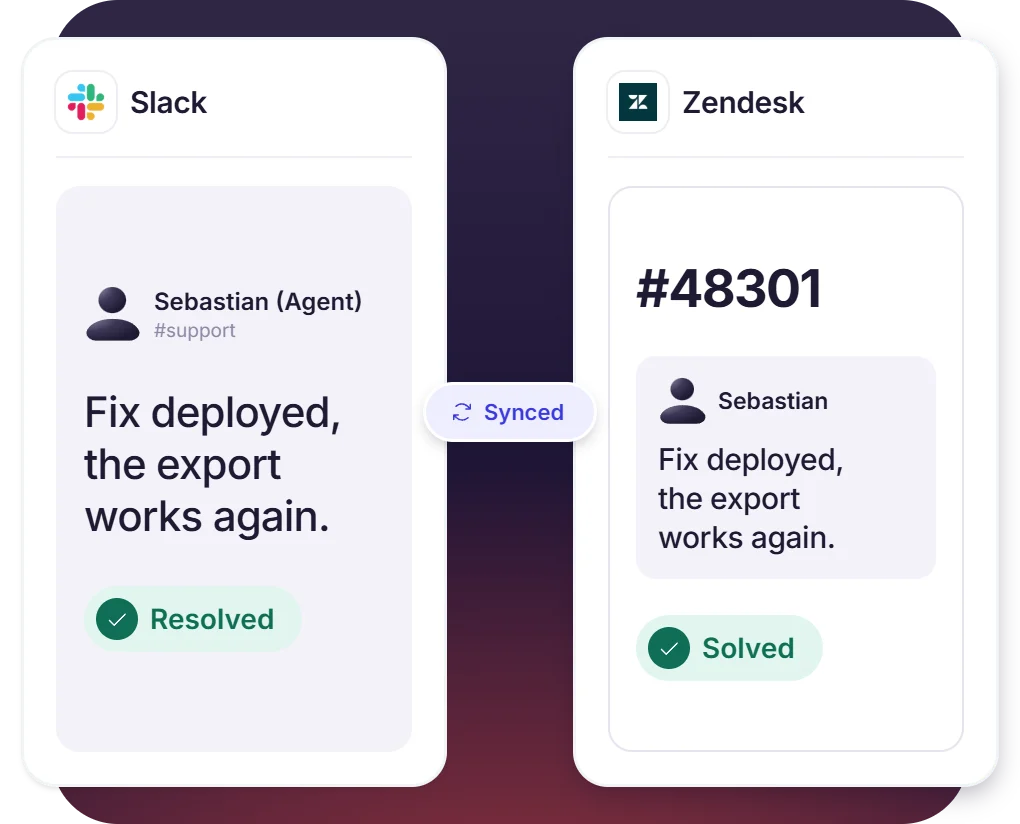
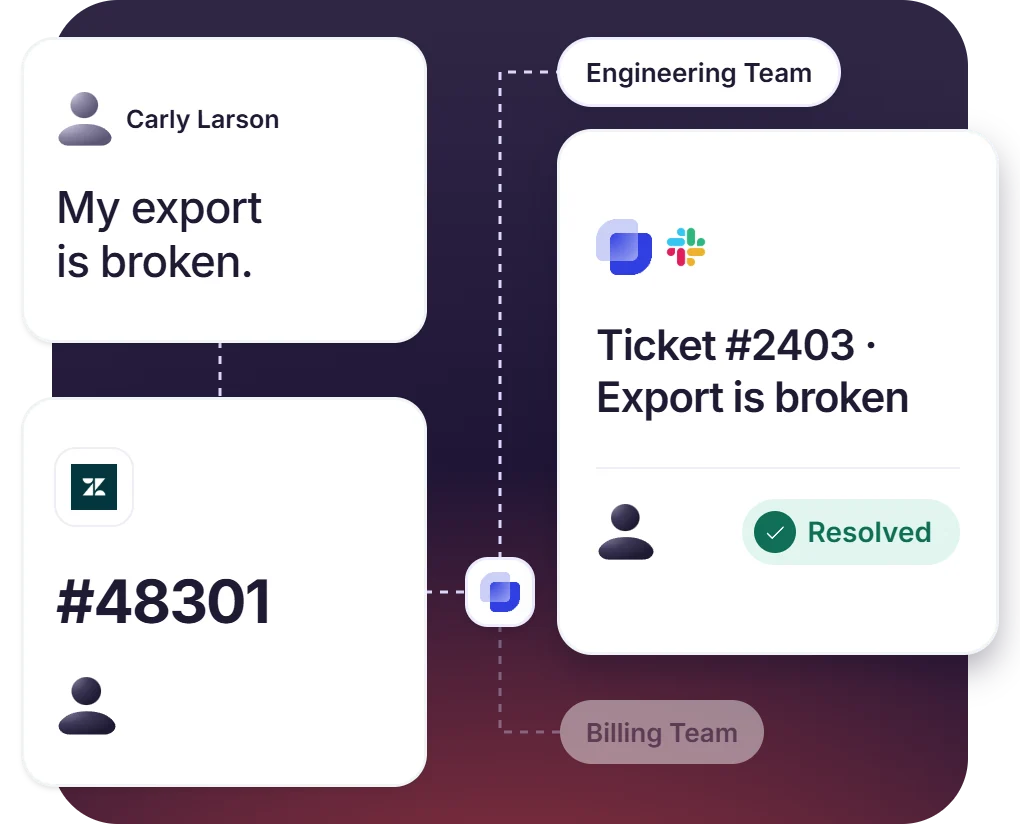
Zendesk for Customers, Slack for Internal Teams
- Suptask is used inside the company, and the customer only sees Zendesk
- Zendesk ticketing in Slack gives the internal team an owner, priority, and SLA on the ticket
- Second-line teams work in Slack with no Zendesk seat of their own
How Zendesk Slack Integration Works
Setup
Escalte
Resolve

What It Takes to Connect Zendesk to Slack

Suptask app
Installing it from the Zendesk Marketplace comes first, followed by enabling the Zendesk integration in Suptask and picking the Forms for the agents.

Zendesk API token
Create the token in the Admin Center under Apps and integrations, APIs. Two-way sync needs it, along with the email and the Zendesk domain the token belongs to.

Webhook and Zendesk trigger
The webhook sends the ticket to Suptask. A Zendesk Slack trigger decides which tickets go, tickets tagged Bug, for instance.

Custom plan for two-way sync
Automatic ticket creation and two-way sync are part of the Custom plan. Suptask’s integration specialists set them up, and additional cost may apply.
What support teams on Zendesk improve with Suptask
Built for the Teams the Zendesk Desk Depends On
Customer support teams

Engineering and DevOps teams

Finance and billing team

Already trusted by fast-moving support teams.




Turn Slack into a help desk connected to the tools you already use
Frequently asked Questions
How do I connect Zendesk to Slack with Suptask?
The Suptask app has to be installed from the Zendesk Marketplace first. After that, the Zendesk integration is enabled on the Suptask side, where the Forms for the Zendesk agents are also selected. Automatic ticket creation and two-way sync need more than this. A Suptask integration specialist connects the Zendesk API token and the webhook for it.
The Zendesk Slack app is mainly for notifications. Ticket updates are posted into the Slack channels by it, and the agents are able to run side conversations also. The Zendesk Slack integration of Suptask is doing something else. A Zendesk ticket is escalated here as a linked ticket, and the internal team that has to fix it becomes the owner of that ticket. The ticket then gets worked in your Slack ticketing system, with its own owner, priority, and SLA. The Zendesk Slack connector is not a replacement for Zendesk. The customer is still answered by the Zendesk agent.
Yes. The trigger in Zendesk is what does this. A condition is set on it, the tickets that are tagged Bug for example. The trigger then calls the webhook of Suptask, and the ticket gets created in the Inbox or the Form that was selected for it. The Zendesk agent is not involved in this one.
The replies and the comments are kept the same on both tickets. Status changes can also be aligned between the two tickets, that is part of the setup. When the ticket is created, the requester, the description, the tags, and the Zendesk link are carried over with it. Everything else does not come across.
Yes, it works in that direction also. With the two-way integration, a Zendesk ticket can be created from Slack, and tickets from Zendesk keep coming into Slack as before. Requests that belong with the customer-facing desk are the ones this is used for.
The two-way Zendesk integration comes under the Custom plan. Automatic ticket creation and the sync between the two tickets are both included in it. Suptask’s integration specialists do the setup with the team. Additional cost may apply. Book a demo to get it scoped for your team.



