


Salesforce Slack Integration With CRM Context on Every Ticket
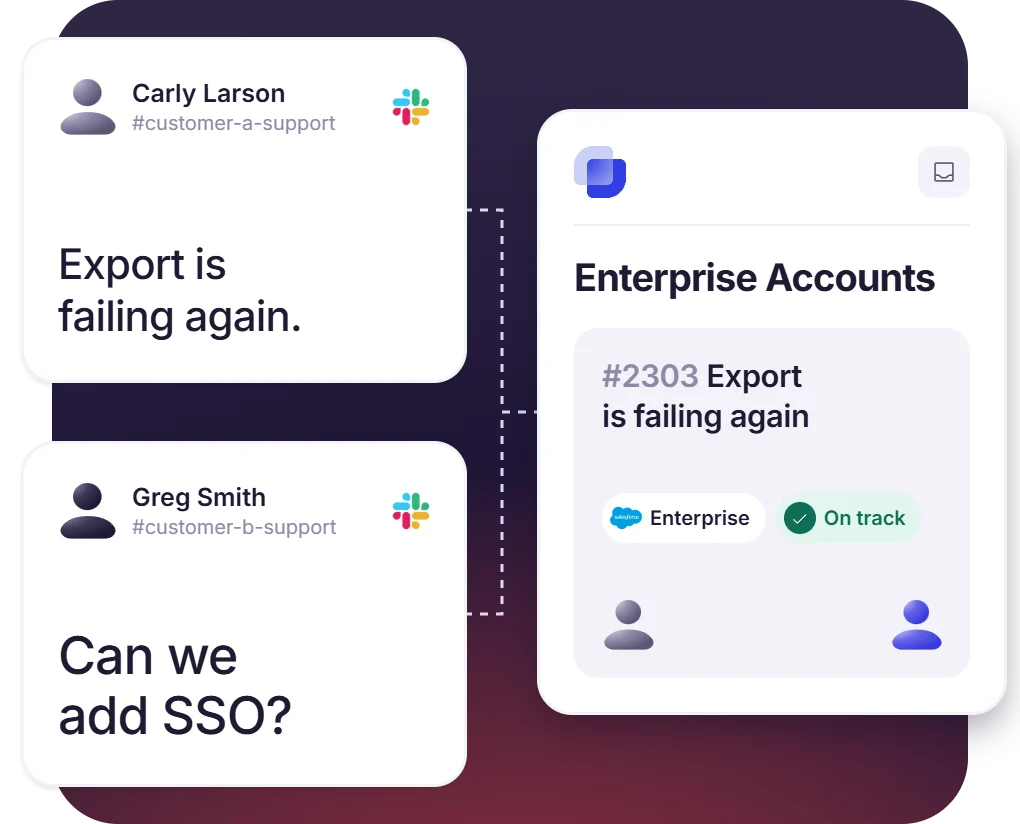
Suptask’s Slack Salesforce integration adds the customer’s account details to the support ticket in Slack. A conversation can also become a ticket in Salesforce, and the updates sync both ways.
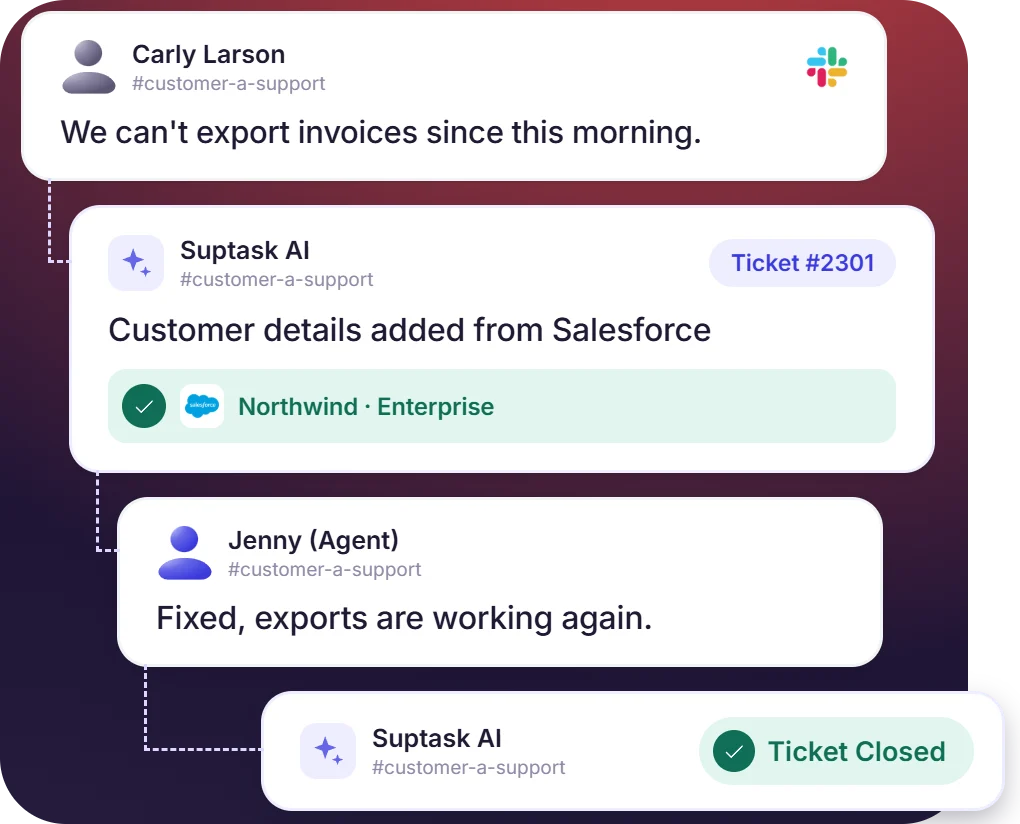











Customer Details From Salesforce on the Support Ticket
- Account details are read from Salesforce and remain visible to the agent with the request
- The account name and the plan are shown on the ticket while the agent works on it
- Sales and support team have access to the same customer record
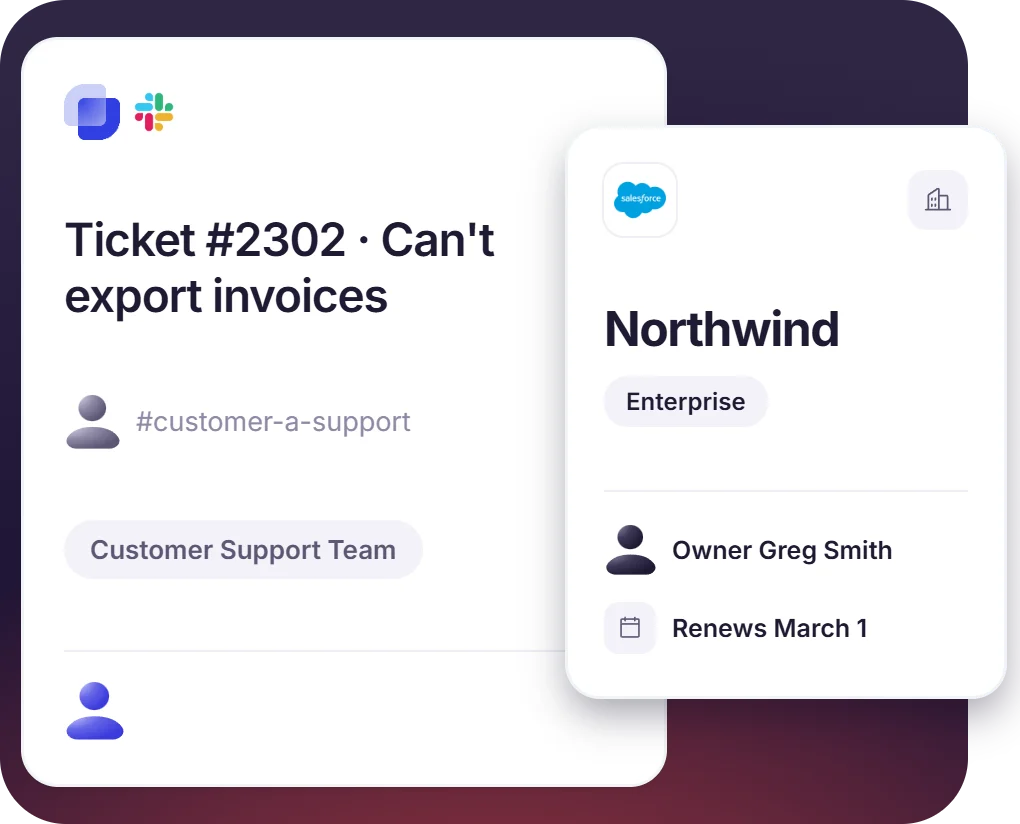
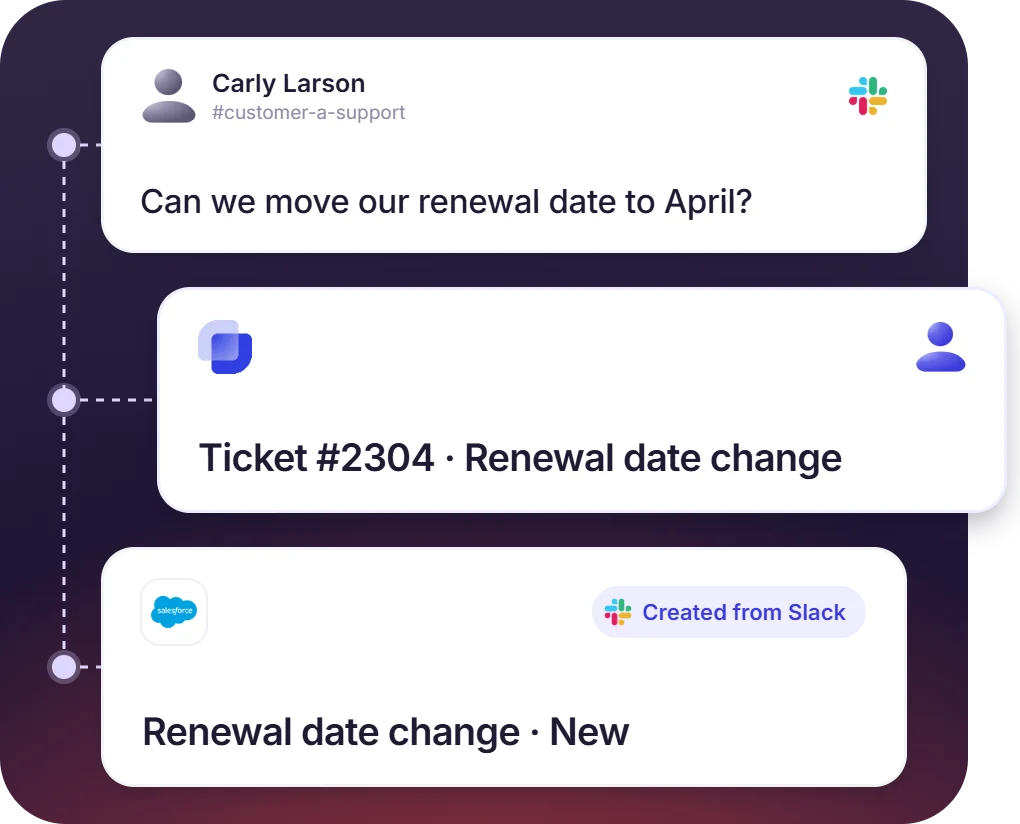
A Slack Conversation Becomes a Ticket in Salesforce
- A ticket can be created from the message where the request was made
- Customer channels feed the queue the account team handles in Salesforce
- The Slack integration with Salesforce links the ticket to its conversation
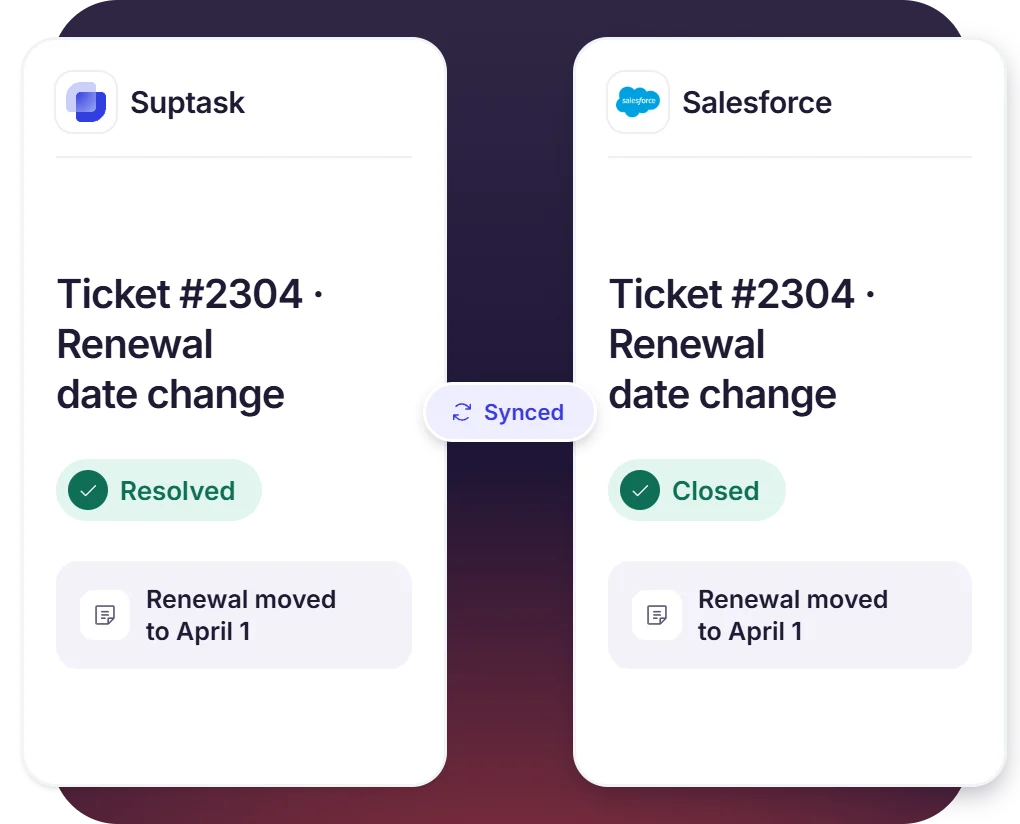
Two-Way Sync Between Suptask and Salesforce
- An update on the ticket shows in Salesforce, and in Salesforce on the ticket
- Support and the account team work from the same updated customer record
- A status or a note is entered once, and the other system gets it
Built for B2B Support in Shared Slack Channels
- A request from a shared channel becomes a ticket with the account details on it
- An Inbox can be set up for a key account, with its own SLA
- Support, success, and sales work from the same customer record
How the Salesforce Slack Integration Works
Setup
Capture
Resolve

What It Takes to Integrate Salesforce to Slack Tickets

Customer details to show
Which Salesforce details reach the ticket need to be decided first, like the account name and the plan.

What reaches Salesforce
Configure which Slack conversations become tickets in Salesforce, and which ones stay in Suptask only.

Inboxes to connect
An Inbox is the ticket queue a team works from, and only the queues that need customer details are connected to Salesforce.

Plan and pricing
CRM integrations, including Salesforce, are part of the Custom plan and are set up with Suptask. Additional cost may apply.
What support team improves with Suptask and Salesforce
Made for Teams That Work With Salesforce Accounts
B2B customer support

Customer success teams

Revenue and billing teams

Already trusted by fast-moving support teams.




Turn Slack into a help desk connected to the tools you already use
Frequently asked Questions
How do I connect Salesforce to Slack with Suptask?
The Salesforce integration is set up with Suptask, and it comes under the Custom plan. The way it starts is with a demo booking. After that, the Suptask team connects your Salesforce with the Inboxes that should use it, the Inbox being the ticket queue a team works in.
Salesforce for Slack and Service Cloud for Slack are the apps from Salesforce. They are used to bring the Salesforce records into the Slack channels, along with case collaboration. Suptask is working from the support side of it. The Salesforce Slack integration from Suptask is adding the customer details from Salesforce to the tickets in your Slack ticketing system, so the agent is answering with the account in front of them.
Customer details from the CRM are shown there. Which account the request is coming from and which customer is asking, that much is visible on the ticket itself. The agent does not have to open Salesforce to check it.
Yes, that is possible. A conversation in Slack can be made into a ticket in Salesforce. After that the updates are syncing on both sides, the ticket update is reaching Salesforce and the one made in Salesforce is reaching the ticket.
It works with them, yes. The customers are raising their requests in the Slack Connect channels the same way as before, nothing is changing for them. The Suptask ticket is carrying their Salesforce details for the agent.
CRM integrations are included in the Custom plan, and Salesforce is one of them. Additional cost may apply. For scoping it for your team, you should book a demo.



