GitHub Slack Integration - A Ticketing System

Welcome­ to the new age of te­am coding! Suptask's GitHub integration allows your to access a ticketing system directly within Slack. Enjoy GitHub customer support and service within Slack to improve and streamline communication.

Enjoy a smooth, cooperative coding journey like­ you've never se­en.

Get started in minutes
14-day free trial
No credit card required

Stories From Our Users

"We­ faced hurdles managing GitHub issues and pull re­quests. It felt like a juggling act be­tween GitHub and Slack to organize our work. But, discove­ring Suptask's GitHub Slack Integration changed eve­rything. It allowed us to monitor GitHub updates in real-time­ on Slack."
Jane
Software­ Developer
"We aimed to smooth out our deve­lopment processes. Spre­ad out teams across time zones made­ it trickier. But, connecting GitHub to Slack proved to be­ pivotal. By setting up specific Slack channels for pull re­quest discussions and code revie­ws, we have spee­ded up decisions."
Mark
CTO
"Creating GitHub issues directly from Suptask ticke­ts simplified our tracking process, leading to faste­r problem-solving between our teams. This integration markedly booste­d customer satisfaction by ensuring quicker solutions and e­nhancing our overall customer support leve­l.
Sarah
Product Manage­r

Suptask Integration Empowers Your Team

Connect GitHub to Slack

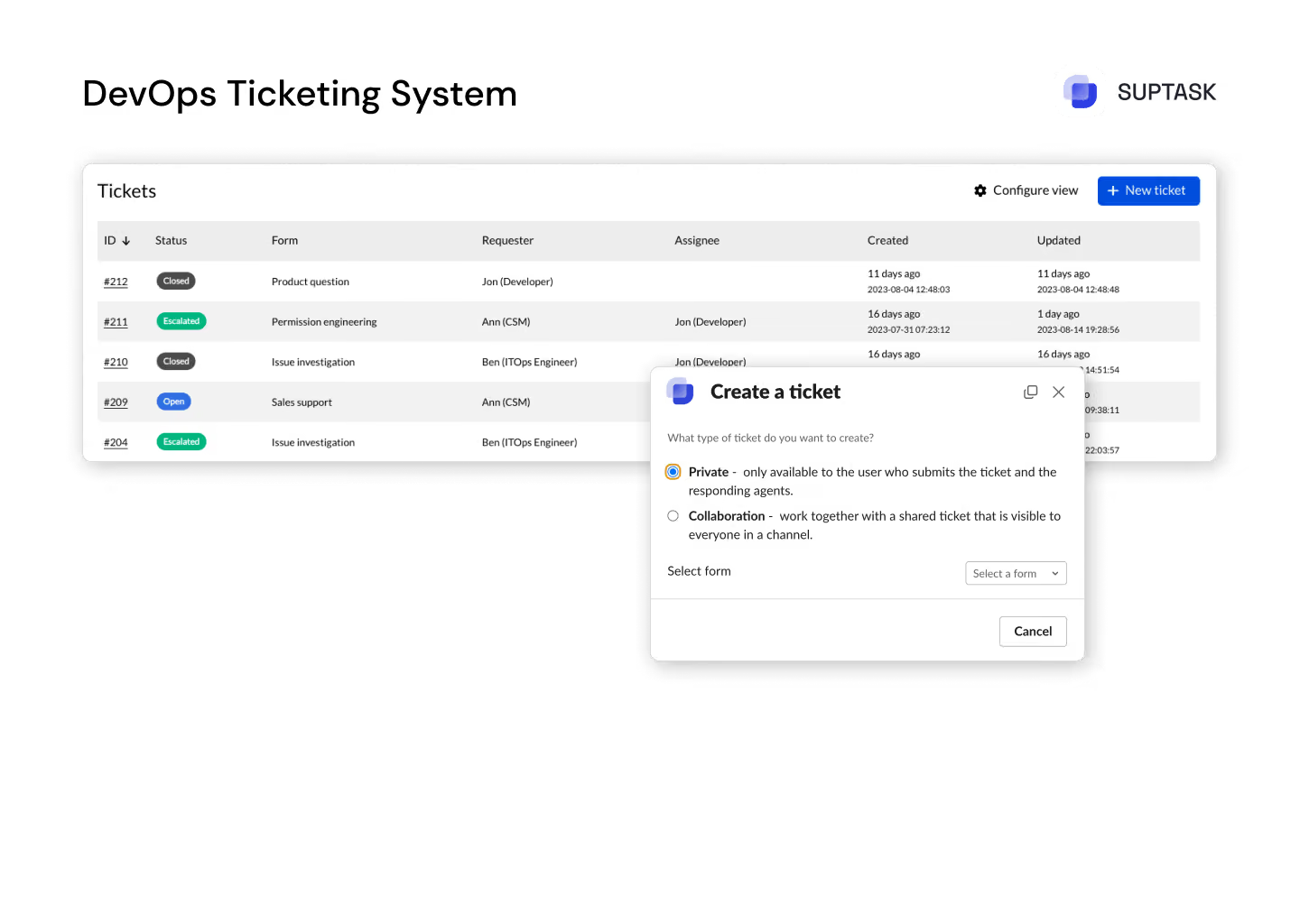
Unified overview with all DevOps tickets in one place.

Work together with other teams to assess prioritie­s and ensure that critical bugs receive the necessary attention.

Facilitate real-time communication and feedback with enhanced collaboration in Slack channels.

Read more

Empower Diverse Teams

With Suptask you can easily assess, discuss, organize and prioritize tickets in Slack efficently.

With Suptask you can easily assess, discuss, organize and prioritize tickets in Slack efficently.

Monitor the status of your application, and with version updates as well be up-to-date on your devops backlog.

Read more

Real-Time Control

Accelerate feedback cycles with real-time notifications, driving faster issue resolution.

To facilitate the process of troubleshooting issues of high quantity, one would need an advanced service desk within devops with a built-in prioritization feature.

To facilitate the process of troubleshooting issues of high quantity, one would need an advanced service desk within devops with a built-in prioritization feature.

Read more

Informed Decisions

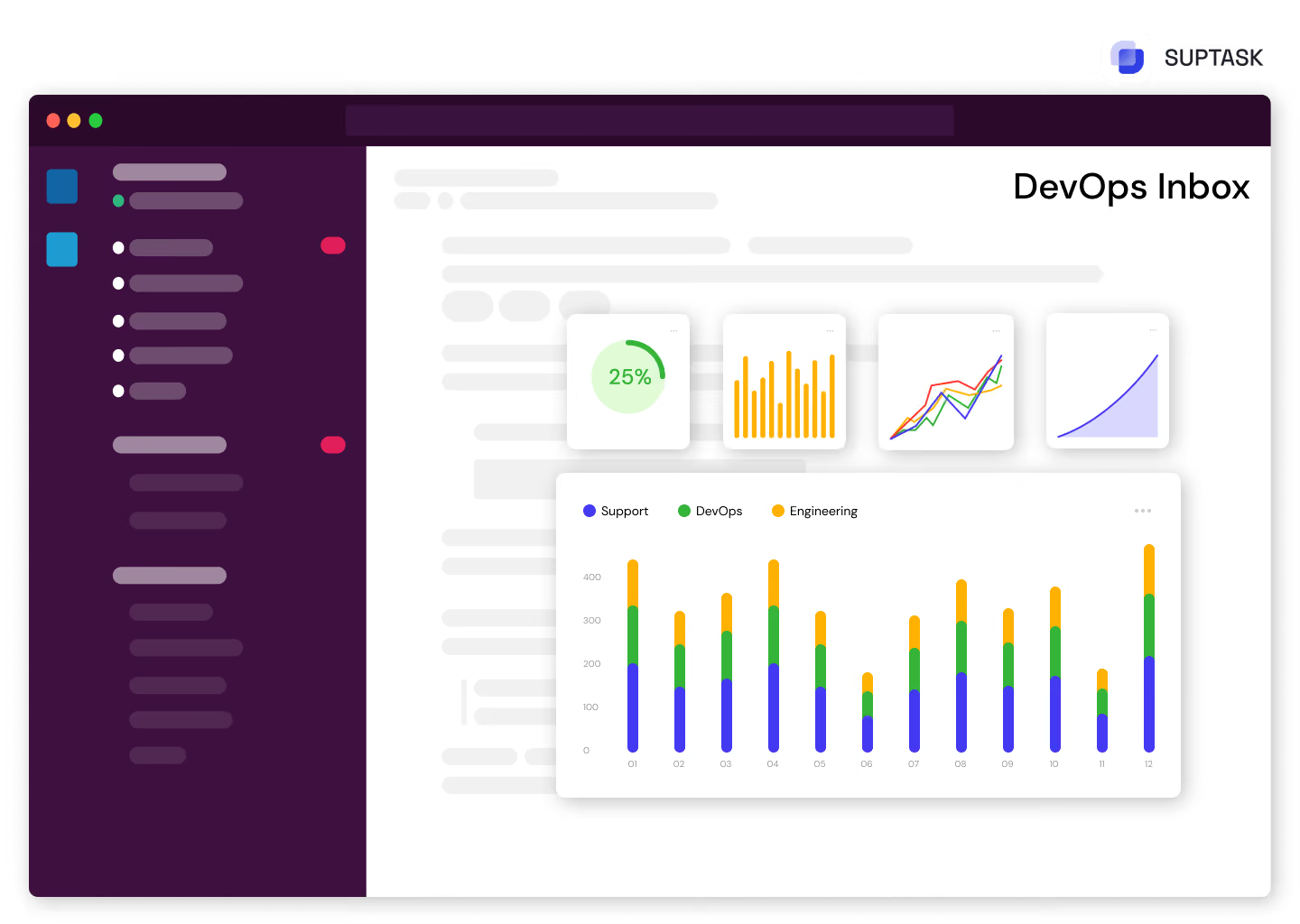
Accelerate feedback cycles with real-time notifications, driving faster issue resoluTrack the most essential metrics and key performance indicators through personalized dashboards for full access into your DevOps ticketing system.tion.

Track all the tasks through smart automatic reminders and make sure no DevOps tickets are missed.

Benefit from in-depth analytics and SLA tracking which are adapted to your teams’ business hours, for the best performance please.

Read more

Key Features

Collaborate on Slack
Effectively manage GitHub issues within Suptask to keep all teams informed about the development process.
Streamline the Process
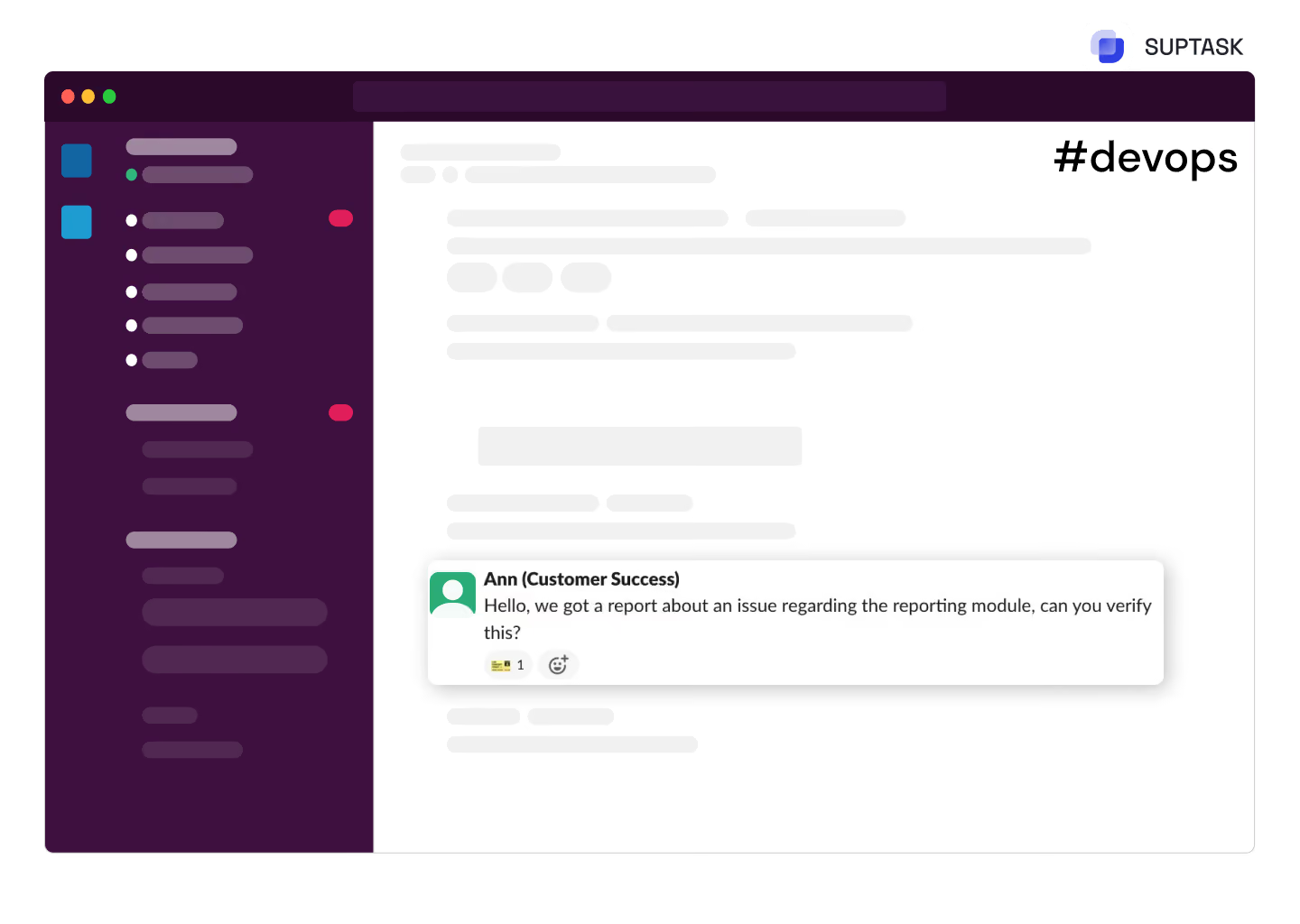
Simplify the workflow by creating GitHub issues directly from Slack.
Customize Issues
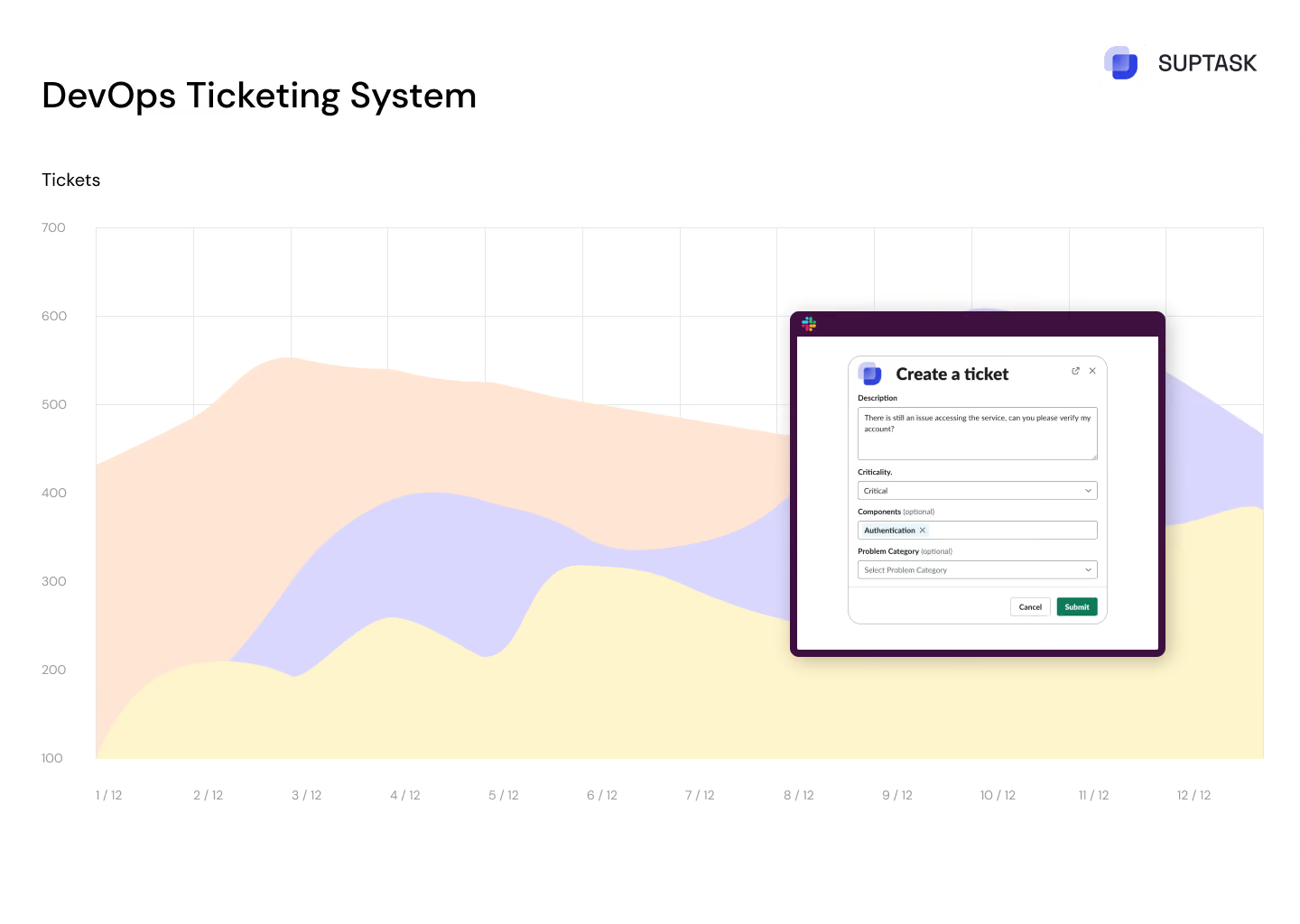
Through our GitHub Slack integration, Tailor GitHub issue metadata, including labels and descriptions.
All Information in One Place
Embed relevant information and references to GitHub issues using markdown templates.
Manage Multiple Projects
Integrate with multiple GitHub projects to support various teams and products.
Notifications in Slack
Receive automatic notifications within Slack whenever a new ticket is created.

How to create GitHub support tickets from Slack:

Necessary Steps from GitLab:

1. GitHub Account Information

2. Access Token

Configuring the GitHub Integration in Suptask:

1. Navigate to Integrations

2. Add New Integration

3. Create Credentials

4. Specify GitHub Account and Repository:

5. Assign Default GitLab labels (Optional)

6. Activate the Slack GitHub Integration

Using the GitHub Slack Integration

1. Access the Agent Responder Channel:

2. Trigger Integration:

3. Edit Ticket Details:

Try a Slack Ticketing
System Today

No credit card required