Zendesk Slack Integration
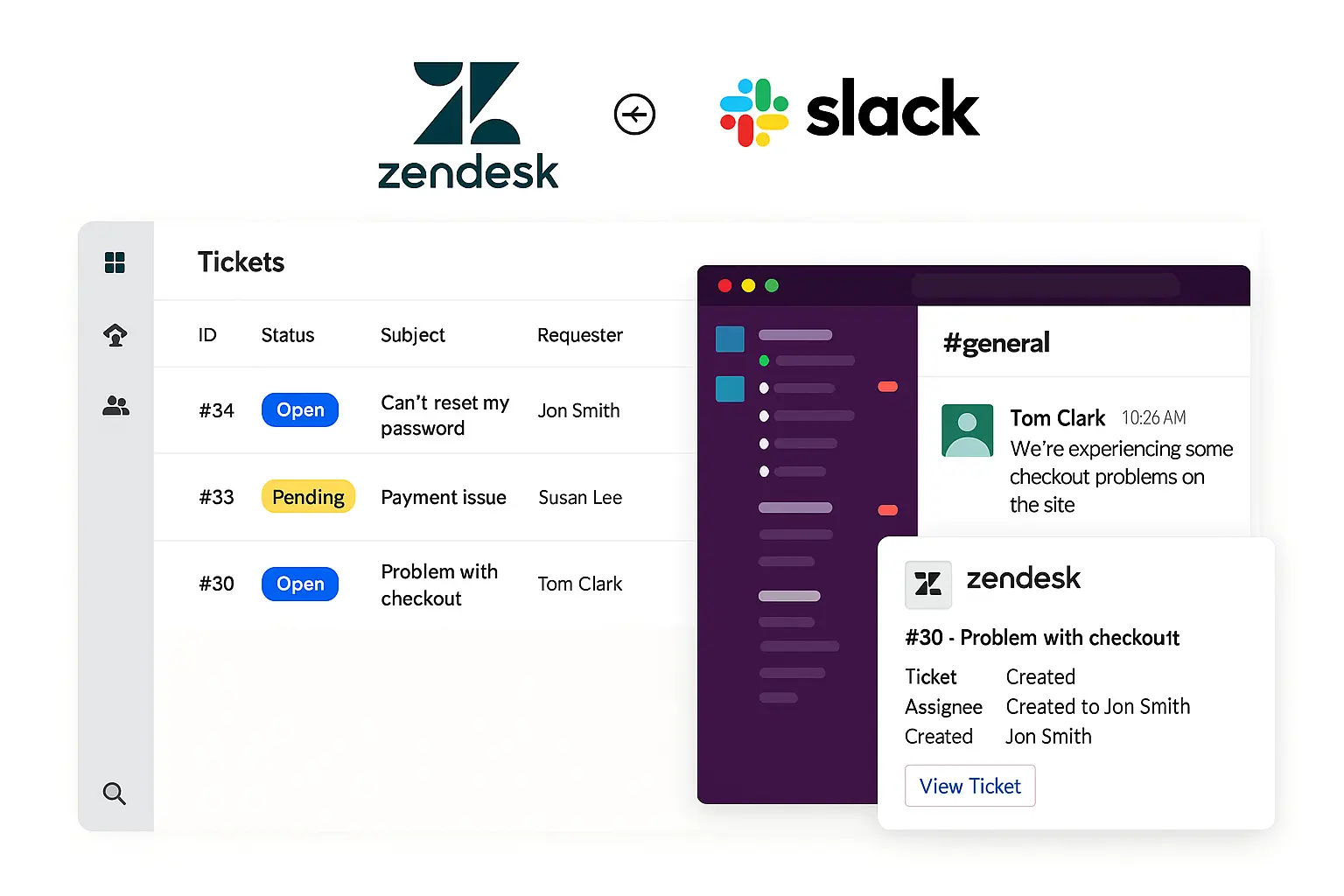
Boost your support service with the Suptask's Zendesk Slack integration. With this integration, you can create a Zendesk ticket to and from Slack to keep all teams working together.

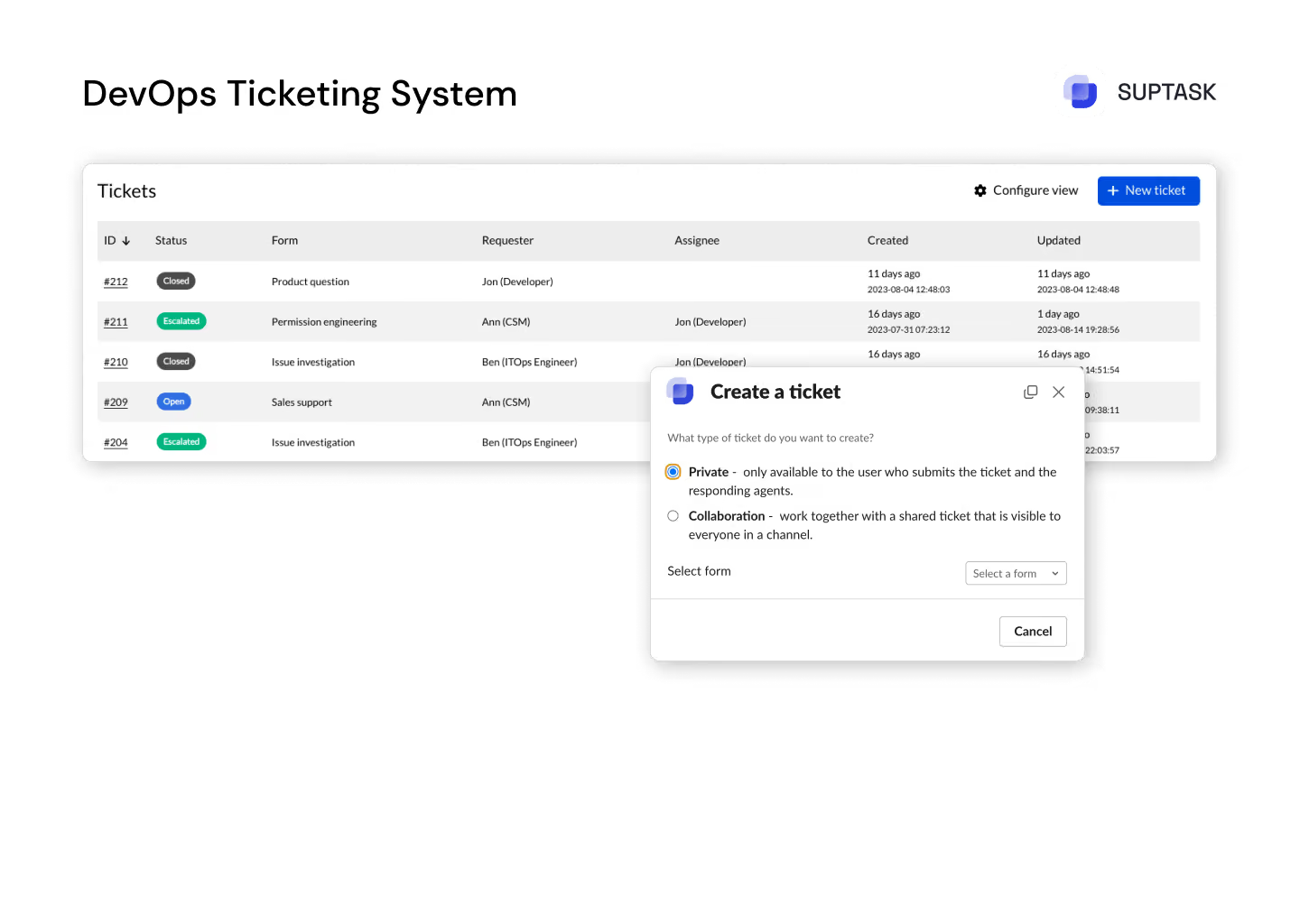
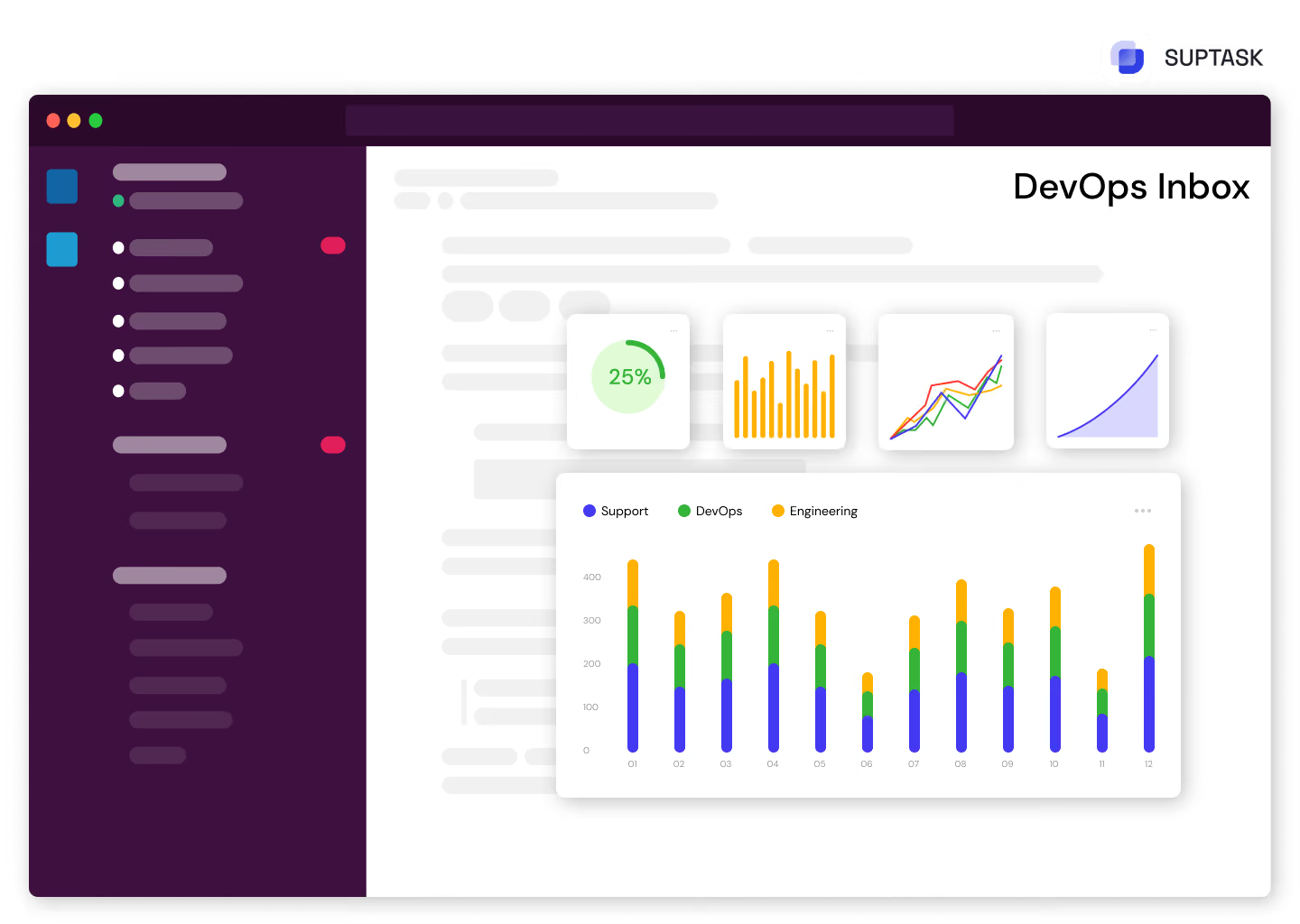
Unified overview with all DevOps tickets in one place.
Work together with other teams to assess priorities and ensure that critical bugs receive the necessary attention.
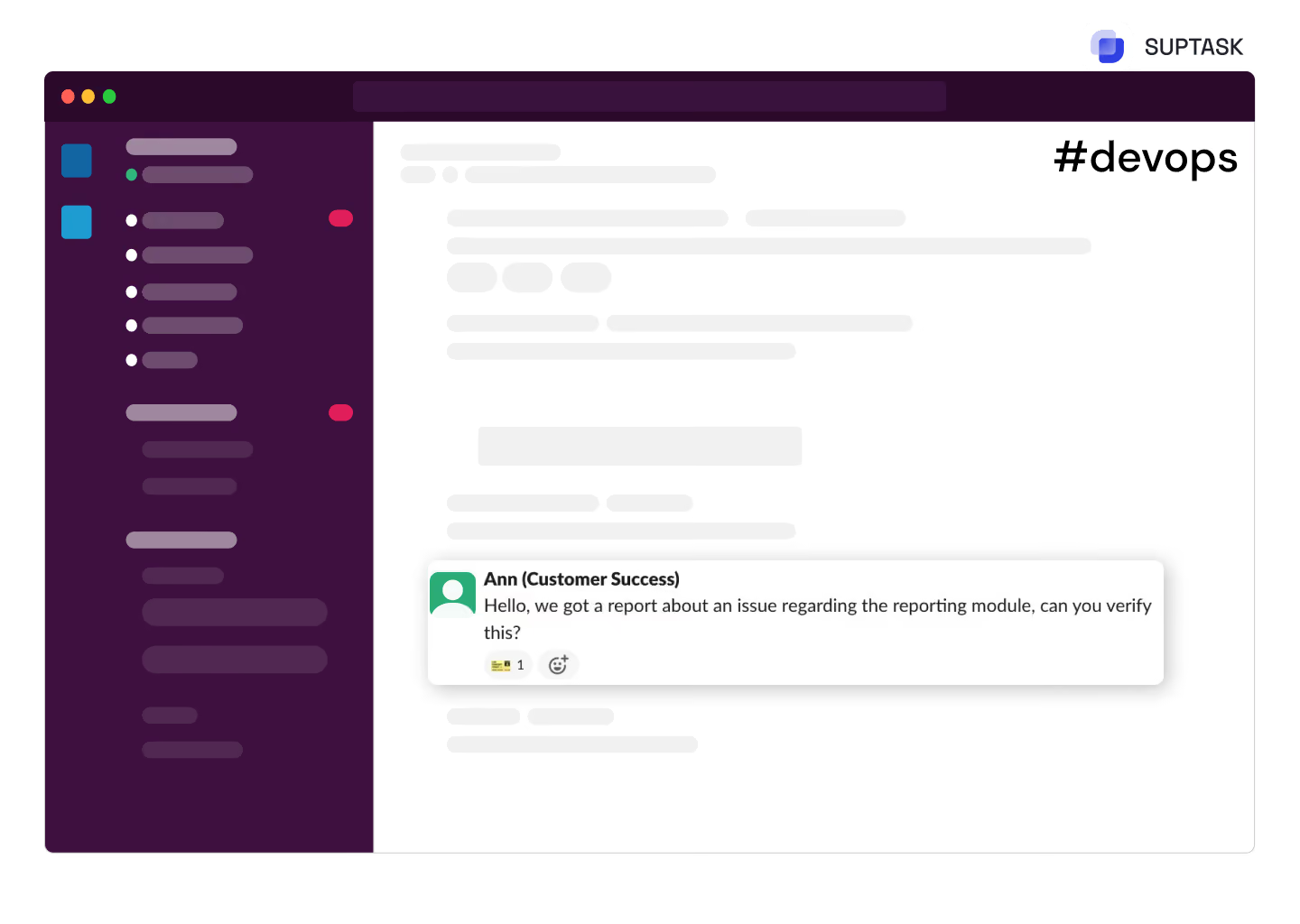
Facilitate real-time communication and feedback with enhanced collaboration in Slack channels.

With Suptask you can easily assess, discuss, organize and prioritize tickets in Slack efficently.
Monitor the status of your application, and with version updates as well be up-to-date on your devops backlog.

Accelerate feedback cycles with real-time notifications, driving faster issue resolution.
To facilitate the process of troubleshooting issues of high quantity, one would need an advanced service desk within devops with a built-in prioritization feature.

Accelerate feedback cycles with real-time notifications, driving faster issue resoluTrack the most essential metrics and key performance indicators through personalized dashboards for full access into your DevOps ticketing system.tion.
Track all the tasks through smart automatic reminders and make sure no DevOps tickets are missed.
Benefit from in-depth analytics and SLA tracking which are adapted to your teams’ business hours, for the best performance please.

.webp)
Your integration is now active and with it you are able to manage the tickets between Zendesk and Suptask very smoothly.
Yes, sending tickets using Suptask works both ways. You can both send tickets from Zendesk to Slack, and Slack to Zendesk in a few seconds.
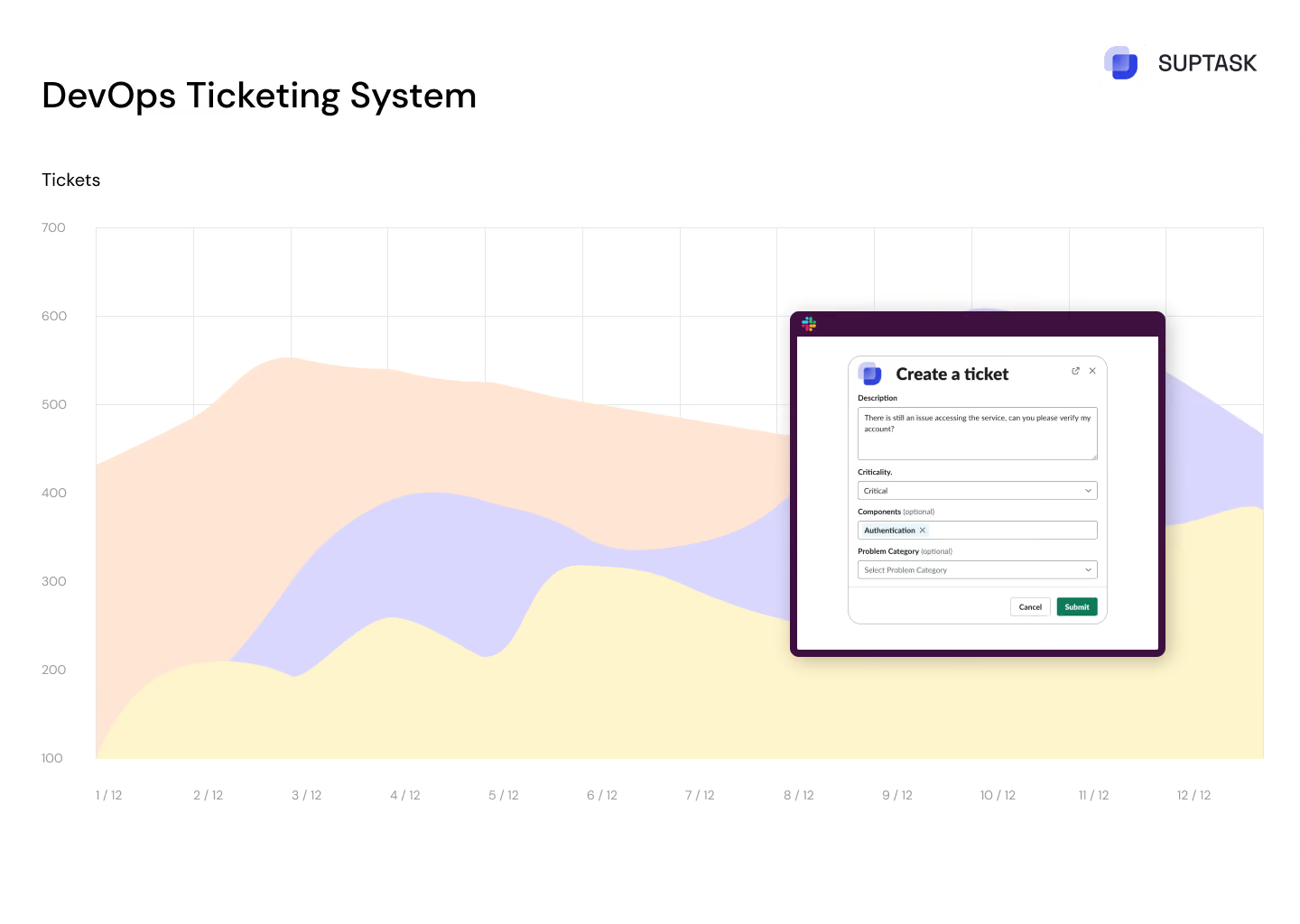
You can create Zendesk tickets easily from Slack using Suptask integration.
Here are steps you need to take after activating the integration:
Status notification will appear in Slack thread with ticket number that ensures visibility for team members.
Make sure that the forms are activated in the Suptask Admin panel. In order to access the Forms in Zendesk, you should first check if they are enabled in the Integration section in Suptask, followed by opening the Zendesk connection and checking the boxes which correspond to the desired Forms.
Zendesk Slack integration enhances customer support and streamlines workflows. It improves how teams work together, making the support process more efficient overall.