ClickUp Ticketing System - Slack Integration

Operational support can be greatly improved by creating a ClickUp ticketing system using Suptask's integration with Slack. By connecting ClickUp and Slack, ticket creation, tracking, and the overall flow of operations can be managed on track and efficiently.

Get started in minutes
14-day free trial
No credit card required

Stories From Our Users

"Suptask's Slack and ClickUp integration that instantly improves the workflow, by making it as simple as possible to interact in real time. Ticket synchronization and collaboration maximize efficiency."
Alex Johnson
Project Manager
"It's a well-implemented ClickUp service that facilitates the ticketing system with Suptask – the delightful Slack integration ensures that every update on any ticket appears immediately for a swifter reply."
Emily Roberts
Customer Support Lead
"With Suptask, integrate ClickUp tasks into Slack easily. A connection from ClickUp to Slack streamlines our workflow and promotes team collaboration."
Michael L
Operations Manager

Suptask Integrations Empower Your Team

Unified Ticket Management

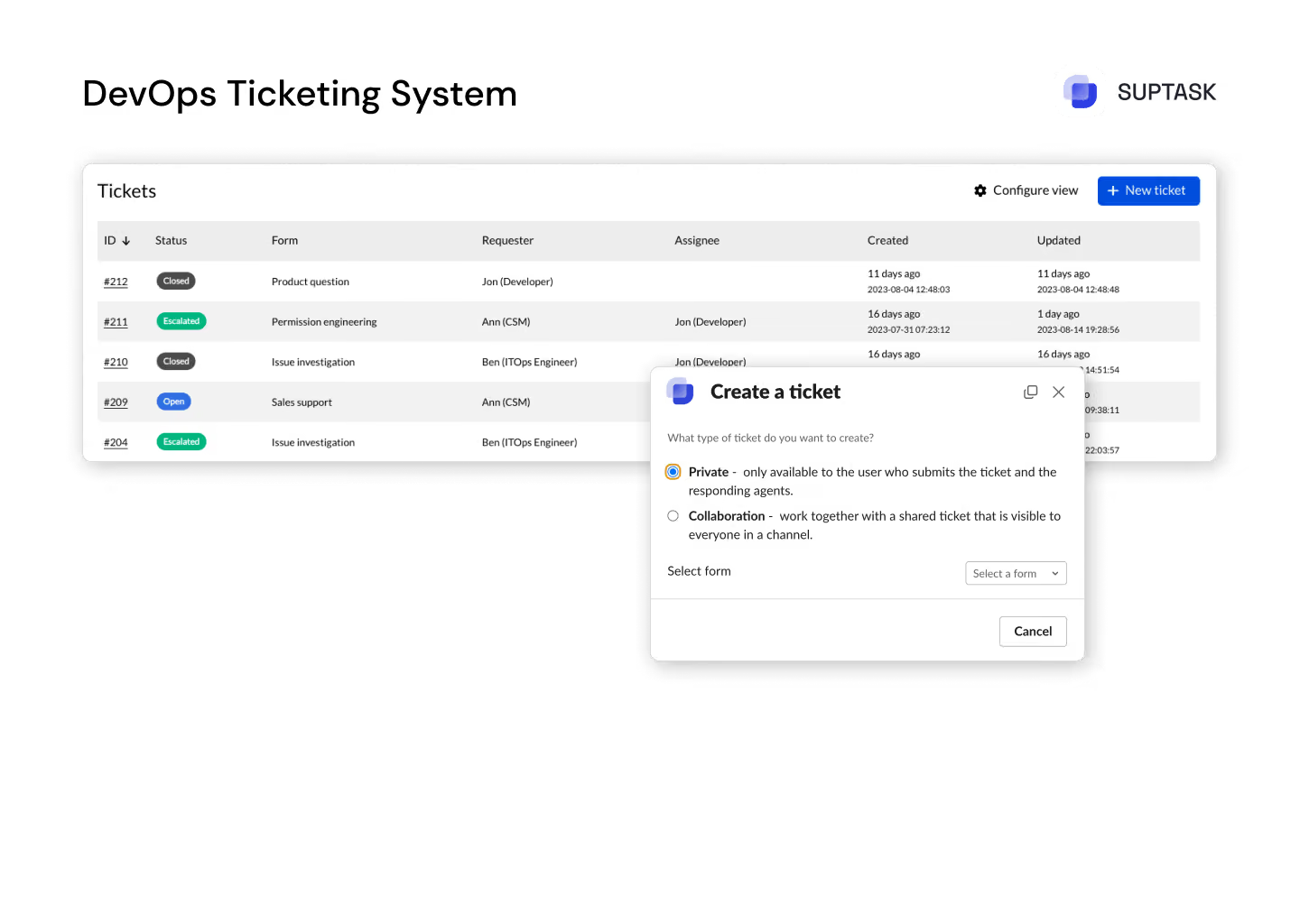
Unified overview with all DevOps tickets in one place.

Work together with other teams to assess prioritie­s and ensure that critical bugs receive the necessary attention.

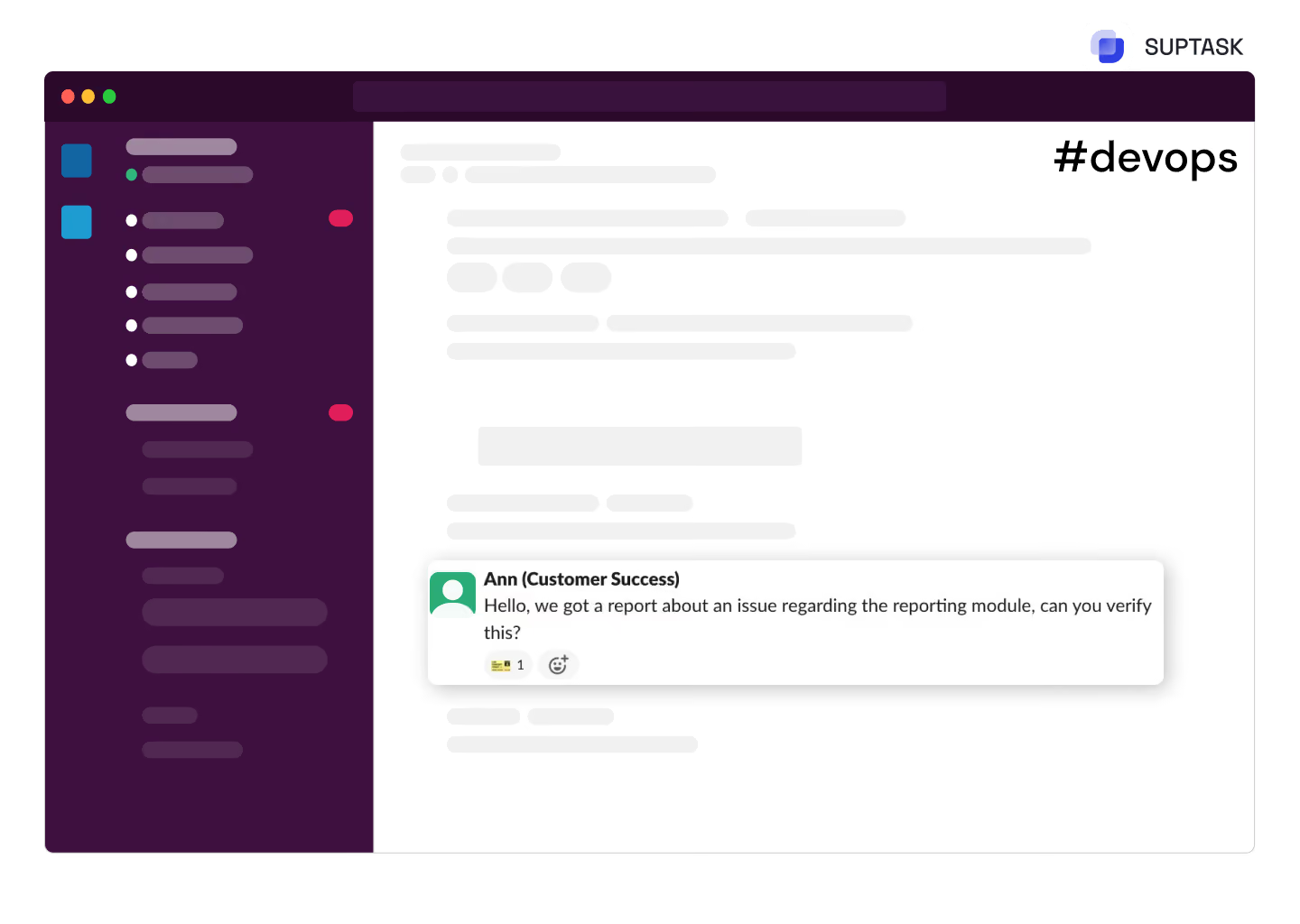
Facilitate real-time communication and feedback with enhanced collaboration in Slack channels.

Read more

Real-Time Collaboration & Communication

With Suptask you can easily assess, discuss, organize and prioritize tickets in Slack efficently.

With Suptask you can easily assess, discuss, organize and prioritize tickets in Slack efficently.

Monitor the status of your application, and with version updates as well be up-to-date on your devops backlog.

Read more

ClickUp & Slack Custom Reporting & Analytics

Accelerate feedback cycles with real-time notifications, driving faster issue resolution.

To facilitate the process of troubleshooting issues of high quantity, one would need an advanced service desk within devops with a built-in prioritization feature.

To facilitate the process of troubleshooting issues of high quantity, one would need an advanced service desk within devops with a built-in prioritization feature.

Read more

Effortless Ticket Intake for Every Team

Accelerate feedback cycles with real-time notifications, driving faster issue resoluTrack the most essential metrics and key performance indicators through personalized dashboards for full access into your DevOps ticketing system.tion.

Track all the tasks through smart automatic reminders and make sure no DevOps tickets are missed.

Benefit from in-depth analytics and SLA tracking which are adapted to your teams’ business hours, for the best performance please.

Read more

Key Features

Real-Time Ticket Sync
ClickUp's Suptask ensures that both platforms are synchronized when ticket updates occur. Instantly get a notification in your Slack channel whenever a ticket is updated.
Seamless Workflow Automation
Automating ticket creation and status updates through ClickUp and Slack removes numerous tasks, boosting productivity.
Data-Driven Decisions
Leverage combined insights from ClickUp and Suptask tickets on Slack to make informed decisions, ensuring every strategy is powered by cohesive and actionable data.
Custom Dashboards
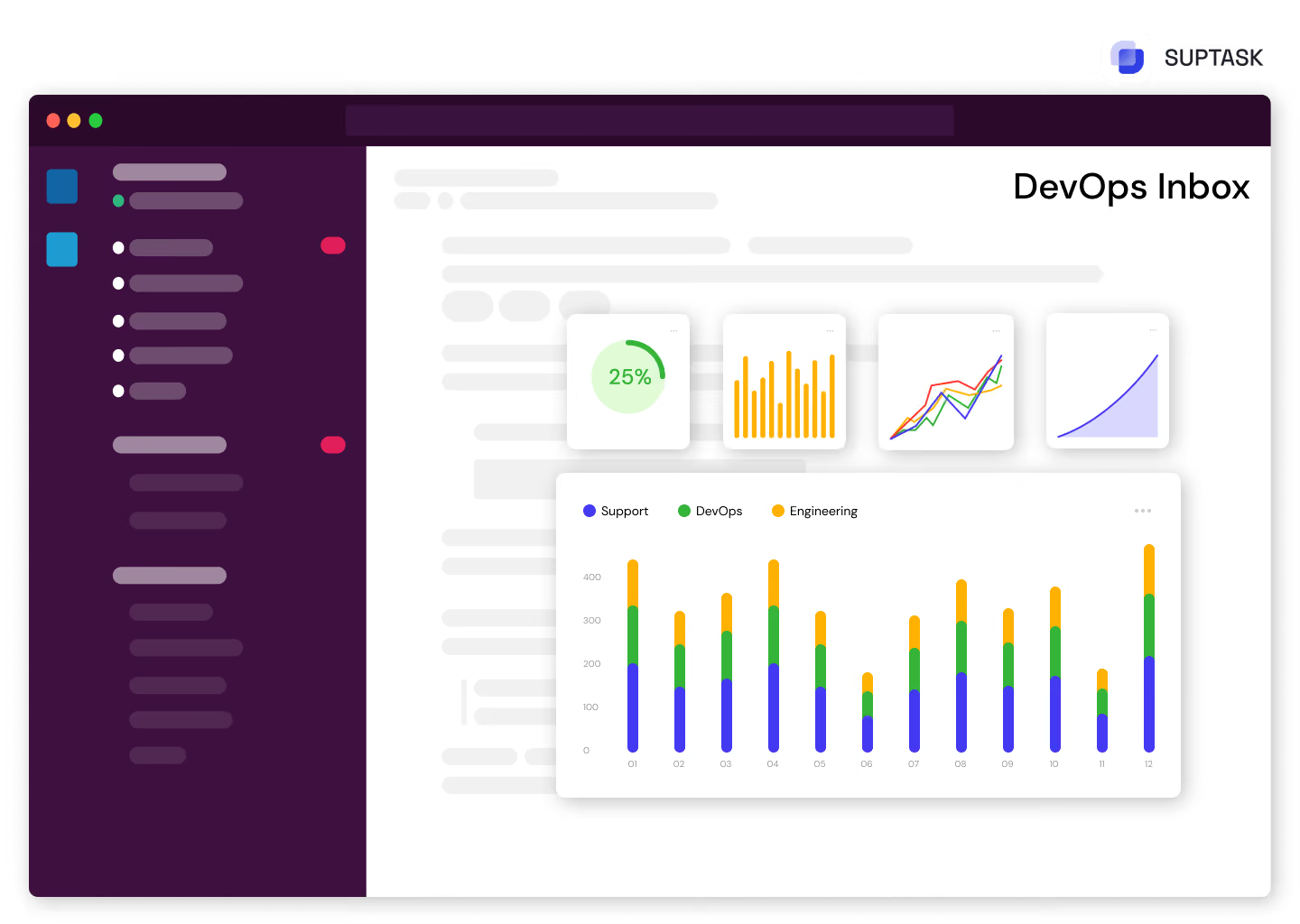
Create your own dashboards that combine ClickUp tasks, Suptask ticket status, and Slack messages to provide a single view of your operational insights.
Automated Alerts
The ClickUp Slack notifications can guide you through every step in your workflow life to keep your productivity in line and your work straightforward.
Insightful Metrics
Provide real-time feedback on ticket trends and use Slack to monitor tickets from ClickUp and Suptask in one place.

Try a Slack Ticketing
System Today

No credit card required

Frequently Asked Questions

Can you integrate ClickUp with Slack?

You can integrate ClickUp with Slack by using Suptask as a mediator between ClickUp and Slack. This allows for the synchronization of ClickUp and every ticket updated in real-time to reflect on Slack, ensuring communication among the entire staff.

Is ClickUp a ticketing tool?

Besides the initial functions of a management platform, ClickUp can become a ticketing tool with the help of Suptask because the latter makes it possible to add tickets in Slack, streamlining the workflows.

How to create a ticket on ClickUp?

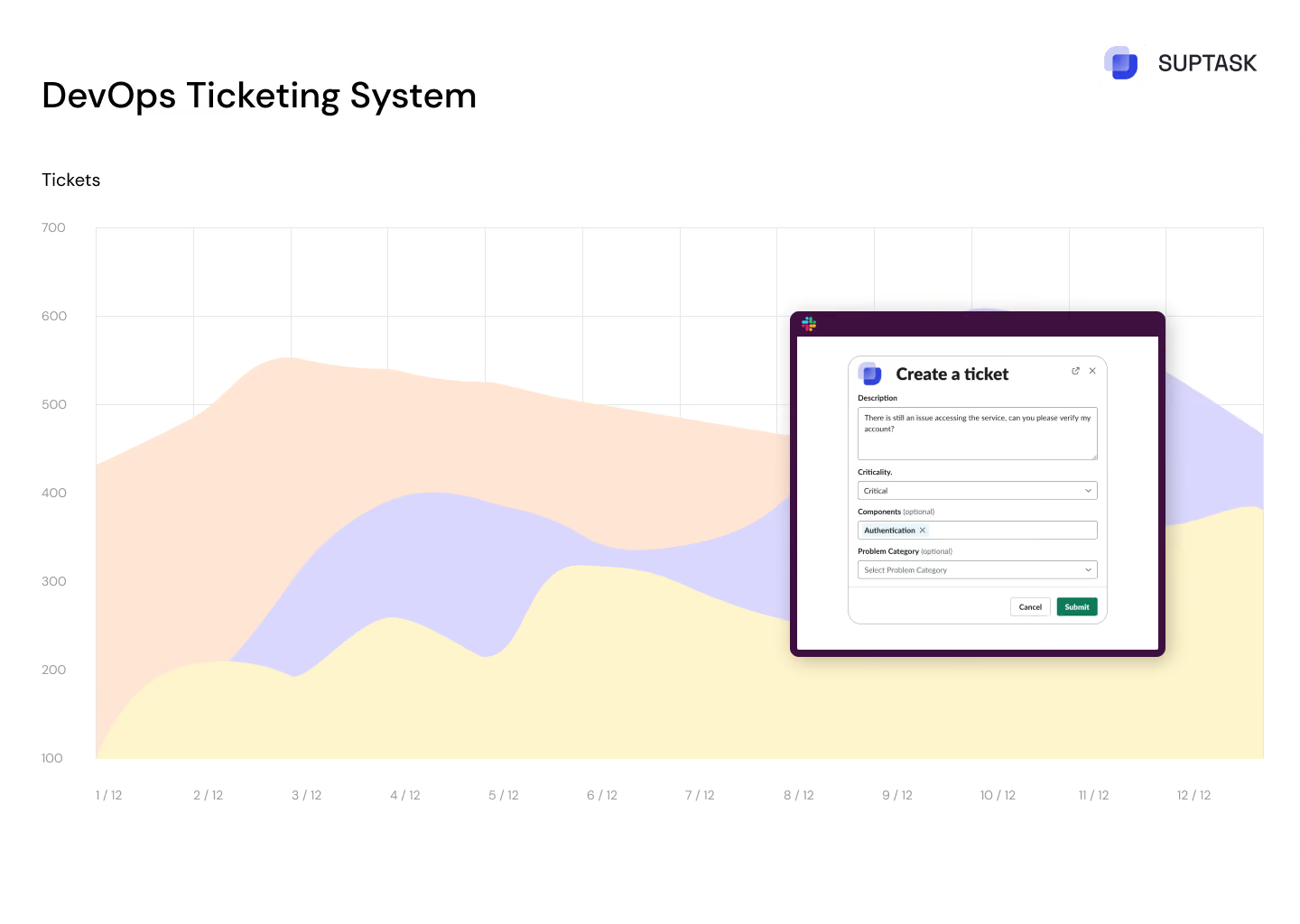
Creating a ticket on ClickUp is straightforward. To create a ticket (or task) in ClickUp, navigate to the relevant list within your space and click the "+" icon to add a new task. Fill in the details like name, assignee, due date, and priority. With Suptask integrated, your ticket automatically syncs with Slack—allowing you to reply to and manage tickets directly from Slack.