

Add Suptask and run your service desk inside Slack - live in 5 minutes
Employees raise requests where they already are and your team resolves them in Slack, with AI assistants, routing and SLAs ready when you are. The setup wizard does the first configuration for you.


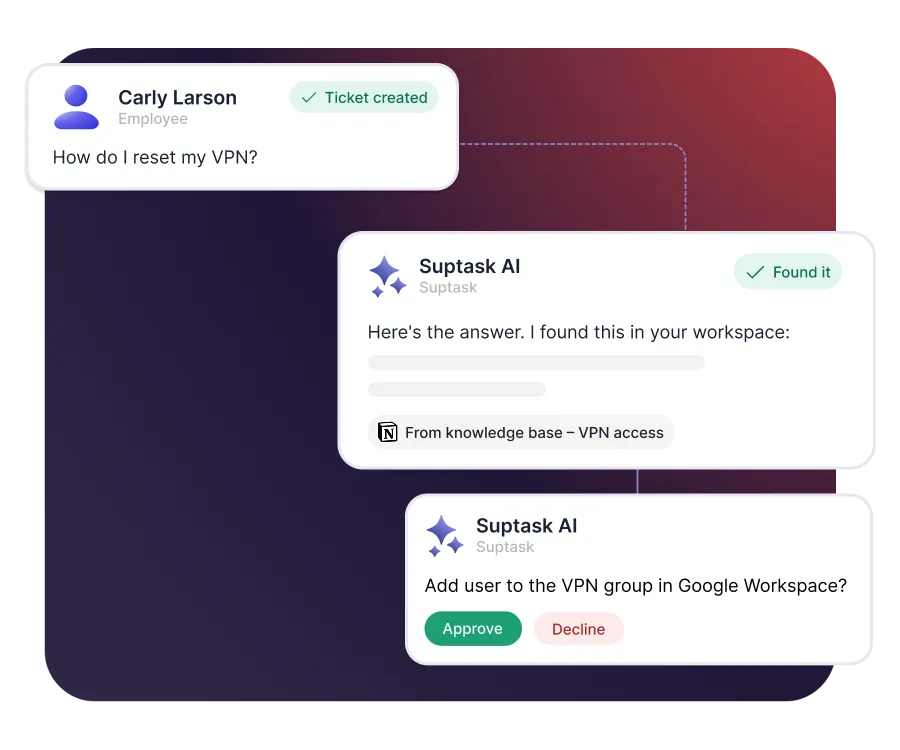











True Slack-native experience
- Agents and users manage, submit and search tickets entirely inside Slack, no external dashboard
- Create tickets from channels, DMs or group messages with shortcuts, slash commands or emoji triggers
- Reply to users or work internally with agents from a single ticket thread
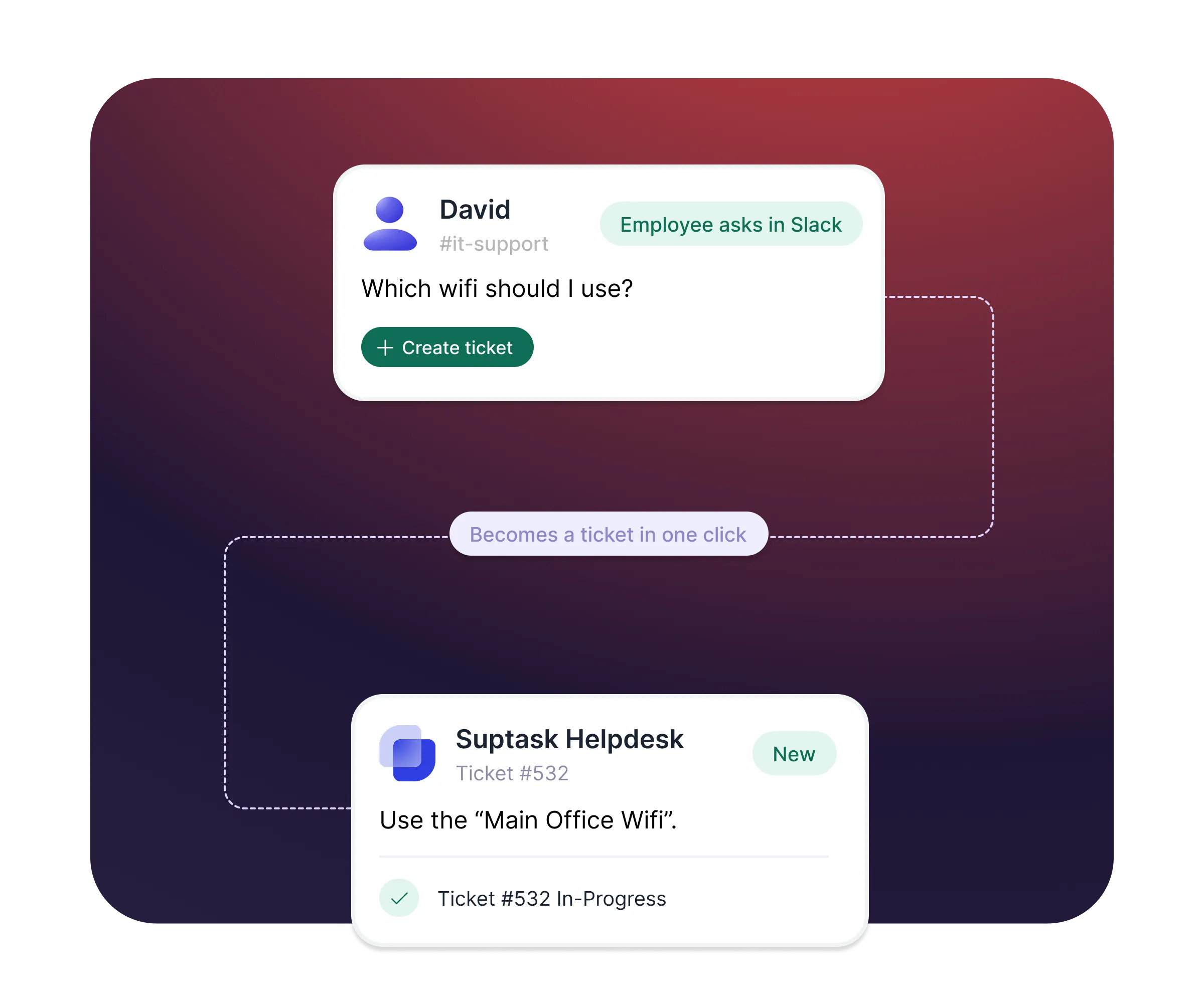
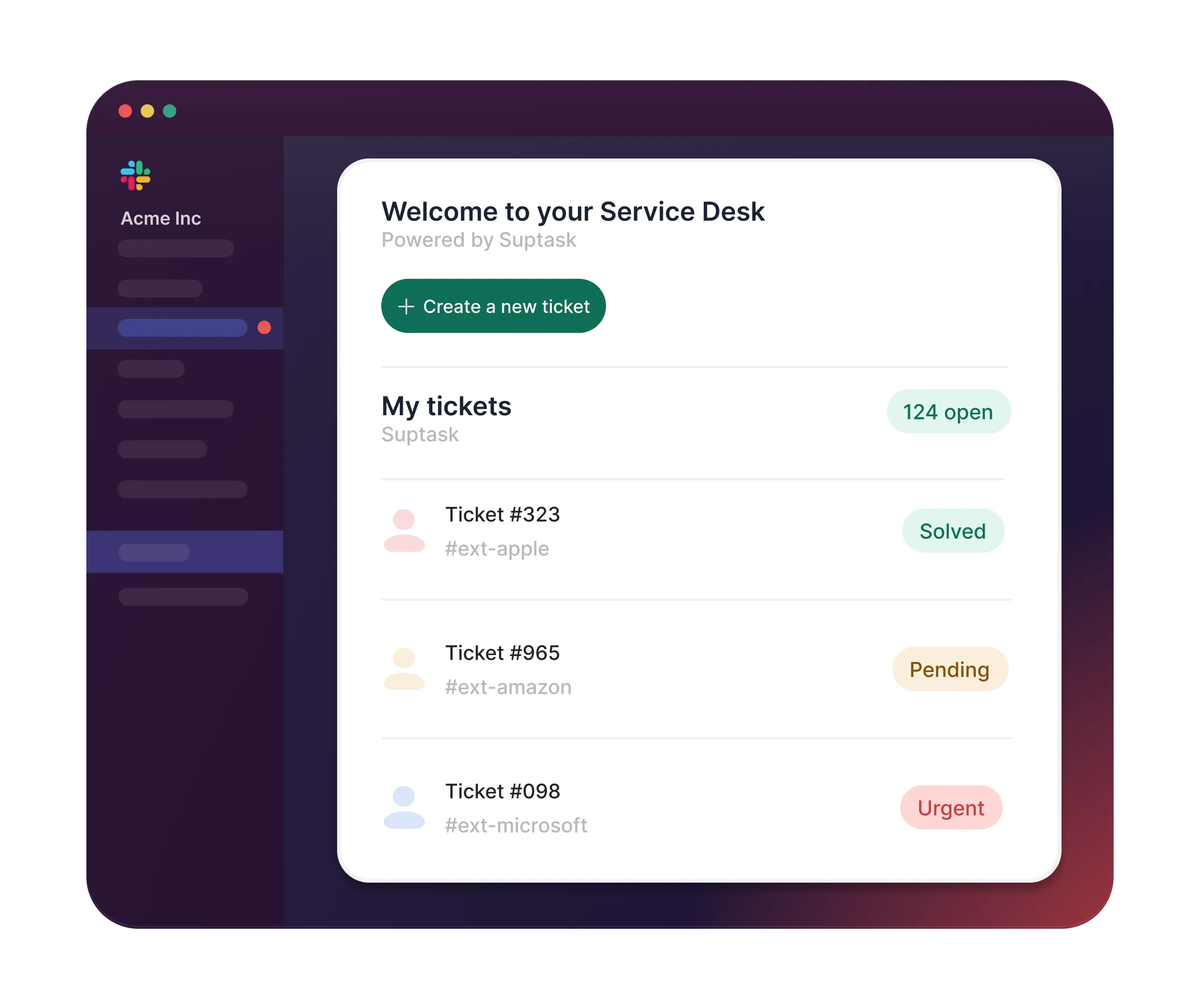
Internal help desk for IT, HR and operations
- Private ticketing: sensitive employee requests through DMs
- Centralized support hub in the Suptask app, branded to you
- Emails become Slack tickets with bi-directional reply sync
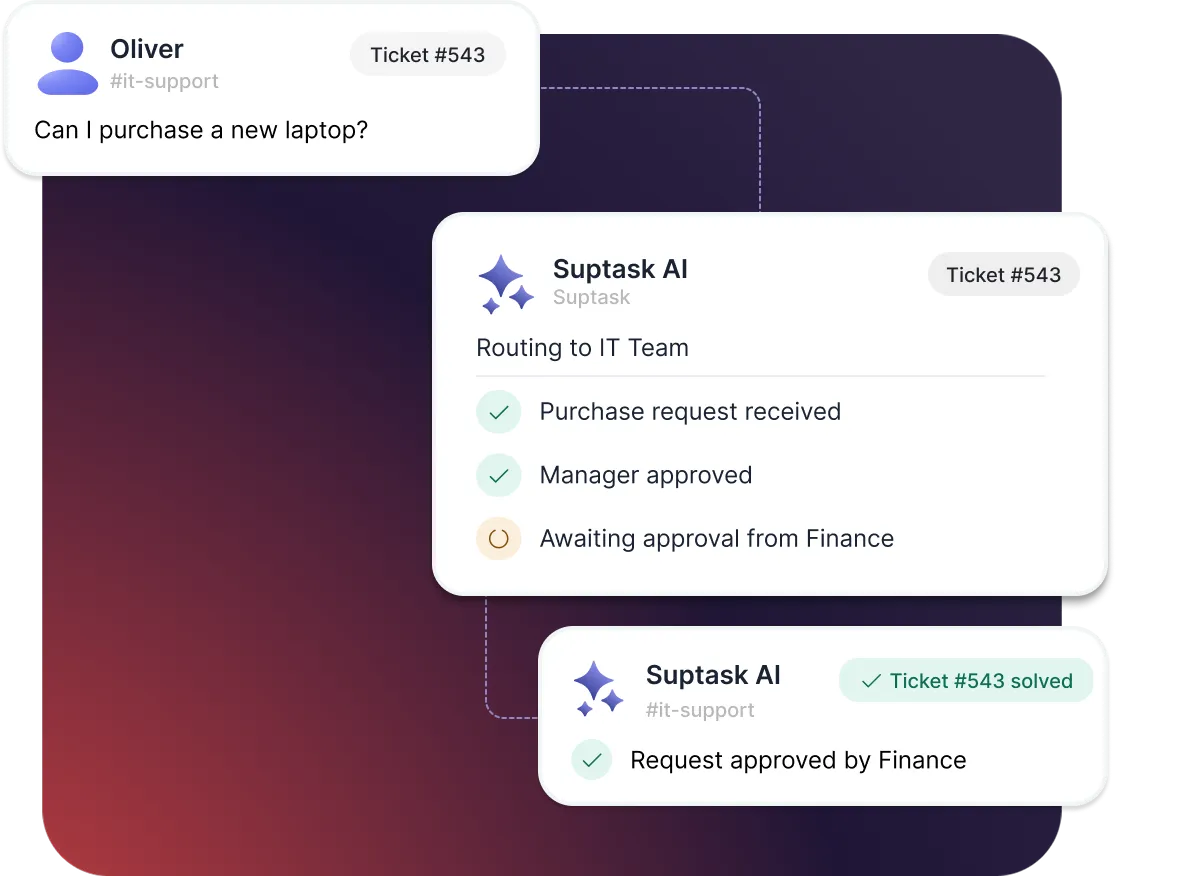
Request and approve without leaving Slack
- Suptask AI pulls the approver automatically from your directory, so the request reaches the right manager
- One-click approvals for simple requests, sequential chains for the ones that need multiple people.
- Approve, track and audit every decision in the ticket thread

AI that does the repetive work
- Answer recurring questions from your knowledge documents
- Build multiple AI assistants for each team and for different worklows
- Agentic AI complete recurring tasks such as onboarding

"Suptask has helped us create a seamless, best-in-class ticketing experience for our end users. By integrating across multiple workspaces, it has streamlined our workflows and empowered our entire organization."
What happens when you install Suptask
No surprises. Three steps, about five minutes in total.


Install Suptask to Slack


Run the setup wizard


Take your first ticket
Already trusted by fast-moving support teams.



Questions before you install
Do I need to be a Slack admin to install Suptask?
Not necessarily, any Slack member can start the install - and if your workspace requires app approval, your admin simply gets a request to approve it in one click.
It is recommended to give a heads-up to the Slack administrators prior to installing, to make the installation process smoother.
You can share the installation guide with your Slack administrator in case they need to install the app.
Suptask is SOC 2 Type II audited and encrypts data in transit and at rest. Our security overview covers hosting, retention and sub-processors.
You can find more information here.
No. Employees raise requests right in Slack - no additional install and no separate login. You only need to install Suptask once in order for it to be ready to be used for your complete organization.
Yes - we are happy to provide a walkthrough of the product. You can book a demo with our team.
From $15 per agent per month, billed only for the people who resolve tickets; everyone who raises requests is free.
Suptask charges per seat used by the people managing and responding to tickets - we refer to these people as Agents. All employees and users raising requests are free, and you can have unlimited requesters.
You can overview all current plans on our pricing page.
Remove it like any Slack app - one click from your workspace's app settings, no strings attached.